# Nanda's blog
> Thoughts, stories and ideas.
Public Ghost content for AI and LLM tooling. This file includes a bounded export of public pages first, then recent public posts.
Append `.md` to any post or page URL to get the content in Markdown (for example, `/example-post.md`).
## Pages
### Muxsmith Supporter
URL: https://nandakusumadi.com/muxsmith-supporter/
Last updated: 2026-09-05T21:14:49.000Z
Muxsmith page content is rendered by the active Ghost theme.
### Muxsmith Refund Policy
URL: https://nandakusumadi.com/muxsmith-refund-policy/
Last updated: 2026-09-05T21:14:49.000Z
Muxsmith page content is rendered by the active Ghost theme.
### Muxsmith Terms of Service
URL: https://nandakusumadi.com/muxsmith-terms/
Last updated: 2026-09-05T21:14:49.000Z
Muxsmith page content is rendered by the active Ghost theme.
### About this site
URL: https://nandakusumadi.com/about/
Last updated: 2026-07-31T12:03:18.000Z
Nanda's blog is an independent publication launched in July 2026 by Nanda Kusumadi. If you subscribe today, you'll get full access to the website as well as email newsletters about new content when it's available. Your subscription makes this site possible, and allows Nanda's blog to continue to exist. Thank you!
### Access all areas
By signing up, you'll get access to the full archive of everything that's been published before and everything that's still to come. Your very own private library.
### Fresh content, delivered
Stay up to date with new content sent straight to your inbox! No more worrying about whether you missed something because of a pesky algorithm or news feed.
### Meet people like you
Join a community of other subscribers who share the same interests.
---
### Start your own thing
Enjoying the experience? Get started for free and set up your very own subscription business using [Ghost](https://ghost.org/?ref=nandakusumadi.com), the same platform that powers this website.
### Reach me
URL: https://nandakusumadi.com/contact/
Last updated: 2020-11-09T15:34:48.000Z
You can DM me on [Twitter](https://twitter.com/defn?ref=nandakusumadi.com) or [Instagram](https://www.instagram.com/nandakusumadi/?ref=nandakusumadi.com)
### Cub Draw Support
URL: https://nandakusumadi.com/cub-draw-support/
Last updated: 2026-08-18T19:13:46.000Z
_No content available._
### Cub Draw Privacy Policy
URL: https://nandakusumadi.com/cub-draw-privacy/
Last updated: 2026-08-18T19:15:20.000Z
_No content available._
### Cub Suite
URL: https://nandakusumadi.com/cub-suite/
Last updated: 2026-08-18T19:38:40.000Z
_No content available._
### Muxsmith
URL: https://nandakusumadi.com/muxsmith/
Last updated: 2026-08-22T18:45:48.000Z
Muxsmith page content is rendered by the active Ghost theme.
### Muxsmith Support
URL: https://nandakusumadi.com/muxsmith-support/
Last updated: 2026-08-21T21:11:04.000Z
Muxsmith page content is rendered by the active Ghost theme.
### Muxsmith Privacy Policy
URL: https://nandakusumadi.com/muxsmith-privacy/
Last updated: 2026-08-22T07:40:51.000Z
Muxsmith page content is rendered by the active Ghost theme.
### Download Muxsmith for Mac
URL: https://nandakusumadi.com/muxsmith-download/
Last updated: 2026-08-22T17:56:43.000Z
Muxsmith page content is rendered by the active Ghost theme.
### My apps
URL: https://nandakusumadi.com/apps/
Last updated: 2026-08-22T19:06:21.000Z
This page is rendered by the active Ghost theme.
### Noise Deck – Your cue. Right on time.
URL: https://nandakusumadi.com/noise-deck/
Last updated: 2026-09-07T22:18:45.000Z
A tactile soundboard for iPhone and iPad, with custom decks and Home Screen widgets. Currently in development.
### Noise Deck Support
URL: https://nandakusumadi.com/noise-deck-support/
Last updated: 2026-09-07T22:18:46.000Z
Help with Noise Deck audio imports, Home Screen widgets, deck sharing and iCloud sync.
### Noise Deck Privacy
URL: https://nandakusumadi.com/noise-deck-privacy/
Last updated: 2026-09-07T22:18:46.000Z
How Noise Deck stores sounds, uses optional iCloud sync, downloads audio and shares decks.
### Clemens Support
URL: https://nandakusumadi.com/clemens-support/
Last updated: 2026-10-25T09:13:04.000Z
Support for Clemens Reader. For help, email clemens@nandakusumadi.com.
### Clemens Privacy Policy
URL: https://nandakusumadi.com/clemens-privacy/
Last updated: 2026-10-25T09:14:08.000Z
Privacy information for Clemens Reader. For privacy questions, email clemens@nandakusumadi.com.
### Impressum
URL: https://nandakusumadi.com/impressum/
Last updated: 2026-09-05T21:14:49.000Z
Muxsmith page content is rendered by the active Ghost theme.
## Posts
### Twelve South AirFly Pro Review: Don’t Buy this… yet
URL: https://nandakusumadi.com/twelve-south-airfly-pro-review-dont-buy-this-yet/
Last updated: 2020-02-01T02:51:59.000Z
*Disclaimer: I bought these using money out of my own pocket, so you can trust every word to be my honest opinion.*
*6 May update: Apple just released firmware rev. 2D15 today and the volume issue is still* ***not*** *fixed.*
Twelve South makes great accessories for your Apple devices. One of their latest products is the AirFly Pro - a bluetooth adapter that acts as both a transmitter and receiver.
The transmitter function allows you to transmit audio from any device with a 3.5mm audio jack to a pair of bluetooth headphones. Like from an in-flight entertainment system or a Nintendo Switch to your AirPods Pro for example.
The receiver function allows you to transmit audio from your Mac or iPhone to any device with 3.5mm line-in jack.
## Don’t buy these right now
I bought these with money out of my own pocket, so unlike other “reviews” on other sites that have been sent samples and simply regurgitated the press-releases, I’ll cut to the chase and tell you why you should not buy these - not for the time being at least.
If you want something to connect your Nintendo Switch to your AirPods Pro, I highly recommend this [Gullikit transmitter](https://amzn.to/2xAkBpo?ref=nandakusumadi.com).
**They have a low-volume problem when used with AirPods and AirPods Pro.** And it’s a deal-breaker.
Twelve south places this warning in the FAQ section on the bottom of the AirFly Pro’s product page - as if most people would bother to read it. The suggested workaround of raising the volume of whatever device you’re connecting it to to the maximum does not help either.
Raising the volume to the maximum on in-flight entertainment systems introduced terrible distortion, while making dialogue barely audible.
Raising the volume to the maximum on my Nintendo Switch makes the audio barely audible on public transport and takes away any immersion in games that I was playing.
I reached out to Twelve South and it seems like there is no ETA for this fix. I’ll update this review when it eventually does.
---
## Comments from the WordPress archive
*These comments were originally published on the previous WordPress version of this site. They are preserved here as a read-only archive.*
**Scott Taggart** 2 April 2020
> I'm glad I found this article. However, I already bought them and now have the same issue. It's April 2020 now... any idea if there is a "fix" yet?
**Nanda Kusumadi** 7 April 2020
> Hey Scott, I haven't seen any firmware updates for the AirPods Pro recently, so I would assume that there are no fixes yet. I've switched to "Gulikit Route Air" for my Nintendo Switch and have not watched anything on an IFE for the past few months.
**James Dory** 5 March 2021
> Hello there, I'm James Dory, from South of Vietnam. I've bought the Airfly Pro recently I have totally agree with Madi that "People do not buy this product". I got a different problem. - My output: PS4 dualshock controller, Nitendo Switch, iPad Mini 4, iMac, Sony Vaio and, Presonus Soundcard. - My wireless headphone; Sennheiser Momentum 2 True Wireless, Airpods Pro, Airpod 2, Noble Falcon (very strong test true wireless). 1/ Playing Breath of the Wild with Nitendo Switch Lite: the Airfly Pro was loss sounds. I mean the music background was randomly dropped down and loss the music. When we pause to the menu screen the music background totally disable (It will not happen with any wired headphone directly plugging to the Nitendo). 2/ Spending time with the PS4 dualshock controller: Playing PES2020, You will not hear the stadium ambience sounds or the yelling sounds.. The background music in menu screen was ok. I have contacted to Twelve sounth and they said they would review on it. I'm a casual music composer working in filed sounding for Movies. I've worked on too many wireless transmit devices. I guess there was a fail decoding process on the Airfly Pro. The analog sounds comes out from Nitendo or else will go throught the Airfly Pro and Airfly Pro must decode/translate this analogs into digital before send the signal to wireless devices. And because the decoding process is such bad so the sounds/voice was missing. I do believe the issue Volume that Madi rised is exactly decoding (properly old codec, outdate technology). And last but not least, there is no way to upgrade firmware for Airfly Pro so they will not solve the problem. So people if you are professional listener please do not buy this. I refer the RHA Wireless Flight Adapter which is decode perfectly all sounds from output analog to your wireless headphone. James Dory from Vietnam.
### Fujifilm Fujinon XF56MM F1.2 R Review
URL: https://nandakusumadi.com/fujifilm-fujinon-xf56mm-f12-r-review/
Last updated: 2019-06-01T22:36:12.000Z

Fall colours in Kyoto - X-T2, 56mm @ F1.2
Coming in at 85mm full frame equivalence, the Fujinon XF56MM F1.2R is a prime (poor pun intended) example of Fujifilm’s focus on APS-C done right. At time of writing, no other manufacturer has a fast prime that provides this classic portrait focal length for APS-C bodies.
The XF56MM was one of the first few lenses that I bought when I switched to the Fujifilm X system, it still amazes me even after two years.
# Design and Build
The XF56MM is quite small and lightweight for such a fast aperture. I’ve said before that Fujifilm’s focus on the APS-C sensor is the reason why you get these fast lenses at classic focal lengths in such a small package. It’s simply designed and optimised to provide that fast 85mm experience for a APS-C sized sensor.
Like most other Fujinon XF glass, build quality is excellent. It's solid metal body makes the included plastic lens hood look cheap.
The dedicated aperture ring makes opening up or stopping down the aperture easy with muscle memory, something you’ll be doing a lot with an F1.2 lens.
This lens is **not** weather resistant. So be sure to get your camera (and your subject) into shelter when it starts to drizzle.
# Image Quality
Sharpness wide-open is appropriate for portraits. Good enough to bring out detail in the face like eyelashes close to the centre, but not ridiculously tack sharp that it highlights blemishes.
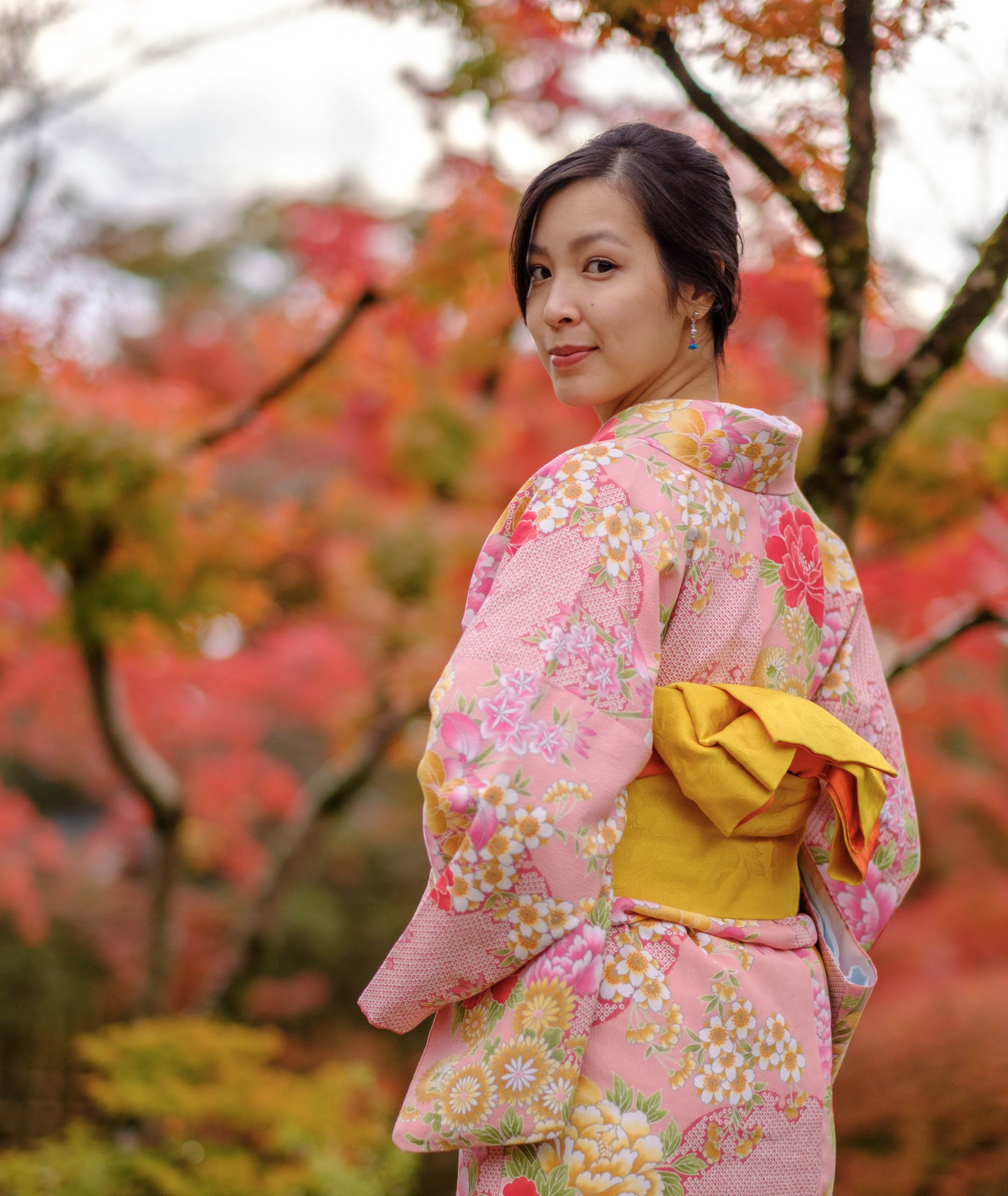
X-T2, 56mm @ F1.2
I find that I have to stop it down to F5.6 or beyond for landscapes to ensure that I get adequate sharpness in the corners. Might as well use a zoom lens.
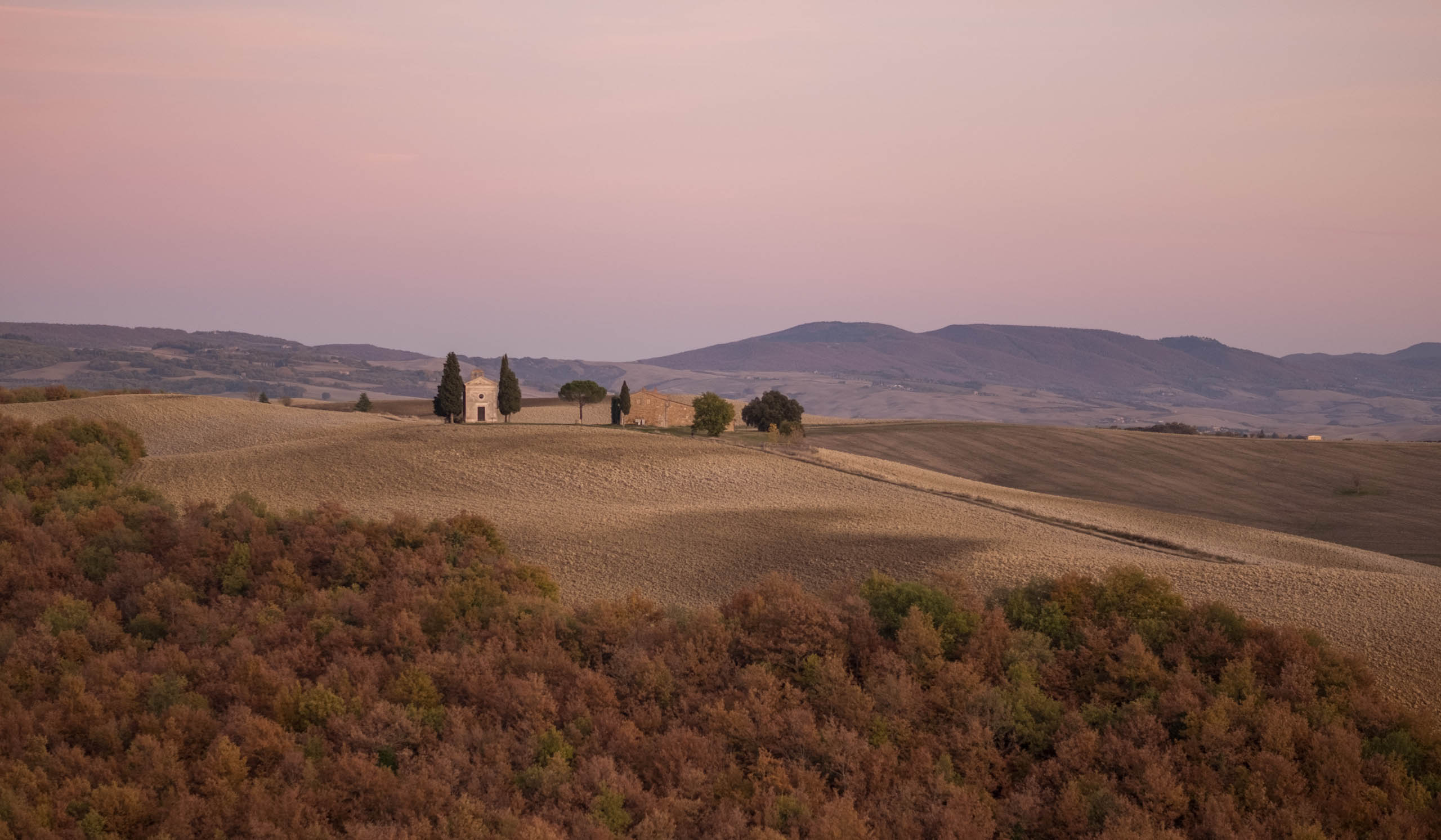
Sharpness is not ideal for landscapes wide open - X-T2, 56mm @ F1.2
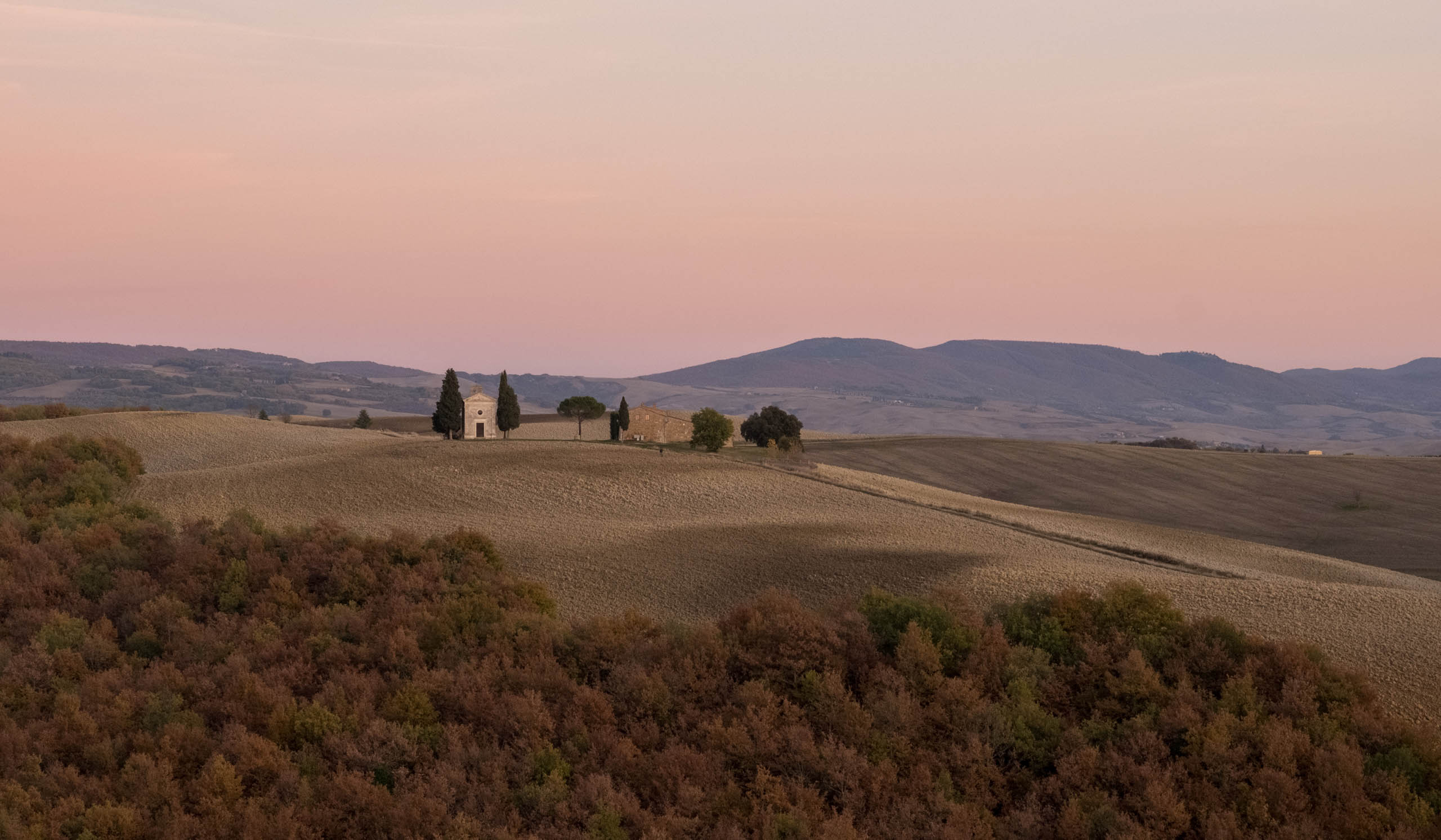
Stop down to reveal details - X-T2, 56mm @ F9
The bokeh is fantastic for a lens at this price. Out of focus transitions are rendered very pleasingly, making your subject “pop”.

# Mechanics
Auto-focus is reasonably fast for human subjects who are moving around but not the fastest in 2019\. Don’t expect to be tracking pets that are running around using this.
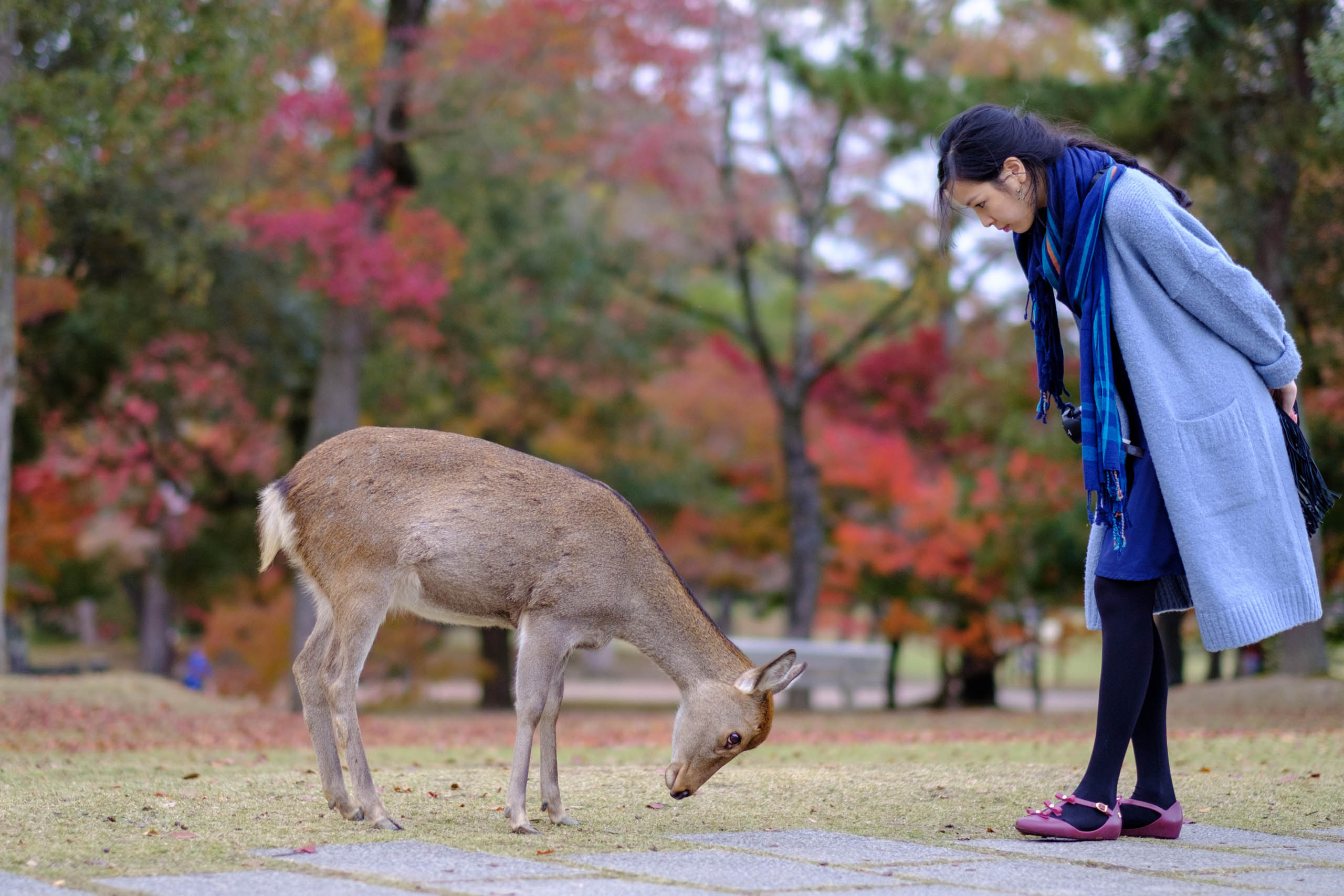
About as close as you’ll get to wildlife photography with the XF56MM - X-T2, 56mm @ F1.2
There is also **no optical image stabilisation** on this lens. It’s fine for shooting portraits wide-open but becomes an issue when you’re stopping down for handheld landscapes. Especially when you consider that *majority of Fujifilm’s bodies do not have in body image stabilisation*. Not a big issue for its intended mode of use, but still a shortcoming in an otherwise great lens.
# Conclusion
If you’re into portraiture or are simply using your camera to capture memories of loved ones, the XF 56mm F1.2 is one of the stars of Fujifilm’s X system and deserves a space in your camera bag. It doesn’t take up much space and will compliment any prime/zoom lenses you already have.
In my opinion, the Fujifilm XF56MM F1.2 is one of the best lenses out there for an APS-C body. If you’re into portrait photography, you must try this lens out. Even if you’re not a professional and just an enthusiast like me.
If you found this image based review useful, please consider using one of my affiliate links below. It helps me keep the site going.
[XF56MM F1.2 on Amazon](https://amzn.to/2WkiFfW?ref=nandakusumadi.com)[XF56MM F1.2 on Adorama](https://adorama.rfvk.net/2Bmn0?ref=nandakusumadi.com)
# XF56MM F1.2 Gallery
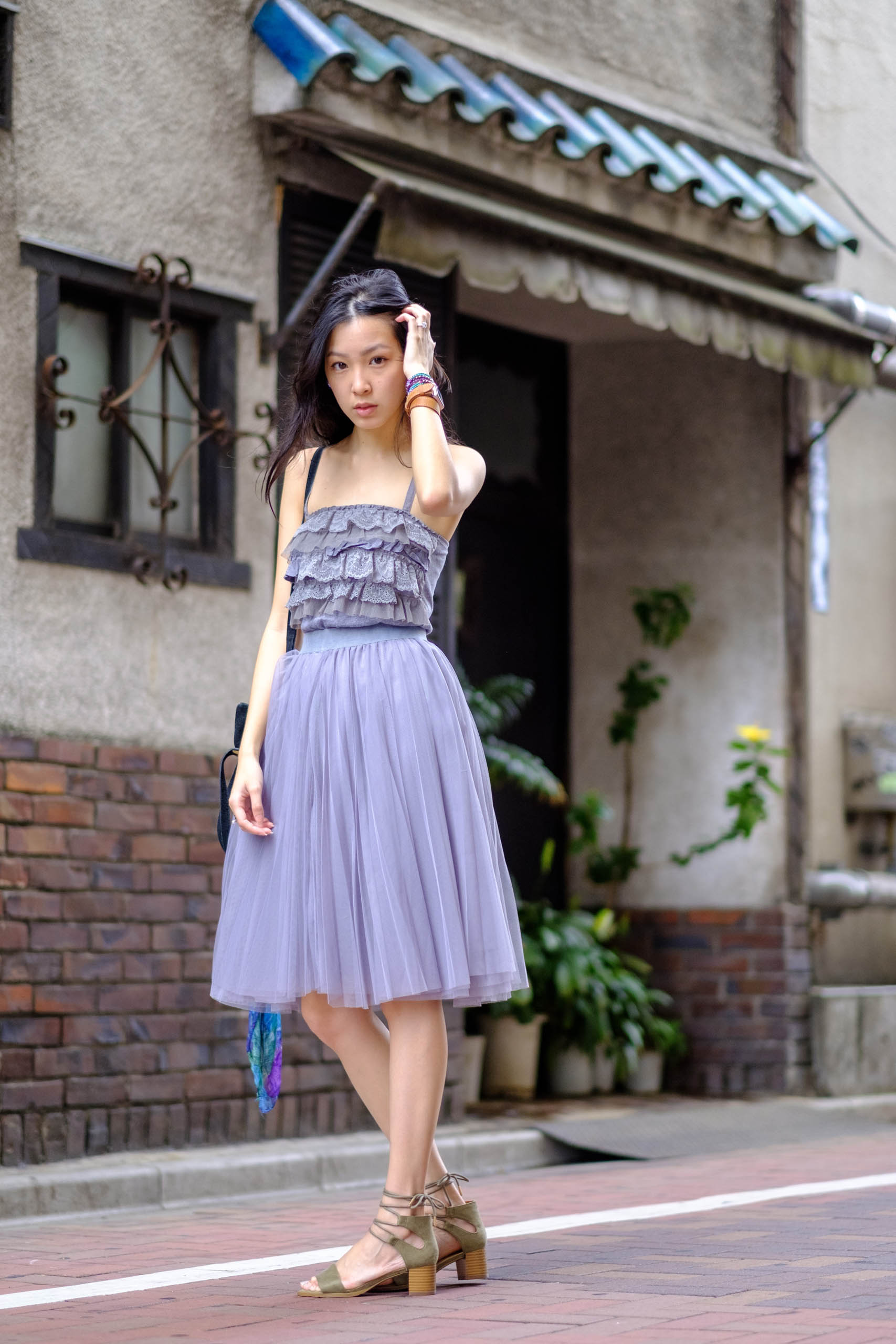



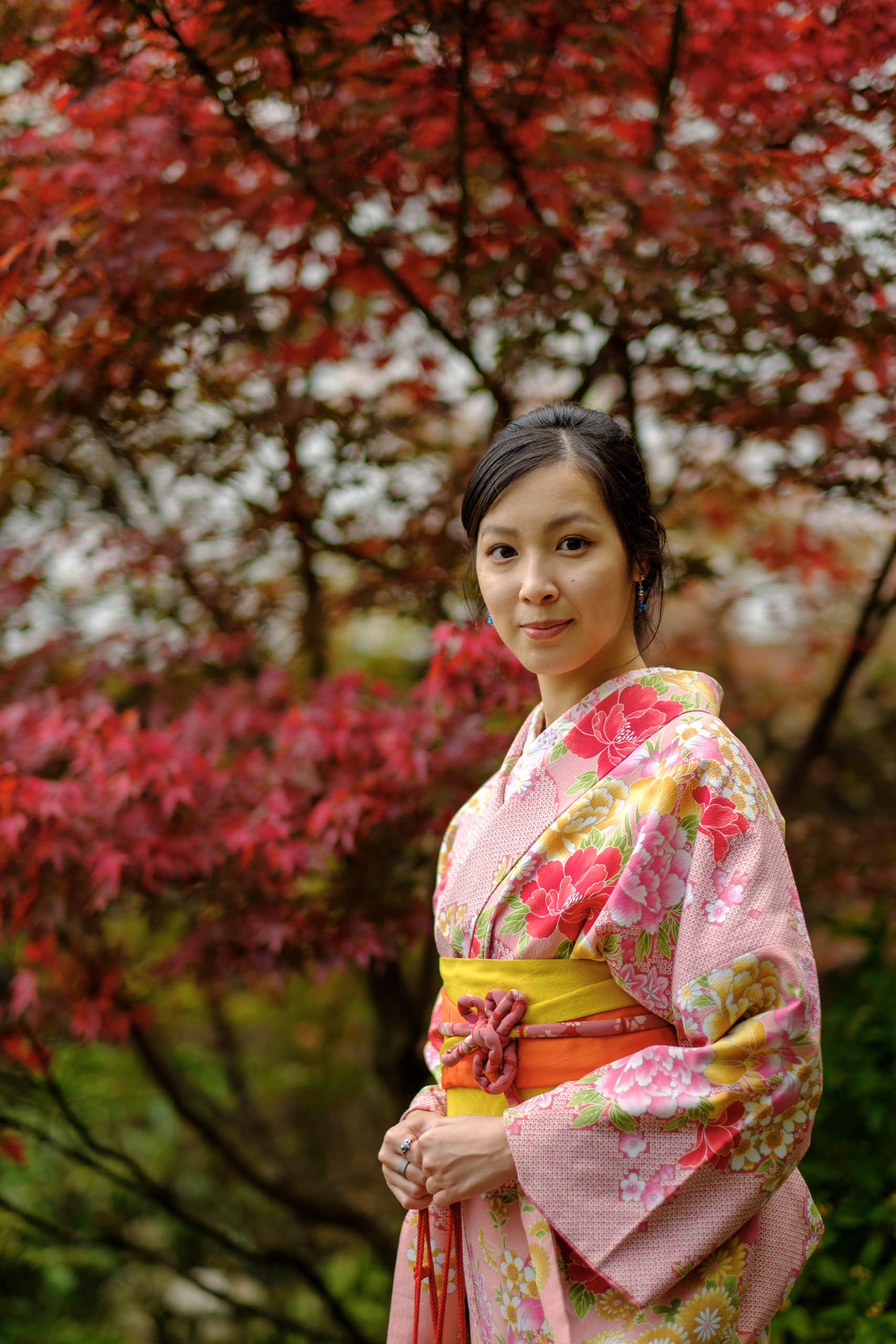
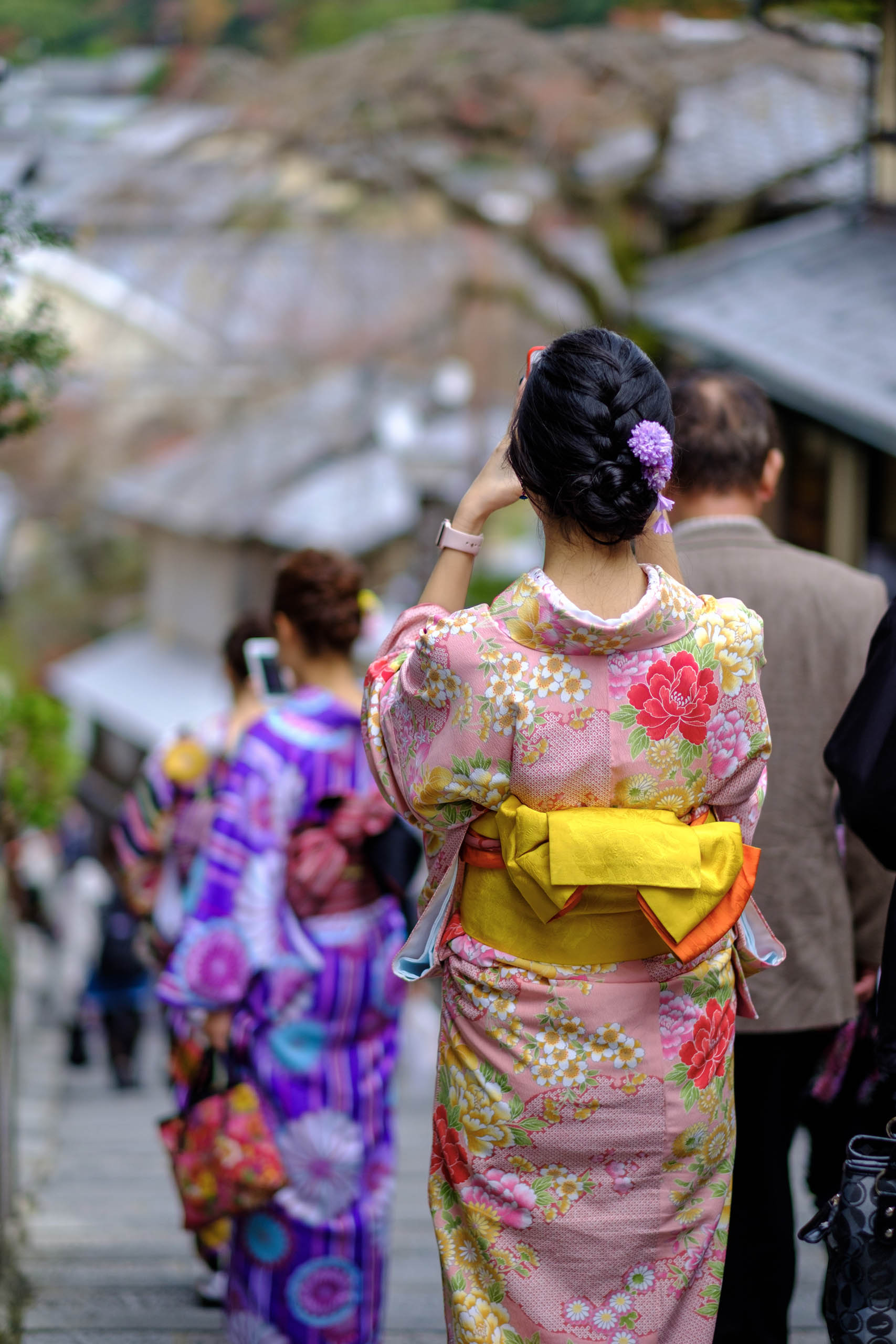
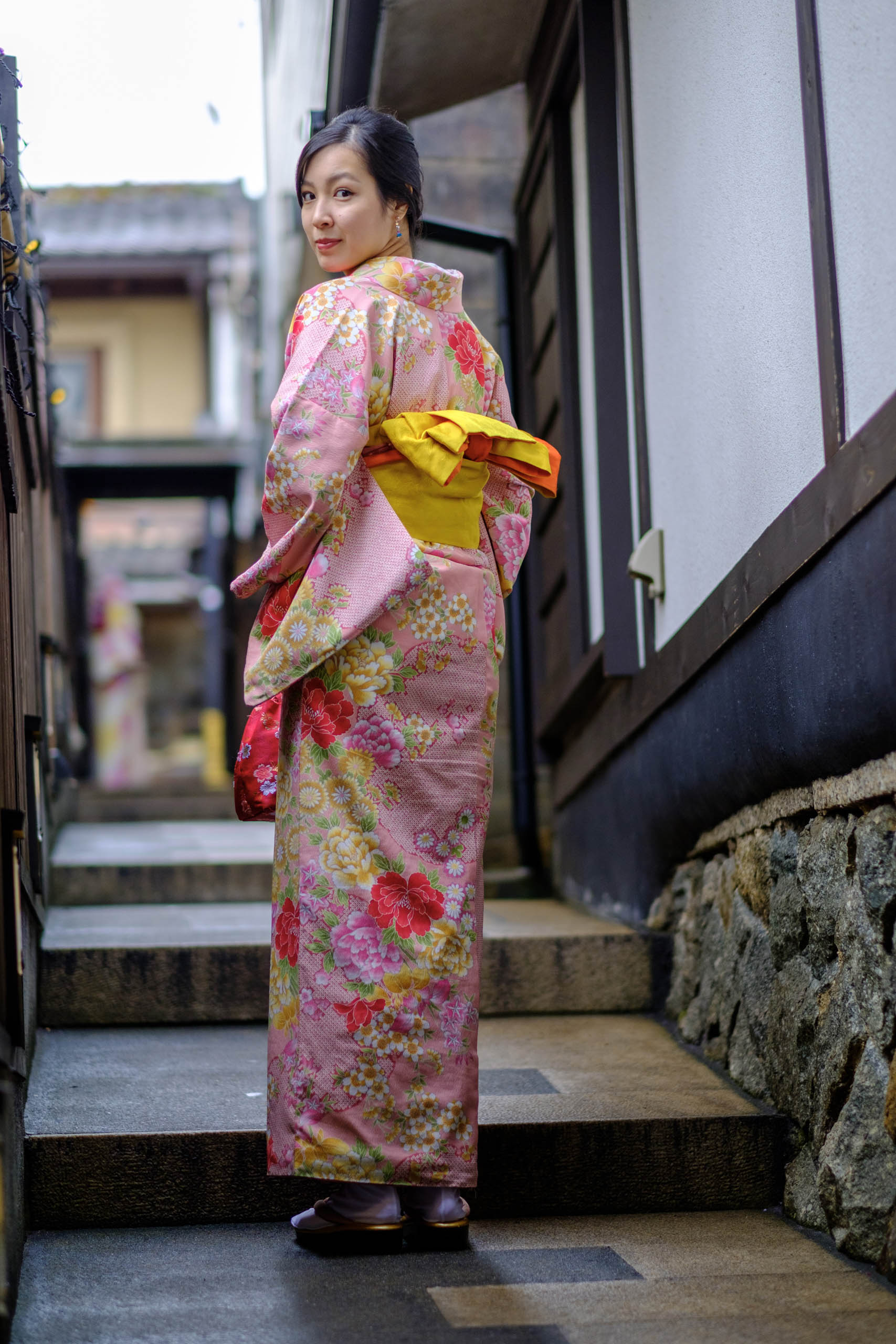
[XF56MM F1.2 on Amazon](https://amzn.to/2WkiFfW?ref=nandakusumadi.com)[XF56MM F1.2 on Adorama](https://adorama.rfvk.net/2Bmn0?ref=nandakusumadi.com)
### Zeiss Batis 2/25 (25mm F2) Review
URL: https://nandakusumadi.com/zeiss-batis-225-25mm-f2-review/
Last updated: 2019-05-31T14:58:00.000Z
One of the pleasures of shooting with a Sony Full Frame E-mount camera is access to Zeiss’ excellent line of Batis lenses.
Known for the signature Zeiss “Pop”, the Batis lenses take traditional Zeiss into the 21st century by adding an OLED display, ridiculously light weight and weather sealing.
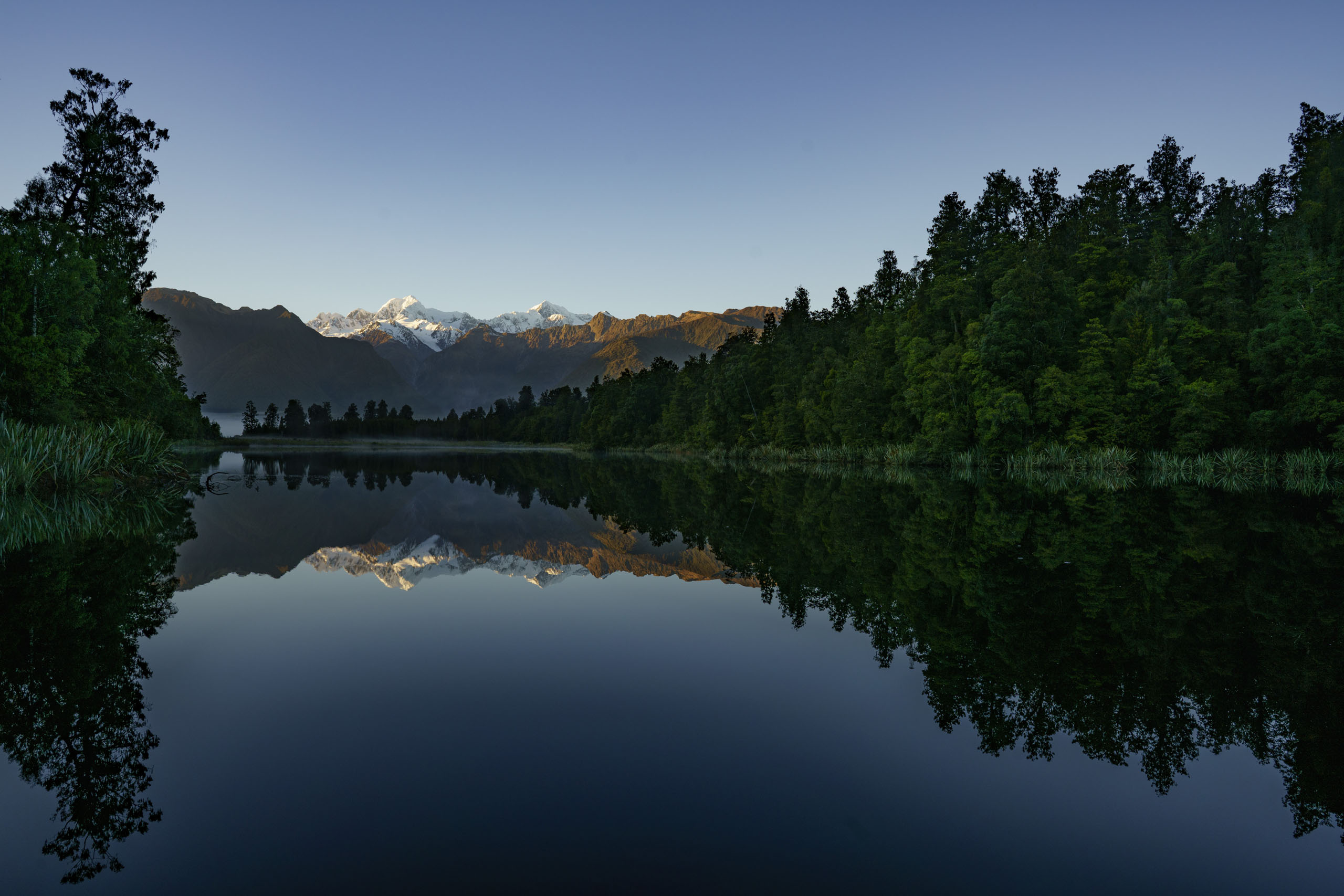
25mm @ F8
I purchased the Batis 25mm back in 2016 and have captured some wonderful memories with this lens.
# Design and Build
The first impression this lens made on me was how short and wide it was. Snap on the hood and its chubby nature is accentuated even more. Not that I dislike this design language. In fact, I think its curves give it an organic and playful feel, in a world where most lenses feel like surgical tools.
When I first picked it up, its 335 grams (0.74 lb) weight shocked me - sort of, this lens feels a lot lighter than it looks given its relatively large aperture.
The OLED display was cool back in 2016\. By default, it switches on and shows the focus distance and depth of field when you’re using manual focus. I never used this feature after the initial testing as I don’t do much street photography. For landscapes, I always zoom in to check focus before taking a “deliberate shot on a tripod”. You can turn the screen off permanently.
One thing that I find lacking is the absence of a dedicated aperture ring and an AF/MF toggle. Obviously this does not seem to be part of the Batis design language. Having spent the past 3 years primarily on a Fujifilm system, I miss not being able to change the Aperture or toggle AF/MF without having to check the menus.
# Image Quality
The images produced by this lens are stellar. Sharpness and contrast are top-notch even wide open. I’ll let the images do the talking.

Lake Matheson under the stars - 25mm @ F2, multiple exposure blend
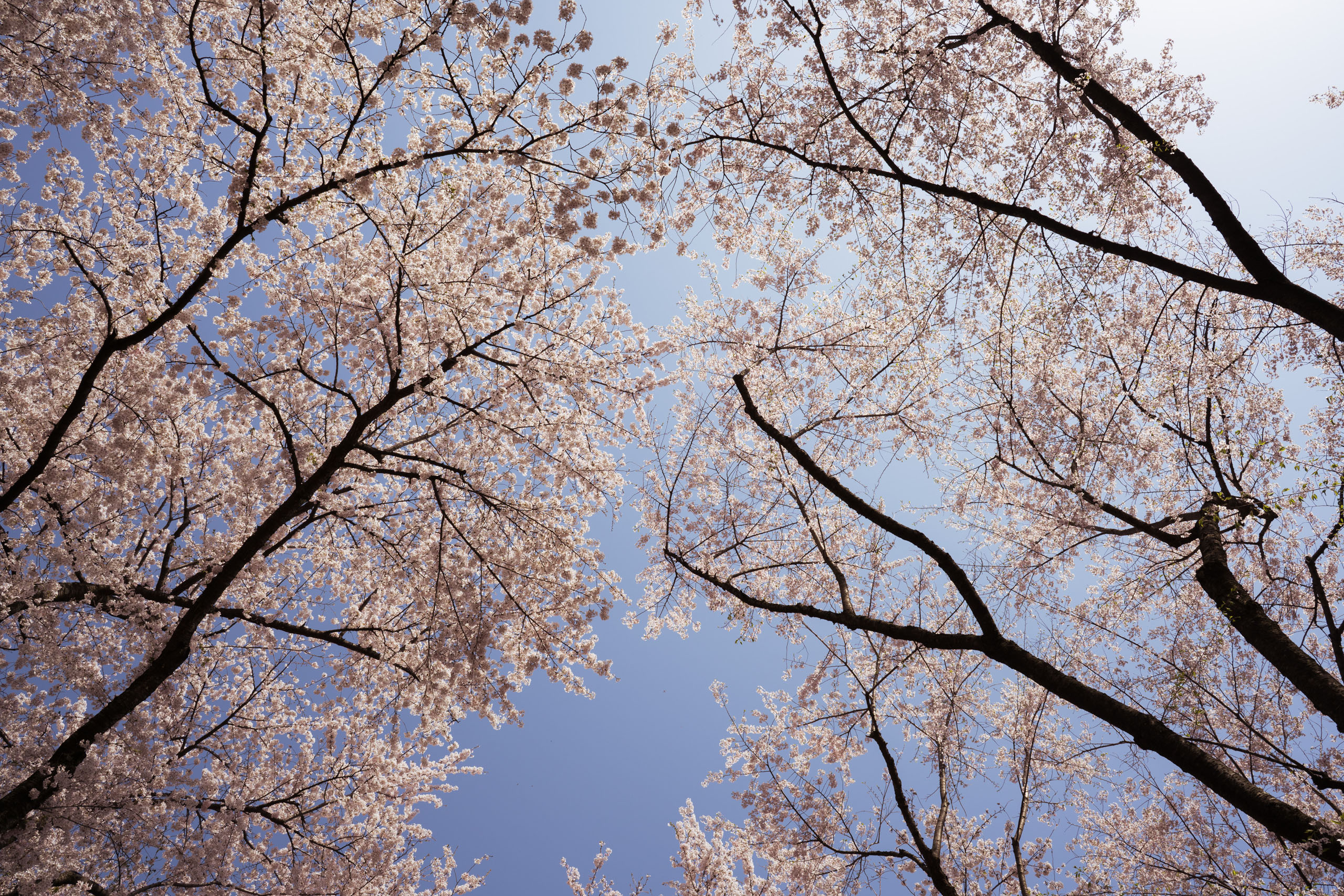
A sky of cherry blossoms - 25mm @ F9

F2 is alright for astrophotography
# Conclusion
Would I recommend it? If you have a strict budget of US$1100 for a relatively fast and wide lens, or can find one used for cheap, then yes. This is one lens you’ll love.
However, if you can stretch your budget for *just* another US$300, the newer[ Sony FE 24mm F1.4 GM ](https://amzn.to/2WDbxe6?ref=nandakusumadi.com)is superior in almost every way (review coming soon). I’ve since sold my Batis 2/25 with the Sony as its replacement.
If you found this image based review useful, please consider using my affiliate links below. It helps me keep the site going.
[Batis 2/25 on Amazon](https://amzn.to/318zDNg?ref=nandakusumadi.com)[Batis 2/25 on Adorama](https://adorama.rfvk.net/zDd0x?ref=nandakusumadi.com)
# Image Gallery
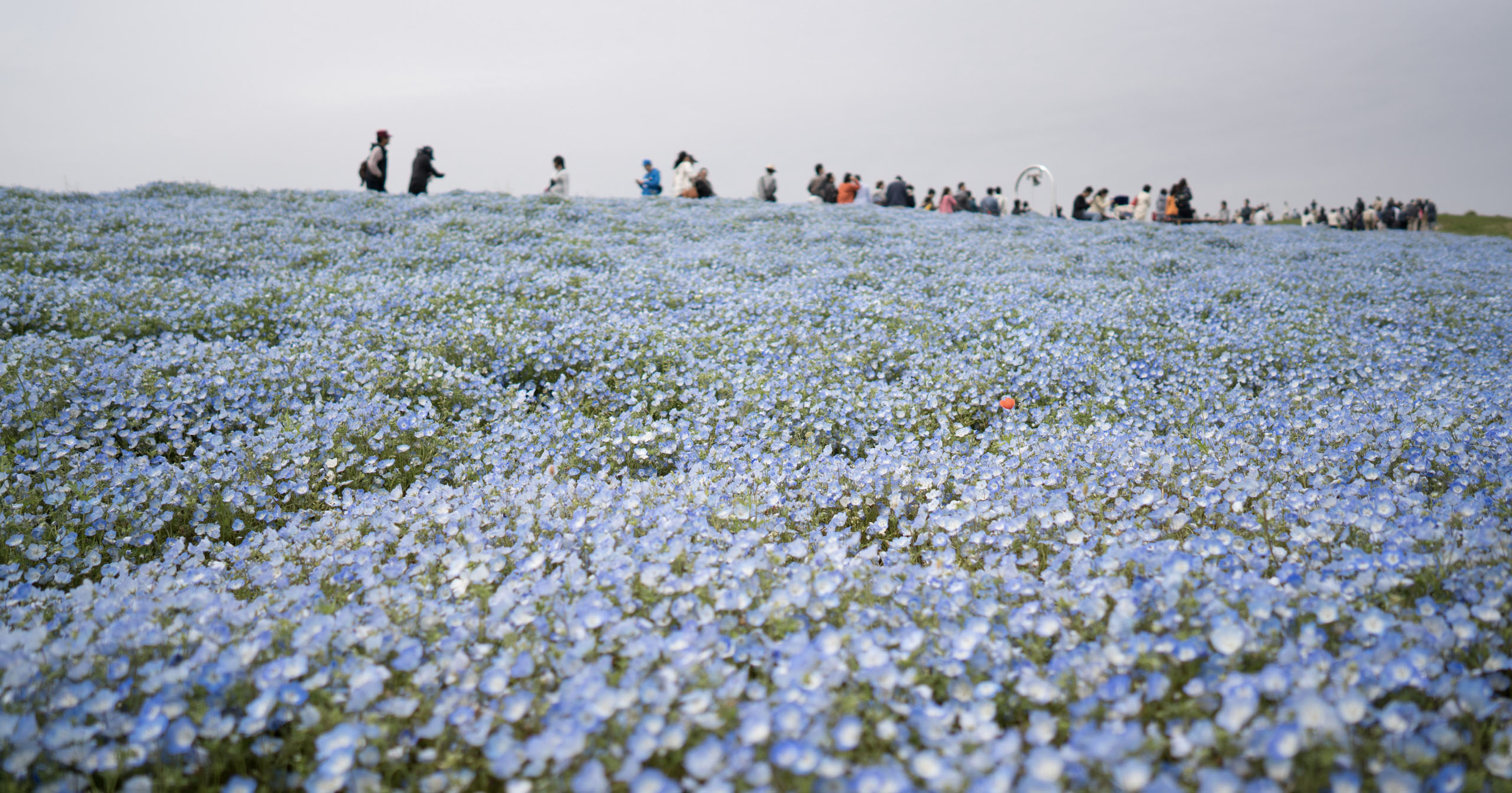
A sea of Baby Blue Eyes - 25mm @ F2
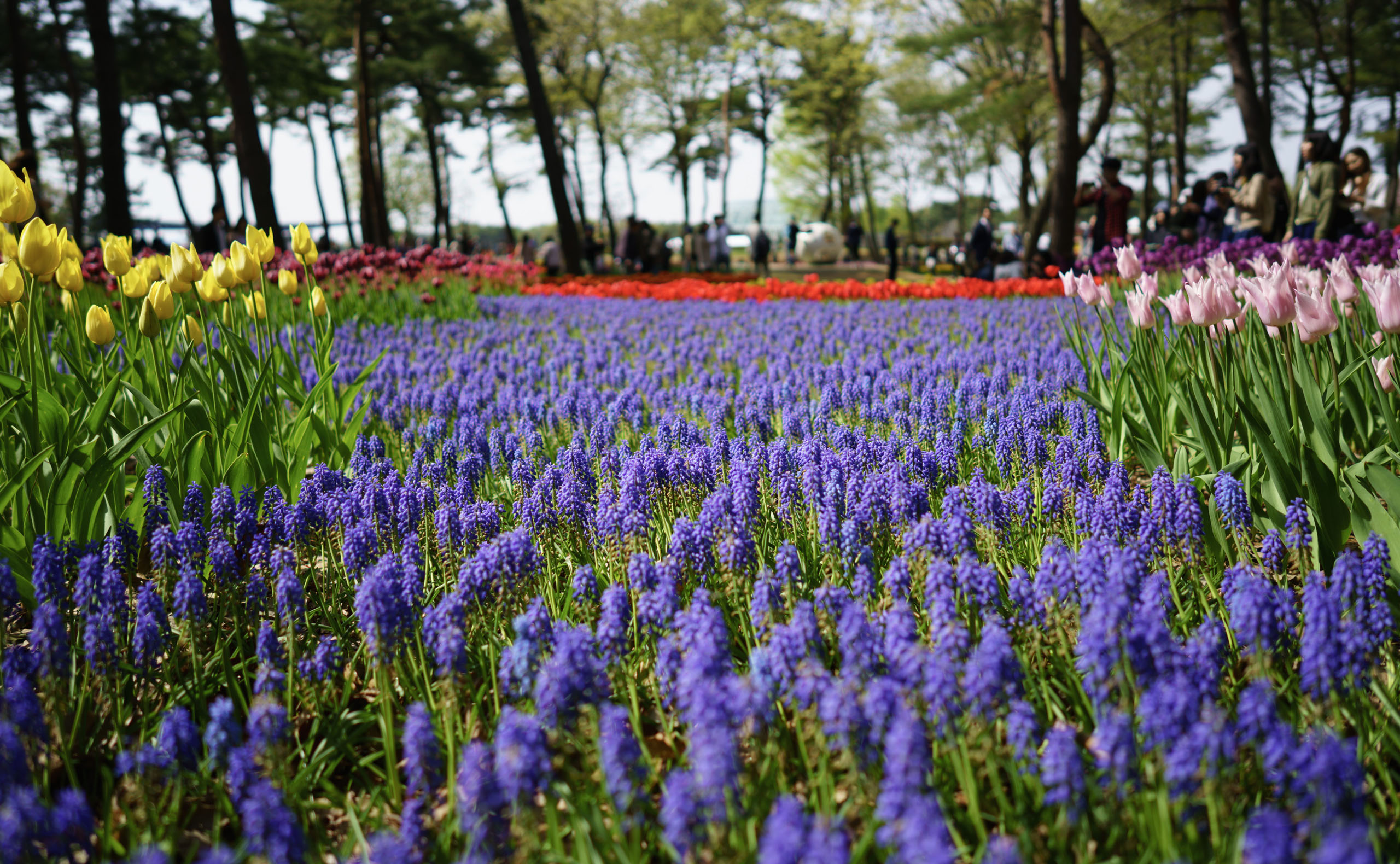
25mm @ F2
25mm @ F2
25mm @ F2
25mm @ F2
[Batis 2/25 on Amazon](https://amzn.to/318zDNg?ref=nandakusumadi.com)[Batis 2/25 on Adorama](https://adorama.rfvk.net/zDd0x?ref=nandakusumadi.com)
### Sony A7R III First Impressions - Upgrading to Sony Full Frame from Fujifilm X-series
URL: https://nandakusumadi.com/upgrading-to-sony-full-frame-from-fujifilm-x-series/
Last updated: 2019-05-21T15:10:28.000Z
I've been putting money aside for the past few years in anticipation of the Leica Q2\. Unfortunately since Leica is making it difficult for me (along with everybody else new to the brand) to procure one, I decided to use that money on a Sony Full Frame system instead.
Sony FE 24mm F1.4 GM
I purchased the [Sony A7R III](https://amzn.to/2Eoqg2h?ref=nandakusumadi.com), the [Sony FE 24mm F1.4 GM](https://amzn.to/2YLrBb7?ref=nandakusumadi.com) and the [Sony FE 70-200mm F2.8 GM](https://amzn.to/2YLvtcd?ref=nandakusumadi.com) with the money I set aside for the Leica Q2\. I also bought the [Zeiss Batis 40mm Close Focus lens](https://amzn.to/30CQM10?ref=nandakusumadi.com).
For the time being, I’ve brought it to Japan on a short vacation and have some impressions. It turns out that with every shot I take, this decision is proving itself to be the right one.
# Upsides so far
- Sony’s Eye-AF (and the recently introduced Continuous Eye-AF detection for human beings and animals) is an order (or even two orders) of magnitude better than Fuji’s. It detects eyes that are extremely small in the frame, stays locked-on and is extremely accurate. I really cannot wait to try this out with a 100-400mm lens for wildlife photography.
- Sony’s RAW files are still the best out there in terms of shadow detail recovery.
- The 24mm F1.4 G Master lens is stunning. At 445g, it’s just a *negligible* 70 grams heavier than Fuji’s excellent XF 16mm F1.4\. I’ve previously mentioned that Fujifilm’s lenses are the best for APS-C sized sensors and I think they still are. The fact that the weight and size of some full frame lenses have start to become comparable with Fujifilm’s APS-C lenses is worth a thought though (the Fuji XF 8-16mm vs the Sony FE 12-14mm being the other example).
- Geotagging works better than on the Fuji X-E3\. Using an iPhone, the camera is able to establish a connection and retrieve geotagging information automatically for around 20 - 30 minutes after I put my iPhone to sleep.
- The new Z series battery is a monster. It’s a huge upgrade from the old W series battery on the A7R II and noticeable upgrade from the Fuji NP-W126S battery for everyday shooting.
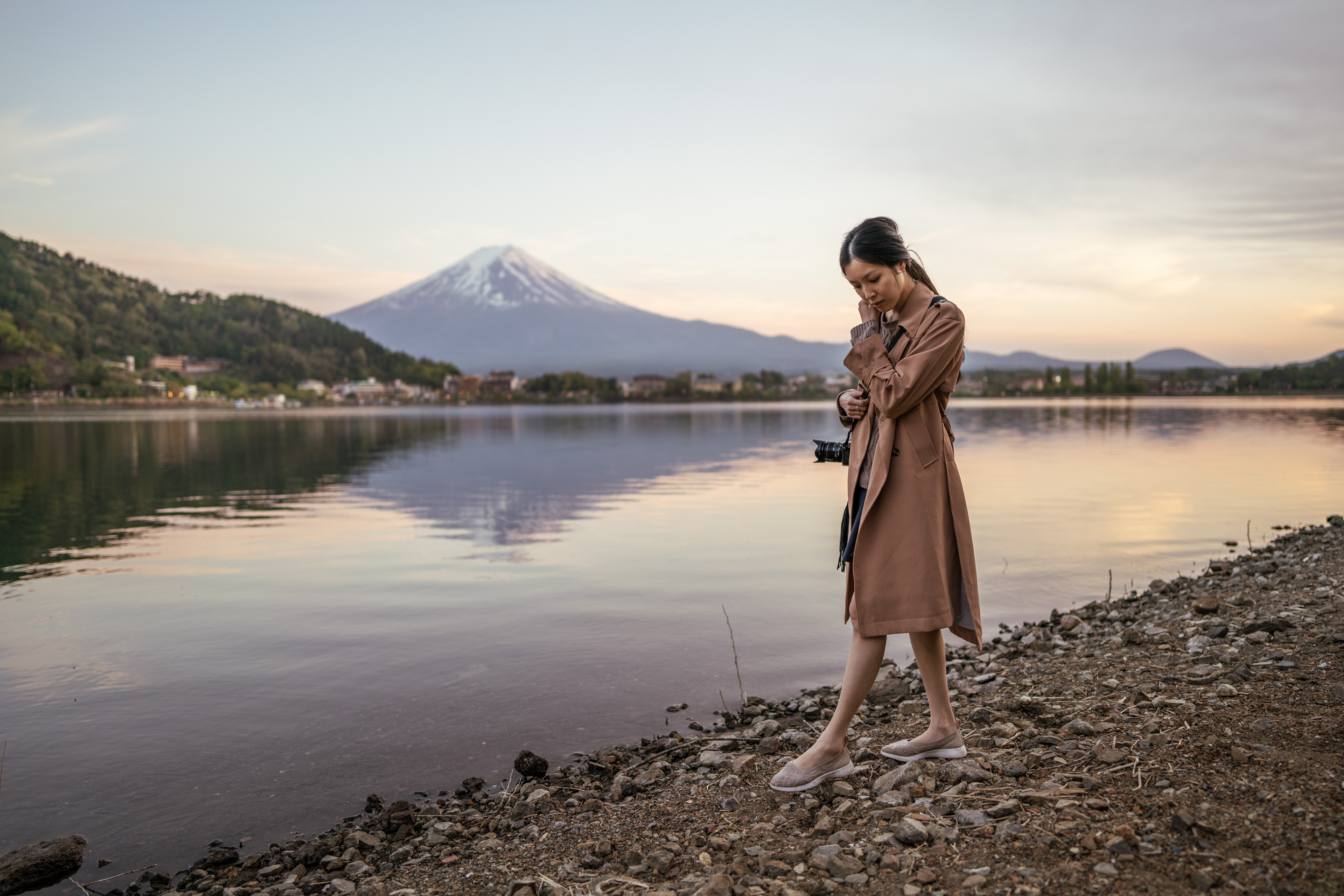
Continuous Eye-AF continued tracking my wife’s eyes even though she wasn’t looking into the camera - Sony FE 24mm F1.4 GM
# Downsides so far
- Sony’s menus are still terrible. I’m not even sure if there’s an improvement from the A7R II I used. The Information Architecture is truly rubbish.
- There is noticeable lag when moving AF points using the joystick. This is a frustrating ergonomic issue.
- Only one of the SD card slots is a UHS-II slot - an unnecessary compromise for a camera at this price point.
- Some silly limitations like not being able to use geotagging and a bluetooth remote control simultaneously.
- Changing ISO, shutter speed and aperture values using a front/rear dial instead of dedicated ones is a far less intuitive experience.
# What does it mean for my Fujifilm gear?
Some of my friends have asked if I've “switched” to a Sony system. The short answer is “yes and no”. I still love my X100F and it will still remain as my small travel camera.
I might keep my X-E3 to use with Fuji’s small and excellent primes down the line, but my main interchangeable lens system will be a Sony for the foreseeable future.
One of my main reasons for switching to Fuji’s X-T2 back in 2016 was the lack of a native 400mm lens and the A7R II’s limitations when it comes to wildlife photography. Those reasons do not exist anymore.
So aside from the downsides listed above, it feels great to be back in Full Frame.
---
## Comments from the WordPress archive
*These comments were originally published on the previous WordPress version of this site. They are preserved here as a read-only archive.*
**Beau Kilgore** 9 December 2019
> Does the Sony's resolution over the X-T2/3 also help justify the 2x cost for lenses (at least the ones you referenced when compared with Fuji)?
### Design Thinking Agile Team in a Large Corporate - A Practitioner’s Learnings
URL: https://nandakusumadi.com/how-to-use-design-thinking-in-an-agile-team-a-practitioners-guide/
Last updated: 2018-12-23T12:30:55.000Z
# TL;DR
1. Self-optimising team that delivers a quality product as efficiently as possible using Design Thinking
2. Get your team mix right and account for skill sets, organisational influence and mindset.
3. Re-frame conversations with “Gatekeepers” such as Legal and Compliance by getting them committed as part of the team.
4. Establish baselines as a team in Sprint 0, especially when it comes to Design handoffs, but remember that it’s only a baseline.
5. Always ask “What’s the cheapest way for us to ensure that a feature has been designed properly to solve the problem?”
6. Make sure your MVP is Design driven.
7. Expect a lot of pain at the start.
8. Treat retrospectives seriously, do not skip them and always make sure that the team is actioning on agreed points.
9. Continuously show work-in-progress, don’t leave it to the end of the sprint.
10. Help individuals develop T-shaped skillsets to pi-shaped skillsets.
# Why you may want to read this
I’ve delivered several products as a Product Owner in a few large corporations. More importantly, I’ve also been in a few large corporations that drink the two day design sprint Kool-aid only to find that they revert to “BAU” mode after paying for an overpriced trainer’s week of work. Applying Design Thinking in an Agile Software delivery team is not rocket science, but requires plenty of hard work and perseverance to change a pre-existing mindset, especially in large corporates.
This post is **not** meant to give you a detailed breakdown of tools to use, how to prescriptively run your sprints. I’m also not going to cover methodologies concerned with the latter stages of Software Delivery (e.g. DevOps, CI/CD) as I’m no expert on implementing them. There are many great resources out there for those.
This post is meant to reinforce some of the key principles of Agile Teams and Design Thinking that you must embrace in order to become a **self-optimising team that delivers a quality product using Design Thinking**. Because that’s what Design Thinking x Agility is all about.
This post may seem to nag, it’s by design. Changing a pre-existing mindset is hard. It’s often tempting to make concessions when you’ve got a hundred other battles to fight on a daily basis. Unfortunately, some of these concessions end up hurting the team in the long run. I’ve learned some of these through the school of hard-knocks, so hopefully you don’t have to.
# Team Mix - Get it right
Here’s one you need to get right at the start. You want a complete team capable of designing and delivering the product from start to finish, and then continue iterating on it. This team should ideally be co-located (if not, then the entire team should be reachable in a chatroom and a quick voice call away) and at least 70% committed to getting your product out the door.
Start by identifying a few things you need based on:
1. Skill sets
2. Organisational Power and Influence
3. Mindset
Skill sets are pretty straightforward. Identify the skills you need to deliver the product (e.g. user research, iOS development, penetration testing) and ensure that you have the right individuals committed. Ideally you’ll want to build a team of individuals with T and pi shaped skill sets so that there’s enough cover.
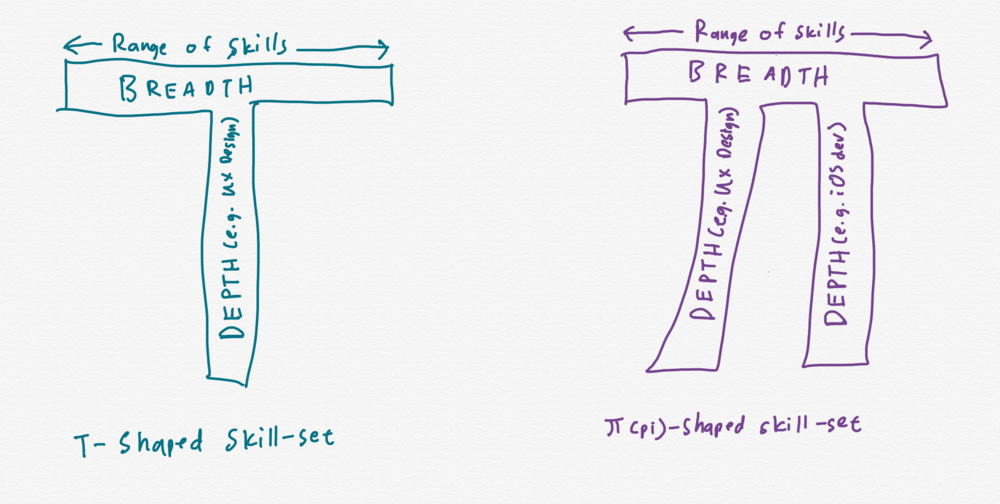
T-shaped and pi-shaped skill-sets
If you’re in a large corporation, organisational power and influence spheres are important to consider. Think of what’s gotten in the way of delivering your last product. Was it a senior executive in another function? Was it Legal and Compliance?
Get the people from those functions in your team mix once you’ve identified them. This might sound counterintuitive, but changing the conversation with Compliance from “*Is this approach compliant?*” to “*Hey, you’re part of the team. Help us find a way to make this approach compliant.*” is a major shift of balance when you’re in a large corporation.
For mindset, you want self-starters and self-motivated people who’ll proactively pick up the slack when they see it.
# What to do first
Also called a “Sprint 0”. You’ll want to the team to get the baseline “Ways of Working” down. Don’t get too precious on these decisions, establish a baseline and see how it works out for your team in a few sprints.
Some common stuff to sort out:
- How long should our sprints be?
- What are the different types of tasks that our team has?
- What’s the definition of ready and the definition of done for each type of task? (Important!)
- Who hands off what work to whom, and what format should it be in? (Not unrelated to the definition of done)
- How many sprints should our designers be ahead of our developers in terms of producing designs?
- How do we groom our user stories? Should we have a separate board for developers?
- What are the different levels of fidelity we have for rapid prototyping?
- Should the iOS and Android apps have feature parity?
- What analytics tool should we use?
There are no universally right answers to the above. Discuss and debate with your team, but also remember that you’re only trying to establish a preliminary baseline.
## How long should our sprints be?
Two-weeks is generally a good baseline to start with.
Anything longer than two-weeks would reduce the opportunities for your team to self-optimise.
Anything shorter would not be meaningfully productive unless you’re already a high-performing team.
# Interlude - What is Design Thinking?
To me, Design Thinking can be divided into five clear “mindsets”. Note that I use the word mindsets instead of steps, because it will be the team’s responsibility to decide which of these mindsets should be driving their tasks at any sprint. It is not meant to be a series of steps.
1. Empathise - What are the journeys that your users go through that you can make better?
2. Define the problem - Clearly define the problems in the journeys above. A good template could be X needs Y so that Z.
3. Ideate - How could you solve the problem at hand?
4. Iterate and Test.
5. Build and Test.
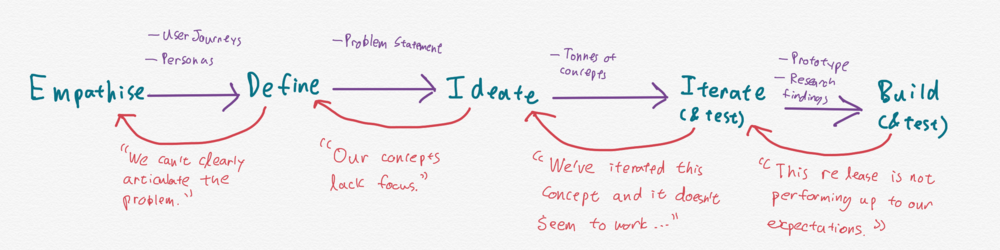
Five key mindsets of Design Thinking, the team should move across these mindsets when necessary
> data-animation-override> “What’s the cheapest way for us to ensure that a feature has been designed properly to solve the problem?”
The original Agile Manifesto make no mention of the above, so it’s not surprising that a lot of certified Agile Scrum-masters out there think of Design just as a series of wireframes and mock-ups.
You’ll want designers who can facilitate the steps 1 - 3 for your team. It might be tempting to leave this to the designers, but trust me when I say it’s very useful to include backend developers in user research sessions. You can find a great crash course on steps 1 - 3 by Stanford’s d.school [here](https://dschool.stanford.edu/resources-collections/a-virtual-crash-course-in-design-thinking?ref=nandakusumadi.com).
For steps 4 and 5, the most important mindset to adopt when introducing Design Thinking to an Agile team is “**What’s the cheapest way for us to ensure that a feature has been designed properly to solve the problem?**”.
These days, the answer is not always “Working software” as per the Agile Manifesto. Rapid Prototyping and Testing have changed the game.
Start by defining different levels of prototype fidelity you can possibly have for the product. A typical range could consist of (from low-fidelity to high-fidelity):
1. Rough sketches on paper.
2. Wireframes stitched together on Invision.
3. Animated prototype made on Framer.
4. A stubbed front-end with a dummy local database.
Then, define your test objectives. What is it that you’re looking to get out of this test? Are you trying to determine which page layout makes the most sense? Are you trying to determine of your navigation system is intuitive? Are you trying to see if a user can quickly locate an entry in a complex dashboard?
Finally, work through the levels of fidelity to see what’s the cheapest way. For example, determining sensible page layouts can often be made on rough sketches or wireframes. Locating an entry on a complex dashboard however, may require a user to toggle certain filters, which might require a stubbed front-end with a dummy local database.
Another great book I would recommend for anyone new to Design Thinking is [UX for Lean Startups by Laura Klein](https://amzn.to/2UZC4yq?ref=nandakusumadi.com) (Affiliate link).
## Design-driven MVP
A brief note on establishing your Minimum Viable Product (MVP). The team should ways go back to the findings of the “Empathise” stage to see if the MVP makes sense, that is to honestly ask “Does it make a meaningful improvement to the user’s journey?”.
# What to expect
Tuckman’s stages of group development - forming, storming, norming and performing is still widely used because it’s true. You’ve formed the team, now face the storming.
- People overcommit .
- People underdeliver.
- Designers never design for anything outside of the “happy path”.
- User stories aren’t detailed enough.
- Marking tasks as done when they haven’t met the definition of done.
- Marking development tasks as complete without end-to-end integration.
*It’s fine*. Expect this for the first few sprints. What’s important is to remember to address them in your retrospectives and make sure that they are improved upon in subsequent sprints.
# Between Sprints
Planning, backlog grooming and retrospectives are key components that you cannot skimp on.
Sprint planning should include tasks such as user research, wire framing, visual design, prototyping and testing with users, and be estimated accordingly. Tools like Agile Poker should also be used by your designers.
Backlog grooming is especially important due to the iterative nature to design. Have a session **with the entire team** to rework the user stories once the team has established what works and what doesn’t following user research and/or testing sessions. This is tedious and can be painful at the start, especially due to the lack of detail the product owner and designers tend to provide from a developer’s perspective, but it will get better with each session.
> data-animation-override> “What is more important is to ensure that the team is actually held accountable for working towards what they agreed to Start/Stop/Continue.”
Retrospectives are by far the most important activity that the team must undergo. Do not skip these. Suppose you have sprints that last two weeks and have a retrospective at the end of each sprint, you’re effectively giving your team a chance to iterate and improve every two weeks. What a great opportunity!
A good approach to use would be [Start/Stop/Continue](https://en.wikipedia.org/wiki/SKS%5Fprocess?ref=nandakusumadi.com). What is more important is to ensure that the team is actually held accountable for working towards what they agreed to Start/Stop/Continue. You can use the last 5 minutes of your daily stand-up for this.
# Within Sprints
Besides the daily stand-up, your team should be continuously showing work to one another within the sprint. Designers should be continuously showing new wireframes and mockups to the team to bounce off ideas, and developers should be continuously showing builds to the team to ensure that what they are building is functioning as designed.
This may require a mindset adjustment for developers from “X can’t be done.” to “X may be complex to implement because of Y, could we try something like Z instead?”. Similarly, designers should also learn to quickly learn what are still works-in-progress and what feedback is actually being sought after (e.g. Don’t comment on the padding in this table as the CSS is still WIP, test the responsive breakpoints instead).
Do **not** leave it to the end of each sprint to showcase work-in-progress.
# What you MUST continue doing
## Identify opportunities for individuals to develop pi-shaped skill-sets
When your team is performing, you’ll want to start thinking about how you want to retain talent. More than anything, self-starters want to grow as individuals. What better way to do this than to help identify an opportunity to develop a pi-shaped skill set.
Assuming you’ve set-up a cross-functional team, there should be no shortage of opportunities for your team to cross-train one another.
## Celebrate small and big wins
This might sound cliche but is quite easy to overlook when you’re hustling. Sprints can be tiring, so don’t forget to celebrate not just by cake, but by taking the foot off the pedal consciously once in a while.
## Never de-prioritise Analytics
When teams are pressed to deliver a particular set of features by a certain deadline, they often cut analytics first to free up story points and think that they will do it later. Truthfully, pressing deadlines will always be present, you’ll never do it later, so better to do it now than risk never being able to analyse how your users are using your product.
## Evaluate means of getting and responding to user feedback
As your product gets delivered to hundreds or thousands of users, you might need to re-think about how you gather feedback, especially in terms of scalability.
One effective way of doing this in a large organisation is to get a member or two of the customer support team integrated into your team. There really is nothing like witnessing first hand feedback from your users and responding to them when a bug gets fixed or a feature request gets delivered.
# Conclusion
That pretty much sums up the tips I would give to anyone looking to build an Agile Team that uses Design Thinking. Let me know in the comments below if you have any similar or different experiences to share or would like me to deep dive on a specific topic.
### Where to buy graphical Japanese eBooks
URL: https://nandakusumadi.com/where-to-buy-graphical-japanese-ebooks/
Last updated: 2018-12-23T09:38:40.000Z
[美しき日本 旅の風光 (Excellent Japan - A Scenic Portfolio)](https://amzn.to/2V5PybU?ref=nandakusumadi.com) is a pictorial book about Japan that I absolutely love. I’ve owned the physical copy since its release more than two years ago and have been toying with the idea of getting a digital copy so that I can always have it with me whenever I plan a trip to Japan.
The book offers hundreds of photos of points of interests scattered around Japan, along with descriptions in English and Japanese that you can use when planning a trip. Published by JTB, sights that are rarely mentioned in western guidebooks are included.
Most Japanese books that are largely graphical are usually just a bunch of JPEGs wrapped in an eBook container and this is no different.
Unfortunately, I’ve had to spend ¥2500 three times this weekend to find a copy that was satisfactory to read. My requirements for satisfactory reading are simple.
1. It has to look great on my 12.9” iPad Pro, this is easier said than done as you’ll find below.
2. It has to be readable in Apple’s Books app. I use Books due to its support of DRM free ePUB files and rock solid sync capabilities since iOS 12.
3. Bonus points if it’s DRM-free, or can be made to be so.
I’ll list the sites where I grabbed this book below, and whether I think you should consider or avoid them:
# Avoid: 978STORE by Mynavi
978store was my first stop after seeing that books sold here are provided in a DRM-free EPUB format. Kudos to them for doing so. My smile turned into a frown when I found that the 288 page book weighed in at barely 111.3MB (The size was not disclosed prior to purchase). Pages are rendered at a comical 1087x1536 resolution and body text is incredibly fuzzy.
Avoid this store at all costs if you’re looking for books that are graphical in nature.
# Avoid: cmoa.jp
cmoa.jp had the size of the book listed as 184.3MB, which made me pretty excited to click on the buy button. That was when I found out that you needed their proprietary app to read the book. (Admittedly, I should have done more research on this, though they make no mention of the app until you actually buy the book).
The problem I have with third party reader apps like these is how they’re usually slow to adapt to new screen sizes or how they’ve implemented a clumsy UI for viewing the books itself.
The images are on par with the Apple Books version I decided to keep, not the best, but still tolerable. Pages are rendered at a resolution of 1421x1984.
# Worth Considering: Amazon.co.jp
Amazon.co.jp’s version weighed in at a similar 180\~MB. I didn’t buy this version though I managed to download the free sample. The quality is the sharpest of the lot, but still nowhere sharp enough to make small Kanji on maps legible. Pages are rendered at a resolution of 1357x1920.
Depending on how you feel about Amazon’s Kindle app, you might want to just get this version or give it a pass. You can find a link to it at the bottom of the page.
# Worth Considering: Apple Books (JP)
The version from Apple’s Japanese Book Store weighs in at about 195MB. The quality lags behind that of Amazon.co.jp though, probably due to an inferior conversion process. I can’t tell what resolution the pages are rendered at, as I haven’t been able to strip its DRM.
This was the version I ended up treating as my “main”, due to the satisfaction of my first two requirements above.
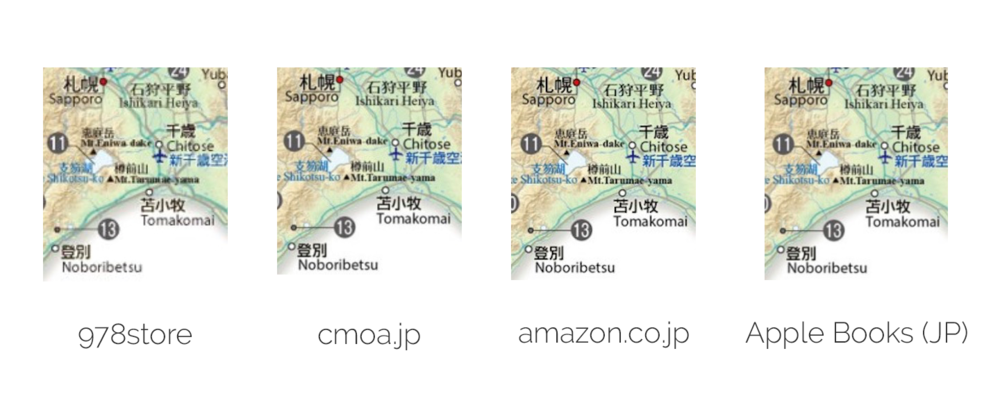
Samples from the four sources.
# Conclusion
I’ve gotten the eBook version that I can take with me, but I’m nowhere satisfied with the outcome. High DPI displays are everywhere in 2018\. Can’t these publishers straighten out their act and publish high resolution copies that give their content some justice?
On a side note, the physical copy is one I would wholeheartedly recommend. You can find both physical and digital copies using the affiliate link below, I may earn a small commission and it helps me keep the site going.
[Excellent Japan - A Scenic Portfolio on amazon.com](https://amzn.to/2V5PybU?ref=nandakusumadi.com)
### Ask NK: Should I use a 2x Teleconverter on my Fuji 100-400mm for a Safari?
URL: https://nandakusumadi.com/ask-nk-should-i-use-a-2x-teleconverter-on-my-fuji-100-400mm-for-a-safari/
Last updated: 2018-12-08T05:27:40.000Z
*I get questions via email from readers from time to time, here’s one that I thought could be useful.*
Joel asked for my opinions on using an 18-135mm lens with a 100-400mm + 2x TC for a Safari trip.
> I am doing an African Safari this Saturday with a fuji system and have a few questions about equipment based on your experience. I like your idea of using two bodies with two good lenses permanently attached.
>
> Cameras:
> X-H1
> X-T2
>
> Lenses:
> 100-400mm
> 18-135mm
> 10-24mm f4
> 80mm f2.8 macro
> 56mm f1.2
> 23mm f1.4
>
> 2x teleconverter
> 1.4x teleconverter
>
> I only get 15kg total on the airplane so I need to make the photo gear as light as possible without sacrificing great photos. Based on what you said about dust and using the 1.4x teleconverter on the 100-400mm I think you found a great way to have a constant 50-560mm with f2.8 from 50-140mm. I don’t currently own the 50-140mm f2.8 lens but would be willing to get one for this trip. Do you think it would be worth it for me to buy this lens instead of using the 18-135mm f3.5-f5.6? Was having the faster f2.8 valuable to you?
>
> If you would have had the 2x teleconverter, would you have put it on the 100-400mm instead of the 1.4x or would you have left the 2x at home since it is heavier and requires more light?
Joel has two great cameras and I’m sure he’ll be well sorted with them. I think the 50-140mm F2.8 is definitely a must have for an on vehicle safari. If you’re already travelling so far for the Safari, the last thing you want is to be missing some spectacular shots just after sunrise or before sunset. For perspective, even the 100-400mm will be faster than the 18-135 between 100-135mm.
I would not have put the 2x TC unless you’re plan on capturing lots of birds. Two reasons:
1. It makes it very slow during sunrise and sunset, when most of the ground based animals are most active.
2. Heat haze makes long range ground captures very difficult in broad daylight.
The only situation I can think of when the 2x TC would add value is capturing birds during the day. Even then, you have to watch out for backlit situations.
It might be tempting to have a wider angle perspective permanently on the camera, but my experience is that you’ll be caught off-guard with photo opportunities on the telephoto end rather than the wide angle end.
### Photolemur 3.0 Review - Unleash those idle vacation photos
URL: https://nandakusumadi.com/photolemur-review/
Last updated: 2018-09-05T16:59:04.000Z
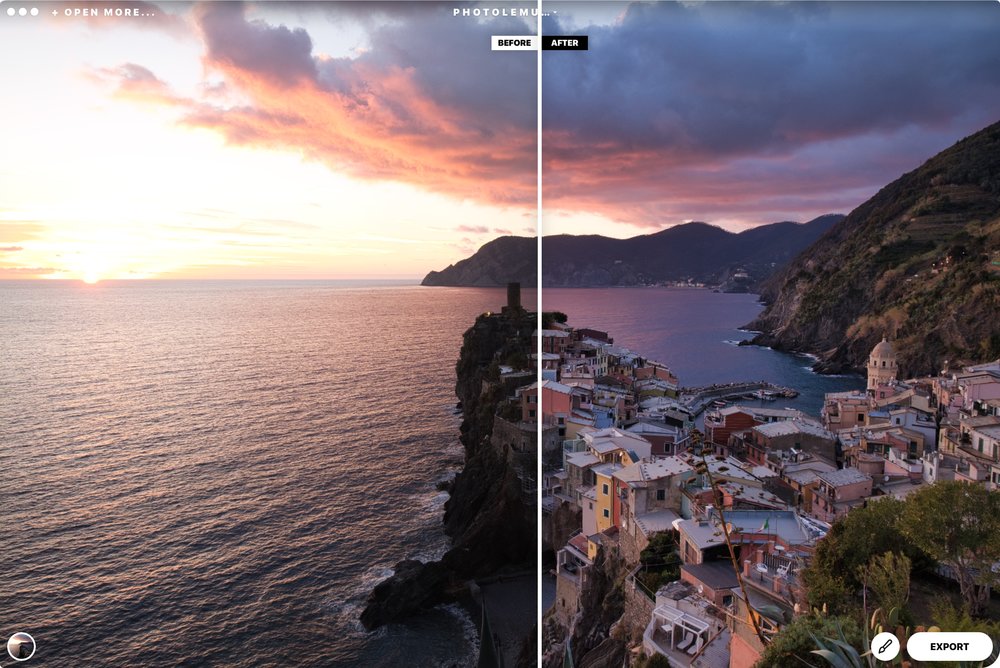
Photolemur is an interesting app that claims to offer "the world's first fully automated solution for creating perfect photos." The word "perfect" is relative when it comes to photography, most photos are edited to taste and what's "perfect" to one person may be rubbish to another.
Nevertheless, there are certain repetitive techniques that most of us employ when it comes to post-processing a certain type of image. For the sky in a landscape photo, you might reduce the highlights and boost the vibrance most of the time. You can start to imagine how this might be useful for casual photos that are not portfolio quality, but still need some editing before distribution.
Skylum has provided me with a copy of Photolemur 3.0 and I've put it through the paces.
## Sample Results
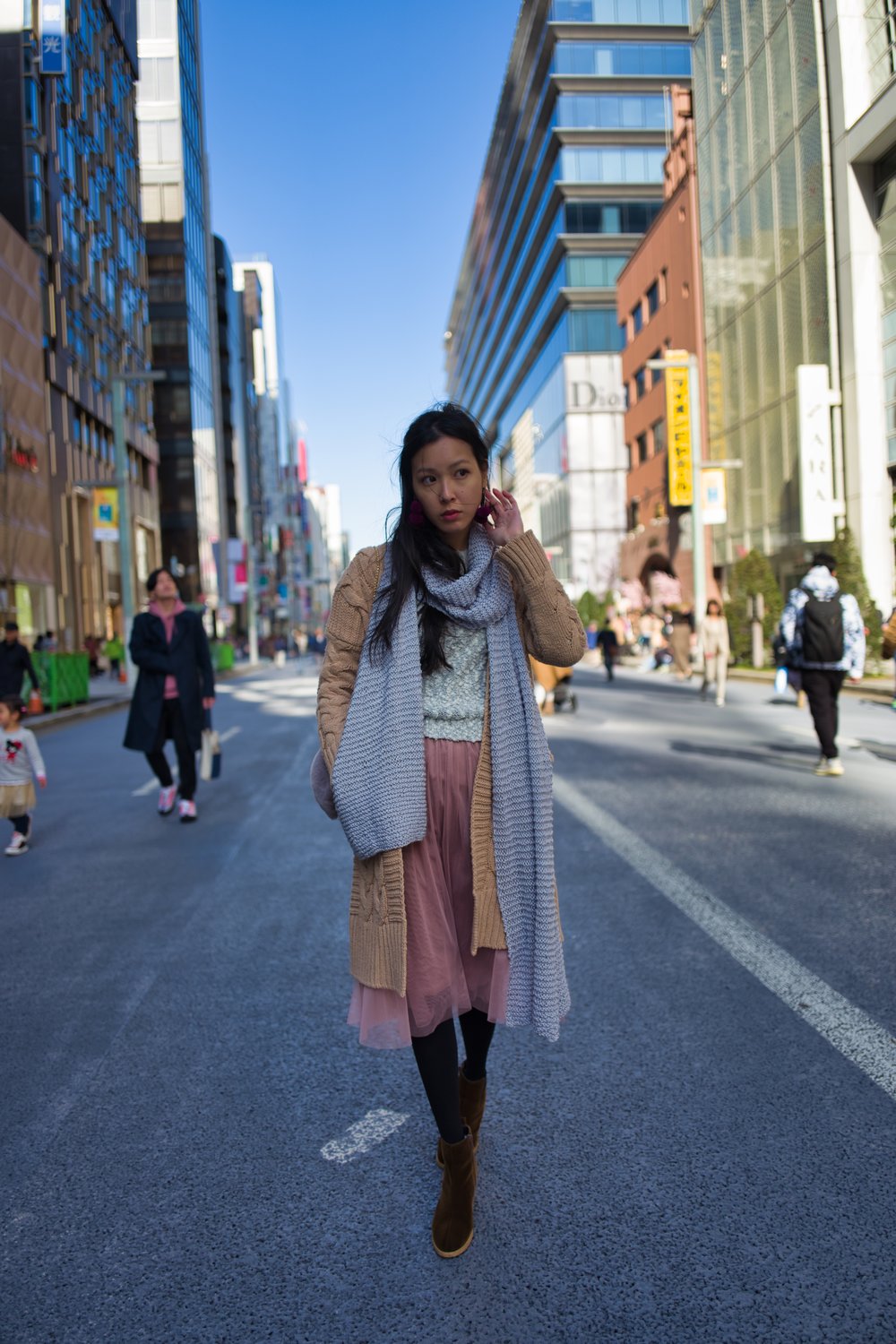
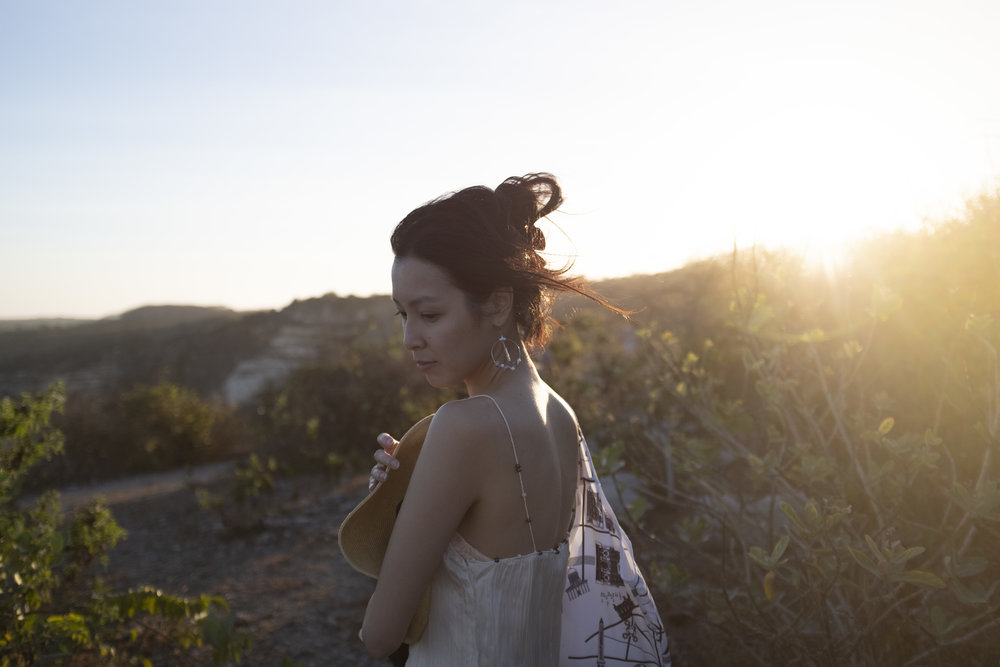
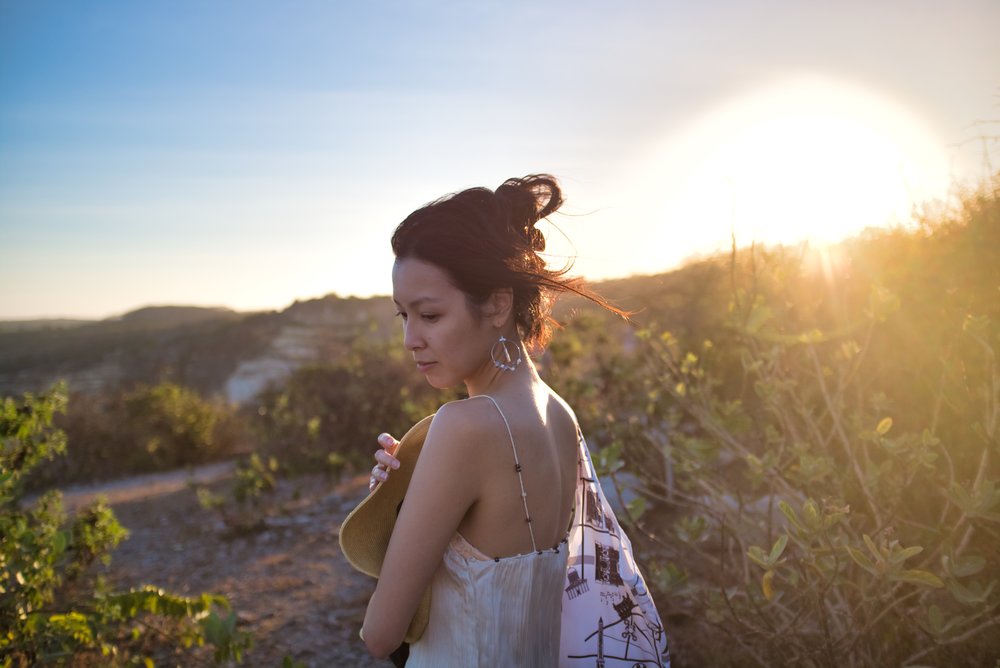
Photolemur does this with pretty decent results. I wouldn't call them perfect by any means, but most of the photos definitely turn out way better than they do out of camera. I can totally imagine this tool as an "assistant" editor for those vacation photos that your friends and family have been bugging you for, but haven't had the time to edit yet.
```
```


There's an option to apply some styles (something like filters) to the output. I'm not a big fan on how it works here though, largely they take at least 15 seconds to process. Filters should afford for quick previewing so you can pick the right one for the right image.
Automatic face enhancement works pretty well, getting rid of unflattering noise and blemishes, as well as smoothening skin.
```
```



## Performance and UX
There's a handy batch processing tool, so you can literally just dump a set of images in and have it run overnight. Some thought has also been put into how the images can be named when exported, very nice.
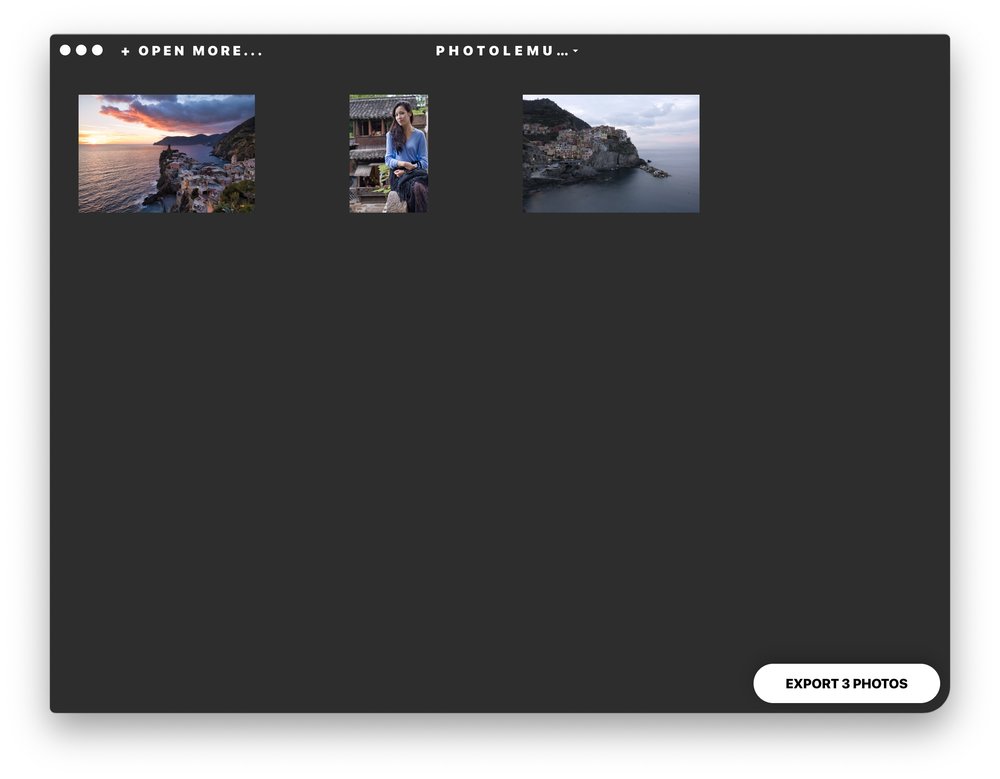
You can import multiple images and export them all at once.
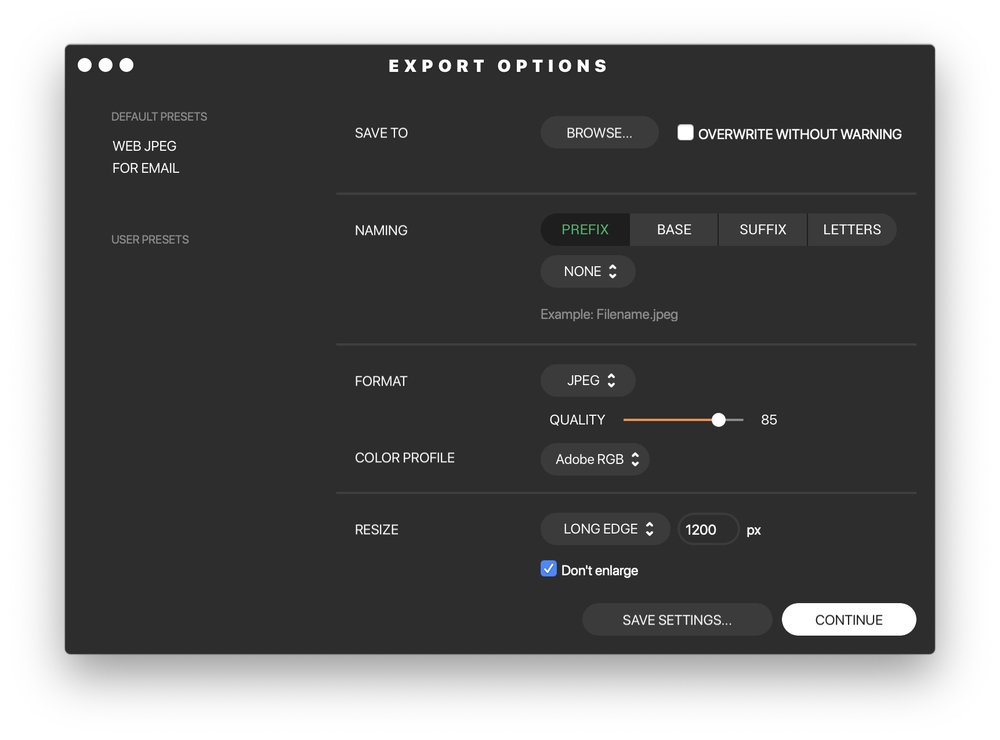
Options when exporting, useful for bulk operations
Like many Machine Learning (ML) apps, performance is largely GPU dependant, I noticed that my GPU was maxed out whenever it was exporting images. Applying enhancements to a photo took around:
- 15 seconds on my 2017 27" iMac with a Radeon Pro 580
- 20 - 25 seconds on my 2018 13" MacBook Pro with a quad-core i7 processor
- 1 - 2 minutes to process on the 13" MacBook Pro driving an LG 5K display
## Conclusion
Would this replace my editing workflow for Portfolio images? Not at the moment. There's still a lot of creative control and finessing that is needed to achieve results fit for a portfolio.
However, I see tremendous value in using this for those vacation photos that you would want to hand over to friends or family, but don't have the time to edit individually. I'll certainly be using Photolemur for *that* workflow and the small investment is worth that time saved (be it editing images or fending off your friends and family).
There's no subscription fees whatsoever unlike other photo editing apps. Feel free to use my link below along with the coupon code “NANDA” to get 30% off if you found this post useful, it helps me keep the site going.
[Purchase Photolemur 3.0](https://photolemur.sjv.io/c/1269961/499428/8584?ref=nandakusumadi.com)
### Book Review: The Life-Changing Magic of Tidying Up - Marie Kondo
URL: https://nandakusumadi.com/book-review-the-life-changing-magic-of-tidying-up-marie-kondo/
Last updated: 2018-07-27T16:18:46.000Z
```
```
I first heard of Marie Kondo - also known as KonMari on NHK World a couple of years ago. The mantra she was peddling was something like (heavily paraphrased) “If it doesn’t spark joy in you, get rid of it”. Being a bit of a “hoarder” myself, I was rather intrigued by this proposition.
At first glance, this book is more of a guide to decluttering than it is a packing guide. In today’s age where one has easy access to cheap consumer goods - even in developing countries, clutter can build up quite easily in our homes. KonMari charmingly tells the story of how her early attempts to tidy up her family home as a teenager were continuously fruitless after a few days had passed.
This is where decluttering comes in. If an item does not “Spark Joy”, she suggests you sell, recycle or give it away as it has already fulfilled its purpose. Even when we feel guilty when an item is not “used” enough, it’s already fulfilled its purpose in teaching us that we probably don’t need one like it in the future. After all, how many pairs of socks do you really need? And of those pairs that you think you really need, how many actually make you feel good when you put them on?
On a deeper level, it also changed my perspective when it comes to material goods. Enthusiast photographers often suffer from the much dreaded Gear Acquisition Syndrome (GAS), where we gladly open our wallets to the next latest gear that promises a sharper photo. Being a gadget and design aficionado myself, this is compounded by the fact that I have to get the latest Apple or Sony product every time a new one comes out.
I’m a lot more thoughtful now when purchasing new gadgets gear, even when there’s a sale going on. I evaluate if this new gadget will really spark joy in my life three times (The Chinese have a saying, 三思 that literally translates to think thrice). If I buy it and don’t really find that it “sparks joy”, I wouldn’t hesitate to sell or return it. I’ve also sold off a lot of my old gadgets and gear - stuff I haven’t used in years but kept somewhere thinking that I would use them eventually.
It’s a pretty short read and well worth the weekend I spent on it. Full of frank observations from a Japanese point-of-view, her writing style (and that of her translator) is witty while down-to-earth.
It will change your perspective, if not your life.
## 4.5/5
[Buy on Amazon](https://amzn.to/2K1mYC3?ref=nandakusumadi.com)
### Fujifilm Fujinon XF50-140mm F2.8 OIS WR LM Review
URL: https://nandakusumadi.com/fujifilm-fujinon-xf50-140mm-f28-ois-wr-lm-review/
Last updated: 2018-07-22T07:24:16.000Z
As always, I’ll focus on writing about shooting experience - supplemented with images, instead of MTF charts.
TL;DR: The XF50-140mm is a must-have for any serious Wildlife, Portrait or Landscape photographer out there. It’s fast, sharp, has excellent Optical Image Stabilisation (OIS) and is weather resistant.
Its unique focal range and aperture is a testament to Fujifilm’s focus on the APS-C sensor, solely aimed at emulating the classic 70-200mm full-frame equivalent at F2.8\. You don’t get a lens like this with other manufacturers’ mirrorless systems.
# Build and Design
The problem with Canon, Nikon and Sony’s APS-C systems is that you get treated like a second-class citizen when it comes to quality glass. You’re forced to use a 70-200mm F2.8 weighing 1.5KG that doesn’t even give you a handy 70-200mm focal length equivalent to begin with! The focal length equivalents for APS-C often come with slow apertures or a less-than-desirable image quality.
The XF50-140mm weighs closer to the 70-200mm F4s than the F2.8s on Canon, Nikon or Sony systems, so you really get the best of both worlds.
The zoom and focus rings are smooth as they can be and the hood snaps on with a satisfying click.
Filter size is at 72mm, meaning I can share the same filter mounts I use for the XF10-24mm.
If I were too nitpick, I would say the only flaw is the length of the tripod foot. It’s way too long - longer than the tripod foot on the XF100-400mm!
# Shooting Experience
## For Wildlife

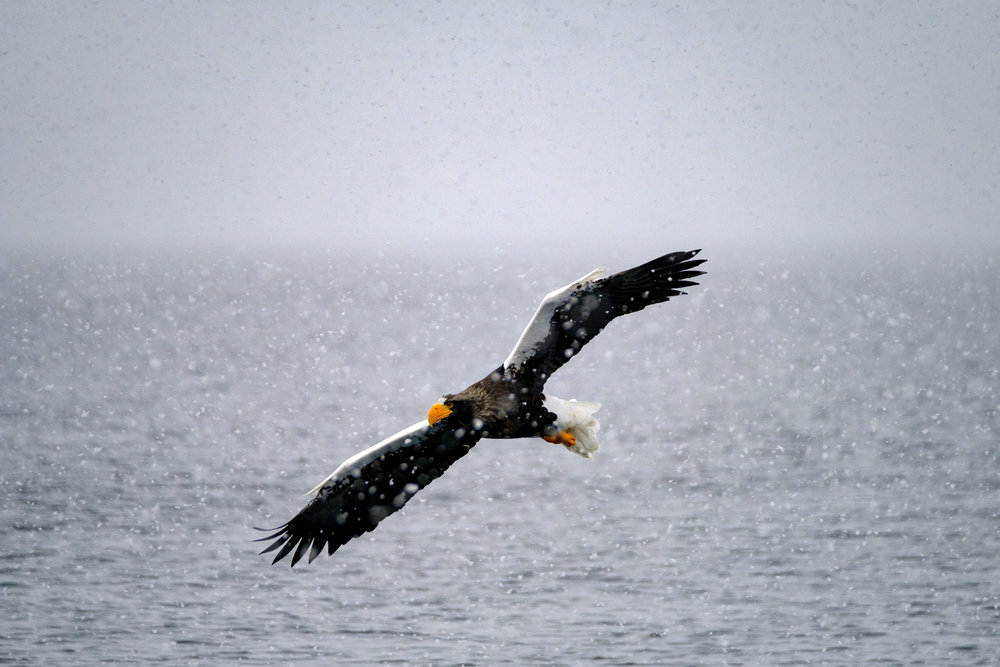
Eagle diving in for a catch
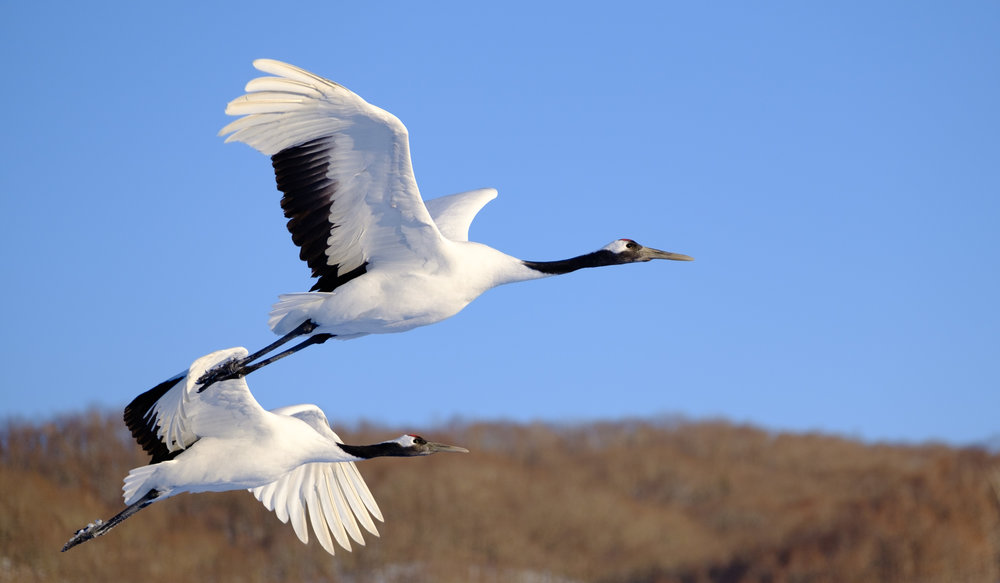
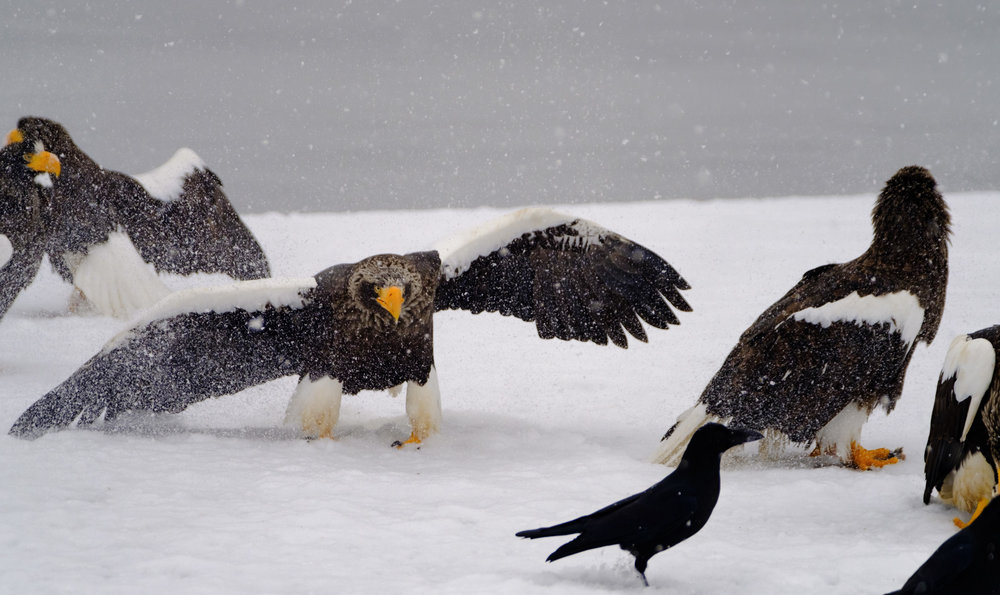
I’ve always taken a secondary body with the XF50-140mm attached when I go on wildlife shoots. And boy does this lens perform. The XF100-400mm with the XF1.4XTC attached is still my go-to wildlife lens, but the XF50-140mm has produced some stellar results in **low-light** and **close-up** encounters.
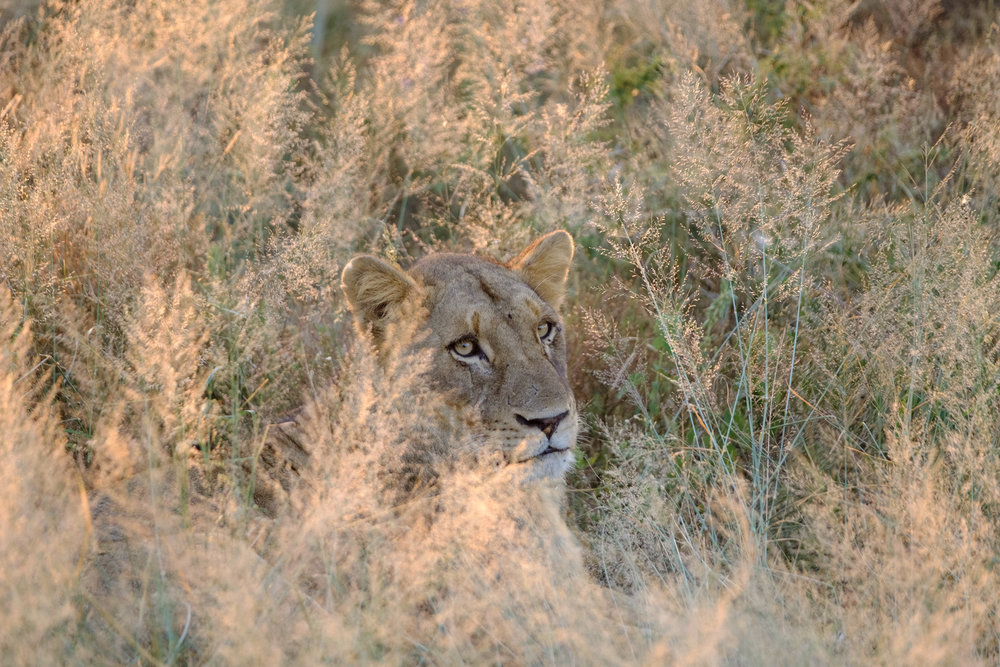
The XF100-400mm works from F5.6 - F8.0 when paired with the XF1.4X TC. No way you’re going to get a sharp shot on that when faced with low light. Having a secondary body with the XF50-140mm gives you a wide F2.8 aperture, that when paired with an X-T2, can give you pretty decent shots at ISO 6400 or even ISO 12800.
Image stabilisation is also exceptional, I’ve shot with shutter speeds down to 1/18s handheld at 140mm with no visible signs of shutter shake.
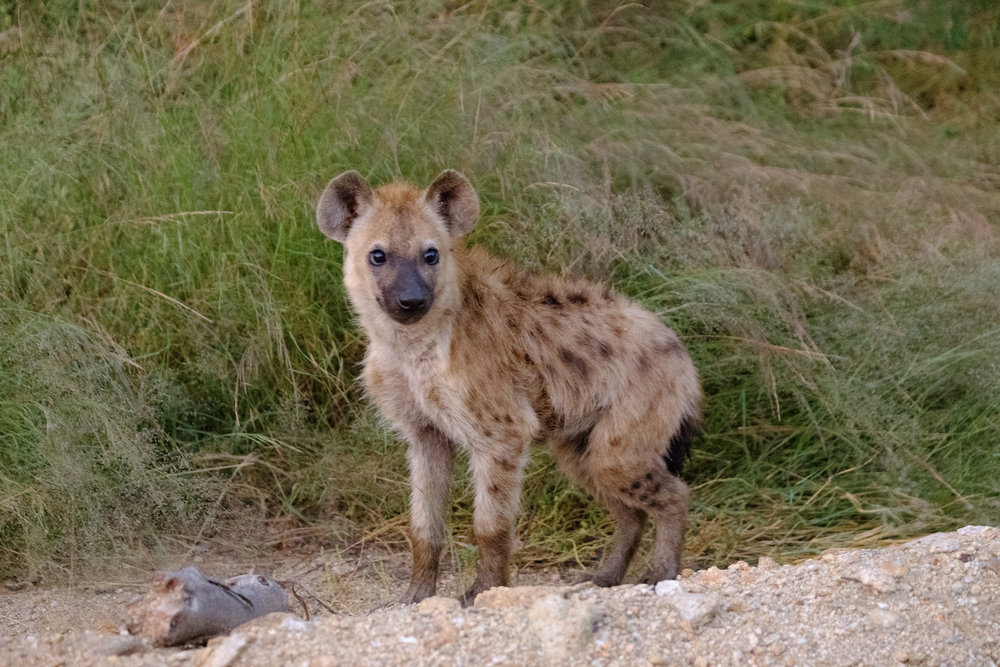
We encountered this Hyena pup at first light - 1/18s at ISO12800
Weather resistance works extremely well and it’s endured everything I’ve thrown at it including:
1. Morning shoots down to -22 degrees celcius to catch the hoar frost.
2. Shooting Sea Eagles in heavy snowfall.
3. Dust kicked up in the air by an off-road vehicle
Auto-focus acquisition is fast and tracking speeds never felt like it was letting the camera down.
## For Portraits
There’s a reason why the 70-200mm lens is a staple in almost every portrait photographer’s kit. The flexibility to go between full body and headshot within one zoom range is super convenient. I still mostly use the XF56MM F1.2 for portraits, but the XF50-140mm would be a worthy “only” portrait lens.
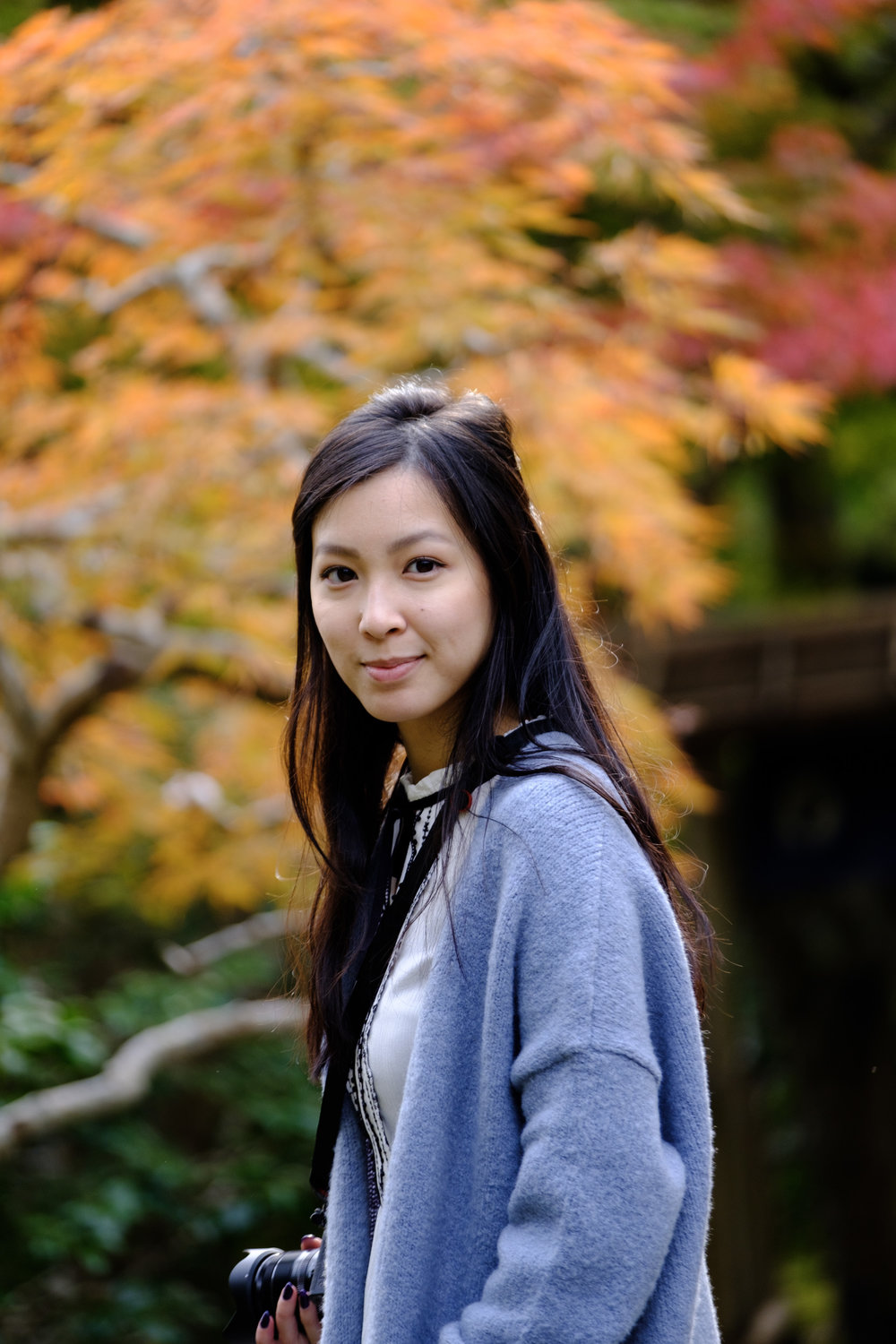
Background separation through shallow depth of field isn’t as pronounced as a 70-200mm on a Full Frame camera, but still very good.
## For Landscapes
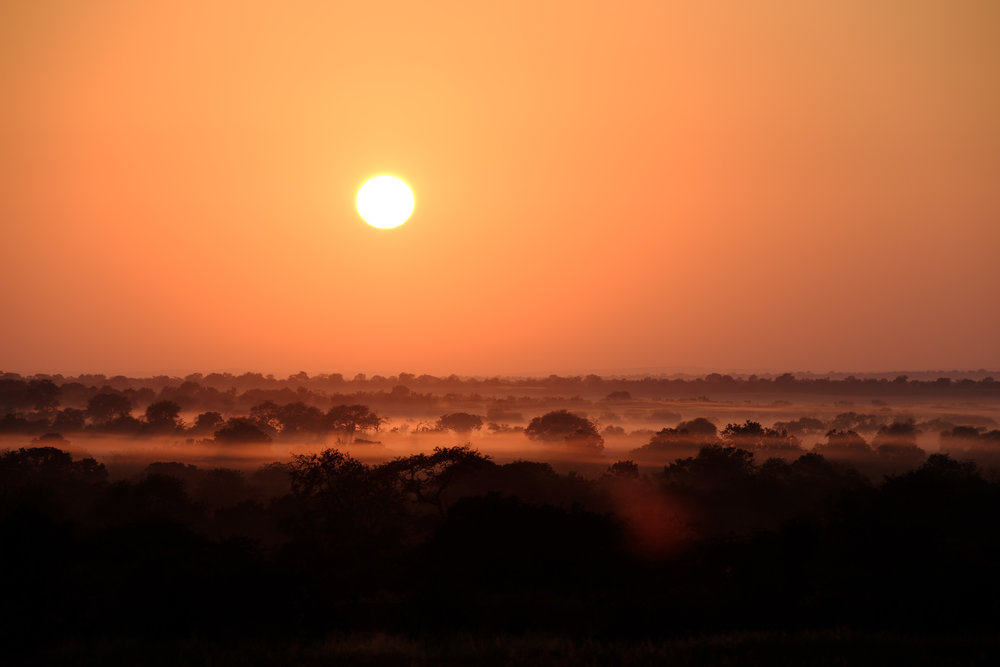
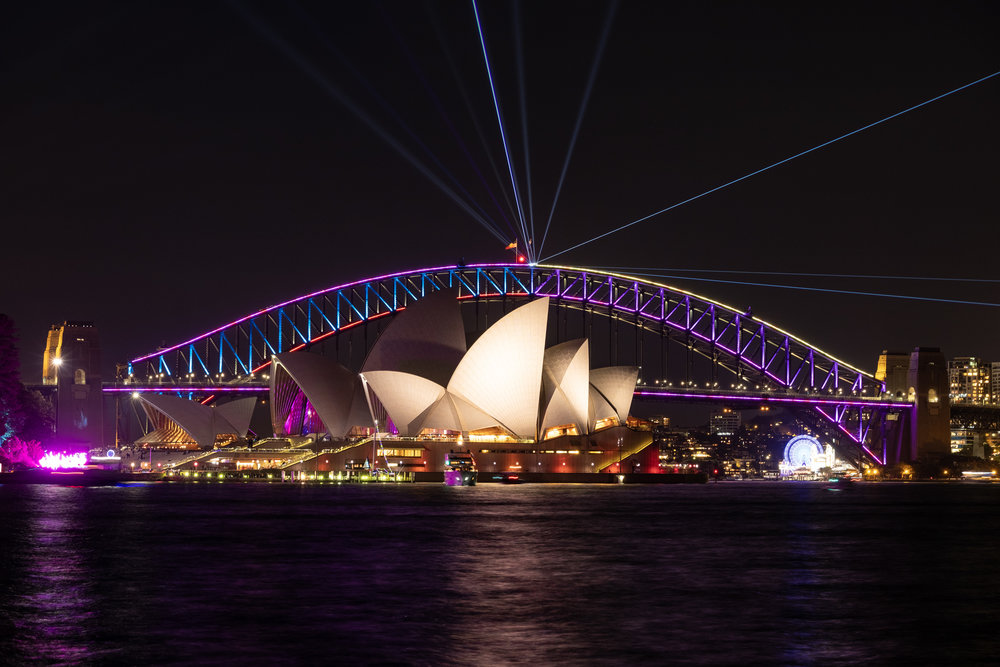
In this day and age, almost every camera in your pocket comes with a "28-ish"mm lens and software that can shoot panoramic images. It’s getting tougher and tougher to make images that standout using a wide angle lens.
Furthermore, subjects are rendered smaller than what the eye perceives it to be due to the lack of compression. I’ve been making an effort to capture land and cityscapes using a telephoto lens, and the versatile XF50-140mm is at the heart of it.
# Image Quality
I have absolutely no issues with the image quality in this lens. It’s tack sharp even wide open with the XF1.4X TC attached. Colours are rendered beautifully, as expected with any Fujinon lens.
# Pairing with the XF1.4X TC
If you’re shooting wildlife or sports, I would highly recommend the XF1.4XTC. It gives your XF50-140mm extra reach when needed with no noticeable loss in image quality. Autofocus tracking does not take a hit either.
# Conclusion
If you have a Fujifilm X system, consider the XF50-140mm as one of your staples. It’s one of the most versatile lenses on the X system, and probably the only premium grade, fast telephoto zoom engineered from the ground up for an APS-C system.
Truly one of the great hallmarks of Fujifilm’s focus on a single sensor size.
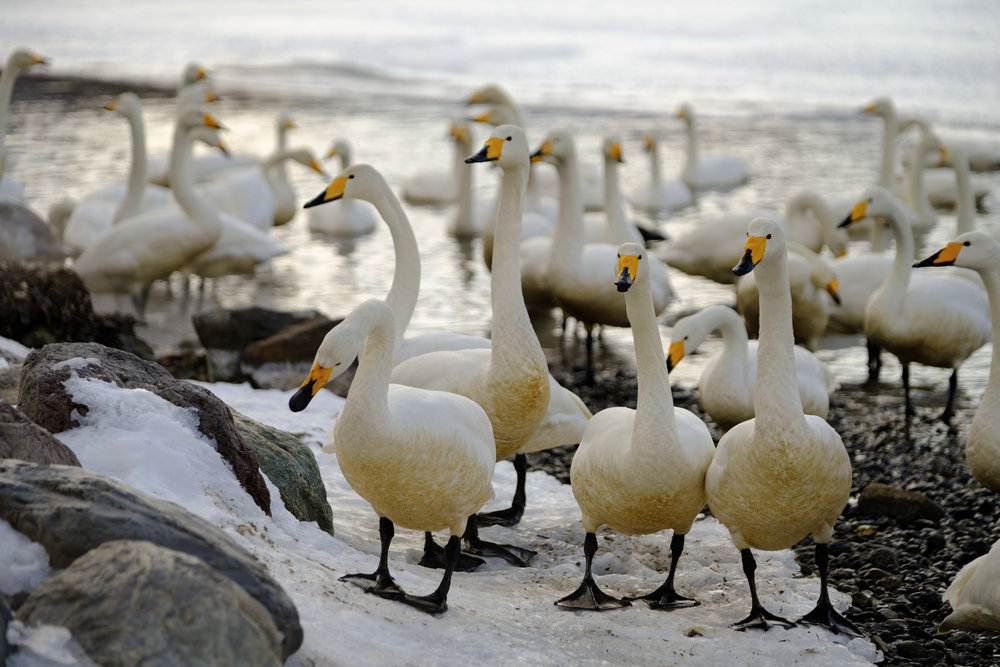
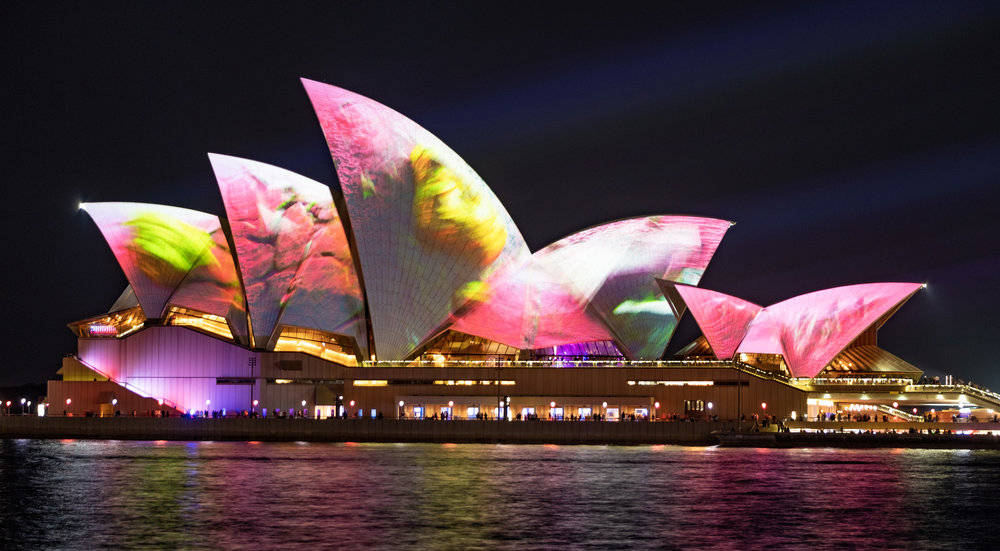
Be sure to check out more photos I've taken with the XF50-140mm below. If you found this review useful, please consider supporting the site by using one of my affiliate links below.
[XF50-140mm on Amazon](https://amzn.to/39mr7js?ref=nandakusumadi.com)
[XF50-140mm on Adorama](https://adorama.evyy.net/c/418798/51926/1036?u=https%3A%2F%2Fwww.adorama.com%2Fifj50140xf.html&ref=nandakusumadi.com)[XF1.4X TC on Amazon](https://amzn.to/2mBh1Cz?ref=nandakusumadi.com)[XF1.4X TC on Adorama](https://adorama.evyy.net/c/418798/51926/1036?u=https%3A%2F%2Fwww.adorama.com%2Fifj14x.html&ref=nandakusumadi.com)
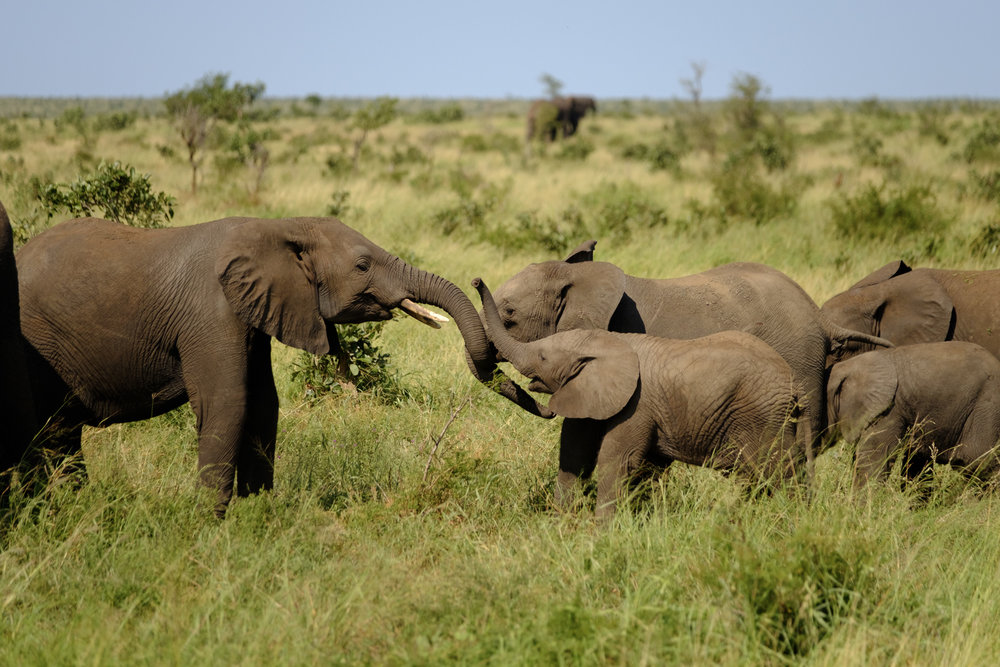
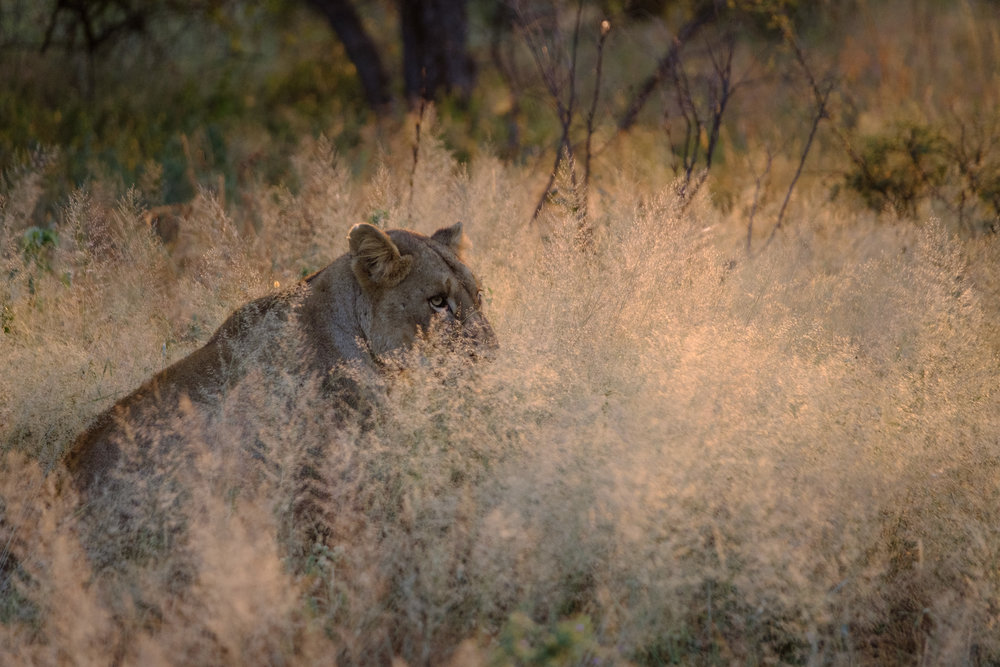
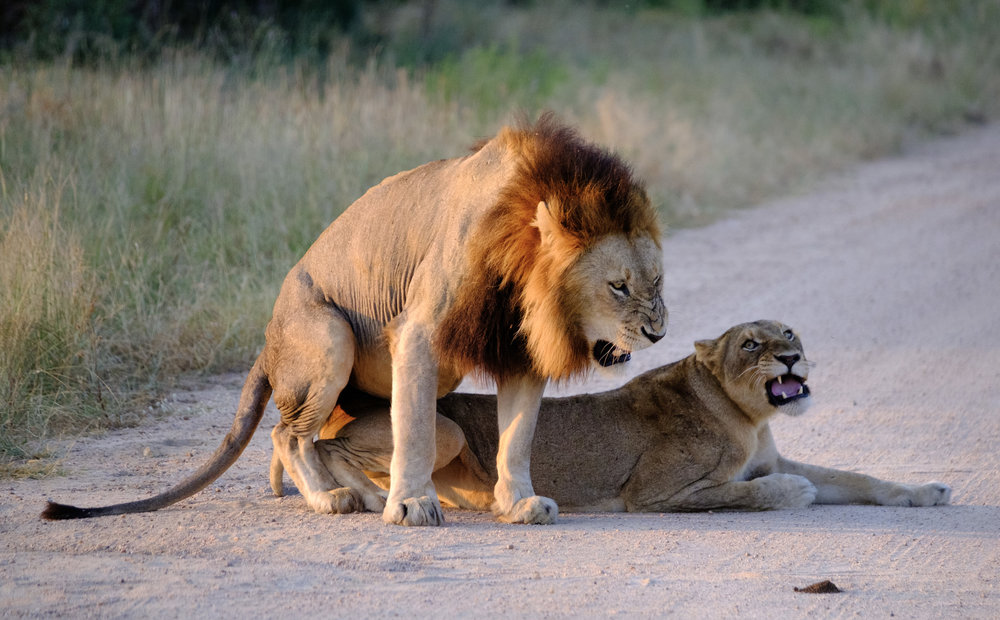
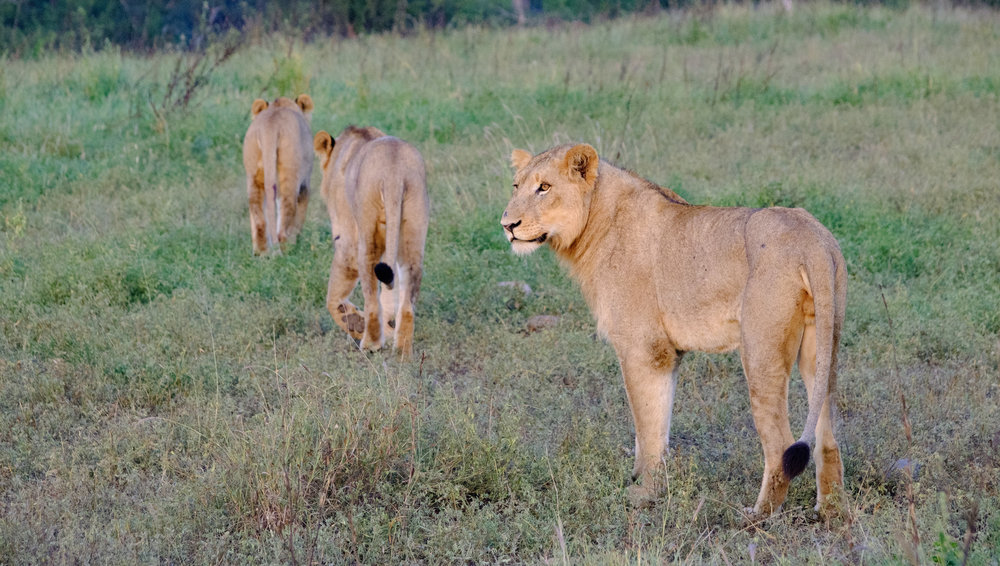
---
## Comments from the WordPress archive
*These comments were originally published on the previous WordPress version of this site. They are preserved here as a read-only archive.*
**Jean Pascal** 11 November 2018
> Thank you for the review! I might go for it!
### Peak Design Everyday Messenger V2 Review
URL: https://nandakusumadi.com/peak-design-everyday-messenger-15-version-2-v2-review/
Last updated: 2018-07-09T07:22:14.000Z
```
```
*Update on 28 July 2018: I can confirm that the hinge connecting the strap to the bag still squeaks when the bag is not secured tightly against your body. Tightening the strap somewhat alleviates the noise. Wedding or event photographers will want to stay away from this bag. I'm still keeping it because I don't really care about noise on my commute.*
I’ve been using Version 1 of the Peak Design Everyday Messenger (EDM) bag for over two years now. It’s always been one of my heavily used bags. Not just as a camera bag, but as an everyday work bag too.
Needless to say, I rushed to order one when I heard that they were releasing a Version 2 of the product.
# Versus Everyday Messenger V1 - Worth an upgrade?
Yes, it’s totally worth the upgrade for me. A couple of reasons why:
```
Powerful magnets - gracefully hidden, now ensure that the front side pockets stay shut
```
1. It has a luggage handle passthrough - one of my biggest pet peeves about the original was the lack of a proper luggage handle passthrough solution. You had to make do with a highly insecure attachment with the first version. No longer with the second.
2. The iPad slot now fits a 12.9” iPad Pro, or a 10.5” iPad Pro with Leather Sleeve.
3. The laptop sleeve is way deeper. There’s now a lot of clearance between the zippers and the top edge of the laptop - no need to worry about the zippers scratching the laptop.
4. There are magnets that secure the side pockets, making it \_that \_much more secure and usable. The V1 design had open pockets that allowed my smallest items to drop out.
5. The compartments in the front pocket have been upgraded with thicker, better quality material that holds your devices in place better.
6. The FlexFold dividers have been upgraded to the modern ones found in the Sling and the 13” EDM. One “column” of storage now can be divided into two “rows”. Note that this prevents the bag from becoming as “flat” as the V1 EDM because of its rigidity.
7. The base of the bag is slightly deeper, allowing it to stand on its own more easily because of this too.
If you’re thinking of upgrading from the version 1, you can consider the points above to decide if it’s worth the upgrade for you.
[Get it from Peak Design](https://www.peakdesign.com/?rfsn=1824899.62f96&utm%5Fsource=refersion&utm%5Fmedium=affiliate&utm%5Fcampaign=1824899.62f96)
# Design
I can’t think of another brand that puts in as much thoughtfulness into a messenger bag than Peak Design. Here are some of the design details that make it stand out from other bags for me in terms of convenience.
1. Anchor Link tether for easy access to keys - I use this everyday to unlock my doors, no more fishing around my bag for them.
2. The MagLatch closure mechanism allows me to close the bag in less than a second without fuss.
3. Top zipper easy access to main compartment - I use this to store and retrieve my passport or boarding pass at airports.
4. FlexFold dividers - while not perfect, are the best execution of customisable compartmentalisation I have experienced. They are rigid and super easy to customise. This is even when I compare it to the ThinkTank and Kata bags that I’ve had over the years.
5. Separated laptop and iPad sleeves - I don’t have to worry about one scratching the other.
6. Many separate compartments in the front - Again, I don’t have to worry about my items scratching each other.
```
```
# Build Quality
Build quality is also extremely durable and excellent. The choice of a durable canvas shell, with high quality nylon linings allows it to last a long time. I got the first version over two years ago and it still can pass off as a new bag despite heavy use.
Peak Design claims that the shell has an upgraded waterproofing treatment and while I haven’t used it under the pouring rain, I notice that water droplets tend to stay as droplets on the surface instead of soaking the bag like on my V1 EDM.
The Ash colour option I chose for has leather accents on the zippers and handle, which will develop a classy patina over time.
There have been some reports of the hinges squeaking after a long period of use. I haven’t encountered this on my V1 EDM, only on my Everyday Sling which doesn’t bother me that much.
# What can it fit?
I use this bag for two situations:
1. As an office messenger bag whenever I have to bring in my 15” MacBook Pro to work.
2. As a carry-on bag for travelling with light camera loads.
## Office carry setup
1. 15” MacBook Pro
2. 10.5” iPad Pro with leather sleeve and Apple Pencil
3. Fujifilm X100F
There’s a lot of empty space that I leave for ad-hoc items that I have to carry throughout the day, which is always nice so I don’t have to get plastic bags.
## Carry-on bag with light camera loads
```
Luggage Passthrough is a lifesaver (or should I say backsaver) if you travel often
```
1. Fujifilm X100F
2. Fujifilm X-E3 with Fujinon XF50-140mm F2.8 attached
3. Fujinon XF10-24mm F4
4. Fujinon 56mm F1.2
5. Sony WI-1000X Noise-Cancelling Headphones
6. 15” MacBook Pro
7. 10.5” iPad Pro with Keyboard Smart Cover
I prefer this setup when I fly to locations where I shoot mostly landscapes or cityscapes. The purpose of the bag is to contain all of the valuable items that I will not risk checking in.
The above setup is actually quite heavy to be carrying around all day, so the bag usually goes on top of a spinner cabin luggage. I would defer to my Everyday Backpack when carrying heavier loads, such as throwing in an XF100-400mm or a DJI Mavic Pro with spare batteries.
# Conclusion
I’m really pleased with Version 2 of the Everyday Messenger. The first bag was already an almost perfect messenger bag and now most (if not all) of the teething issues have been fixed.
I highly recommend it if you’re in the market for a messenger bag that can double as an office bag and as a camera bag, or have a V1 EDM and travel with it often.
You can use my link below to get 10% off (up to USS$15) Peak Design products, or use coupon code “nandakusumadi” at checkout.
[Get it from Peak Design](https://www.peakdesign.com/?rfsn=1824899.62f96&utm%5Fsource=refersion&utm%5Fmedium=affiliate&utm%5Fcampaign=1824899.62f96)[Get it on Adorama](https://adorama.evyy.net/c/418798/51926/1036?u=https%3A%2F%2Fwww.adorama.com%2Fpdbs15bl2.html&ref=nandakusumadi.com)
### Autumn in Japan with the Fujifilm X100T
URL: https://nandakusumadi.com/fujifilm-x100-series-for-travel-a-week-in-japan/
Last updated: 2018-05-21T20:12:26.000Z
The X100 series is an interesting camera. With a fixed lens that befuddles new enthusiast photographers, it’s one of those cameras alongside the Leica Q that seems to be designed **just** for capturing memories.
I once took the X100T to Japan in 2015, shot exclusively with it, and came away impressed with the results. Now I find myself deeply considering the X100F as an “on-groom” camera for my wedding.
I’ll let the pictures do the talking below but first here are some tips:
1. Macro mode - The built in lens has this wonderful feature, but don’t forget to stop down to F4 and above to get sharper results. Focusing is extremely soft at F2.8.
2. Don’t forget about the built-in 3-stop ND filter for F2 shots in broad daylight.
3. I’ve assigned dedicated shortcuts to the macro mode and the ND filter because they are so useful. The macro mode kicks in automatically on the X100F.
4. Consider the [official lens hood and adapter ring](https://amzn.to/2Lji0Cg?ref=nandakusumadi.com), it allows you to sling the camera without the cap on with some protection. This makes it easier to bring the camera up for quick shots.
[Fuji X100F on Amazon](https://amzn.to/2IAX34c?ref=nandakusumadi.com)

Himeji Castle - One of Japan's iconic castles
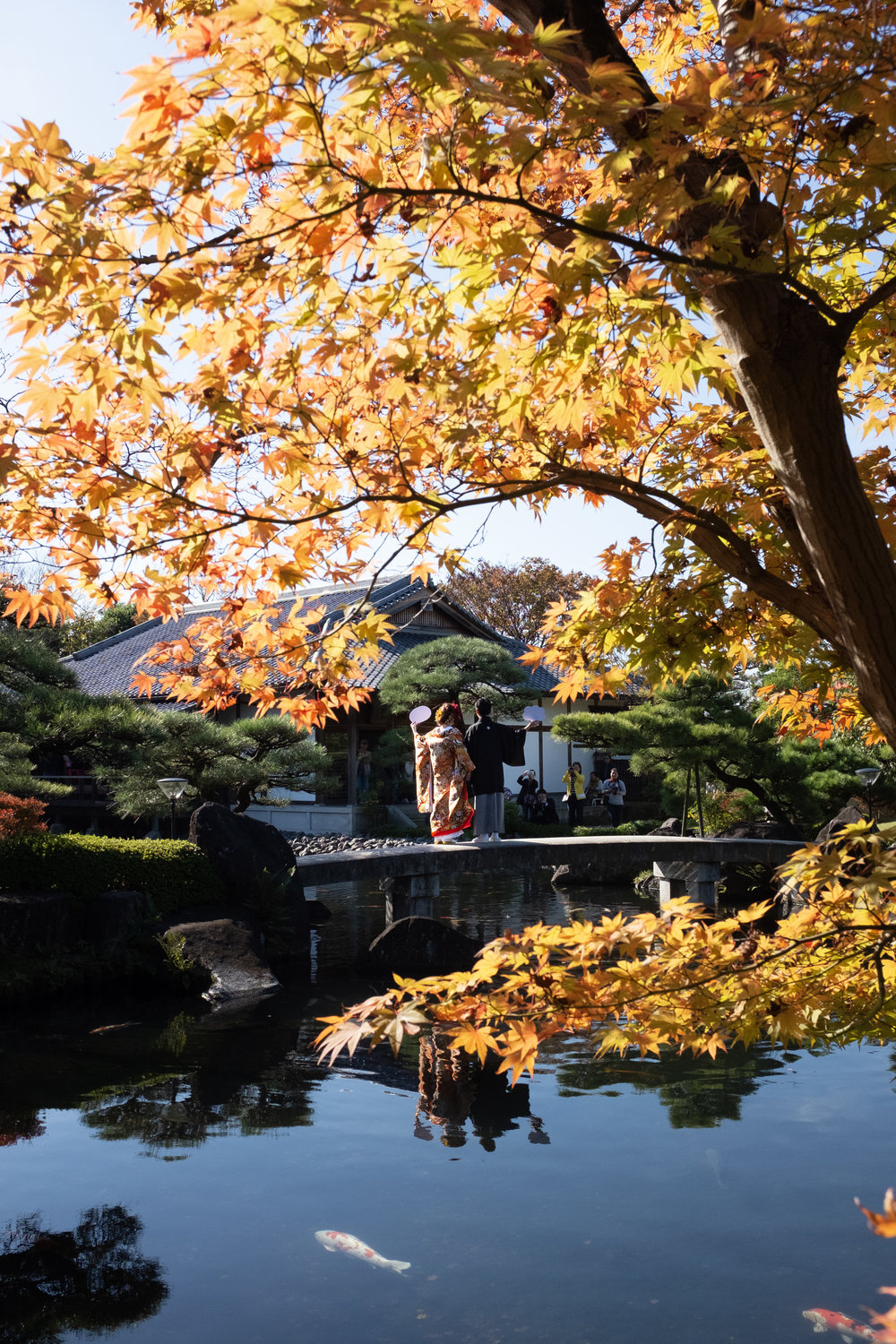
A Couple Poses for their Wedding Photo
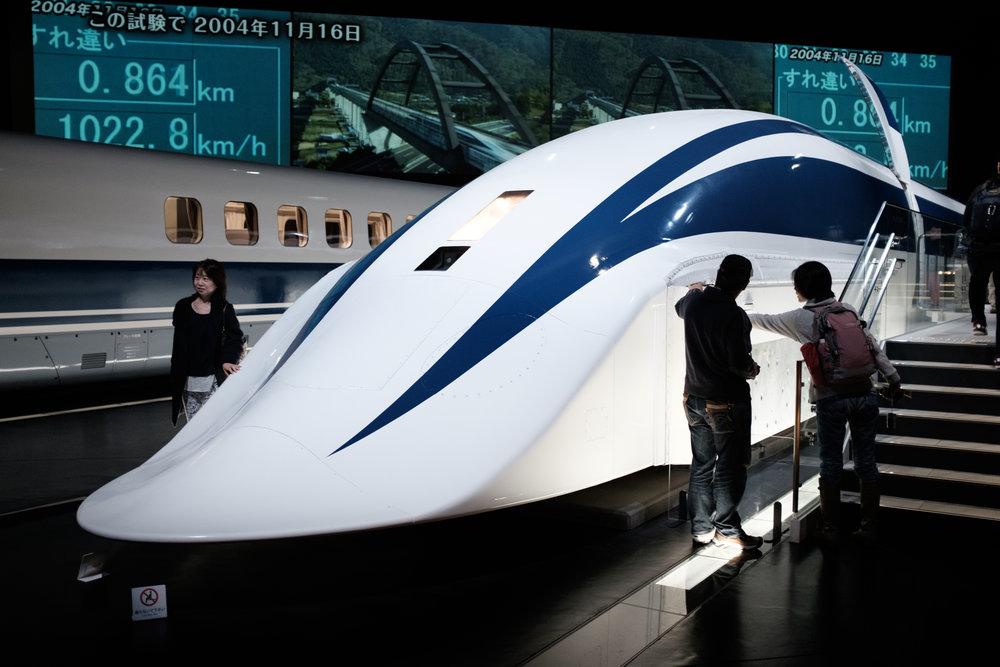
MLX-01 Maglev Train Prototype
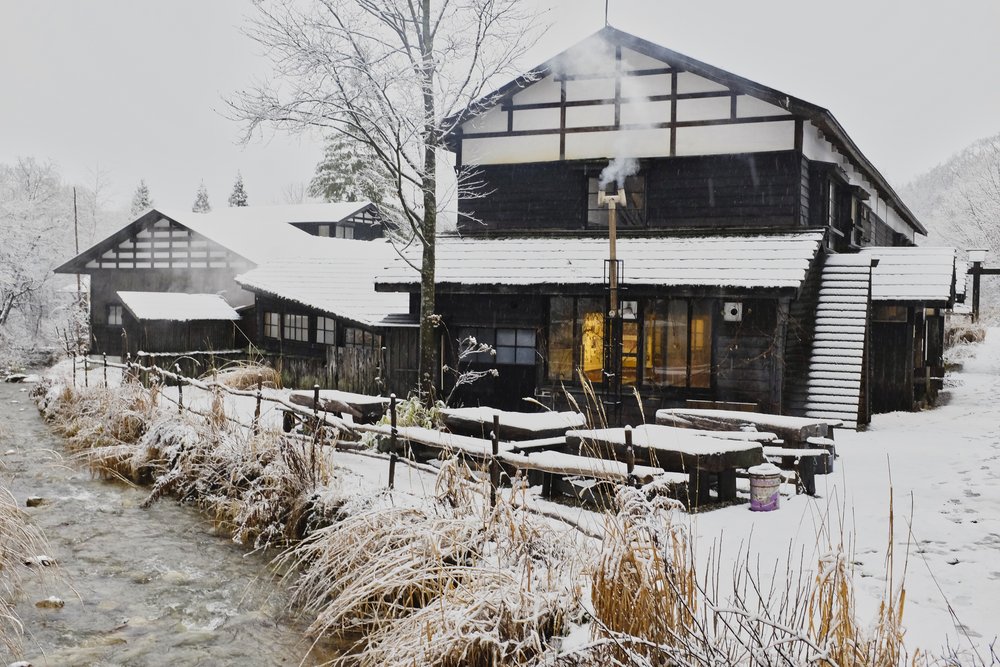
Snowfall at the Hot Springs
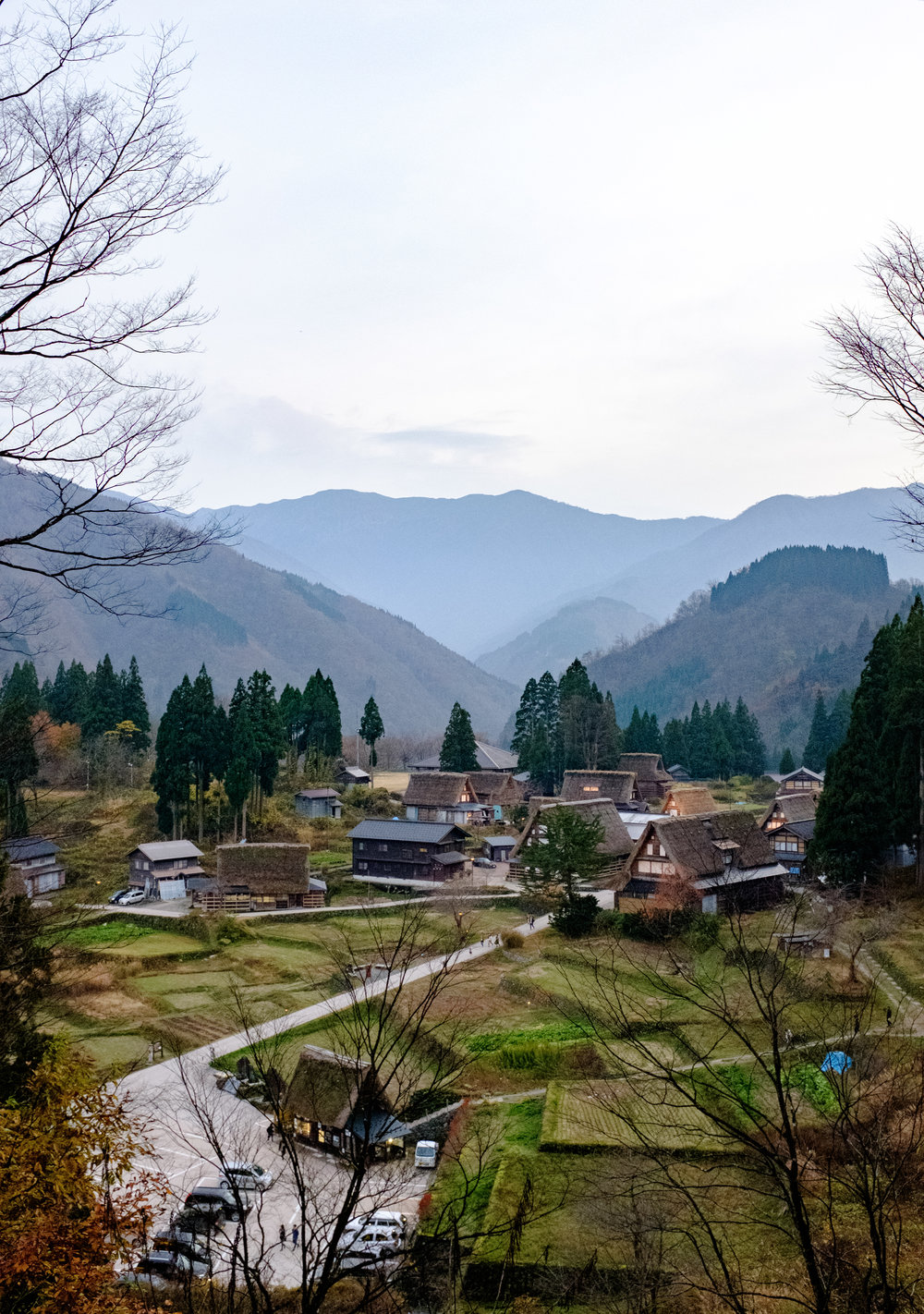
Gassho-zukuri Houses
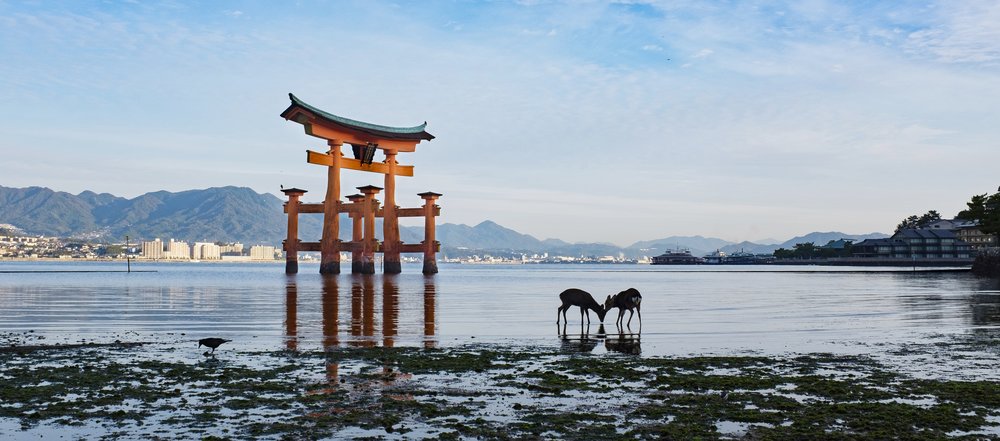
Cuddling Deer in Miyajima
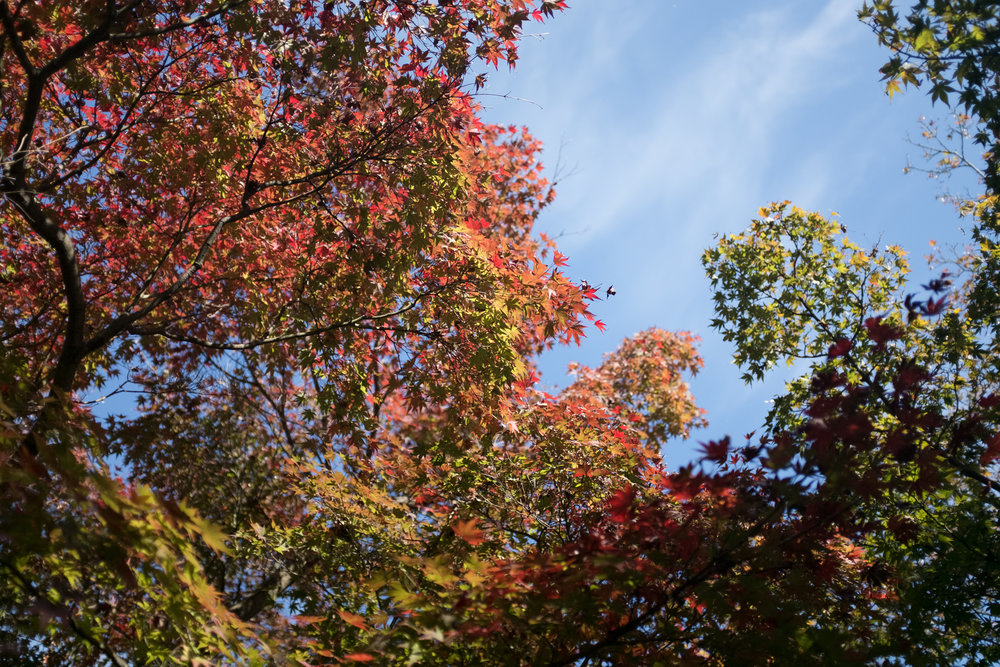
Turning of Leaves

Macro mode comes in really handy, but remember to stop down to F4 at least
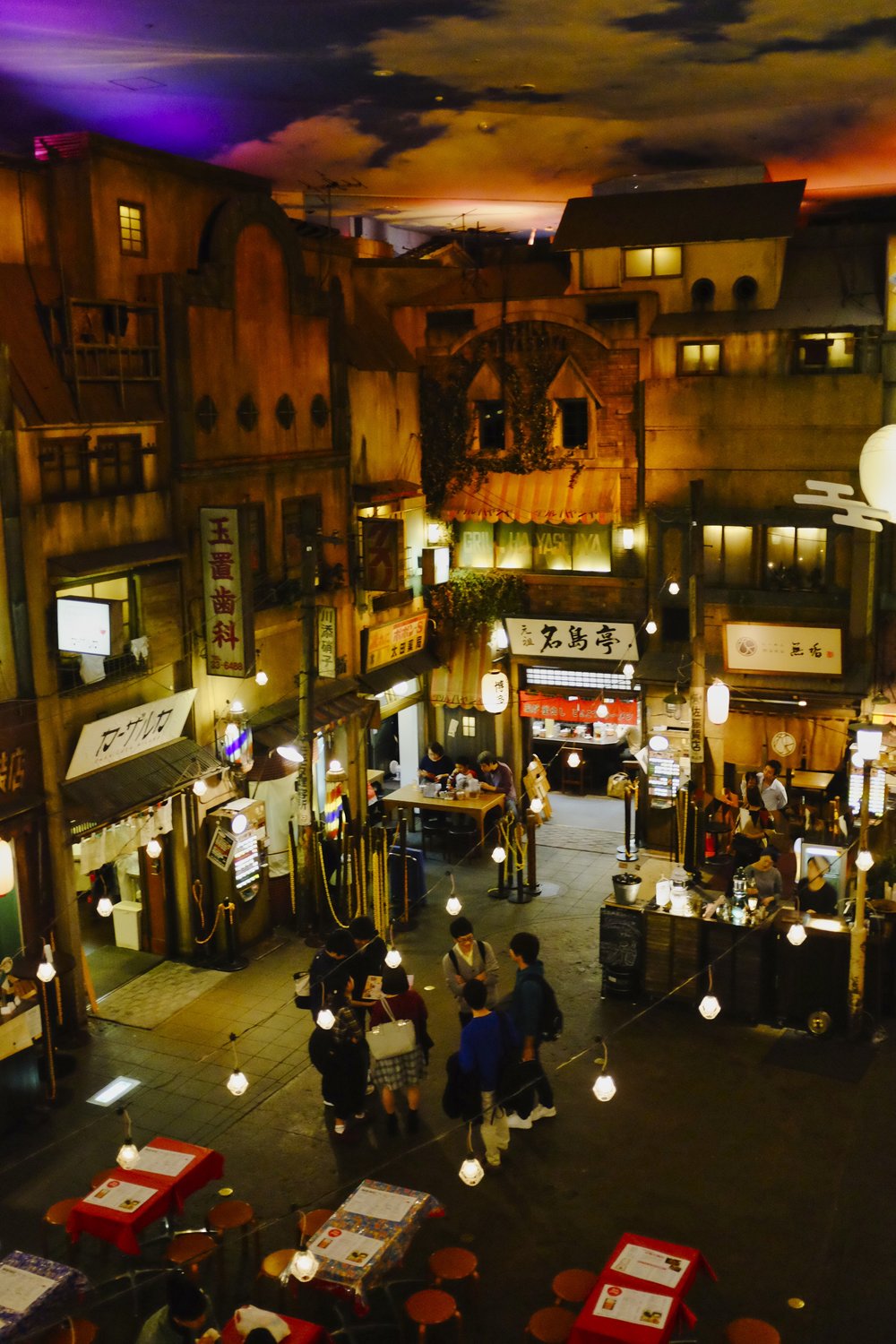
Retro street at the Ramen Museum
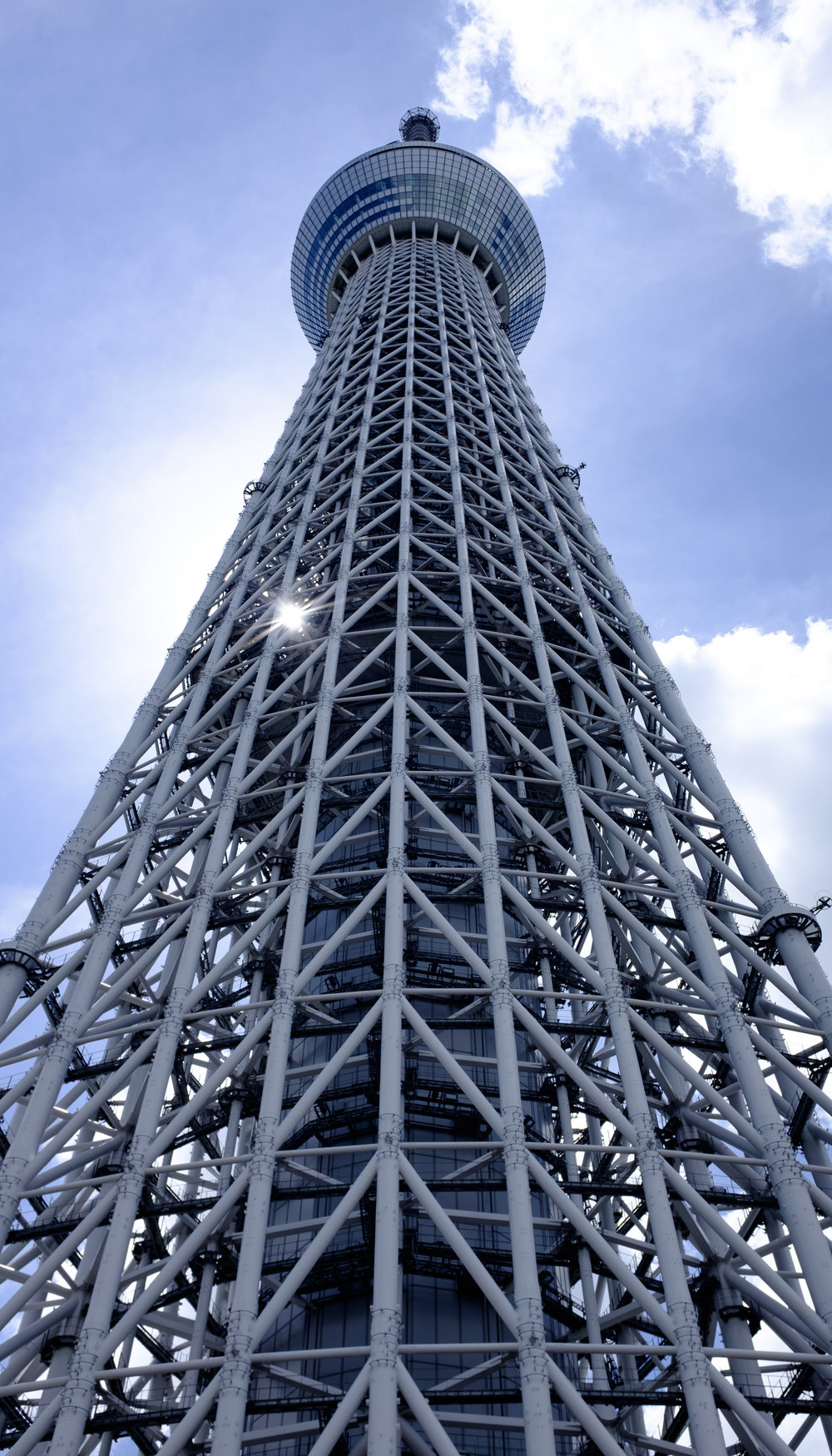
Looking up at the Tokyo Skytree - This was from a separate trip earlier that year when I bought the X100F
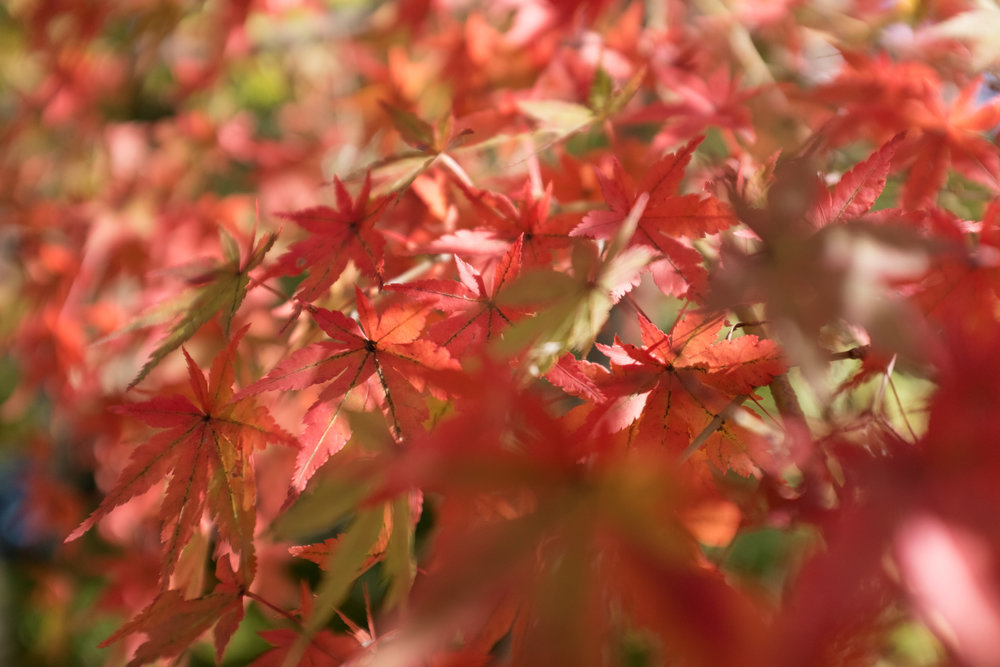
Japanese Maple in the Fall
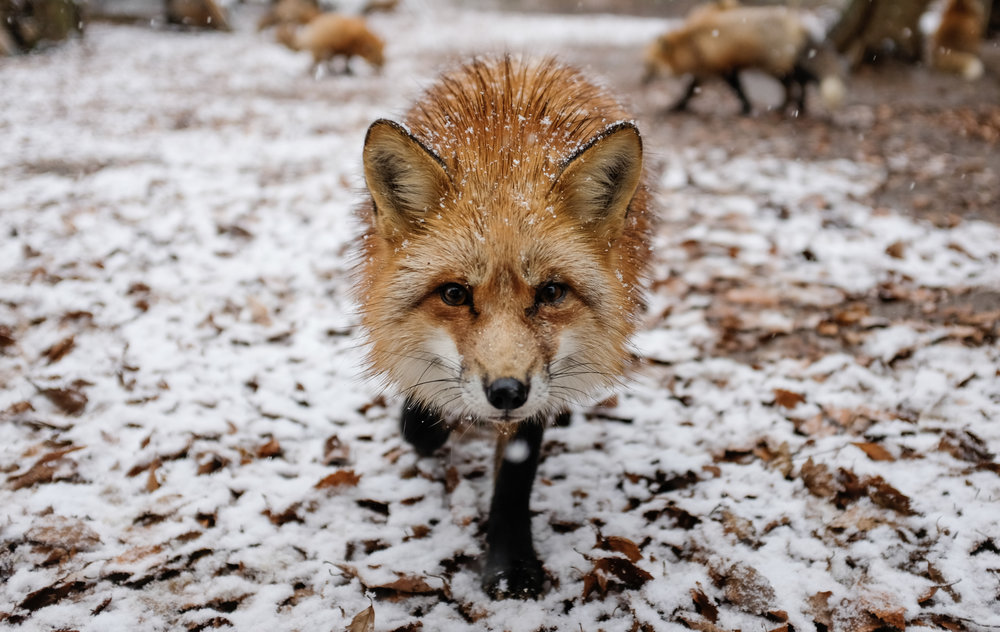
Curious Fox Approaches in the Snow
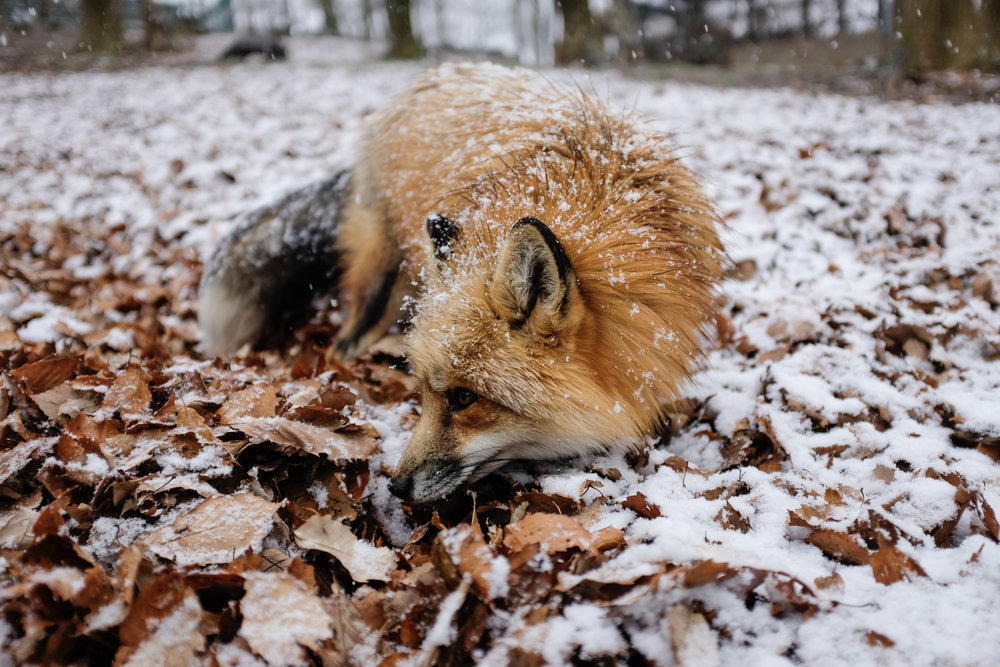
Vulpine under the Snow

Vulpine Mating Ritual
In conclusion, I can sum up the shooting experience with any X100 camera for travel as both **challenging and liberating**. Arriving at the Fox Village without a telephoto lens got me unnerved, but I got away with some pretty decent "wildlife" photos. Sometimes, **challenging and liberating** are all you need for a camera that's meant to make memories.[Fuji X100F on Amazon](https://amzn.to/2IAX34c?ref=nandakusumadi.com)Have you had any experiences travelling exclusively with an X100 camera? Let me know in the comments below!
### The Best Accessories for the Fujifilm X-E3
URL: https://nandakusumadi.com/the-best-accessories-for-your-fujifilm-x-e3/
Last updated: 2018-05-12T19:40:26.000Z
Since my previous article on accessories for the X-T2 was rather popular, I thought it would be appropriate to share some of my thoughts on what are the best accessories I have for the X-E3\. This time, I’ll add lenses to the mix too.
# Lenses on my X-E3
I currently travel with three primary lenses for my X-E3\. These three are great for casual weekend trips that my X-E3 tends to accompany me on.
## Fujinon XF23MMF1.4
I love the field of view this gives me. 35mm has always been my “Go-to” equivalent field of view as it matches closely to what my eyes see. This also sort of turns the X-E3 into a “fast-albeit-bulky” X100, sans macro mode.
[XF23MMF1.4 on Amazon](https://amzn.to/2KVEAk8?ref=nandakusumadi.com)
## Fujinon XF16MMF1.4
Oddly enough I use this lens as a pseudo-macro lens the most. Its close focusing distance allows you to take “Contextual macros” very easily by placing subjects within its environments.
[XF16MMF1.4 on Amazon](https://amzn.to/2rFsKll?ref=nandakusumadi.com)
## Fujinon XF56MMF1.2
Like the 85mm lenses from many other brands, this lens is a stunner for portraits and full body shots. Minimal distortion and a fast F1.2 aperture
[XF56mmF1.2 On Amazon](https://amzn.to/2rFsPFR?ref=nandakusumadi.com)
## Fujinon XF1024MMF4
For trips involving magic hour landscape or cityscape shoots, I throw in the XF 10-24mm in the bag as well. It’s ridiculously light for what it does and has excellent image quality. You can read my review of the lens [here](http://www.nandakusumadi.com/blog/2017/7/30/fujinon-xf-10-24mm-f4-r-ois-review?ref=nandakusumadi.com).
[XF10-24MMF4 on Amazon](https://amzn.to/2rEiWIq?ref=nandakusumadi.com)
# Augmenting the X-E3
## A cheap, good-enough aluminium L-Bracket
I’m a big fan of L brackets. Everyone who shoots landscapes should have one. Being able to mount the X-E3 in both landscape and portrait modes on a tripod around the centre axis will help a lot when it comes to creating panoramic images.
In my experience, the cheap L brackets from China are 90% as well made as the expensive ones. There’s only so much you can do with CNC-lathed aluminium.
There is one more killer feature that the L bracket enables though. It enables you to access the battery and SD card compartment while keeping an Arca plate attached. Like I said, everyone who shoots landscapes should have one.
[Cheap L-Bracket on Amazon](https://amzn.to/2rBZm0k?ref=nandakusumadi.com)
## Mechanical Cable Shutter release
The X-E3 already has some retro cred, why not take it a step further with a mechanical cable shutter release to screw into the shutter button?
Seriously though, the best thing about these cables is that you can buy a couple and leave it in your camera bags without having to worry about replacing batteries.
[Mechanical Release on Amazon](http://amzn.to/2yOrpuz?ref=nandakusumadi.com)
## Add a personal touch with a Soft Shutter button
Another benefit of having a threaded shutter button is the option to add a soft shutter button to personalise your camera.
[Button on Amazon US](http://amzn.to/2y0JdDu?ref=nandakusumadi.com)
# Carrying the X-E3
## Peak Design Capture V3
So the Capture V2 has been made even better with the thinner, lighter and generally better looking V3\. I particularly like how the camera plate is even thinner while still acting as an Arca compatible plate for the tripod.
Pretty much a no-brainer if you do not already have a Capture clip and value quick access to your camera by securing it outside your bag.
Worth the upgrade if you’re using an older Capture on a backpack as the new design is more comfortable.
[Get it from Peak Design](https://www.peakdesign.com/?rfsn=1824899.62f96&utm%5Fsource=refersion&utm%5Fmedium=affiliate&utm%5Fcampaign=1824899.62f96)[Capture V3 on Amazon](https://amzn.to/2rEs4gp?ref=nandakusumadi.com)
## Peak Design Everyday Sling 10L
I love how the X-E3 fits in this bag easily with all of the lenses described above. I used this while walking around Cinque Terre with my Sirui tripod fastened on the straps.
[Get it from Peak Design](https://www.peakdesign.com/?rfsn=1824899.62f96&utm%5Fsource=refersion&utm%5Fmedium=affiliate&utm%5Fcampaign=1824899.62f96)[Sling on Amazon](http://amzn.to/2y1h1R8?ref=nandakusumadi.com)
# Stabilising the X-E3
Carrying a compact camera like the X-E3 would be pointless without reducing the weight of your other heavier accessories. The great thing about the X-E3 is that it has a small aerodynamic footprint in windy conditions, it tends to shake less so you can get away with a smaller tripod than you would with a traditional DSLR.
## Sirui N-1204/5X Tripod
I have three Sirui tripods, this is my favourite for the X-E3\. It provides a great balance of excellent stability and portabiltiy. The centre column can be removed for low perspective shots.
This tripod fits very easily onto the carry straps of the Peak Design Everyday Sling 10L.
One of the legs can also be removed to serve as a Monopod, saving you from having to carry another.
[Sirui Tripod on Amazon](https://amzn.to/2rEqzj0?ref=nandakusumadi.com)
## Sirui K-20X Ballhead
This ballhead provides more than enough stability for the X-E3 with most of its lenses. It has a friction control system that you can set so that your camera doesn’t flop down the ballhead when you loosen the screw.
The included Arca plate is rather large though, I use the Arca mount on the L-bracket or a Peak Design plate instead.
[K-20X Ballhead on Amazon](https://amzn.to/2Ift957?ref=nandakusumadi.com)
## Gorillapod SLR Zoom
This is is a lifesaver in the increasing number of places that don’t allow tripods like many rooftops. Just attach the K-20X ballhead, place it on a wide ledge and you’re fine for stability.
Don’t lose the 1/4” to 3/8” adapter though.
[Gorillapod SLR Zoom on Amazon](https://amzn.to/2rEoYc1?ref=nandakusumadi.com)
# Wrapping up
Those are my favourite accessories for the X-E3 that have made it an even better camera for me. What are some of yours that I may have left out? Do let me know in the comments below.
Please consider using my links above if you found this article useful.
---
## Comments from the WordPress archive
*These comments were originally published on the previous WordPress version of this site. They are preserved here as a read-only archive.*
**Mike Glish** 26 April 2019
> I purchased my X-E3 with the famous 18-55mm kit lens. I already had the 23mm f2.0 prime lens (which is another kit lens option with this camera). I bought a Manfrotto Advanced Active Shoulder Bag 1 which perfectly holds the camera with either lens attached and a place to tuck the second lens. I bought a lens cleaning pen which fits perfectly into the little internal pocket on top. I also bought a Peak Design Leash camera strap. The camera, lenses, strap, and pen fit nicely into the bag. Not much room left though, but I don't need it. The X-E3 is my "pocket camera". I have an X-T3 for serious stuff and lots of associated gear that I put in a Peak Design Everyday Sling 10L. What an excellent bag! All of my extras like Gopro controller, data cables, etc., will stay in here. I will only use the Manfrotto bag to throw in the car or to store at home. I won't carry the bag.
### Moment Lenses and Photo Case Review - The best interchangeable system for your iPhone
URL: https://nandakusumadi.com/moment-lenses-v2-x-review-the-best-interchangeable-system-for-your-iphone-x/
Last updated: 2018-05-06T01:29:37.000Z
*Updated 27 November 2018 - Renamed Tele V2 to Tele 60mm. Review for 58mm lens coming soon.*
*Updated 30 May 2018 with additional photos.*
```
Broad daylight with the iPhone X and New Wide Lens V2
```
It’s no secret that I came away extremely impressed with the camera on the iPhone X. The set of dual stabilised lenses and Apple’s willingness to partially post process images in-situ made it close the gap even further on point and shoot cameras.
With interchangeable lenses, the iPhone X has even replaced my mirrorless cameras in “broad daylight” or “bad lighting” conditions 90% of the time.
There are many different systems of interchangeable lenses out there, from cheap Chinese ones costing a few bucks to Zeiss’ humongous lenses. After considering many factors related to each system, I decided on the new V2 lenses by Moment.
## Why Moment?
When it comes to choosing lenses for your iPhone, you can either skimp out and buy a cheap clip on lens or fork out the dough (still a small sum compared to real lenses) to invest in a higher end ecosystem such as the ones by Zeiss or Moment.
Zeiss’ lenses do seem tempting due to their pedigree in producing fine optics, but their speed of release when it comes to supporting new iPhones is sorely lacking. As of April 2018, I still see no mention of their Exolens brackets for iPhone X on their website.
Getting a cheap clip-on lens would mean **extra hassle of having to align the lens with the camera** on the phone every time I want to use it. These cheap lenses tend to produce lower quality images too.
By the above criteria, the lenses produced by moment are the best option on the market right now.
[Get Moment Gear](https://www.shopmoment.com/shop?tap%5Fa=30146-d3ce98&tap%5Fs=258645-73119d&utm%5Fmedium=referral&utm%5Fsource=ambassador&utm%5Fcampaign=Moment+Referral+Program&utm%5Fcontent=nandakusumadi)
## My Kit
This post will be about the following Moment products, all of the products were purchased on my own.
1. Photo Case for iPhone X
2. Wide 18mm Lens
3. Superfish Lens
4. Tele 60mm Lens
I have not purchased the macro lens as I anticipate it will be painful to have to focus manually on the iPhone when dealing with the limited depth of field in macro photography.
Moment also have an upcoming anamorphic lens that I’m eagerly anticipating, though I haven’t pre-ordered it as I didn’t get a chance to snag an early bird offer on Kickstarter.
```
Clockwise from top-left: iPhone X Photo Case, Tele 60mm Lens, Superfish Lens, Wide 18mm Lens
```
# Photo Case for iPhone X
One of the best (and subjectively worst, but I’ll come to that later) things about the Moment system is that the entire ecosystem is built around an iPhone case with a bayonet style mount that you can secure lenses onto. That makes it analogous to many of the interchangeable lens camera systems we’ve come to love. When you have a new iPhone, just grab a new case (or use the existing one if they’re physically similar) and you have a new “camera body”. Your lenses should be future proof this way (theoretically).
## Build Quality
The build quality of the case is pretty great for something that costs just US$29.99\. The lens mount and lanyard holes are made of metal and feel extremely durable.
I opted for the wood backing that gives it a sort of premium feel. The wood panel is also made of real wood, meaning that your case will look unique next to another Photo Case.
I’ve also dropped my iPhone X several times with the case on, and it seems to do a pretty great job of protecting the iPhone and leaving it unscathed.
## In everyday use
What I don’t like about it is the lack of curves on the case itself. You see, the iPhone X (and you can even say every iPhone since the 6) has curved edges that makes it really nice to hold, to the point that it feels organic. There are no sharp edges and this spirit gets propagated to your hands even with the official Apple Cases on.
On the Moment Photo Case however, you get a sharp edge that makes the it feel robotic. This utter lack of [curvature continuity ](https://hackernoon.com/apples-icons-have-that-shape-for-a-very-good-reason-720d4e7c8a14?ref=nandakusumadi.com)transforms this beautiful device, painstakingly crafted to feel as organic as possible into something that feels like an electronic, robotic device.
```
The iPhone X's smooth curves get propagated on Apple's official case (Left), not so much on the Moment Photo Case (Right)
```
# Wide 18mm Lens
```
Easy cityscape after a hike up Victoria Peak - Wide 18mm Lens + iPhone X
The Wide 18mm Lens is the heftiest of the lot, but has the best image quality
```
This is the largest lens of the lot and feels like the most well engineered optically, which means it spends the most time on my camera.
## A scouting camera in your pocket(s)
Scouting for a vantage point used to mean carrying a [Fujifilm X-E3](http://www.nandakusumadi.com/blog/2017/9/28/fujifilm-x-e3-first-impressions-review?ref=nandakusumadi.com) with an [XF10-24mm](http://www.nandakusumadi.com/blog/2017/7/30/fujinon-xf-10-24mm-f4-r-ois-review?ref=nandakusumadi.com) attached to it in the day time, just so I could visualise what a wide angle shot would look like. With the Wide Lens attached, you’re covered from 18mm all the way to 56mm on the iPhone X with the following combinations:
1. 18mm (Attached to the wide camera)
2. 28mm (The wide camera)
3. 35mm (Attached to the telephoto camera)
4. 56mm (The telephoto camera)
The only minor annoyance is that combination 3 almost always doesn’t work on the stock camera app on iOS 11.3 due to it defaulting to the wide camera in 2x mode. I usually just launch Procam to activate the telephoto camera manually.
```
Using the New Wide Lens on the telephoto camera yields a 35mm FOV, my favourite
```
With the four combinations above, I don’t really need to carry my X-E3 with me during the day. I can just scout for vantage points using my iPhone X and the New Wide Lens.
## Good enough image quality for a broad daylight camera
Image quality is great enough for posting photos on Instagram. In fact, I would say that I’m using this as my primary “broad daylight” camera on holidays 90% of the time. The remaining 10% are the times where I would sling the X-E3 with the XF50-140MM F2.8 as a telephoto camera.
```
In broad daylight, environmental portraits can be salvageable with the iPhone X and Moment Lens
```
Edge and corner sharpness take a visible hit from the stock iPhone lens, but we’re talking about images from the iPhone anyway, they’re never going to match up with a prime lens on a Full Frame or APS-C camera.
To manage your expectations though, the image quality is nowhere near good enough for A4 prints or for 5K wallpapers. Realistically speaking I would only use images taken during magic hour for these anyway.
# New Superfish Lens V2
```
The New Superfish Lens gives a 170 degree field of view and is more pocketable than the New Wide Lens
```
This rectilinear fisheye gives you an even wider 15mm point of view. I’m not a big fan of the fisheye effect but this is pretty useful when you want to squeeze a lot of landscape in, like say in a tall office building. It’s also noticeably smaller and pocketable than the New Wide Lens.
## Image quality a step down from the New Wide Lens, but still decent
I personally think that most Fisheye lenses throw image quality out of the window with distortion, but it seems that the images taken with this lens are still well worth posting online or printing small.
```
You don't necessarily have to shoot fisheye photos with the Superfish + iPhone 7 Plus
```
```
I made this long exposure with Live Photo Effects on iOS 11. It's not the sharpest but it works and will only get better.
```
# New Tele Portrait Lens V2
```
The Tele Portrait Lens functions as a 2x multiplier
```
This is a 2x teleconverter that converts the wide camera into a 56mm equivalent and the telephoto camera into a 110mm equivalent.
## Image quality a big step down
This lens only maintains some sharpness in the centre. Edges and corners are noticeably worst, even for posting online. Sharpness on the telephoto camera on the iPhone X is noticeably better.
To Moment’s credit, they do mention on their site that this was designed to be a “Portrait” lens where your subject tends to be in the centre and having the edges blurred out is a “desirable” quality. It’s also extremely difficult to produce a teleconverter with minimal image quality loss.
```
You get a 110mm FOV by mounting the New Tele Portrait lens on the Telephoto camera, only the center is sharp though
```
I find that its use for landscapes is extremely limited though, unless your subjects tend to be in the centre all the time or you favour the vignetting effect.
```
```
# Verdict
## Photo Case for iPhone X
Really decent build quality for the price and your only choice for the Moment ecosystem. If only they could apply some of Apple’s curvature continuity on its edges.
# 3.5/5
## New Wide Lens V2
As mentioned above, this is my favourite moment lens due to its decent image quality and versatility with the two cameras on the iPhone X. Its use as a daytime scouting camera alone makes it worth the price. Buy this lens before you buy any of the others.
# 4/5
## New Superfish Lens V2
This is a worthy add on to your kit once you have the case and the wide lens. Even if you’re not into the Fisheye effect, it can give you an even wider field of view with a decent image quality.
# 3/5
## New Tele Portrait Lens V2
This is the most “specialised” lens of the lot. With the noticeable softness around the edges and corners, you need to manage your expectations before investing in it. I bought one anyway for “Emergency” Instagram landscape shots as it fits easily in the coat pocket
# 2/5
If you found this review useful, please use the link below to get your first moment purchase. It gives me a small commission that will help me write more of these posts.
[Get Moment Gear](https://www.shopmoment.com/shop?tap%5Fa=30146-d3ce98&tap%5Fs=258645-73119d&utm%5Fmedium=referral&utm%5Fsource=ambassador&utm%5Fcampaign=Moment+Referral+Program&utm%5Fcontent=nandakusumadi)
## A note on future proofing
With the exception of the New Telephoto Lens, I would expect both the New Wide Lens and the New Superfish Lens to be future proof with the next few generations of the iPhone in terms of mount compatibility. I think we have to manage our expectations when it comes to image quality.
The V1 lenses are unusable with the newer iPhones due to the larger lenses on the iPhone, Moment seems to have future-proofed that to a certain extent with the V2 lenses. You should be safe for a couple of generations until Apple decides to increase the physical size of the cameras dramatically.
---
## Comments from the WordPress archive
*These comments were originally published on the previous WordPress version of this site. They are preserved here as a read-only archive.*
**Martin Harvey** 26 July 2018
> Thanks for the thoughtful and useful review. Too many reviews these days seem to be written by writers who reguricate website literature. I have an iPhone X and will likely get the wide and telephoto lenses plus, I think, the more expensive cover. BTW an X-Pro2 shooter. Thanks.
**Benjamin Skorov** 10 September 2018
> Hey there, thanks for the review, I think it's very well reasoned and I'm glad to finally see somebody talk about these lenses while showing pictures that are worth talking about.My main question would be: I'm currently on the iPhone 7 and don't plan on upgrading; when I'm traveling without a proper camera, it has to hold up for my photography.Now, on my last trip I learnt that I prefer my mobile shots cropped, to imitate the tighter composition of a normal zoom lens on a DSLR. Obviously I'm considering buying a tele because of that.The question's a pretty simple one: do you feel like I'm better off cropping the original iPhone pictures or using uncropped but slightly blurred tele shots in terms of resolution and overall quality? Is there any point in buying this lens at all?
**Nanda Kusumadi** 10 September 2018
> Hi Benjamin, thanks for the kind words! I guess the question to ask for your specific case is whether you actually crop to beyond 2x? If you find yourself regularly cropping the images at 2x or beyond (around 56mm at Full-frame FOV equivalence), then I would say the Moment lens is worth the price as you do get more resolving power towards the center of the frame. If you crop regularly at factors below 2x, then the lens wouldn’t help at all. Hope that helps!
**Benjamin Skorov** 12 September 2018
> Hey, thanks for the quick response! The answer helps and I've decided to keep going a couple years longer without an additional lens (importing any of these to Europe means a hefty tax anyway, so it's far less attractive a buy) and feel more and more intrigued by your four-for-one solution of getting myself a wide once I switch to one of the dual lens models in the future :)
**Grant Godfrey** 4 December 2018
> Is your moment link still working? I clicked through and wrote down the promo code, but at checkout it said that the code was no good. Now when I try to click the link again there is no pop-up.
**Nanda Kusumadi** 4 December 2018
> Hey thanks for the heads up. I’ve checked it on my end and can’t get the coupon code working too. I’ve reached out to the moment team and will get back to you on this. Sorry for the trouble!
**Grant Godfrey** 5 December 2018
> Thanks. They updated the code and it works now.
**Jack Volpe** 15 January 2019
> Hey, great post! I clicked the link but there was no code, just a message saying "looks like we have a friend in common" but I didn't see any code :( Am i blind or has it expired by now? Thanks mate!
**Nanda Kusumadi** 15 January 2019
> Thanks for letting me know! I’ve reached out to the moment team and will update as soon as I get a response.
**chris harber** 18 February 2019
> I have an iphone 6s and considering the purchase of v1 moment lens. I am uncertain what/where to purchase a case to accommodate these lenses. Thank you for any thoughts.
### There’s a damn good reason for Apple’s obsession with thinness
URL: https://nandakusumadi.com/theres-a-damn-good-reason-for-apples-obsession-with-thinness/
Last updated: 2018-05-04T20:58:22.000Z
*A chorus of pundits complains about Apple’s obsession with thinness, every time a new device with a fresh hardware iteration - painstakingly designed to be as thin as possible, is announced.*
The complains will be a usual variant of “No, we don’t need our iPhones, iPads and MacBooks to be thinner than they already are. We’d rather have 36 hour battery life and have them the same thickness as they were.”
**Except you don’t.**
None of these pundits usually take the time to think **why** is it that Apple is so obsessed with thinness.
The answer is simple. It is Apple’s job to make the iPhone, iPad, MacBook or whatever hardware it is you’re using, **disappear**.
**Disappear** so you can focus on the **job it’s meant to help you get done**.
That’s the breath of fresh air you get the first time you placed a MacBook Air on your lap back in 2008, when you *can’t feel like it’s there at all*.
That’s the difference in experience between using [Windows 10](https://www.howtogeek.com/279632/how-to-stop-microsoft-edges-pop-up-notifications/?ref=nandakusumadi.com) and macOS.
That’s the difference between using an iPhone with nothing visible on the front [other than its screen](https://forums.androidcentral.com/samsung-galaxy-s7-edge/651237-verizon-s7-s7-edge-tramp-stamp-2.html?ref=nandakusumadi.com).
That’s one of the hallmarks of a true “[bicycle for our minds](https://youtu.be/ob%5FGX50Za6c?t=25s&ref=nandakusumadi.com)”.
Thinness is just one of the ways that Apple can make its devices disappear, so the focus can be on **the user and the jobs they are trying to get done**, not the device.
P.S. This doesn’t mean that the failure rate on the new MacBook Pros are excusable though.
Yes, Apple should have tested their new design more rigorously and if patent filings are any indication, we should see an improved design in the next hardware iteration that improves reliability. An improved design that should have shipped with the 2016 MacBook Pros.
Let’s just stop taking the easy “pundit” way out and throw thinness under the bus without considering why the obsession was there to begin with.
### Sony WI-1000X Noise Cancelling In-ear Headphones Review - Perfect for the short to medium haul flight
URL: https://nandakusumadi.com/sony-wi-1000x-noise-cancelling-in-ear-headphones-perfect-for-the-short-to-medium-haul-flight/
Last updated: 2018-05-03T07:08:15.000Z
# Sony WI-1000X Noise Cancelling In-ear Headphones Review - Perfect for the short to medium haul flight
```
```
Part of the stress that comes with flying stems from your sense of hearing being bombarded by low-frequency engine noise - among other things like the baby crying from a few rows back or a noisy group of tourists who surround you. All part and parcel of modern flying.
Anyone who flies on a regular basis should invest in a good pair of noise-cancelling (NC) headphones. For a long time, the Bose Quietcomfort series have been the gold standard of NC performance that spares your sense of hearing from being bombarded. Ever since I bought my very first pair of Bose QC15s, I’ve never jumped on a flight without a pair of NC headphones.
No other company’s NC technology has performed close to Bose’s until Sony released the [MDR-1000X](https://amzn.to/2rgZwJJ?ref=nandakusumadi.com) a few years back. Since then, they’ve released their second generation of products, including the [WH-1000XM2](https://amzn.to/2rajupi?ref=nandakusumadi.com) (a slightly improved version of the MDR-1000X), the “true wireless” in each ear [WF-1000X](https://amzn.to/2KmlPX3?ref=nandakusumadi.com) and the “Behind-Neck In Ear” [WI-1000X](https://amzn.to/2vWjuPa?ref=nandakusumadi.com).
# The search for NC heaven with a smaller footprint
I already had the Bose QC35 and the Sony MDR-1000X over-ear NC headphones in my collection before I bought the WI-1000X.
Both over-ear headphones are great for long haul flights exceeding 8 - 9 hours. For flights shorter than that, having a pair of headphones occupy that much real estate in your carry on seems like a bit of a luxury.
The Sony WF-1000X’s looks like a dream but its inability to connect to an inflight entertainment system (IFES) and short battery life ruled it out of the contest. The WI-1000X doesn’t suffer from these issues with its battery life of **10 hours on Bluetooth** and **14 hours when connecting it by a** (rather peculiar) **Micro USB to 3.5mm headphone plug**.
Most of the reviews on the WI-1000X online don’t focus on **in-context use**, which got me thinking for a while before I decided to take a plunge on them during an Amazon sale. (They’re on sale frequently, including at this time of writing).
# Box Contents
I really like the amount of thought Sony has put into their packaging for their high-end headphones. There’s a separate black box within the packaging with a Sony logo printed on the front. I’ve reused many of these boxes over the years as they seem to have been designed to be recycled.
```
Sony's box for premium headphones
```
In the box itself you get the WI-1000X in-ear headphones and a generous plethora of accessories including:
```
Clockwise from top left: Pouch, Micro-USB cable, 3.5mm to Micro-USB cable, Inflight Adapter, Earbuds
```
- The WI-1000X itself with a set of medium Hybrid Silicone earbuds attached
- A generous bundle of earbuds including silicone and foam earbuds
- A 3.5mm plug to Micro-usb cable, for connecting the WI-1000X to a 3.5mm headphone jack
- A cheap inflight adapter
- A USB-A to Micro-USB cable for charging
- A cloth pouch
## Generous bundle of earbuds
I must point out that the bundle of earbuds is extremely generous. Not only do you get Sony’s excellent Silicone Hybrid earbuds in 4 sizes, they throw in the more expensive Triple Comfort earbuds in 3 sizes as well.
Sony’s Triple Comfort earbuds are an interesting combination of foam and silicone that are definitely worth a try. I tend to prefer the Silicone Hybrid earbuds on these as they form an airtight seal on my ears, but YMMV.
## Pathetic Inflight Adapter
I’ll get to the point. Get a [replacement inflight adapter from Bose](https://amzn.to/2JH4Tt4?ref=nandakusumadi.com) and throw away the ones bundled by Sony. (In this case, I only put a link to Amazon for illustrative purposes, be sure to order one from the Bose Service Centre in your area for the best price).
The Bose adapter includes a built in volume reduction system that prevents extremely loud PA announcements deafening you mid flight. Even the flight adapter that came with my UE TripleFi ages ago included this feature.
The ones included with Sony feel like a cheap $1 model that you get off eBay. They are just not worthy of these headphones and are probably the only weak point in this bundle.
# Build Quality and Comfort
The WI-1000X **feels** premium all around. There are detailed accents all around and the brushed aluminium back gives a premium feel. A grippy textured finish graces the inside of the band, preventing the device from going lopsided when walking about.
```
Brushed aluminium with nice detailed accents
Cushioned pleather
```
The section that touches the back of the neck features a soft pleather cushion like in high end headphones. Honestly I think this was a bit overkill, given the device’s light weight - but still a very nice touch nevertheless.
Even the cables seem to have been designed to prevent the In-ear pieces from rotating. If you’ve used older “Behind-neck” headphones before such as the Sony SBH-80, then you’ll know how frustrating it is when you have an earpiece that has rotated out of place to the extent that the short wire connected to it either sticks out into your field of view or is constantly rubbing against your cheek. None of that with the WI-1000X!
As for in-ear comfort, I’ve worn them straight during a 9 hour flight with some fatigue only setting in towards the end of the 8 hour mark. Sony’s hybrid silicone and triple comfort earbuds are widely known for their comfort, so it’s highly likely that you’ll find these as comfortable as any other in-earbuds out there.
# Features
A quick roundup of the WI-1000X’s features:
- Bluetooth codecs include SBC, AAC, LDAC and aptx-HD. **Pretty much all of the codecs you need in 2018**.
- DSEE HX is a proprietary technology that upscales low-resolution music files. The implementation of DSEE HX here is not as potent as the one on my Walkman ZX300, so take it with a pinch of salt.
- Sony’s Headphones Connect app allows you to access some additional features and update its firmware. Something that has been missing from previous generations of Sony’s Bluetooth headphones.
- There’s a Noise Cancelling Optimizer that can detect background noise and atmospheric pressure to fine tune NC properties. I found that it detects atmospheric pressure pretty **accurately**. Triggering it while cruising at 37,000ft yields an optimisation parameter of 0.8atm and reduces the NC pressure on your eardrums.
- Noise Cancelling modes include On (default), Ambient Sound and Off. I only use it with NC on. While Ambient sound lets some of the “important” sounds in like announcements, I’ve found it **disorienting**.
- Vibration for incoming calls. I never have this around my neck all the time so it’s not a big deal for me. I find it frustrating that there is no haptic feedback when it’s being switched on/off though.
- Built in microphone is **poor** at picking up your voice, don’t even bother.
- Some gimmicky features like sound position control and venue virtualisation can be triggered through the app, I’m not sure why anyone would use this.
- A 5 point equaliser is available through the app, with an additional bass clarity control. I usually leave this off but good to know that it’s available.
# Audio Quality - My Experience
Audio quality is a **very subjective** experience, so I’ll try to explain my experiences with the WI-1000X in the various contexts.
Hardware-wise though, the In-ear headphones use the same hybrid design as many of Sony’s recent higher end earphones. The hybrid system consists of a balanced armature driver that takes care of the higher end frequency sounds and a dynamic driver that takes care of the mid-range and lower frequency sounds.
I have another pair of high end Sony earphones, the excellent [XBA-N3](https://amzn.to/2HKqx3g?ref=nandakusumadi.com) that uses this configuration and I can tell you that it delivers very well in terms of clarity and soundstage.
```
Same hybrid design as the excellent XBA-N3 (review coming soon)
```
## Inflight
I’ve used the WI-1000X on multiple 3.5 hour flights between Singapore and Hong Kong, and also a lengthier 9 hour haul between Hong Kong and Brisbane. During these tests, I felt that the level of noise cancelling was on par with that of the QC35 and MDR-1000X. This is a pretty great result considering its size.
Clarity and soundstage on music are movies are excellent for a pair of In-ear headphones. I was especially impressed with how the soundstage felt as expansive as some of my over-ear headphones.
The only time I got annoyed was when the inflight adapter did not reduce the overly loud announcements that came from the PA system via the IFES connection.
## In public transport
Noise cancelling is fantastic on subway trains and buses. It kills most (if not all) of low frequency background noise and conversations when music is playing.
I tend to listen to spoken word audio when commuting, so the Apple AirPods will still be my primary listening device. But when I feel like listening to some tunes instead, the WI-1000X will come on.
## In the office
Unsurprisingly, audio quality is best when you’re seated in the office. The noise cancelling kills off most of the chatter and background noise around you.
# Bluetooth Experience
The WI-1000X can pair with multiple devices, but can **only connect to one device at any given time**. This will be a step back from the QC35 (which can connect to two simultaneously).
Switching between connections is also more time consuming, requiring you to power off the device, power on in pair mode, then connecting to the device from the Bluetooth settings menu on your other device. I don’t understand why Sony cannot copy Bose’s superb implementation on the QC35 - where pressing the power button makes the headphone read the name of the next device on the list it will connect to.
Range is really great and its resilience against interference is better than the AirPods. I didn’t encounter dropouts where I normally do in Hong Kong.
## LDAC with Hi-res files
This device supports Sony’s LDAC codec for Bluetooth streaming. I tested this with my Sony NW-ZX300 Walkman and the difference sound quality was noticeable when compared to the SBC codec. The clarity in the separation of instruments and soundstage was noticeably improved using LDAC.
It’s not a replacement for the cable though, as the difference in sound quality between LDAC and a wired connection is even more noticeable.
Range is terrible with LDAC however, and the slightest bit of interference will cause dropouts. I find LDAC unusable when walking around in public.
# Verdict
The Sony WI-1000X In-ear headphones are a must have in your headphone collection, especially if you travel on short to medium haul flights regularly. They use a modern hybrid
They will also complement larger headphones already in your arsenal like the Bose QC35 or the Sony WH-1000XM2 perfectly as they take up way less space in your bag.
The only downsides I see are the poor bundled in-flight adapter (easily replaceable) and the poor mic quality. If neither of these bother you, you should really consider [giving one a go on Amazon.](https://amzn.to/2vWjuPa?ref=nandakusumadi.com)
#
# 4.5/5
[WI-1000X on Amazon](https://amzn.to/2vWjuPa?ref=nandakusumadi.com)
### iPod - #myrecordplayer
URL: https://nandakusumadi.com/ipod-myrecordplayer/
Last updated: 2018-02-21T05:47:27.000Z
```
Origin of the species
```
As someone who grew up in the late 90s and early 00s, the iPod is to me what a vinyl record player is to someone who grew up in the 60s and 70s.
Vinyl purists have always (rightfully) touted increased **engagement** with music as a *raison d'être* for LP records in the 21st Century. But to me, a more identifiable way of engaging with music consists of:
1. Ripping a CD
2. Ensuring it’s digitally complete with album art and correct track metadata
3. Having it synced onto your iPod automagically via Firewire (or USB)
4. Browsing through the albums using the click wheel
5. Finally hitting play.
I’ve been on a bit of an iPod collecting streak recently. From 2001 to 2009, each of these devices are a time capsule of memories, triggering feelings that range from insane jealousy to the warmth of joy.
```
The collection is still growing...
```
The industrial design of the iPod was also unparalleled at its scale. Though far less impressive than the iPhone these days, holding these devices in your hand is actually comfortable, rather inspiring.
From the elegant curves of its stainless steel back, to the warm red lighting on the 3rd generation iPod’s control strip. Every bit of these device feels like it’s been designed to get your music to you in the most **minimalist and organic** way possible.
```
The iPod mini was my first iPod, and probably the breakthrough iPod.
```
Streaming music services have transformed the discovery process and provide unprecedented access to almost any song wherever you go. But the next time you feel like engaging better with your music without getting distracted by recommendations, why not browse through the albums on your iPod and let it play?
```
```
### Some thoughts on the Fujifilm X-H1
URL: https://nandakusumadi.com/some-thoughts-on-the-fujifilm-x-h1/
Last updated: 2018-02-16T22:23:20.000Z
So after many months of rumours, Fujifilm finally announced the X-H1\. X-H is a reverse-play of the abbreviations for Hyper-X. Like most of the bodies that come out of Fujifilm, I’m sure it’s a solid camera.
My question is, who is this exactly for? And why is there a need to amalgamate the new features it brings into a new product line?
If you’re an existing X-T2 owner, is it worth the upgrade? Probably only if you find the lack of In-body Image Stabilization a must-have for the many prime lenses.
If you’re looking to move seriously into video, I personally think that there are better options out there such as the Panasonic GH5\. The main dealbreaker for me is the lack of 4K60\. Being able to shoot at 60 frames per second gives you creative freedom to slow down your shots for a cinematic feel.
If you’re looking to migrate to the Fujifilm X ecosystem, then it might be a worthy candidate as the “best” X body you can get your hands on at the moment. Do note the larger size and weight compared to the X-T2 if your main reason for migrating is to downsize.
Which brings us to the main question. What happens when the X-T3 is released with a newer sensor, but without IBIS? What’s the one Fujifilm body you should be carrying around then?
#
---
## Comments from the WordPress archive
*These comments were originally published on the previous WordPress version of this site. They are preserved here as a read-only archive.*
**Ed Krisiak** 11 May 2018
> I came SOoooooo close to buying the X-H1!!! I ended up with the XE-3 instead L I need another Fuji back up body and will wait until the X-T3 comes out. I am hoping the X-T3 looks like the X-H1.. It looks like a great form factor.
### 8 years of iPad
URL: https://nandakusumadi.com/8-years-of-ipad/
Last updated: 2018-01-28T02:10:00.000Z
```
```
8 years ago this day (My time zone is UTC+8), Steve Jobs introduced iPad to the world. It was to herald the coming of the “Post-PC” era.
Ridiculed by many “tech experts” as [“just a giant iPod Touch”](https://www.pcworld.com/article/187888/ipad%5Ffirst%5Fimpressions.html?ref=nandakusumadi.com) at first, the iPad went on to establish a solid category of devices, sandwiched between the iPhone and the Mac/PC.
```
```
8 years on, this concept of discrete categories has melded into a continuous *computing spectrum*. We now read on our iPads at home, continue on our iPhones when we commute and finish off with our Macs at will. These seamless transitions between Apple devices that iCloud enables is one of Apple’s most underestimated strengths, and still erroneously referred to by charlatans as a “closed” ecosystem.
I remember when I laid my hands on my iPad. I was studying in Munich, Germany at the time and had a friend ship it to me from Los Angeles. Simply because I couldn’t wait for a month. Going full digital with all study materials was one of my pipe dreams at the time.
Kids would tend to huddle around whenever I whipped the iPad out to review my Electrical Engineering notes on the U-bahn. Even though I wasn’t playing games or watching a movie, it was amazing to see kids **naturally gravitating to it**. Sadly, many of the [“tech experts” didn’t seem to](https://www.cultofmac.com/310020/ipad-haters-5th-anniversary/?ref=nandakusumadi.com). To this day, [some executives seem to not get it still](http://www.techradar.com/news/microsoft-ceo-satya-nadella-on-how-its-different-from-apple-and-google?ref=nandakusumadi.com).
Since then, the iPad has helped me:
1. Start this blog by allowing me to write productively anywhere
2. Learn Japanese
3. Keep in touch with my grandmother who’s well above 80 years old
4. Develop a habit of reading
5. Spend time with my photos by post processing on the go
6. Develop a habit of sketching
It’s important to look at the iPad in 2018 not just by a temporally-arbitrary definition of a discrete category, but by how *much* of the *computing spectrum* it occupies.
```
```
You can buy a 10.5” iPad Pro today that’s slimmer than the display section on most Lenovo ThinkPads and still have (within it) a computer that contains:
- A processor that’s more powerful
- 10 hour battery life
- A display that’s years ahead
- Cellular technology
- The best pencil experience on a digital display
- 512GB of flash storage
Slowly but surely, the *spectrum* is getting swallowed.
```
Steve Jobs approved this keyboard dock...
```
---
## Comments from the WordPress archive
*These comments were originally published on the previous WordPress version of this site. They are preserved here as a read-only archive.*
**bady** 11 February 2018
> As experience designer, do you use your new iPad a lot?
**Nanda Kusumadi** 11 February 2018
> Yes I do! Paper and Linea help a lot for quick sketching and wire framing. How about you?
### 2017 - When designing for “Good Enough” made Great Products
URL: https://nandakusumadi.com/2017-when-designing-for-good-enough-made-great-products/
Last updated: 2017-12-31T00:37:36.000Z
# 2017 - When designing for “Good Enough” made Great Products
2017 was a great year for Video Games, Technology and Photography. One recurring theme that I noticed is that several successful products were designed to be “good enough” in particular performance metrics and as a result- be great at performing several “jobs-to-be-done”. Simply put, they follow the formula below:
*Good enough(Performance Metric 1 + Performance Metric 2 + …) = Great at certain jobs-to-be-done*
After reading several of Clayton Christensen’s books ([The Innovator’s Dilemma](http://amzn.to/2C1IZ4q?ref=nandakusumadi.com) and [The Innovator’s Solution](http://amzn.to/2CeijdF?ref=nandakusumadi.com)) and listening to [Horace Dediu’s](http://www.asymco.com/?ref=nandakusumadi.com) [podcast](https://itunes.apple.com/us/podcast/the-critical-path/id442816705?mt=2&at=1001lIvs&ct=2017GEG&ref=nandakusumadi.com), I’ve become a lot more aware of how companies tend to over-serve customers in their products to the point that the surplus of performance metrics cannot be consumed. This leads to waste in R&D, build and operational resources, basically a waste of human capital.
```
Over-serving products have been optimised well beyond what a user can consume.
```
In the process of product design and development, it’s important to know when your product performs a job-to-be-done to a *good enough* metric. This allows you to devote the team’s attention to making sure it performs the **next** job-to-be-done to a *good enough* standard. Here are some of the products in 2017 that I think have fit the bill.
---
# Video Games
## [Nintendo Switch](http://amzn.to/2BMfYWl?ref=nandakusumadi.com)
If you grew up in the 90s like I did, then you’d have the impression that all that each new generation of video game consoles brought was graphics that brought us yet another step towards to the [uncanny valley](https://en.wikipedia.org/wiki/Uncanny%5Fvalley?ref=nandakusumadi.com). One could argue that the main difference between Grand Theft Auto: San Andreas on the PlayStation 2 and Grand Theft Auto V on the PlayStation 4 Pro (aside from higher resolution graphics) are denser foliage and NPCs. The gameplay essentially remained the same.
Console video gaming became about **more** appreciating the increase in production value and **less** about advancing gameplay.
What Nintendo did with the Switch was brave and brilliant. They recognised that mobile SOCs (The Tegra X1 to be specific) had approached a point where “good enough” graphics muscle and power efficiency **converged**. The Nintendo Switch is not the first portable game console to feature a TV output, the Sony PlayStation Portable had that feature years ago. It is, however, the first one to have the horsepower to produce *good enough* graphics for a big screen TV.
The Switch’s killer feature however, is portability. Nintendo pulled off another clever balancing act in terms of design tradeoffs here. Let’s look at a few of these:
1. **Size vs Immersion**: It isn’t as small as a 3DS or PlayStation Vita and nowhere as big as a full sized iPad. By designing around the 7” 720p display, it strikes a great balance of portability, immersion and performance. *Good enough to fit in my work bag, good enough to immerse me outdoors.*
2. **Battery life vs Performance**: 3 - 4 hours is all you get with the switch. Anecdotally I’ve found that it’s great enough for use in real life. More than enough for daily commutes. On long-haul flights, plug it into a PowerBank while you’re playing or are interrupted by in flight meals. *Good enough to keep me entertained on my commute.*
3. **Focus on socially-engaging local multiplayer vs Focus on single player**: If you’ve used the Joycons, you’ll know that they were never designed to be the best single player controller on a portable system. They were designed to be detached from the device and be used by two or more players locally. It seems obvious in hindsight, but as a designer myself I can say that this was an incredibly brave decision to make, especially when the compromises are [glaring](https://www.kotaku.com.au/2017/05/two-months-in-ive-barely-taken-my-nintendo-switch-off-the-dock/?ref=nandakusumadi.com) for certain users. The positives however, cannot be understated. Engaging, in-person multiplayer in video games have largely given way to “solo” multiplayer experiences. For working adults, the former fulfils a social need that the latter simply cannot. It’s not a wonder that you hear anecdotes of office workers having fun with their colleagues over Mario Kart during their lunch breaks. *Good enough to be a single player controller, good enough to be two player controllers.*
The rewards for taking such risks with the design? A user base with a much greater purchasing power compared to their previous consoles. Look at the [demographics of Nintendo Switch buyers in the US](https://www.nintendo.co.jp/ir/pdf/2017/171031%5F2e.pdf?ref=nandakusumadi.com). A staggering **63%** of them are aged 24 and above. Nintendo’s consoles aren’t optimised for kids anymore.
I don’t think the Nintendo Switch is perfect by any means. In the next point below, I wonder how a dedicated gaming console can possibly compete with a phone or tablet that gets outfitted with a more powerful processor each year. Nintendo’s digital pricing strategy is also ludicrous, you’ll find games selling for higher prices on Nintendo’s eShop regularly compared to physical copies on Amazon.
For now, I would wager that *because* of the design decisions above, it doesn’t (need to compete on similar metrics). The Switch has *good enough* differentiating factors to distinguish itself from the iOS and Android devices that get updated every year, and thus can warrant a spot in a casual gamer’s arsenal of gaming gear.
*Good enough(Portability + Battery Life + Performance + Local Multiplayer) = A great console can entertain me and my friends wherever I go.*
## Brilliant AAA Ports to iOS
It has always frustrated me that ports of AAA titles have always eluded iOS as a platform. In the phone that fits in your pocket, there is a processor that outperforms certain laptops, a display that has a higher resolution than most TVs and a Taptic Engine that offers more precise haptics than an Xbox or PlayStation controller. Where are the AAA games?
Sony tried to position their PlayStation Vita as a console that could offer AAA gaming on the go, but smartphones and tablets have their SOCs upgraded almost every year. Is there really much sense in building games AAA games for a piece of hardware that is supposed to fulfil a [10-year lifespan](http://www.ign.com/articles/2012/09/30/sony-exec-i-feel-great-about-whats-coming?ref=nandakusumadi.com)?
Of course, we know that the [main reason](https://www.nintendo.co.jp/ir/pdf/2017/171031%5F2e.pdf?ref=nandakusumadi.com) why most developers are releasing patronising ports on iOS is the fear that they will not be able to charge a high enough price to make a decent profit.
Allow me to postulate though, *release a good enough AAA port and they will come*. This year has been very encouraging with the release of [Life Is Strange](https://itunes.apple.com/us/app/life-is-strange/id1180101534?mt=8&at=1001lIvs&ct=2017GEG&ref=nandakusumadi.com), [Civilization VI](https://itunes.apple.com/us/app/sid-meiers-civilization-vi/id1235863443?mt=8&at=1001lIvs&ct=2017GEG&ref=nandakusumadi.com) and [Grid Autosport](https://itunes.apple.com/us/app/grid-autosport/id1179421849?mt=8&at=1001lIvs&ct=2017GEG&ref=nandakusumadi.com), all of which are full ports of their PC/Console counterparts that give you the entire content a one time purchase. As someone who uses “sitting down” time to create content rather than consume it, I greatly appreciate being able to consume AAA games during my “on-the-go” time.
All of these games don’t have the graphics cranked up to 11 or very precise controls, but they are tweaked to be good enough for almost console (or PC in Civilization VI’s case) quality gaming on the go. You might not be experiencing these games just as they get released, but when your time is more important than being the first to play a video game, it’s a worthwhile compromise to make.
*Good enough(Playability on the go + Graphics + Controls) = Great gaming experience that I would have otherwise missed out.*
## PUBG and its clones shows the power of “good enough” gameplay
[PlayerUnknown’s Battlegrounds ](http://amzn.to/2EnLyeL?ref=nandakusumadi.com)(PUBG) just passed 30 million players as of the time I’m writing this piece. Starting out as a modification of ARMA II (a far less popular game), this game literally came out of nowhere to be one of the year’s most popular titles. Much of its success can be attributed to its addictive pacing, despite its “[bland aesthetics and being prone to hiccups](https://www.polygon.com/2017/12/20/16795524/pubg-review-playerunknowns-battlegrounds-pc-xbox-one?ref=nandakusumadi.com)”.
What is more interesting however, are its clones on mobile. One of PUBG’s unofficial clones on iOS and Android is called “[Rules of Survival](https://itunes.apple.com/us/app/rules-of-survival/id1307961750?mt=8&at=1001lIvs&ct=2017GEG&ref=nandakusumadi.com)” and sits on the number 1 spot in Top Free Games on the iTunes chart as of this time of writing. I’ve played this with friends extensively for over a week and can tell you that it’s one of the *buggiest* games I’ve ever played. Yet we keep coming back to it over and over again, both in face-to-face gatherings and remotely from the comfort of our homes.
Despite its less than stellar graphics, animations and bugs, it gets the job done when fulfilling a need of social engagement. Being dropped onto an island with a group of friends and having to survive Battle Royale style calls for a lot of teamwork. As an added bonus, most male citizens where I come from have some experience in the army, and being able to apply some of those tactics we’ve learned gives us a steady stream of endorphins whenever we see them playing out.
You know how it is with old friends. You used to spend a lot of time together engaged in a tough but rewarding form of teamwork that disappeared when you moved on. This is one way of reliving them.
*Good enough(Graphics + Voice Chat + Cooperative gameplay) = Great team experience for old friends to bond over.*
---
# Technology
## Apple AirPods
I’ve stuck the [AirPods](http://adorama.evyy.net/c/418798/51926/1036?u=https%3A%2F%2Fwww.adorama.com%2Facmef2ama.html%3Fsearchinfo%3Dairpods%26searchredirect%3Dtrue&ref=nandakusumadi.com) in my ears daily for just over a year now. As I mentioned in my [long term review](http://www.nandakusumadi.com/blog/2017/10/2/apple-airpods-long-term-review-an-ode-after-10-months?ref=nandakusumadi.com), it doesn’t have the best sound quality but fixes so many pain points with the current state of wired and bluetooth headphones that it’s almost a no-brainer if you own an iOS device (assuming you belong to the 80% of the population whose ears it will fit).
*Good enough(Battery life + Sound Quality + Comfort + Ease of switching between devices ) = Great audio funnel into my eardrums, all day long.*
## Apple’s iPad (2017)
The beginning of this year also saw a new iPad called just that, the [iPad](http://amzn.to/2C3HMWh?ref=nandakusumadi.com). This was clearly designed to be a “good enough” iPad for content consumption from the start. It also hit a price point of US$329, low enough for people who just want an iPad that’s “good enough” to browse the internet, access their e-mails, view their photos and play some games.
Apple did a fantastic job designing the A9 processor in this iPad back in 2015\. This processor was clearly designed to last several years to come, supporting core frameworks such as ARKit and hardware decoding of 8/10-bit HEVC. Plainly speaking, this means that you will be able to access many apps using these state-of-the-art technologies for years to come.
*Good enough(Performance + Price + Future-proofing) = Great window to consume content.*
---
# Photography
## Fujifilm X-E3 and X-T20
The job-to-be-done of the standalone camera has evolved over the past decade. It is no longer a tool to document family memories for posterity, the smartphone has displaced the standalone camera by its outstanding performance in portability. Simply put, the smartphone is better at being the camera that is always with you than the standalone camera can ever be.
What, then is the role of a standalone camera in 2017?
I’ve personally observed that one of the jobs that it is meant to fulfil with first time buyers is an aspirational one to **stand out from the pack** when it comes to sharing their documented moments. Modern smartphones have fantastic cameras for their size, but you’re often limited when it comes to low light shots (most award winning shots are taken during magic hour, before sunrise and sunset). You’re also limited to the one (or two) lenses on the phone, making your photograph’s field of view the same as the billions of other phones out there.
Another job that it fulfils is one of vanity. A standalone camera system is often worth hundreds, or even thousands of dollars. Yet walk around any tourist spot and you’ll inevitably see these systems slung around every other person’s neck. Coupled with the recent popularity of [vintage](http://amzn.to/2CumVMR?ref=nandakusumadi.com) style designs applied to modern cameras, the standalone camera system has become a competent retro-chic fashion accessory.
The other job that it fulfils is to serve as a “creative outlet” for photography hobbyists. This one is a bit more timeless. As good as the camera is, hobbyists often run into the limitations of their smartphone cameras very quickly and find themselves in need of a better system that allows them to achieve their creative aspirations. Much of these limitations are often self-rationalised, but that is not the point here. These limitations lead the hobbyist in the pursuit of a better photography system that they can learn to exploit during their spare time.
```
Do you know a hobbyist? (Credit: www.whattheduck.net)
```
When someone comes to me for recommendations for a standalone camera system in 2017, I’ve always directed them to the Fujifilm [X-T20](http://amzn.to/2EjQtgJ?ref=nandakusumadi.com) or [X-E3](http://amzn.to/2Cu8nNe?ref=nandakusumadi.com). Both have the same APS-C sensor that will differentiate image quality well enough from any smartphone. Both have enough advanced features (such as a sophisticated AF system) that will keep hobbyists occupied for years. Both have a retro-inspired design that will set itself apart from traditional DSLRs. Most importantly though, both produce very pleasing film simulated colours to your taste - out of the camera. The level of effort required between shooting a photograph and having it good enough to share is going to be minimal with these two cameras.
*Good enough(JPEGs out of camera + Beautiful Design + Features for Hobbyists to learn) = Great first standalone camera system*
## Apple’s iPhone X
I recently took the iPhone X on a vacation to Italy and was [blown away by how the entire package performed](http://www.nandakusumadi.com/blog/2017/12/3/iphone-x-camera-review-a-week-in-italy?ref=nandakusumadi.com) when it came to pocketable photography. The entire system is really greater than the sum of its *good enough* parts.
```
Shot and edited on the iPhone X
```
*Good enough(Stabilised 52mm lens + Out of camera HEIFs + Dynamic Range + Low Light performance + Pocketability) = Great photography package.*
---
# Great signs for Product Design to come
2017 has been a great year from the perspective of a product design observer. It’s clear that some corporations are seriously starting to optimise their products heavily for a set of carefully identified jobs to be done. Optimising a product consumes human capital. Optimising it beyond what is consumable by a user leads to a waste in human capital. It’s encouraging to see that more and more companies are shipping products that are “good enough to be great”.
Do you have any experiences with other products in 2017 that were great because they were designed to be “good enough”? Let me know in the comments below!
---
## Comments from the WordPress archive
*These comments were originally published on the previous WordPress version of this site. They are preserved here as a read-only archive.*
**Cliff Lui** 23 July 2020
> Just wanted to let you know I'm always a fan of considered writing, as well as products made by the heart. Often, it takes great leadership to pool together "good enough" parts to make a notable whole. People who craft parts often want to go above and beyond "good enough" and there is artistry in that, but the commercial world is a cruel cruel place!
**Nanda Kusumadi** 23 July 2020
> You make a great point! Management's job is to pick individual components such that the sum make a notable whole, and the role of the craftsman is to make each component the greatest it can be.
### How to set up a shared Time Machine backup drive in macOS High Sierra
URL: https://nandakusumadi.com/how-to-setup-shared-time-machine-drive/
Last updated: 2017-12-10T09:13:10.000Z
One of the first things you should invest in as a photographer is a robust backup solution. It’s always prudent to adopt a multi-pronged solution with on-site and off-site backups. If you’re using a Mac, Time Machine is a great out-of-the-box solution for automatic on-site backups that you don’t have to think about.
# A crash course on Time Machine setups
If you’re using an iMac, Mac Mini or Mac Pro desktop computer, the experience is pretty seamless. You just have to leave a large external hard drive plugged in and the operating system will take care of the backups for you.
If you’re using a portable MacBook/Air/Pro, then the experience is a bit more clunky. You have to remember to plug in the large external hard drive periodically overnight for backups to occur. Forgetting to plug the large external hard drive in for two weeks means you can potentially lose two weeks worth of data.
The *true* automatic solutions for portables came from either buying Apple’s Time Capsule, connecting a hard drive/NAS to a router that officially/unofficially supports Time Machine, or runing macOS Server on a separate mac that is switched on 24/7.
Apple’s Time Capsule has not been updated for **years** and I would **not** recommend buying one at this point. I’ve tried connecting a hard drive to several routers and have had two fail within a few months, maybe the fact that most of these routers do not allow the hard drives to go into an idle state has something to do with it - but I digress.
# Sharing Time Machine disks on a Mac that’s always on your Network
Apple has always provided an option to share a mounted hard drive as a Time Machine Disk if you had macOS Server running on the host Mac. Thankfully that functionality is now integrated into High Sierra.
You can use any Mac that is *preferably permanently* switched on at home for this. I will be referring to this Mac as the **”Hub Mac”** for the rest of this guide. All the other Macs that are going to be backing up to the *Hub Mac* will be called the **”Satellite Macs**.
I’ve recently purchased an iMac that plays the role, but you can use any other Macs, included old MacBooks that may be lying around unused.
## Step 1: Erase the external hard drive
You’ll want to make sure the drive is formatted correctly before proceeding.
1. Connect the external hard drive that you want to use as a shared Time Machine Drive to the *Hub Mac*
2. Open Disk utility in Applications -> Disk Utility.
3. Select the **correct** volume that you want to erase.
4. Click Erase.
5. Make sure format is set to “Mac OS Extended (Case-sensitive, Journaled)”. You can name it whatever you want.
6. Click Erase.
## Step 2: Set up a local Time Machine backup
If you need the *Hub Mac* to be backed up to this hard drive on Time Machine, you’ll want to set it up before adding the *Satellite Macs*. Note that you cannot encrypt the backup as doing so will **encrypt the entire drive**. If you require encryption, consider backing up to a separate hard drive.
1. Open System Preferences -> Time Machine.
2. Select the disk and click “Use Disk”. Your *Hub Mac* will now use the disk as a Time Machine backup volume.
## Step 3: Set the drive as a shared Time Machine drive on the Hub Mac
This step uses the new feature on macOS High Sierra.
1. Create a folder called “Shared Time Machine” on the drive
2. Open System Preferences -> Sharing.
3. Make sure that File Sharing is checked.
4. Click Options and make sure "Share files and folders using SMB" is checked
5. Click on ‘+’ under ‘Shared Folders’.
6. Select the “Shared Time Machine” folder and click ‘Add’. You should now see it under ‘Shared Folders’.
7. Ctrl + Click (right click) on the drive you just added and select ‘Advanced Options’.
8. Check ‘Share as a Time Machine backup destination’. Enter a limit if you want, this will be a total limit for **all** the *Satellite Macs* that you will be connecting.
9. Click OK.
## Step 4: Set up Time Machine on the Satellite Macs
1. Open System Preferences -> Time Machine
2. Click on ‘Select Disk…’ and you should see the folder you shared in Step 3\. Select the disk.
3. You can switch on encryption if you’d like by checking “Encrypt Backup” as this will only create a sparse volume on the shared folder and not encrypt the entire drive. You can have a mixture of *Satellite Macs* that have encrypted and unencrypted backups.
4. Click Use Disk. Your *Satellite Mac* should start backing up to the Time Machine folder in the *Hub Mac*.
## Dos and Donts
1. Don’t share the root folder of the drive in Step 3 as you might run into permission issues.
2. If asked to authenticate when connecting to the *Hub Mac*, use the username and password of your account on the *Hub Mac*.
3. Do not convert an unencrypted backup to an encrypted one and vice-versa. I ran into a situation where the backup size just kept increasing with no end. Take note that you can have a Mac backup to several Time Machine drives at any given time. On top of the Shared drive you just set up, you can also plug in a USB or Thunderbolt drive periodically. I leave an external drive at my parents’ place just for this.
# Gear Recommendations
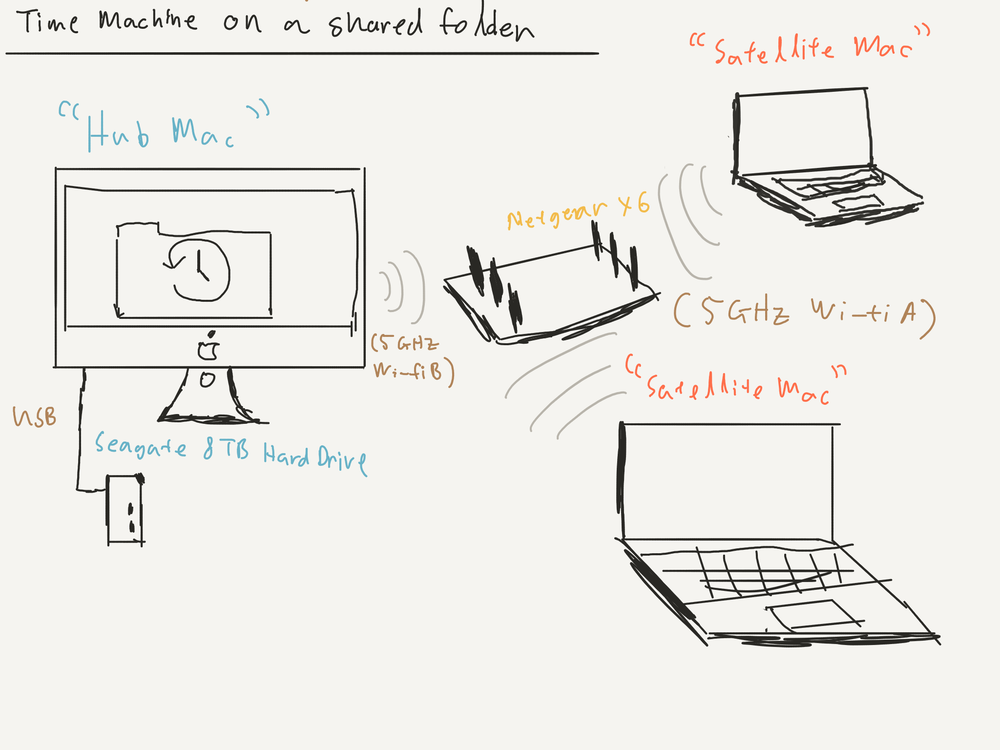
My setup - pardon the drawing made by a three-year old
I use a [3.5” Seagate 8TB drive (external powered) ](http://amzn.to/2iHUqSA?ref=nandakusumadi.com)connected to my iMac, the external power adapter isn’t an issue as it remains on the desk all the time. It also has a built-in USB hub with two ports which is very handy for front facing ports. Do note that this drive generates some noise, so if you cannot stand noise, I would suggest placing it behind or under your iMac using a [Twelve South Backpack](http://amzn.to/2kIAa7F?ref=nandakusumadi.com) or [Twelve South HiRise stand](http://amzn.to/2kHwWkO?ref=nandakusumadi.com).
I also have a [2.5” Seagate 4TB drive (USB-powered)](http://amzn.to/2BPS3oD?ref=nandakusumadi.com) that I use for remote backups. I also have another one left at my parents’ place.
If you’re looking for a solid desktop computer as an editing workhorse and a *Hub Mac*, I strongly recommend the [Apple 27” iMac (2017)](http://amzn.to/2keOeSt?ref=nandakusumadi.com). Its 5120x2880 DCI-P3 screen is an absolute joy to use, and the latest models allow you to hook up an additional [5120x2880 LG Display](http://amzn.to/2Apg2Pd?ref=nandakusumadi.com), giving you 2 5K displays!
This setup works best if you have the *Hub Mac* connected your network via Ethernet or a separate 5GHz network. I use a [Netgear X6 router](http://amzn.to/2BoXXAJ?ref=nandakusumadi.com) that has two separate 5GHz networks, one for my *Hub Mac* and another for my *Satellite Macs* for maximum wireless backup speeds.
# Time Machine As Seamless As It Should Be
I hope this makes your Time Machine experience on your MacBook/Air/Pro a much more seamless one, no more having to remember to connect and disconnect drives for backups!
If you've found this guide useful, please consider using my links below if you'd like to purchase the gear mentioned in this article.
[Seagate 8TB for Mac on Amazon](http://amzn.to/2iHUqSA?ref=nandakusumadi.com)Seagate 4TB (Portable) on Amazon[Netgear X6 Router](http://amzn.to/2BoXXAJ?ref=nandakusumadi.com)
---
## Comments from the WordPress archive
*These comments were originally published on the previous WordPress version of this site. They are preserved here as a read-only archive.*
**Jade White** 9 May 2020
> Many thanks man!
**Nanda Kusumadi** 23 July 2020
> I'm glad you found it helpful!
**Kenshiro No Ken** 14 May 2020
> thank you thank you thank you ... your guide, done very well, was very helpful to me ... Compliments... A warm hug Gianluca
**Nanda Kusumadi** 23 July 2020
> I'm glad you found it helpful Gianluca!
**Anthony** 4 February 2021
> Hello, I set this up for 4 computers. I backed them all up (laptops) the first time and it worked. But now it will never connect again. It sees the back up but just stalls at "preparing backup". I set all the hub computer not to sleep if there is network activity. I also set all the computers not to back up automatically as I thought they might be conflicting. I set the hub to do this as well? I haven't had a back up bedsides the hub in over a month. Any ideas?
**Nanda Admin** 7 February 2021
> Hi Anthony, unfortunately I have moved to using a Synology NAS for my backups and am no longer using this. But I found that sometimes erasing the backups and starting from scratch again is one way to get it working if it gets stuck.
**Andy** 10 May 2021
> Hi Nanda Your explanation is very good but I'm not clear on how at stage 2 when you select the disk for local time machine, how then in stage 3 you can add a folder to the drive for sharing. I set up a partitioned disk which I wanted to use 1 partition for TM. I selected the partition for local time machine back ups and that was fine but I cannot add a folder to that partition now for sharing with other. I am able to add a sharing folder to the other partition of course but I made the TM partition big enough for everyone to back up to. I have also been looking at the Synology NAS solution. How have you got on with that. I read people suggesting that Time Machine periodically just stops working on it and you have to start afresh. Thank you in advance for your time
### iPhone X Camera Review - A Week in Italy
URL: https://nandakusumadi.com/iphone-x-camera-review-a-week-in-italy/
Last updated: 2017-12-02T19:07:08.000Z
```
Vernazza with the nifty-fifty.
```
*06 May 2018 Update: I've posted a review of Moment's Interchangeable lens system* [*here*](http://www.nandakusumadi.com/blog/2018/5/6/moment-lenses-v2-x-review-the-best-interchangeable-system-for-your-iphone-x?ref=nandakusumadi.com)
I was lucky enough to be able to get my iPhone X before my vacation in Italy last November and was very excited to take it with me given what I’ve heard about the newer camera modules in the iPhone 8 Plus. Could this be the best pocket camera ever?
There have also been some exciting developments in Apps for photography. One of the reasons why I choose to use an iPhone these days is because their superior platform for developers. I won’t dive into the details but that is one of the reasons why iOS tend to attract the best developers and their apps tend to be consistently better at what they do than their Android counterparts.
Here are the apps that I used for the images in this review. I'll start posting tutorials on how I used these for post-processing in the near future.
1. [Halide Camera](https://geo.itunes.apple.com/us/app/halide-raw-manual-camera/id885697368?mt=8&ref=nandakusumadi.com)
2. [Adobe Lightroom CC](https://geo.itunes.apple.com/us/app/adobe-lightroom-cc/id878783582?mt=8&at=1001lIvs&ref=nandakusumadi.com) (You can get a CC subscription [here](http://clkuk.tradedoubler.com/click?p=264318&a=3001767&g=22913610&ref=nandakusumadi.com))
3. [Darkroom](https://itunes.apple.com/us/app/darkroom-photo-editor/id953286746?mt=8&at=1001lIvs&ref=nandakusumadi.com)
```
What defines the rolling hills of Tuscany can also act as a window to the rolling hills of Tuscany
```
**All photos in this post have been shot, edited and uploaded on the iPhone X.**
# An end-to-end photography solution
We take it for granted these days, but it’s amazing when you step back and reflect that what you have in your pocket is a device capable of fulfilling the complete photography journey. From *planning* your shot, to *shooting* it, *post-processing* it, and then to *sharing or printing* it - it’s all right there at the palm of your hand.
```
Milan - Shoot, edit and post while your better half is shopping.
```
# Those deeper pixels really are deeper
In terms of image quality and sharpness, the iPhone X is a **clear step up** from the iPhone 7 Plus. Low-light performance also gains a clear improvement.
```
Low light in a dimly lit church.
```
Now, it’s not going to replace your Fujifilm X or Sony A series, but I was pleasantly surprised on more than one occasion on the types of shots I got just by pulling my smartphone out of my pocket. Take the sunrise shot of Manarola below for example. On previous generation phones, the town would have been a mess of water colors. Now we have *some* detail to work with.
```
Manarola Sunrise - One of those out of pocket moments.
```
# Stabilised Nifty-Fifty in your pocket
The biggest difference you’ll get over the other dual lens iPhone models is that you get a stabilised 52mm F2.4 lens on the iPhone X versus a non-stabilised 56mm F2.8 lens on the iPhone 8 Plus and the iPhone 7 Plus.
```
Uffizi with the nifti-fifti.
```
For me, there are three advantages here. The first is the wider aperture. The second is the stabilisation. The third is the wider focal length, which brings it closer to a nifty fifty.
I’ve always found the older 56mm lens on my iPhone 7 Plus to be a bit of a compromise and *slightly* too long. None of those are issues anymore and I find myself using the second lens a lot more.
```
Riomaggiore with the nifty-fifty
```
# HDR all the time
Google’s 2016 Pixel models rightly cemented their position as the best phone cameras of their generation by applying sensible HDR to their photos.
Apple has always been conservative in this regard but *rightly* took the steps to make their photos more vibrant in this generation. This is the right move in my opinion. Most of the photos taken with a smartphone end up on Instagram or some other web platform these days. If I *want* a flat photo that’s extremely malleable in post processing, I would reach for my Fujifilm or Sony Cameras.
```
```
HDR is now enabled by default all the time, and the results show. Take a look at the Pano during sunset below. On previous iPhones, the town would have always been banished to the shadows if you exposed for the sunset. Now you get enough dynamic range to pull it out.
```
Shot with Pano mode - always start panning from the highlights.
```
# Front-facing portrait mode is pretty good
The true depth camera on the front of the iPhone X now enables you to apply a depth of field effect and apply some lighting conditions to your selfies. I’m no selfie expert so I find limited use for this. But put in the right hands (of my [fiancée](http://www.annadria.com/?ref=nandakusumadi.com) for example), the results are pretty good. I did get the “Subject is too bright” warning many times when our faces were front-lit by the sun though.
```
```
# Some tips for photography on the iPhone X
```
Stability everywhere.
```
1. Make sure you’re using the new .heic format. Go to Settings -> Camera -> Formats and make sure “High Efficiency” is selected. This new file format is more efficient, supports 10-bit deep colour (less banding in your sunsets), stores live photo and depth data in one file, enabling you to tweak portraits down the line. Read more about it [here](https://iso.500px.com/heif-first-nail-jpegs-coffin/?ref=nandakusumadi.com).
2. The base ISO of the iPhone sensor is 25\. Be sure to set it to that if you’re shooting long exposures on a tripod using Lightroom or Halide.
3. Get a Gorillapod to act as a stable surface. I travel with two. [This one](http://amzn.to/2BGSeTY?ref=nandakusumadi.com) splits into two, allowing you to screw the head onto your regular tripod. [This one ](http://amzn.to/2jGISz6?ref=nandakusumadi.com)is magnetic and allows you to attach onto lamp posts and railings. *Make sure you check that your iPhone X is secured before letting go.*
4. Get a portable light for portraits during magic hour. I use the [Manfrotto Lumimuse ](http://amzn.to/2kiMH1q?ref=nandakusumadi.com)8\.
5. Always expose for and start with the highlights when shooting in Pano mode.
6. Consider buying an interchangeable lens system. I've reviewed Moment's system [here](http://www.nandakusumadi.com/blog/2018/5/6/moment-lenses-v2-x-review-the-best-interchangeable-system-for-your-iphone-x?ref=nandakusumadi.com).
# The best photography solution is the one you always have with you
There’s a saying that the best camera is the one you always have with you. Here at the tail end of 2017, I can comfortably say that the iPhone X is probably the best camera by that metric of being always with you.
However my point here is not about how one can take great photos with a smartphone camera. Anyone knows that. The iPhone X goes *beyond* that by being better at the job-to-be-done in just enough areas of where it counts.
With the stabilised nifty-fifty, noticeably improved image quality and a surge of high quality photography apps on iOS, it’s the best **end to end photography solution** that you’ll probably always have with you too.
I plan to write more posts on iPhone X photography in the future, let me know what you’d like to hear in the comments below. You can follow me on social media or the e-mail list below to keep up to date.
P.S. If you've made it this far, check out my review on [Moment's Interchangeable Lens system for the iPhone X](http://www.nandakusumadi.com/blog/2018/5/6/moment-lenses-v2-x-review-the-best-interchangeable-system-for-your-iphone-x?ref=nandakusumadi.com).
## Subscribe for updates
Sign up with your email address to get updates on Photography and the iPhone X.
```
We respect your privacy.
Thanks for subscribing! Please check your inbox or spam folder for an e-mail to confirm your subscription.
```
```
More posts in progress, just like maintaining the Duomo.
```
*(Please excuse the brevity of this post, as it was completely written on the iPhone X too.)*
```
```
---
## Comments from the WordPress archive
*These comments were originally published on the previous WordPress version of this site. They are preserved here as a read-only archive.*
**Jayme Halbritter** 11 December 2017
> Hi there, loved the review/article, thanks for posting! I just got the X and I'm headed to California in 2 days to try it out...debating bringing my "real" camera or not, but this makes me think I should have some fun with my new phone/camera. I would love to see your future articles, and in the present, love to find out what you're liking for apps... I've never heard of Darkroom or Halide, so I'll check those out. I have LIghtroom Mobile on my phone but honestly have never used it. I was looking for an app that would let me shoot in the 3:2 ratio as I'm just so used to it and like it more than the 4:3 that the phones shoot in. Looking forward to seeing what I get on this trip, and thanks for the inspiration! Jayme, aka @jamesclifon on Instagram, where my California photos will end up!
**Steve Fowler** 22 January 2018
> Excellent article, thanks for posting
### The Best Accessories for the Fujifilm X-T2
URL: https://nandakusumadi.com/best-accessories-for-the-fujifilm-xt2/
Last updated: 2017-10-07T07:05:30.000Z
This article has been updated:
- 15 July 2018: Added Peak Design Everyday Messenger V2
- 15 May 2018: Added section on stability
- 26 December 2017: Added [Cascable](https://itunes.apple.com/us/app/cascable/id974193500?mt=8&at=1001lIvs&ct=XT2Acc&ref=nandakusumadi.com) as an alternative app to the stock Fujifilm Camera Remote app.
The Fuji X-T2 is a fantastic camera, and you’ll probably be spending quite a fair bit more on Fujifilm’s fantastic lenses. Don’t forget some of these other essentials that can make your Fuji X-T2 an even better camera though. Here are my recommendations:
# Fujifilm VPB-XT2 Vertical Power Booster Grip
```
```
This the *soulmate* of the Fuji X-T2\. Not only does it allow you to use 3 batteries, but it unlocks certain features like allowing you to shoot at 11fps continuously, as well as recording 4K video up to 30 minutes. I also find it essential for long interval shooting sessions like time-lapses or blue hour bracketing. You can just set the Fuji X-T2 to interval timer shooting and leave it while you enjoy the scene.
[VPB-XT2 on Amazon US](http://amzn.to/2yNGlch?ref=nandakusumadi.com)[VPB-XT2 on Adorama](//adorama.evyy.net/c/418798/51926/1036?u=https%3A%2F%2Fwww.adorama.com%2Fifjvpbxt2.html)[VPB-XT2 on Amazon UK](http://amzn.to/2fZr8RZ?ref=nandakusumadi.com)
# A few spare batteries - Fujifilm NP-W126S
I always recommend leaving the X-T2 in High Performance mode because it’s all about getting that shot, even when you least expect it. Obviously this impacts your battery life, so it’s important to bring one or two spare batteries along. I also recommend getting the original batteries as they have been designed to prevent overheating, which can be an issue when continuously shooting 4K videos or shooting in CH mode on a summer safari.
[NP-W126S on Amazon US](http://amzn.to/2xosYhD?ref=nandakusumadi.com)[NP-W126S on Adorama](//adorama.evyy.net/c/418798/51926/1036?u=https%3A%2F%2Fwww.adorama.com%2Fifjnpw126s.html)[NP-W126S on Amazon UK](http://amzn.to/2wDTAvK?ref=nandakusumadi.com)
```
```
# A cheap, good enough aluminium L-bracket
An L bracket is the first step to shooting panoramic exposures. Having one allows you to mount the camera in a portrait orientation and center the axis of the lens so that the camera rotates around it. I’ve had well-made L brackets (like the excellent ones made by Markins) and “good enough” L brackets before, and I’ve found the latter to be very sufficient. Just be careful not to screw it on too hard as the screw is made of a rather soft metal.
There are many ones out there that probably come from the same factory in China, follow the links below for some of them.
[L-bracket on Amazon US](http://amzn.to/2xoJKxa?ref=nandakusumadi.com)[L-Bracket on Adorama](//adorama.evyy.net/c/418798/51926/1036?u=https%3A%2F%2Fwww.adorama.com%2Fsunpflxt2.html)[L-Bracket on Amazon UK](http://amzn.to/2y0rNqO?ref=nandakusumadi.com)
# UHS-II SD Cards
A UHS-II SD Card allows your camera to break the 95MB/s barrier when writing to the cards, which means that photos will be offloaded faster. This in turn means that you can shoot bursts for longer durations before the rate slows down. The Sandisk ones below have a write speed of up to 300MB/s.
[64GB UHS-II on Amazon US](http://amzn.to/2z3VJlL?ref=nandakusumadi.com)[64GB UHS-II on Adorama](//adorama.evyy.net/c/418798/51926/1036?u=https%3A%2F%2Fwww.adorama.com%2Fidsdxpu264.html)[64GB UHS-II on Amazon UK](http://amzn.to/2yvUuyG?ref=nandakusumadi.com)
# UHS-II SD Card Reader
I wasn’t disappointed at all when the newer MacBook Pros left out the SD card reader, as the older ones weren’t even a UHS-II class. I use a Lexar one that came free with a UHS-II SD card I bought some time ago, unfortunately it’s been discontinued. Thankfully Kingston makes an affordable one (under US$10 at time of writing) that you can just leave permanently attached to a USB-C to USB-A dongle.
[UHS-II Reader on Amazon US](http://amzn.to/2z3s64h?ref=nandakusumadi.com)[UHS-II Reader on Adorama](//adorama.evyy.net/c/418798/51926/1036?u=https%3A%2F%2Fwww.adorama.com%2Fkgfcrmlg4.html)[UHS-II Reader on Amazon UK](http://amzn.to/2yvhRso?ref=nandakusumadi.com)
# Add a personal touch with a soft shutter button
```
```
If you ever needed an excuse for adding a “fashion accessory” for your camera, Fujifilm has got you covered with a threaded shutter. This is pretty much a personal choice, so I’m just including a link to one that I like below. One bonus perk of a soft shutter button: You don’t have to point out the (rather discreet) shutter button to strangers anymore when asking help for a picture taken.
[Button on Amazon US](http://amzn.to/2y0JdDu?ref=nandakusumadi.com)[Button on Adorama](//adorama.evyy.net/c/418798/51926/1036?u=https%3A%2F%2Fwww.adorama.com%2Fdl0461p.html)Button on Amazon UK
# Go old school with a Mechanical Cable Shutter Release
```
```
I never grew up with film or without electronics, so I found cable releases really fascinating when I first handled one. Being able to release the shutter without batteries or electronics felt like - and still feels like magic to me.
[Mechanical Release on Amazon US](http://amzn.to/2yOrpuz?ref=nandakusumadi.com)[Mechanical Release on Adorama](//adorama.evyy.net/c/418798/51926/1036?u=https%3A%2F%2Fwww.adorama.com%2Fczcrp20.html)[Mechanical Release on Amazon UK](http://amzn.to/2fZbiGS?ref=nandakusumadi.com)
# Dive deep into your camera settings
```
```
I read Rico Pfirstinger’s 120 X-pert tips cover to cover when I first got the X-T2\. It’s particularly helpful when you are switching from another brand as he covers everything from DR settings to tethered shooting. There have been some minor updates to software since the book was released, but 90% of it is still very helpful. Rico if you’re reading this, please update the book soon! I bought the Kindle edition as it's always in my iPhone for quick reference.
[X-pert tips on Amazon US](http://amzn.to/2yvnlTS?ref=nandakusumadi.com)[X-pert Tips on Amazon UK](http://amzn.to/2yxTha8?ref=nandakusumadi.com)
# The best carrying system you can buy by Peak Design
```
The X-T2 with L Bracket, secured on a a Capture plate mounted on an Everyday Sling, with the new anchors attached directly on the camera.
```
I’ve been a pretty big fan of their products and have spent my hard-earned money backing their Kickstarter campaigns since It’s amazing that no other company pays the same level of attention to design when it comes to camera accessories.
## The bet versatile strap for mirrorless - Peak Design SlideLITE
The included strap is alright, certainly better than the garish ones that scream Canon or Nikon. But you want the strap only when you need it. You might want to take it off when you put it in a dry cabinet, you might want to attach a hand strap, you might even want no strap at all. Having to manually unhook a stock strap needs to be a thing of the past. Having to figure out how to shorten or lengthen one and then fiddling non-stop with it should be a thing on the past.
The Peak Design SlideLITE solves all of the problems above in a strap that’s designed specifically for mirrorless cameras. You can go with the smaller Leash if you’re just shooting with smaller lenses, but the SlideLITE feels more at home when using the XF100-400mm or even the XF50-140mm.
It also comes with an Arca-swiss compatible base plate which makes it easy to mount on the tripod.
[Get it from Peak Design](https://www.peakdesign.com/?rfsn=1824899.62f96&utm%5Fsource=refersion&utm%5Fmedium=affiliate&utm%5Fcampaign=1824899.62f96)[SlideLITE on Amazon US](http://amzn.to/2xpD7uv?ref=nandakusumadi.com)[SlideLITE on Adorama](//adorama.evyy.net/c/418798/51926/1036?u=https%3A%2F%2Fwww.adorama.com%2Fpdsll1.html)[SlideLITE on Amazon UK](http://amzn.to/2wECPAg?ref=nandakusumadi.com)
## Peak Design Anchors - 2017 edition
```
From L-R: Older, Old and New anchors.
No more putting up with this mess when it comes to attaching an anchor.
```
Thank the heavens! I love Peak Design’s products but not being able to thread their anchors to the camera directly has been one of my biggest pain points. You always had to attach those triangular things that may end up scratching the camera or added bulk the the areas that your hand needs a solid grip on. The new anchors are slim enough to fit in the X-T2\. No more triangles.
[Get it from Peak Design](https://www.peakdesign.com/?rfsn=1824899.62f96&utm%5Fsource=refersion&utm%5Fmedium=affiliate&utm%5Fcampaign=1824899.62f96)[Anchors on Amazon US](http://amzn.to/2yw8tol?ref=nandakusumadi.com)[Anchors on Adorama](//adorama.evyy.net/c/418798/51926/1036?u=https%3A%2F%2Fwww.adorama.com%2Fpd4pkan3.html)[Anchors on Amazon UK](http://amzn.to/2yOG6xT?ref=nandakusumadi.com)
## Peak Design Capture
Having the camera **easily** accessible to you during a photowalk means you’ll likely shoot with it more. The Capture allows you to clip your camera to the side of a sling bag or a backpack strap, leaving it accessible I usually lock the release button when using it on a sling or messenger bag. It’s not 100% theft proof, but makes it noticeable should a thief try to unclip your camera.
*Updated 15 May 2018*: I've amended the links below to reference the new V3 Capture clip and plate, they are superior in every way to the earlier verison.
[Get it from Peak Design](https://www.peakdesign.com/?rfsn=1824899.62f96&utm%5Fsource=refersion&utm%5Fmedium=affiliate&utm%5Fcampaign=1824899.62f96)[Capture on Amazon US](https://amzn.to/2rINVUJ?ref=nandakusumadi.com)[Capture on Adorama](http://adorama.evyy.net/c/418798/51926/1036?u=https%3A%2F%2Fwww.adorama.com%2Fpdcpbk3.html&ref=nandakusumadi.com)[Capture on Amazon UK](http://amzn.to/2fYtJeL?ref=nandakusumadi.com)
## Peak Design Everyday Sling
This is my favourite bag for everyday shooting. I usually have the X-T2, the XF 16mm F1.4, the XF 23mm F1.4 and XF 56mm F1.2 lenses and an iPad Pro. Sometimes I even leave my X-T2 clipped on the Capture outside the bag to fit other accessories.
[Get it from Peak Design](https://www.peakdesign.com/?rfsn=1824899.62f96&utm%5Fsource=refersion&utm%5Fmedium=affiliate&utm%5Fcampaign=1824899.62f96)[Sling on Amazon US](http://amzn.to/2y1h1R8?ref=nandakusumadi.com)[Sling on Adorama](//adorama.evyy.net/c/418798/51926/1036?u=https%3A%2F%2Fwww.adorama.com%2Fpdbsl10as1.html)[Sling on Amazon UK](http://amzn.to/2y1bVUP?ref=nandakusumadi.com)
## Peak Design Everyday Messenger V2
```
```
I have the 15" version of this and it carries my non-wildlife kit, along with an iPad and a 15" MacBook Pro. The revised V2 version allows me to plop it on top of a carry on trolley, thus saving my back for the actual taking of photographs. Read my full review [here](http://www.nandakusumadi.com/blog/2018/7/9/peak-design-everyday-messenger-15-version-2-v2-review?ref=nandakusumadi.com).
[Get it from Peak Design](https://www.peakdesign.com/?rfsn=1824899.62f96&utm%5Fsource=refersion&utm%5Fmedium=affiliate&utm%5Fcampaign=1824899.62f96)
## Peak Design Everyday Backpack 30L
```
The Everyday Backpack 30L performed admirably in the extreme conditions of Hokkaido, Japan during winter.
```
I use this for bird or wildlife photography. It can carry two X-T2 bodies (VPB-XT2 attached) with the XF 100-400mm, XF 50-140mm, XF 16-55mm, my 15” MacBook Pro, my iPad Pro, a few hard drives, a tripod and multiple accessories.
I particularly like the slots that allow me to securely place it on a suitcase. It helps a lot when you're carrying close to 10KG of gear on your back.
[Get it from Peak Design](https://www.peakdesign.com/?rfsn=1824899.62f96&utm%5Fsource=refersion&utm%5Fmedium=affiliate&utm%5Fcampaign=1824899.62f96)[Backpack on Amazon US](http://amzn.to/2xo3Xbb?ref=nandakusumadi.com)[Backpack on Adorama](//adorama.evyy.net/c/418798/51926/1036?u=https%3A%2F%2Fwww.adorama.com%2Fpdbb30bl1.html)[Backpack on Amazon UK](http://amzn.to/2fRLngH?ref=nandakusumadi.com)
# Stabilising the X-T2
Carrying a compact camera like the X-T2 would be pointless without reducing the weight of your other heavier accessories.
## Sirui N-1204/5X Tripod
I have three Sirui tripods, this is my favourite for mirrorless cameras like the X-T2 and X-E3\. It provides a great balance of excellent stability and portabiltiy. The centre column can be removed for low perspective shots.
This tripod fits very easily onto the carry straps of the Peak Design Everyday Sling 10L.
One of the legs can also be removed to serve as a Monopod, saving you from having to carry another.
[Sirui Tripod on Amazon](https://amzn.to/2rEqzj0?ref=nandakusumadi.com)
## Sirui K-20X Ballhead
This ballhead provides more than enough stability for the X-T2 with most of its lenses, even the XF 100-400mm. It has a friction control system that you can set so that your camera doesn’t flop down the ballhead when you loosen the screw.
The included Arca plate is rather large though, I use the Arca mount on the L-bracket or a Peak Design plate instead.
[K-20X Ballhead on Amazon](https://amzn.to/2Ift957?ref=nandakusumadi.com)
## Gorillapod SLR Zoom
This is is a lifesaver in the increasing number of places that don’t allow tripods like many rooftops. Just attach the K-20X ballhead, place it on a wide ledge and you’re fine for stability.
Don’t lose the 1/4” to 3/8” adapter though.
[Gorillapod on Amazon](https://amzn.to/2rEoYc1?ref=nandakusumadi.com)
# Try [Cascable](https://itunes.apple.com/us/app/cascable/id974193500?mt=8&at=1001lIvs&ct=XT2Acc&ref=nandakusumadi.com) as an alternative to the stock Fujifilm Camera Remote App
The stock Fujifilm camera is atrocious in terms of design and usability. There are rumours that Fujifilm might be updating this, but in the meantime you can try the excellent [Cascable](https://itunes.apple.com/us/app/cascable/id974193500?mt=8&at=1001lIvs&ct=XT2Acc&ref=nandakusumadi.com) as an alternative. Note that this app doesn't solve RAW transfers over wi-fi, but it should be a lot less frustrating to use.
# Wrapping up
Those are my favourite accessories for the X-T2 that have made it an even better camera for me. What are some of yours that I may have left out? Do let me know in the comments below.
Please consider using my links above if you found this article useful.
---
## Comments from the WordPress archive
*These comments were originally published on the previous WordPress version of this site. They are preserved here as a read-only archive.*
**Bob Cooley** 8 December 2017
> A good list, but as much as I love most of Peak Design's products. The backpack is underwhelming, especially for the price. It has some nice ideas baked into it, but its just not very comfortable to use for any lengthy amount of time.
**Nanda Kusumadi** 12 December 2017
> Hi Bob, I'm kind of on the same page but haven't been able to find another backpack that's as much of an all-rounder for now... Do let me know if you have any recommendations!
### Apple AirPods Long-term Review - An ode after 10 months…
URL: https://nandakusumadi.com/apple-airpods-long-term-review-an-ode-after-10-months/
Last updated: 2017-10-02T00:14:38.000Z
```
```
It seems like an eternity since Apple decided to ditch its headphone jacks on the iPhone 7 devices and caused a whole bunch of (what I thought was) overly dramatic reactions.
Now that the iPhone 8 devices are out and that the iPhone X is looming over the horizon, more people are going to face life without a headphone jack. If you’re getting your first pair of wireless earphones, I cannot think of a better pair to recommend than the Apple AirPods.
## Wire-free since 2013
From a selfish point of view, I’ve never had an issue with going wireless. I was already rocking a pair of Bragi Dash, a pair of Bose QC35s and a set of Sony MDR-1BT IIs. Having to untangle cables or getting them snagged on a random stranger’s bag in the tube felt like *savagery* to me.
# What does US$129 buy you?
**Freedom**. *Lots of it.*
TL;DR: for US$129, the AirPods are a fantastic purchase - even if you look at it from a complete utilitarian perspective.
What it gets you *isn’t* the best sound quality you can find. The sound quality is **just good enough** to make music enjoyable in the office and for audiobooks and podcasts during a commute.
What it gets you is much more valuable - it’s **freedom** through *comfortable sound*, *ease of use* and *transparency*.
## Let’s start with comfortable sound
After discovering in-ear headphones at an early age, I wondered why anyone would ever use earphones that **don’t** go into your ear canals. The level of bass response you get from a pair of in-ear headphones just cannot be reproduced with non-in-ear headphones like the *legendary* [Sony MDR-E888LP](http://www.ilounge.com/index.php/reviews/entry/sony-mdr-e888lp-fontopia-earphone-ipod?ref=nandakusumadi.com).
After growing up, *working in an open office and multiple long-haul flights for business trips* later, I realised that the custom in-ear phones I paid so much for cannot stay in my ears for more than 2 - 3 hours without some form of cartilage fatigue. So I bought bluetooth headphones like the Sony MDR-1BT, [MDR-1000X](http://amzn.to/2yjhWiT?ref=nandakusumadi.com) and the [Bose QC35s](http://amzn.to/2x7WY6l?ref=nandakusumadi.com). These sound great and are comfortable in *winter*, but don’t work really well in summer or a tropical country as your ears tend to feel like they’re in an oven. They also mess up my hair, of which I am losing enough.
The AirPods figure out a **good enough** solution for both conundrums. They are comfortable enough to wear for half a day. Apple’s engineers have also figured out some way to pump the bass response up on these things by designing some sort of a *resonance chamber* that pumps out very well defined bass in an office environment.
Would I wear them on a long-haul flight? Of course not, that’s what I have my QC35s for. But for everyday use in the office and short-haul flights around Asia, they are good enough and save a lot of space for the short hops.
I've never had any luck with the stock EarPods staying in my ears, but the AirPods have never dropped out of my ears - even when going for a run. This is simply due to the fact that there's no cable tugging on them. YMMV, but try out a friend's pair and you'll see what I mean.
## Ease of use for the multi-screen user
Bluetooth headphones have **sucked** for people who live on multiple screens for a long time. Just as we develop workarounds like booting into pair mode to quickly shift our Sony headphones from the iPhone to the iPad, a manufacturer like Bragi comes in and says [“No. You have to disconnect the headphones from the iPhone by turning bluetooth off on the iPhone](https://support.bragi.com/hc/en-us/articles/115003141649-FAQ-The-Dash-does-not-turn-up-in-the-device-picker?ref=nandakusumadi.com), because *nothing else* uses bluetooth these days.”
The AirPods just work on devices signed into your iCloud account.
- Swipe up from an Apple Watch, iPhone or an iPad and choose them.
- Click on the volume control on your iMac or MacBook Pro and choose them.
- Heck, you can even swipe down on your Apple TV remote and select them for audio output!
*What do you do when a call comes in?* You just double tap to answer it.
In the early days, switching between devices worked only 80% of the time. These days it works 99% of the time. Such is the power of firmware upgrades, and I didn’t even have to perform any [*finger gymnastics*](https://support.bragi.com/hc/en-us/articles/207648045-Bragi-OS-Rapid-Software-Update-Procedure?ref=nandakusumadi.com) to get them upgraded. They just get upgraded behind my back.
## Transparency and its benefits
I used to think that passive isolation was the way to go when it comes to headphones. Until I had to work in a collaborative environment.
The AirPods let just enough sound in when someone is speaking to you for you to remove one side and listen in, *(the music automagically stops)* have a conversation and put it back on *(the music automatically plays)*. This transparency simply allows you to be comfortable enough to put it on and know that it takes that little effort to take it off and put it back on again.
Take a walk with the AirPods and listen to your audiobook or podcast. You’ll feel like a conversation is happening around you, *you'll feel like you're one with the environment*.
The one slight frustration I have with transparency is with the MTR here in underground tunnels. Sometimes it just gets too loud for me to hear anything, but it’s a frustration I’d gladly accept for the rest of the convenience.
# Conclusion
You might have noticed that I spent majority of this review lamenting about other headphones *instead* of praising the AirPods. But that’s the exact **brilliance** of it. This device solves so many of the issues that you may have had with headphones, both wired and wireless ones over the ages that it just blends in with your life.
They give comfortable sound, are easy to use and transparent. They deliver sound into your ears and stay out of the way. They give you the freedom to put it on with the assurance that it will be that simple to take a pause or switch screens.
*What more can you ask from a pair of headphones in 2017?*
# Help support this site
Buy the AirPods on [Adorama](//adorama.evyy.net/c/418798/51926/1036?u=https%3A%2F%2Fwww.adorama.com%2Facmef2ama.html%3Fsearchinfo%3Dairpods%26searchredirect%3Dtrue)
### Fujifilm X-E3 Tips and Tricks: My Best Settings
URL: https://nandakusumadi.com/my-best-settings-for-the-fujifilm-x-e3/
Last updated: 2017-09-30T22:47:15.000Z
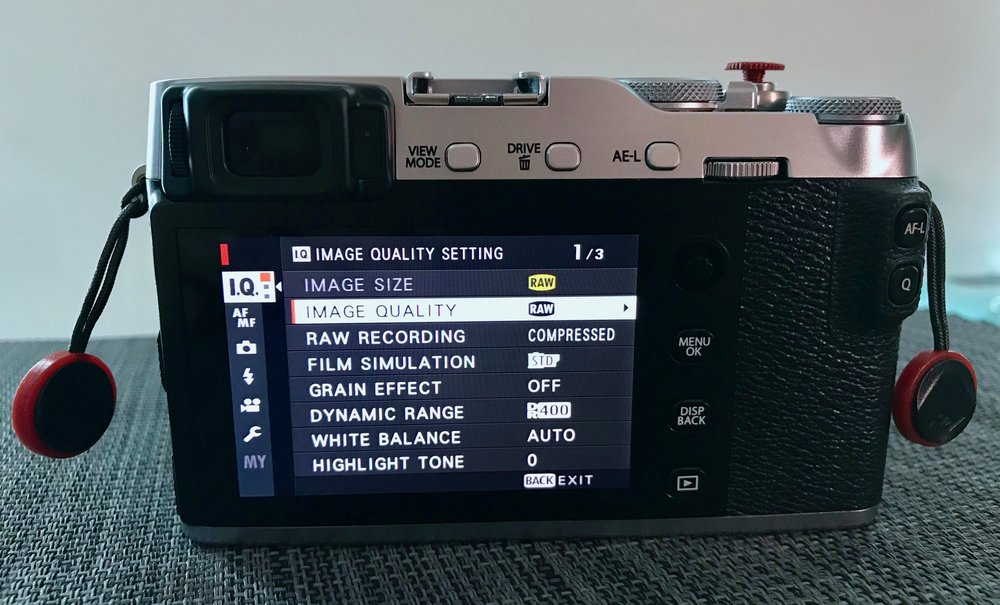
13 May 2018 Update: Check out my [best accessories for the X-E3 here](http://www.nandakusumadi.com/blog/2018/5/13/the-best-accessories-for-your-fujifilm-x-e3?ref=nandakusumadi.com).
[Getting a new camera can be both an exciting](http://www.nandakusumadi.com/blog/2017/9/28/fujifilm-x-e3-first-impressions-review?ref=nandakusumadi.com) an frustrating experience. You could be moving from one brand to another and having to decipher the menu hierarchy. Or you could be upgrading within the same brand and wishing that they transfer settings from one to another as seamlessly as the new iPhones on iOS 11.
I’ve compiled a list of settings that I have changed when I bought the Fujifilm X-E3\. Some of them make your camera function better out of the box, and the other are tied to your shooting style.
## Equipment in this Post
1. Fujifilm X-E3 Body \[[Amazon US](http://amzn.to/2wYHG3G?ref=nandakusumadi.com), [Amazon UK](http://amzn.to/2y9YpRF?ref=nandakusumadi.com), [Adorama](http://adorama.evyy.net/c/418798/51926/1036?u=https%3A%2F%2Fwww.adorama.com%2Fifjxe3b.html&ref=nandakusumadi.com)\]
# Make it a better camera out of the box
## Image Quality to RAW
Shooting JPEG can be liberating at times, but I always value the flexibility that RAW files provide. I used to shoot tripod and potential portfolio work in RAW and everything else (snapshots) in JPEG. But these days I shoot everything in RAW due to the smaller file sizes that compressed raw takes up. I also value the flexibility in changing film simulations once the shot is taken. This means that I can leave my film simulation on Acros when I’m feeling black and white and shoot without FOMO as I can always process it in colour later on.
1. Image Quality Setting (1) -> Image Quality -> RAW
2. Image Quality Setting (1) -> Raw Recording -> Compressed
## Dynamic Range to DR200
*Disclaimer: I've edited this section to reflect DR200 instead of DR 400 due to the flickering issue, it's better to understand what works for you based on the parameters below.*
1. DR Auto switches between DR 100 and DR 200 modes depending on the scene. If DR 200 is selected while DR Auto is set, Lightroom will preview the RAW files seemingly 1 stop underexposed. This is not irreversible, you just have to rework the exposure, highlights and shadows (which is what the camera does automatically anyway in the DR 200 and 400 modes anyway)
2. It recognises Fuji's DR 400 in the sense that it renders the preview for RAW file at the right exposure.
3. The advantage of shooting at a lower DR when shooting RAW is that you get a more "pure", flatter image when you do post-processing. The "advantage" when shooting JPEG is, well, a lower dynamic range.
4. You also get access to a lower base ISO (ISO 200 at DR 100, ISO 400 at DR 200, ISO 800 at DR 400). This is something to consider if you use Auto-ISO and cannot stand whatever little noise there is in the image at ISO 800.
I used to detault to DR 400 with my previous X-series bodies but I've set my X-E3 to DR 200 for the past few days due to the flickering issue and am finding it adequate, so I might stick with DR 200 for now.
## Color space to Adobe RGB
Adobe RGB gives you a wider colour gamut than sRGB, important in this day where consumer devices ship with a P3 capable with colour calibration across profiles. This already came in preset in my X-E3 so Fujifilm might be shipping cameras set to Adobe RGB from now on, but just check to be safe.
1. Image Quality Setting (2) -> Color Space -> Adobe RGB
## Set your camera to High Performance
This takes a slight toll on battery life, but it beats missing your shots if the camera performs slowly. The X-E3’s LCD frame rate drops after a few seconds of non-usage, you might see a stutter when you pick it up. Auto-focus and the refresh rate of the LCD/EVF is also improved with Performance mode.
1. Set Up -> Power Management -> Performance
## Activate the electronic shutter
A shutter limited to 1/4000s can quickly become a problem when you’re using the great F1.2 or F1.4 lenses. Enable the electronic shutter to go up to 1/32000.
1. Shooting Setting (1) -> Shutter Type -> Mechanical + Electronic
## Activate 4K Videos
4K recording is not enabled by default, so be sure to enable it in the menus
1. Movie Setting (1) -> Movie Mode -> 2160/29.97P
## Turn on Face Detection
I find this to be useful 70% of the time as my subjects tend to be single people. It really helps out when using the F1.4 or F1.2 lenses. I also have this setting on my Q menu so I can turn it off when I’m in scenarios where it doesn’t work.
1. AF/MF Setting (2) -> Face/Eye Detection Setting -> Face On/Eye Auto
## Display your last image taken automatically on the LCD when using the EVF
Another one of the useful features introduced in the recent X-T2 update. This turns the LCD into an automatic review display when you’re shooting with the viewfinder. It will automatically display the last image taken when you take your face off the camera.
1. Look into the viewfinder
2. Press the View Mode button until you see Eye Sensor + LCD Image Display.
# Make your Fujifilm X-E3 your own
## Customise your viewfinder and LCD
With the Fujifilm X-series camera, you can make your viewfinder your own. This is easily missed but is really what you should set up first to make the camera your own. Here’s what I have enabled:
- Framing Guideline
- Electronic Level
- Focus Frame
- MF Distance Indicator
- Live View Highlight Alert (Blinkies)
- Aperture/S-Speed/ISO
- Information Background
- Expo. Comp (Scale)
- Focus Mode
- Photometry
- Shutter Type
- Flash
- Continuous Mode
- Dual IS Mode
- Touch Screen Mode
- White Balance
- FIlm Simulation
- Dynamic Rnage
- Frames Remaining
- Image Size/Quality
- Movie Mode & Rec. Time
- Image Transfer Order
- Battery Level
- Set Up -> Screen Set-up (2) -> Disp. Custom Setting
## Customise your physical controls
You can remap 4 physical buttons, plus the four swipe gestures on the touch screen to a function that you regularly use.
1. Set Up -> Button/Dial Setting (1) -> Function Fn Setting
## Customise your Quick Menu
The Q button brings up quick menu that can be customised to your shooting style. I use this mainly to toggle Face/Eye Detection. Dynamic range and the self timer.
1. Set Up -> Button/Dial Setting (1) -> Edit/Save Quick Menu
# My personal preferences
## Store AF mode by Orientation
One of the useful features introduced in the X-T2 firmware earlier this year, this can store either a separate focus area, or the focus area and AF mode for portrait and landscape orientation. Very useful when shooting portraits where you regularly switch between orientations, but have the crucial parts of the image in different corners.
1. AF/MF Setting (1) -> Store AF Mode by Orientation -> Focus Area Only
## MF Assist to Digital Split Image
I borrowed a friend’s Leica M9 recently and have gotten hooked to this method of focusing in MF mode. It’s simply quicker and works with less ambiguity for me.
1. AF/MF Setting (2) -> MF Assist -> Digital Split Image -> Color
## Turn off Long Exposure NR
I prefer to do **selective** noise reduction separately in photoshop. Applying NR to entire images might lead to loss of detail.
1. Image Quality Setting (2) -> Long Exposure NR -> Off
## Turn off Shutter AF in AF-C mode
I use back button focus when I’m tracking a subject in AF-C mode. This turns off the half-press shutter auto-focus feature. You can also turn it off for AF-S if you’re a purist.
1. Set Up -> Button/Dial Setting (1) -> Shutter AF
## Map Auto-focus to the AF-L button
This enables back button auto-focus. You can either do this with the AE-L or the AF-L buttons, depending on which is more ergonomic for you.
1. Set Up -> Button/Dial Setting (1) -> Function Fn Setting
## Turn off EVF Auto Brightness
It’s a viewfinder. You view it through a peephole. You don’t need brightness adjustments.
1. Set Up -> Screen Set-up (1) -> EVF Brightness -> Auto
# Make your Fujifilm X-E3 your own
## Customise your viewfinder and LCD
With the Fujifilm X-series camera, you can make your viewfinder your own. This is easily missed but is really what you should set up first to make the camera your own. Here’s what I have enabled:
- Framing Guideline
- Electronic Level
- Focus Frame
- MF Distance Indicator
- Live View Highlight Alert (Blinkies)
- Aperture/S-Speed/ISO
- Information Background
- Expo. Comp (Scale)
- Focus Mode
- Photometry
- Shutter Type
- Flash
- Continuous Mode
- Dual IS Mode
- Touch Screen Mode
- White Balance
- FIlm Simulation
- Dynamic Rnage
- Frames Remaining
- Image Size/Quality
- Movie Mode & Rec. Time
- Image Transfer Order
- Battery Level
- Set Up -> Screen Set-up (2) -> Disp. Custom Setting
## Customise your physical controls
You can remap 4 physical buttons, plus the four swipe gestures on the touch screen to a function that you regularly use.
1. Set Up -> Button/Dial Setting (1) -> Function Fn Setting
## Customise your Quick Menu
The Q button brings up quick menu that can be customised to your shooting style. I use this mainly to toggle Face/Eye Detection. Dynamic range and the self timer.
1. Set Up -> Button/Dial Setting (1) -> Edit/Save Quick Menu
# Conclusion
I hope this post has been valuable in helping you get the most out of your X-E3.
You should also check out my best X-E3 accessories [here](http://www.nandakusumadi.com/blog/2018/5/13/the-best-accessories-for-your-fujifilm-x-e3?ref=nandakusumadi.com).
What are some of your must have settings? Let me know in the comments below!
## Equipment in this Post
1. Fujifilm X-E3 Body \[[Amazon US](http://amzn.to/2wYHG3G?ref=nandakusumadi.com), [Amazon UK](http://amzn.to/2y9YpRF?ref=nandakusumadi.com), [Adorama](http://adorama.evyy.net/c/418798/51926/1036?u=https%3A%2F%2Fwww.adorama.com%2Fifjxe3b.html&ref=nandakusumadi.com)\]
---
## Comments from the WordPress archive
*These comments were originally published on the previous WordPress version of this site. They are preserved here as a read-only archive.*
**peter** 2 October 2017
> Great post thank you! Will be very useful after my body arrives in mail. Regarding DR, so Lightroom converts RAW files shot with DR auto to DR 100 equivalent? But it recognizes Fuji's DR 400? And is there any advantage to having a lower standard DR? Thanks.
**Nanda Kusumadi** 2 October 2017
> Hi Peter, my apologies as my initial post may have been too ambiguous and misleading. For clarification: 1) DR Auto switches between DR 100 and DR 200 modes depending on the scene. If DR 200 is selected while DR Auto is set, Lightroom will preview the RAW files seemingly 1 stop underexposed. This is not irreversible, you just have to rework the exposure, highlights and shadows (which is what the camera does automatically anyway in the DR 200 and 400 modes anyway) 2) It recognises Fuji's DR 400 in the sense that it renders the preview for RAW file at the right exposure. 3) The advantage of shooting at a lower DR when shooting RAW is that you get a more "pure", flatter image when you do post-processing. The "advantage" when shooting JPEG is, well, a lower dynamic range. 4) You also get access to a lower base ISO (ISO 200 at DR 100, ISO 400 at DR 200, ISO 800 at DR 400). This is something to consider if you use Auto-ISO and cannot stand whatever little noise there is in the image at ISO 800\. I've set my X-E3 to DR 200 for the past few days due to the flickering issue and am finding it adequate, so I might stick with DR 200 for now. I've corrected the post to reflect the above, thanks for commenting!
**Jonathan Spencer** 18 November 2017
> I was intrigued by your use of compressed RAW until I shot a few images and tried to open them on my Mac... They aren't supported! I don't have Lightroom so had to download the Fujifilm Viewer app which is awful! Back to JPEG + RAW then...
**Nanda Kusumadi** 21 November 2017
> Hi Jonathan, that’s one of the things that frustrates me about compressed raw since the X-T2 too. I’ve submitted feedback to Apple but here’s hoping more people will do the same so they’ll support compressed raw natively not just in macOS but in iOS too.
**Marin Knežević** 4 December 2018
> Hi, I love your posts, however I would think once more for choosing the Adobe over sRGB. It looks like no brainer to choose wider color gamut over the smaller one but... If somebodys work is mainly for digital (internet) it is probably better to stay with the sRGB. Wider gamut doesn't always mean better screen presentation as all browsers use sRGB to display colors and browser conversion from Adobe RGB to sRGB is making images look dull and way off. Also, screen monitors will cover sRGB gamut up to 100%, but for Adobe RGB you cannot count on more than 75% (but mostly even less) for the 99% percent of the consumer screens today. So similar problem again. With many print studios you will also find pretty hard time finding benefits of using Adobe RGB instead of sRGB for print materials... So if you are not 100% sure that you will really benefit from using the Adobe RGB and about the exact purpose why do you need it is probably better to stick with sRGB.
**Suzanne Cummings** 8 January 2019
> The raw option has disappeared from my image quality setting? What did I do?
**Nanda Kusumadi** 9 January 2019
> Is the Auto lever near the shutter button set to the Auto position? If it is, then the RAW setting will not be available.
### Fujifilm X-E3 First Impressions Review and Bluetooth Impressions
URL: https://nandakusumadi.com/fujifilm-x-e3-first-impressions-review/
Last updated: 2017-09-28T07:45:39.000Z
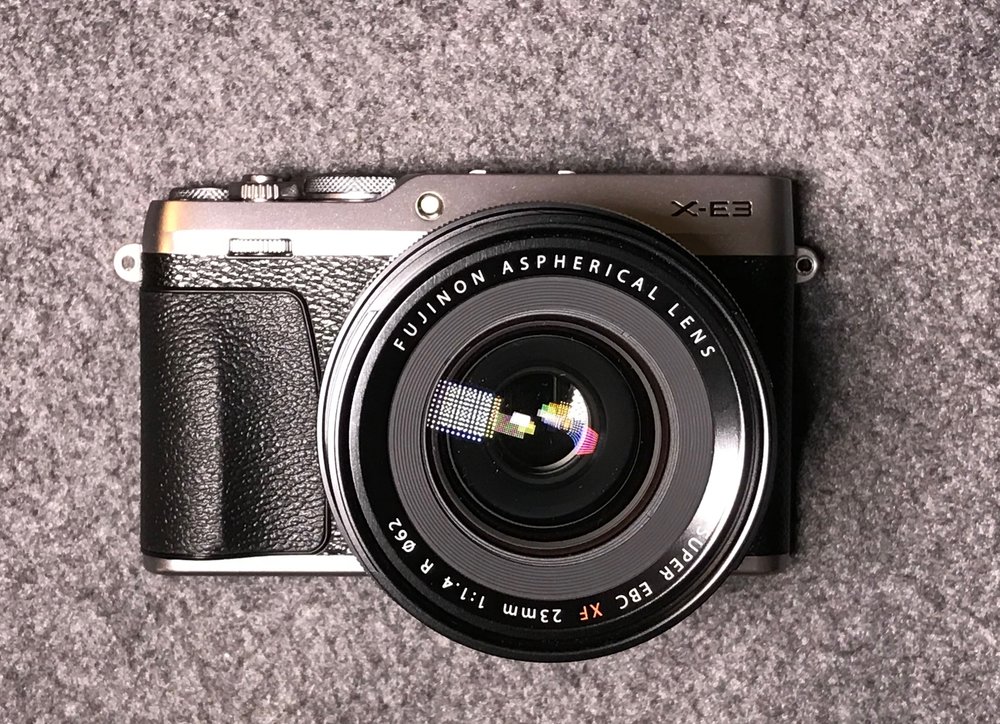
- Updated 2 October 2017: Added an FAQ section, a "Should I buy the X-E3 section" with a light comparison to the X-T2 and "How it feels in the hand" under the Handling section
- Updated 1 October 2017: Face/Eye detect flickering bug and Sample images
I've always wanted a rangefinder style second camera ever since I switched to Fuji last year. The problem was that the X-Pro2 was too big and the X-E2s was a half-baked attempt of refreshing a camera in 2016\. When the X-E3 was announced, I knew I had to get one.
I've gotten one from a store here in Hong Kong today and have played around with it a bit. I'll be taking it on a cruise this weekend so keep a lookout for a full review soon. Here are my first thoughts in the meantime.
## Equipment in this Review
1. Fujifilm X-E3 Body \[[Amazon US](http://amzn.to/2wYHG3G?ref=nandakusumadi.com), [Amazon UK](http://amzn.to/2y9YpRF?ref=nandakusumadi.com), [Adorama](//adorama.evyy.net/c/418798/51926/1036?u=https%3A%2F%2Fwww.adorama.com%2Fifjxe3b.html)\]
2. XF16mmF1.4R Lens \[[Amazon US](http://amzn.to/2k7Nj9O?ref=nandakusumadi.com), [Amazon UK](http://amzn.to/2yaV4lr?ref=nandakusumadi.com), [Adorama](//adorama.evyy.net/c/418798/51926/1036?u=https%3A%2F%2Fwww.adorama.com%2Fifj16xf.html)\]
1. LH-XF16 \[[Amazon US](http://amzn.to/2xDzyT7?ref=nandakusumadi.com), [Amazon UK](http://amzn.to/2yczBsc?ref=nandakusumadi.com), [Adorama](//adorama.evyy.net/c/418798/51926/1036?u=https%3A%2F%2Fwww.adorama.com%2Fifjlhxf16.html%3Fsearchinfo%3Dfujifilm%2Blh-xf16%26searchredirect%3Dtrue)\]
3. XF23mmF1.4R Lens \[[Amazon US](http://amzn.to/2fCkvEZ?ref=nandakusumadi.com), [Amazon UK](http://amzn.to/2yalvHP?ref=nandakusumadi.com), [Adorama](https://www.adorama.com/ifj23xf.html?ref=nandakusumadi.com)\]
1. LH-XF23\[[Amazon US](http://amzn.to/2fB0qiq?ref=nandakusumadi.com), [Adorama](//adorama.evyy.net/c/418798/51926/1036?u=https%3A%2F%2Fwww.adorama.com%2Fifjlhxf23.html%3Fsearchinfo%3Dfujifilm%2Blh-xf23)\]
4. XF56mmF1.2R Lens \[[Amazon US](http://amzn.to/2fBwmmq?ref=nandakusumadi.com), [Amazon UK](http://amzn.to/2hxJgmf?ref=nandakusumadi.com), [Adorama](//adorama.evyy.net/c/418798/51926/1036?u=https%3A%2F%2Fwww.adorama.com%2Fifj56xf.html)\]
5. XF 50-140mm F2.8 R LM OIS WR Lens \[[Amazon US](http://amzn.to/2kgJFds?ref=nandakusumadi.com), [Amazon UK](http://amzn.to/2kgFQ88?ref=nandakusumadi.com), [Adorama](https://adorama.evyy.net/c/418798/51926/1036?u=https%3A%2F%2Fwww.adorama.com%2Fifj50140xf.html&ref=nandakusumadi.com)\]
6. XF100-400mm F4.5-5.6 R LM OIS WR Lens \[[Amazon US](http://amzn.to/2kkzwrd?ref=nandakusumadi.com), [Amazon UK](http://amzn.to/2l83EtU?ref=nandakusumadi.com), [Adorama](http://adorama.evyy.net/c/418798/51926/1036?u=https%3A%2F%2Fwww.adorama.com%2Fifj100400xf.html&ref=nandakusumadi.com)\]
7. XF18-55mmF2.8-4.0R Lens \[[Amazon US](http://amzn.to/2wZvivp?ref=nandakusumadi.com), [Amazon UK](http://amzn.to/2ybXPTI?ref=nandakusumadi.com), [Adorama](//adorama.evyy.net/c/418798/51926/1036?u=https%3A%2F%2Fwww.adorama.com%2Fifj1855xf.html)\]
8. XF16-55mmF2.8R Lens \[[Amazon US](http://amzn.to/2wYKfTm?ref=nandakusumadi.com), [Amazon UK](http://amzn.to/2fC6PJS?ref=nandakusumadi.com), [Adorama](//adorama.evyy.net/c/418798/51926/1036?u=https%3A%2F%2Fwww.adorama.com%2Fifj165528.html)\]
# Build Quality
I'm not going to lie, the build quality of this one is probably on par with other mirrorless cameras that are made in China or Thailand, but *nowhere* near the ones are made in Japan like the [X-T2](http://amzn.to/2k8NmSS?ref=nandakusumadi.com) or even the made in Vietnam [Olympus OM-D E-M5 II](http://amzn.to/2wYHGkj?ref=nandakusumadi.com). It's not as bad as the X-A3 though.
It's great that the top and bottom parts of the X-E3 are made of metal, the body is mostly wrapped in the grippy leathery plastic anyway, so you won't be able to feel it. The dials feel closer to the ones on the X-T10 than the X-T2.
The shutter feels like the ones on the X-T10 and X-T20, which is to say, *rather* cheap. I have a feeling that these 1/4000s shutter mechanisms use an electromagnetic mechanism rather than a mechanical one on the X-T2\. Nothing wrong with it, it just gives a sense of scraping instead of a satisfactory slap.
Having said that, it's a camera I'll still be **happy** to use as a daily driver when I'm not shooting [birds](http://www.nandakusumadi.com/blog/2017/2/12/bird-photography-with-the-fujifilm-x-t2-part-1?ref=nandakusumadi.com), [wildlife](http://www.nandakusumadi.com/blog/2017/6/27/safari-photography-with-the-fujifilm-x-t2-part-2?ref=nandakusumadi.com) or serious [landscapes](http://www.nandakusumadi.com/blog/2017/7/30/fujinon-xf-10-24mm-f4-r-ois-review?ref=nandakusumadi.com) in sub-zero temperatures as I *greatly* value the reduced volume and weight over my X-T2\. The electronic shutter works great when using large aperture lenses in bright daylight.
# Handling
## How it feels in the hand
The X-E3 was designed to be compact and portable. However it has a very pronounced thumb grip that holds the AF-L and Quick Menu buttons. With my former X100T, I had to use a thumb grip on the hot shoe to get a more comfortable grip. With the X-E3, I can apply a fair bit of *sideways pressure* on it with my thumbs, such that it makes the grip a lot more **secure**. This makes larger lenses like the XF16-55mm or even the XF50-140mm easy to handle.
## Joystick
The X-E3 trades the traditional D-pad for a joystick, and **I love it**. Navigating menus or changing focus points are much quicker for me.
If I were to nitpick, the joystick tends to apply some pressure on the top right of the LCD, causing a very *slight* discolouration when you push it to the left. This is probably due to the plastic construction of the body itself, which again, I'm *more* than happy to accept for a lighter body.
## Capacitive Touchscreen
The capacitive touchscreen took some getting used to. In shooting mode, I find the tap to focus function responsive and capable.
You can also use the touch screen to shift focus points when composing through the viewfinder, I did **not** find this to be useful as you have to swipe too many times to get the focus point across the frame - *might as well use the joystick*.
In playback mode, you get the standard swipe to change images and pinch to zoom in. The implementation is nowhere as finessed as the first iPhone, but still a welcome addition.
What's quite clever is that double-tapping on an image takes you to a magnification of the focus area and double tapping again takes you out of zoom mode. What's annoying is that you do **not** get full magnification with RAW files, only a slightly zoomed in version. This is a problem with all Fujifilm cameras. JPEGs give you full magnification.
# Pairing with Lenses
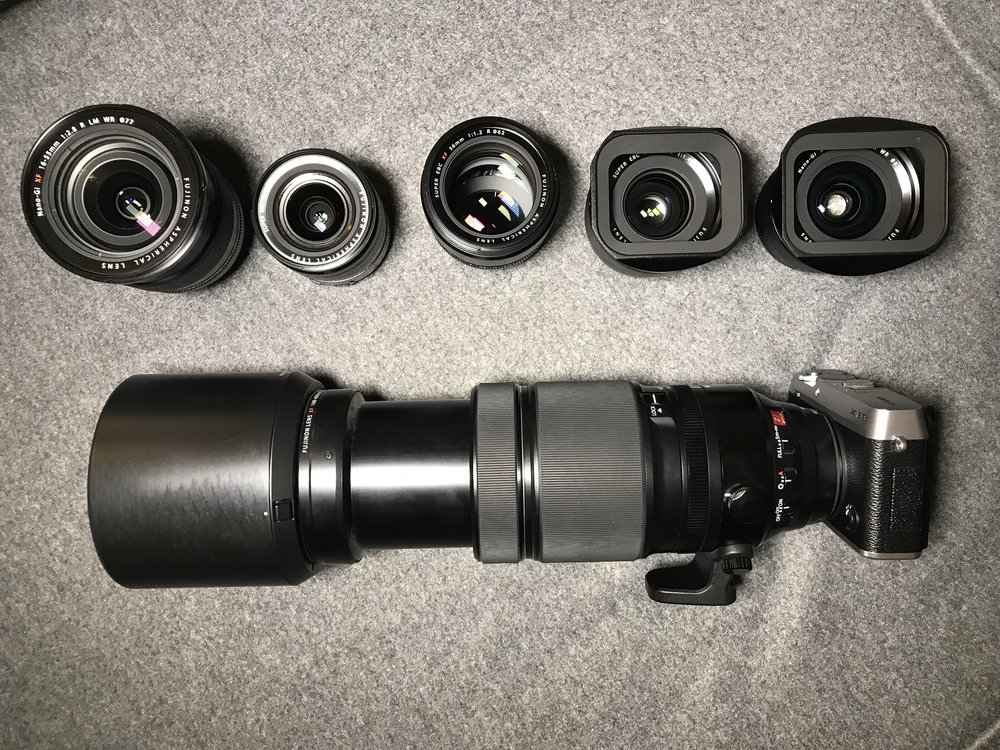
You can buy the X-E3 with the excellent 18-55mm, and it feels at home on the body. I will however, be using this with the XF16mmF1.4, XF23mmF1.4 and the XF56mmF1.2.
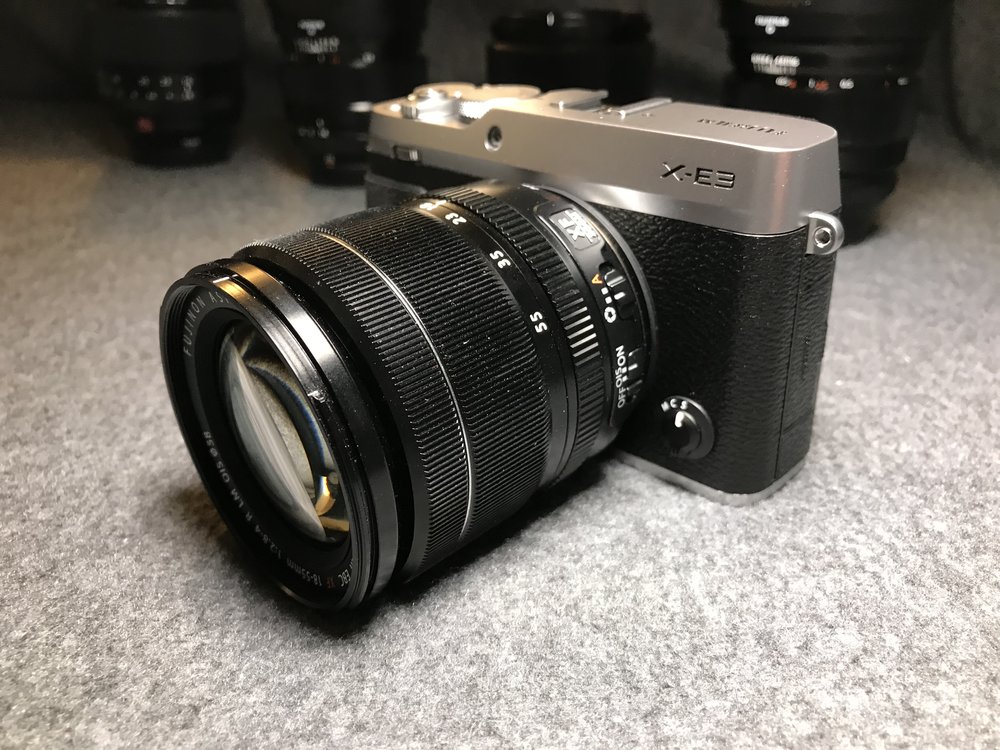
XF18-55mm, right at home. - I apologise in advance for all the dust on my lenses, they tend to be well used :)
The camera feels like it handles well with the three of them, even with the [LH-XF16](http://amzn.to/2wZ8PPe?ref=nandakusumadi.com) and the [LH-XF23](http://amzn.to/2wX5bdw?ref=nandakusumadi.com) attached to the first two.
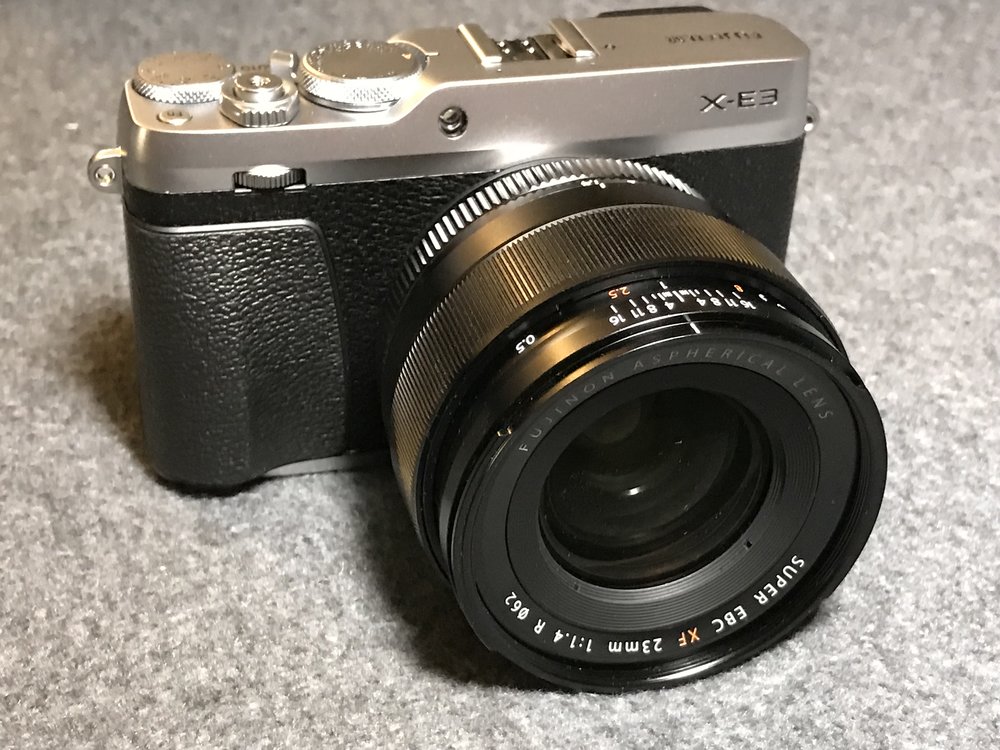
XF23mmF1.4
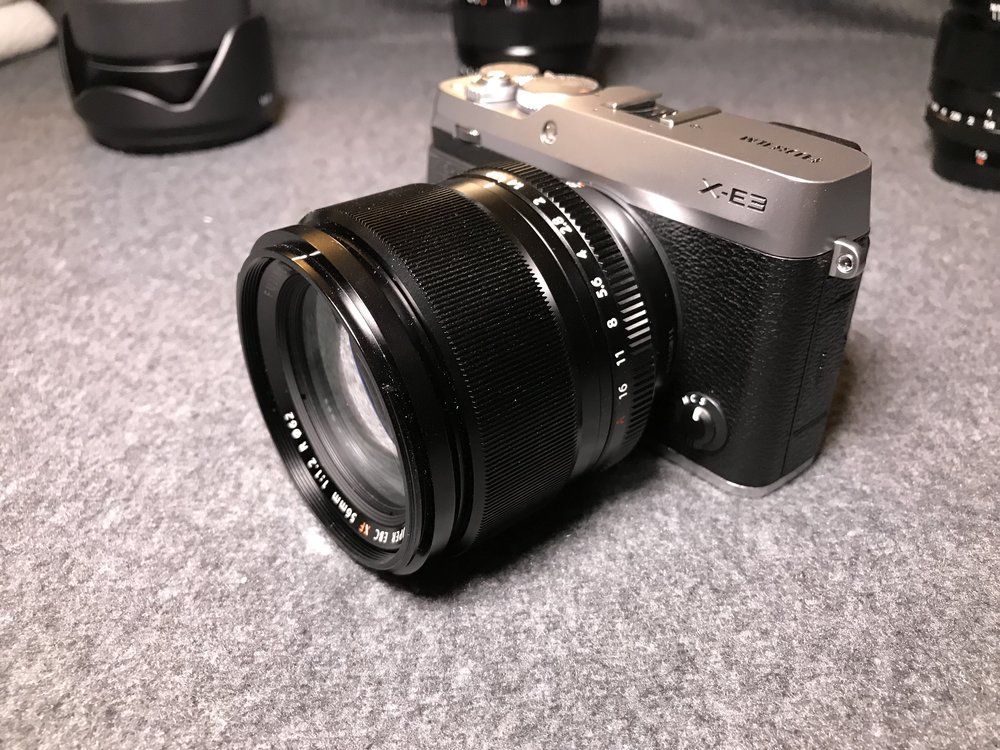
XF56mmF1.2
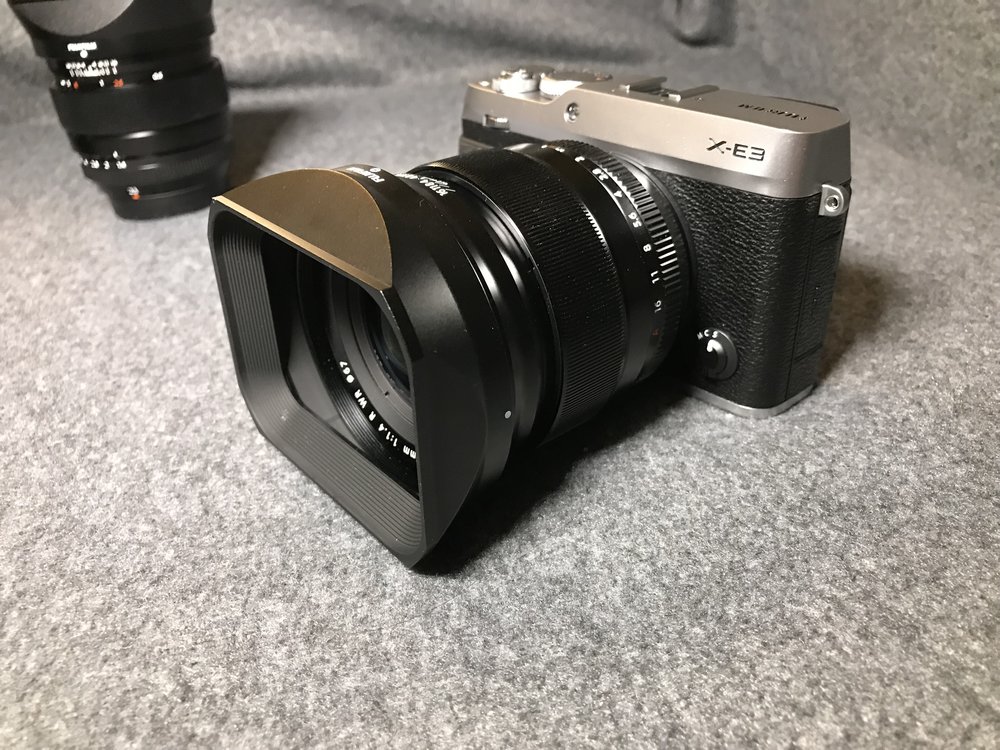
XF16mmF1.4
The XF16-55mm feels huge on it, but its smooth zoom ring makes the handling feel like a non-issue.
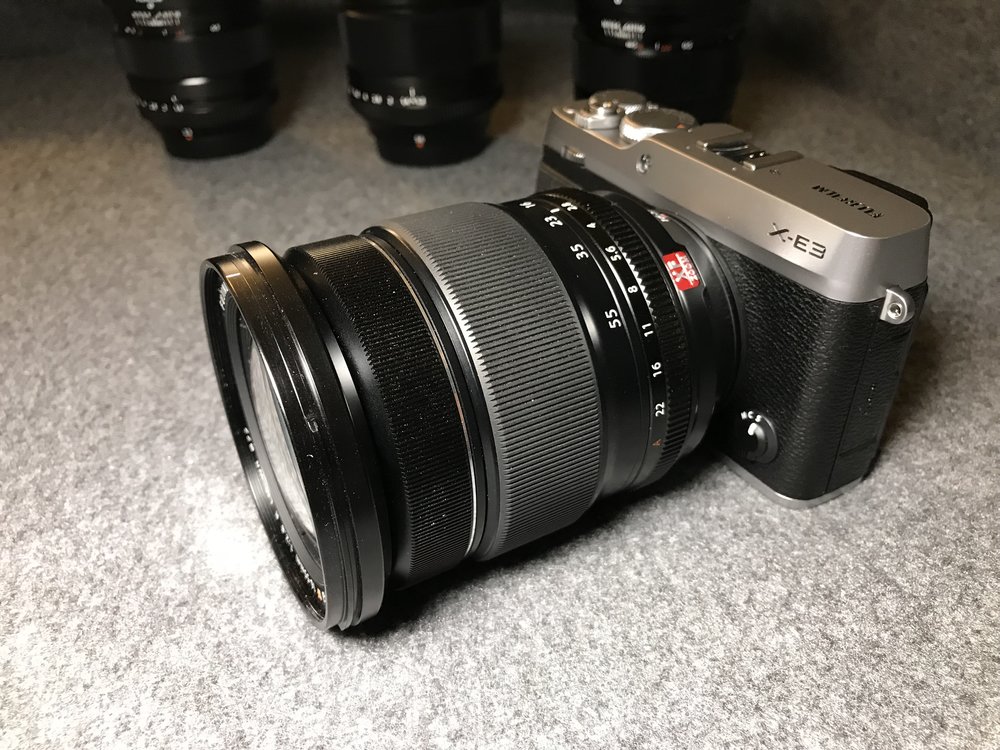
XF16-55MM handles well, but certainly feels like it belongs on an X-T2
The XF50-140mm strangely feels at home when you remove its tripod mount. I can foresee myself carrying it out even more on daily shoots and travel with the X-E3.
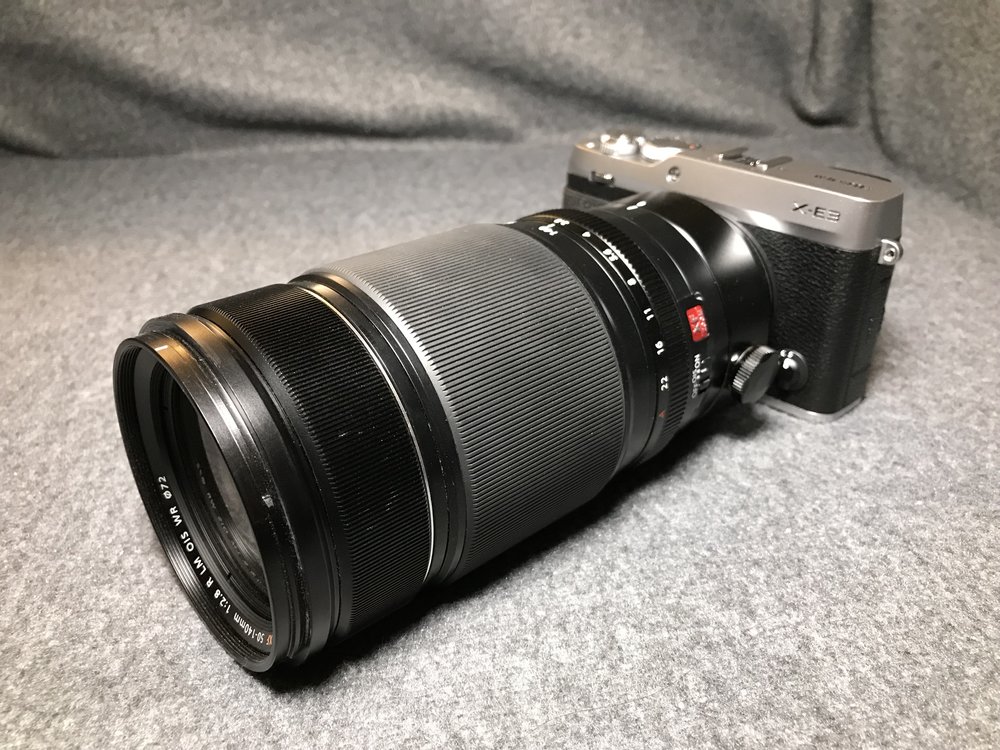
XF50-140mmF2.8 - This might be the beginning of a beautiful friendship...
The XF100-400mm fits on it, why not?
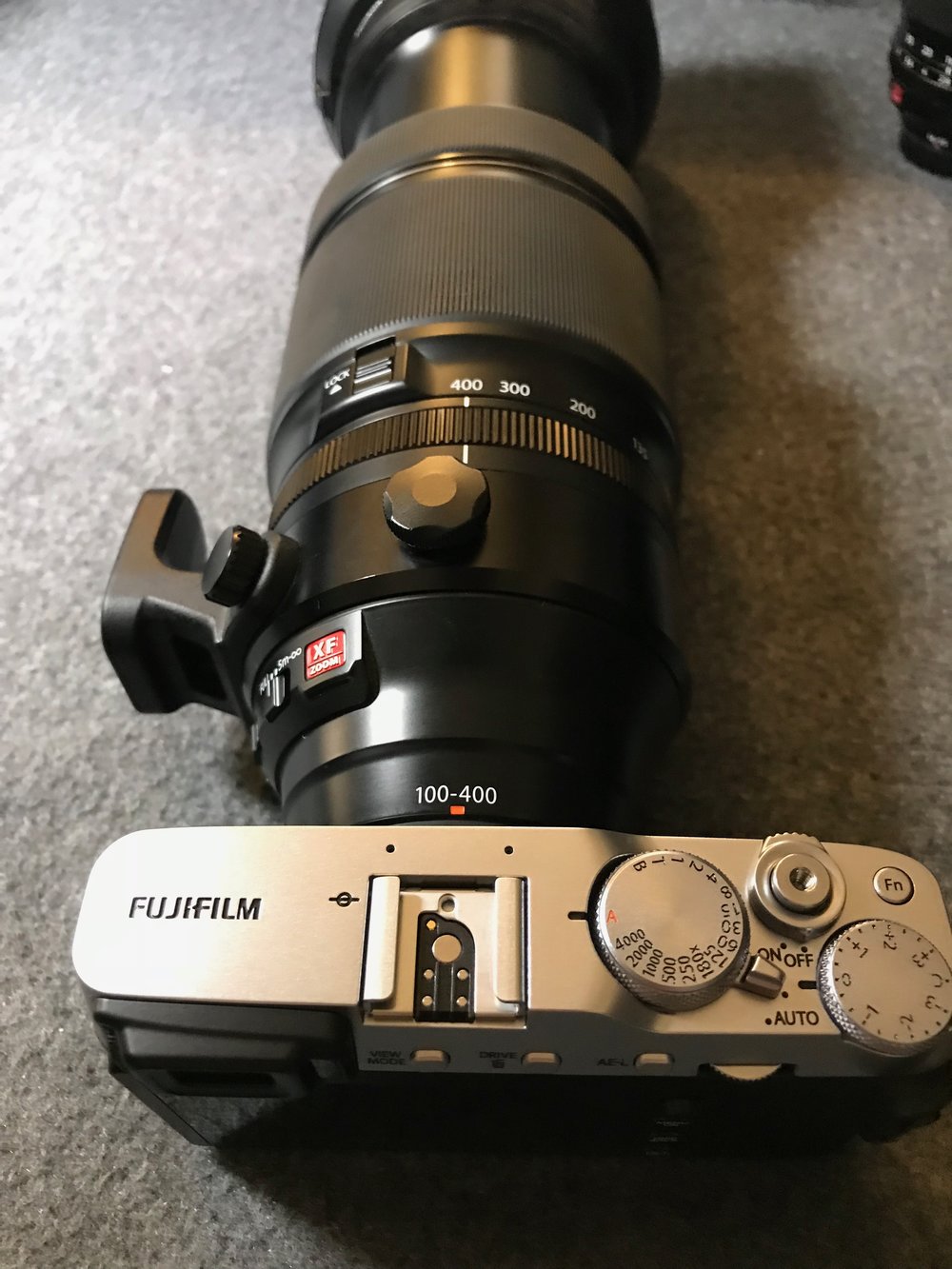
Why not?
# Bluetooth and Wireless Transfer
The Bluetooth feature is a first for Fujifilm cameras and is primarily used for pairing your smartphone to the camera. I can write an entire post on this so I'm going to just give you the brief points for now.
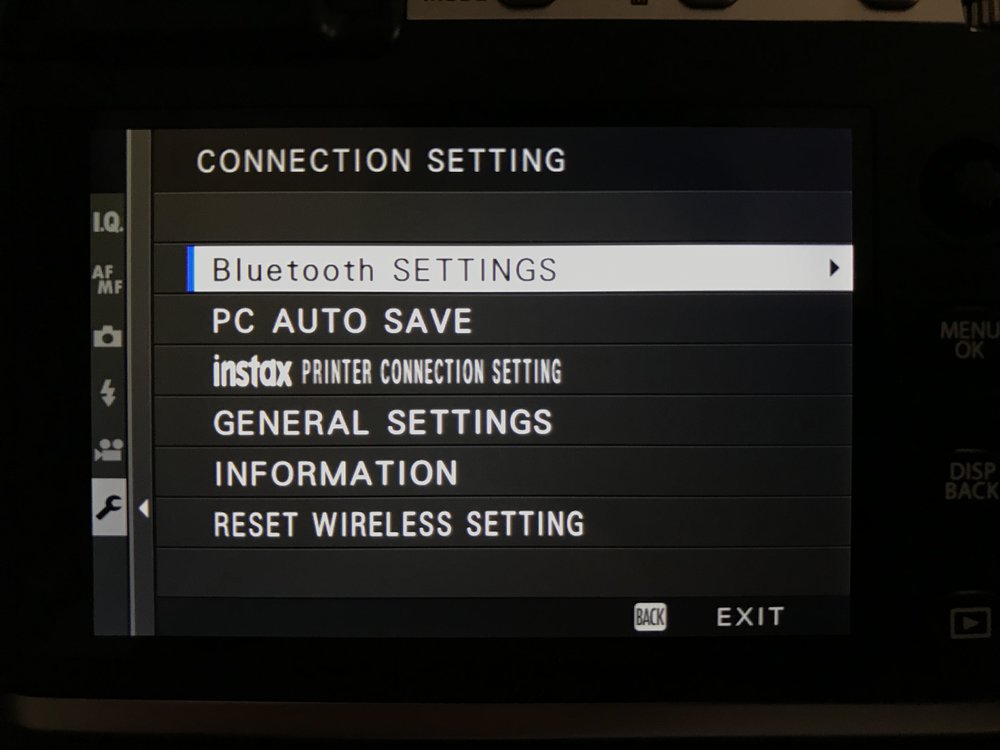
There's a new Bluetooth Settings section
Your camera will ask you to register a smartphone on first boot.
Pairing is straightforward using the app on the phone
The new Camera Remote app lets you know it supports bluetooth too
The camera is quickly visible for pairing
Pairing complete.
After first pairing, the camera even asks if you want to synchronise the time. Yes please!
There's now a Bluetooth indicator.
There's a new Image Transfer Order concept, where you can boss your X-E3 around and "order" it to add images to be transferred to a *queue*. You can choose to automatically add all images taken to this queue, or add them separately by pressing AF-L when in Playback mode.
Your X-E3 will take orders, if you can figure out the interface.
Switching the camera off with image in the queue gives you a reminder to complete the transfer.
You also get a push notification on your phone reminding you to connect to the camera's wireless network.
Transfers happen in the background and notify you when done.
What's good:
1. Each time you switch the camera off with images in the queue, it automatically broadcasts its wireless network for a few minutes and you get a local push notification on the phone, reminding you to connect to the camera.
2. The transfers happen in the background once you connect to the camera's wireless network, no need to launch the app.
3. The camera offers to sync the date and time with your smartphone on first sync. It would be great if this could happen whenever I travel overseas.
What's ridiculous in 2017:
1. You can't transfer RAW images. Come on Fujifilm, even Sony knows how to convert RAWs to JPEGs before a transfer.
2. You have to connect to the camera's wifi in the phone's settings menu each time you do a transfer.
3. There is no GPS tagging functionality over bluetooth, you'd think that this would be one of the low-hanging fruit given the currently near-useless implementation of GPS tagging.
I can foresee myself using this feature more, especially since I can build a queue on the camera (assuming I shoot JPEGs) and just let it transfer in the background.
# Frequently Asked Questions
Some of the questions I've been asked will make it into the full review, but you can check the answers below. Feel free to let me know in the comments if you have any questions.
- Can the shutter speed go beyond 30s in T mode?
- Yes it can go up to 15 minutes.
- Can you do exposure bracketing with RAW images?
- Yes you can.
- Does it alert you of clipped highlights?
- Yes it does, both in live view and playback mode.
- Can you use the electronic shutter to shoot RAW images?
- Yes you can.
- How do you access the extended ISO settings? (ISO L100-L160 and ISO H25600-H51200)
- You need to turn off the electronic shutter to access the extended ISOs.
- Are the extended ISO settings available in RAW?
- Yes they are.
- Does it have a built in ND filter?
- No it doesn't but the electronic shutter helps a lot.
# Should I buy the X-E3?
It depends.
If you're looking for a compact X series for travel and everyday photography, I can't think of a better model. The footprint of this package is so small that I can just toss it into my Peak Design Everyday Sling and have it occupy less than third of the space.
If you're looking for a serious camera for tripod and professional work, this will not be the camera for you. I would recommend getting the X-T2 instead for the reasons below.
## Fujifilm X-E3 vs. [Fujifilm X-T2](http://amzn.to/2kgJejk?ref=nandakusumadi.com)
The [Fujifilm X-T2](http://amzn.to/2kgJejk?ref=nandakusumadi.com) has a few things that may break your deal if they matter enough for you, do note that this comes at a weight penalty of 170g (507g for the X-T2 vs 337g for the X-E3) and an added cost of about US$700.
### X-T2 advantages
1. 1/8000s max. shutter speed might matter to you if you shoot outdoors with wide apertures and moving subjects often.
2. Tripod mount that's aligned with the centre of the lens, important if you want to shoot video on sliders with rotation.
3. 2 SD card slots that give you redundancy. The last thing you'd want to happen when shooting professionally is to lose all your images due to a failed SD card.
4. UHS-II SD card slot that empties the buffer quickly, [vital for wildlife photography](http://www.nandakusumadi.com/blog/2017/6/27/safari-photography-with-the-fujifilm-x-t2-part-2?ref=nandakusumadi.com).
5. It can shoot 4K video continuously for 30 minutes with the [VPB-XT2](http://amzn.to/2vb6Dr8?ref=nandakusumadi.com) attached, the X-E3 can only do so for 10 minutes continuously.
# Sample Photos
Sample photos to come when Lightroom adds support.
# Full review to come
Those are my first impressions of the X-E3\. Despite some of its shortcomings, I can't wait to take it out and have the fantastic new 24MP sensor with me in such a small package. Check back for more content over the next few days.
You can also read about my [recommended settings here](https://nanda-kusumadi.squarespace.com/blog/2017/10/1/my-best-settings-for-the-fujifilm-x-e3?ref=nandakusumadi.com).
Meanwhile you can let me know in the comments if you'd like me to answer any questions you may have on it. [Follow me on social media](https://www.instagram.com/nandastravels/?ref=nandakusumadi.com) below to keep updated when I post the full review.
## Equipment in this Review
If you found the content in this post useful, please consider supporting me by using one of the links below.
1. Fujifilm X-E3 Body \[[Amazon US](http://amzn.to/2wYHG3G?ref=nandakusumadi.com), [Amazon UK](http://amzn.to/2y9YpRF?ref=nandakusumadi.com), [Adorama](//adorama.evyy.net/c/418798/51926/1036?u=https%3A%2F%2Fwww.adorama.com%2Fifjxe3b.html)\]
2. XF16mmF1.4R Lens \[[Amazon US](http://amzn.to/2k7Nj9O?ref=nandakusumadi.com), [Amazon UK](http://amzn.to/2yaV4lr?ref=nandakusumadi.com), [Adorama](//adorama.evyy.net/c/418798/51926/1036?u=https%3A%2F%2Fwww.adorama.com%2Fifj16xf.html)\]
1. LH-XF16 \[[Amazon US](http://amzn.to/2xDzyT7?ref=nandakusumadi.com), [Amazon UK](http://amzn.to/2yczBsc?ref=nandakusumadi.com), [Adorama](//adorama.evyy.net/c/418798/51926/1036?u=https%3A%2F%2Fwww.adorama.com%2Fifjlhxf16.html%3Fsearchinfo%3Dfujifilm%2Blh-xf16%26searchredirect%3Dtrue)\]
3. XF23mmF1.4R Lens \[[Amazon US](http://amzn.to/2fCkvEZ?ref=nandakusumadi.com), [Amazon UK](http://amzn.to/2yalvHP?ref=nandakusumadi.com), [Adorama](https://www.adorama.com/ifj23xf.html?ref=nandakusumadi.com)\]
1. LH-XF23\[[Amazon US](http://amzn.to/2fB0qiq?ref=nandakusumadi.com), [Adorama](//adorama.evyy.net/c/418798/51926/1036?u=https%3A%2F%2Fwww.adorama.com%2Fifjlhxf23.html%3Fsearchinfo%3Dfujifilm%2Blh-xf23)\]
4. XF56mmF1.2R Lens \[[Amazon US](http://amzn.to/2fBwmmq?ref=nandakusumadi.com), [Amazon UK](http://amzn.to/2hxJgmf?ref=nandakusumadi.com), [Adorama](//adorama.evyy.net/c/418798/51926/1036?u=https%3A%2F%2Fwww.adorama.com%2Fifj56xf.html)\]
5. XF 50-140mm F2.8 R LM OIS WR Lens \[[Amazon US](http://amzn.to/2kgJFds?ref=nandakusumadi.com), [Amazon UK](http://amzn.to/2kgFQ88?ref=nandakusumadi.com), [Adorama](https://adorama.evyy.net/c/418798/51926/1036?u=https%3A%2F%2Fwww.adorama.com%2Fifj50140xf.html&ref=nandakusumadi.com)\]
6. XF100-400mm F4.5-5.6 R LM OIS WR Lens \[[Amazon US](http://amzn.to/2kkzwrd?ref=nandakusumadi.com), [Amazon UK](http://amzn.to/2l83EtU?ref=nandakusumadi.com), [Adorama](http://adorama.evyy.net/c/418798/51926/1036?u=https%3A%2F%2Fwww.adorama.com%2Fifj100400xf.html&ref=nandakusumadi.com)\]
7. XF18-55mmF2.8-4.0R Lens \[[Amazon US](http://amzn.to/2wZvivp?ref=nandakusumadi.com), [Amazon UK](http://amzn.to/2ybXPTI?ref=nandakusumadi.com), [Adorama](//adorama.evyy.net/c/418798/51926/1036?u=https%3A%2F%2Fwww.adorama.com%2Fifj1855xf.html)\]
8. XF16-55mmF2.8R Lens \[[Amazon US](http://amzn.to/2wYKfTm?ref=nandakusumadi.com), [Amazon UK](http://amzn.to/2fC6PJS?ref=nandakusumadi.com), [Adorama](//adorama.evyy.net/c/418798/51926/1036?u=https%3A%2F%2Fwww.adorama.com%2Fifj165528.html)\]
# Appendix: Flickering bug with eye detection
Using any of the face or eye detect options seem to cause the live view to flicker. I initially thought this was due to a mix-up in fluorescent frequency, but found that it happens outdoors too. You can watch this in the video below. Hopefully Fujifilm fixes this through a firmware update.
I've tried it with multiple lenses now and can reproduce it under the conditions below.
1) Set the camera to DR400
2) Switch off the camera and switch it on again
## Subscribe to my future newsletter for updates
Sign up with your email address to receive updates on photography and tech.
---
## Comments from the WordPress archive
*These comments were originally published on the previous WordPress version of this site. They are preserved here as a read-only archive.*
**TomBell** 28 September 2017
> Looks a great camera. If starting from scratch then the 23/2 35/2 50/2 would be very tempting for me as a more balanced option given the body size?
**Nanda Kusumadi** 28 September 2017
> Great question! I would certainly consider that combo if I were into street photography. It's going to be a lot more discreet. I'm a shallow depth of field nerd and have quite big hands though, so I would still get the F1.4 lenses if I were to start from scratch. Having said that I might get the XF35F2 to try it out as I don't have a "nifty fifty" yet.
**Greg Wallis** 29 September 2017
> The reason that you can't view RAW files at 100% is because you can't view RAW files at all. On ANY camera - or, get this, on any computer. RAW requires a software converter e.g. ACR to interpret the data and provide a software biased image that you view - hence, different RAW converters give different results. This isn't a Fuji issue, it's the same with every camera out there. What you're viewing is a a small JPG of the RAW file that's created on the fly, when the image is taken, and then automatically embedded in the RAW image container so that you have a reference preview. Shooting RAW+JPG is the only solution if you wish to view files at 100% in-camera and, irrefutably, is the same on Nikon, Canon, Sony... etc. Hope that helps.
**Nanda Kusumadi** 1 October 2017
> Hi Greg, yep I completely understand why this is the as-is case (as I mentioned in my X-T2 review). However given the speed and power efficiency of the X-Processor Pro, I would like it if Fujifilm triggers an on-the-fly conversion when magnification is triggered. There may be a slight power penalty, but this should be fine given it’s only triggered upon magnification and it solves a user problem.
**Rico** 30 September 2017
> Did you find that your face hit the touchscreen when you were using the EVF and did that cause problems (like your cheek triggering a touch command)?
**Nanda Kusumadi** 1 October 2017
> Nothing like that so far, which probably kind of explains the lack of sensitivity I think.
**mohamed** 2 October 2017
> Hi Nanda,Did you find the EVF as good as the X-T20, few people are mentioning something about the E X3 EVF vignetting at extreme corners (as if the evf is not 100% covering)
**Nanda Kusumadi** 2 October 2017
> Hi, I don’t have the X-T20 so I cannot really speak for that. I do have the X-T10 and the X-T2 though and can say that I haven’t noticed any added vignettes. It is smaller than the EVF in the X-T2 but plenty good enough for its diminutive size.
**maarten cox** 7 October 2017
> I've just received my xe3 and I have two questions regarding the touch screen: is it normal that I can push the screen slightly inward on the left and right side? seems to me that's not supposed to happen the swiping actions don't work very well, or I'm doing something wrong. swiping right to middle works 70% of the time, down to middle also, up 30% and left to middle almost never triggers
**Nanda Kusumadi** 7 October 2017
> Hey Maarten, I just tried pressing down on the left and right side of my screen and it depresses slightly too (maybe about 0.1 - 0.2mm). It doesn't bother me but Fujifilm should tighten tolerances for future models. For the swiping actions, I've learned that it's more of a flick rather than a swipe. If you don't put some speed to it, it doesn't work. Again something that Fujifilm should consider tweaking in future firmware updates. Hope this workaround helps in the meantime.
**Rafal Nowak** 10 October 2017
> Hi Nanda, Do you have any experience in balancing Fuji X-E3 on a gimbal like Zhiyun Crane ? Is the side tripod mount on the camera causing any problems in balancing ?
**Nanda Kusumadi** 10 October 2017
> Hi Rafal, Unfortunately I don't have any experience mounting it on a gimbal. I've been considering getting one of them in the near future and from the manuals, it seems that you can balance the adjustment on the roll axis. Whether the offset amount is sufficient is another issue... Sorry that I can't be of much help!
**Blaine Burnett** 15 November 2017
> Hey Nanda! Awesome review. Its one of the things that pushed me over the edge to get the XE-3\. Now I'm kind of wishing I had paged down to the bottom and seen the flickering issue. Mine is doing the same thing. Are you returning yours or do you think its just a bug that will be taken care of?
**Nanda Kusumadi** 15 November 2017
> Hi Blaine, thanks for the kind comments. I’ve been meaning to update this review but haven’t had much time recently. I’m not sure if they are going to fix it, hopefully they are as it was posted on Fujirumours. Hopefully it comes as part of the major software update early next year. Enjoy your new camera!
**Blaine Burnett** 16 November 2017
> Nanda- Thanks for getting back to me. Just a quick follow-up, I did end up exchanging the camera. Not sure if it was a firmware issue and maybe the new one was updated but there is no flicker at all. Thanks again!
**Nanda Kusumadi** 30 November 2017
> Thanks for this Blaine, I'll try bringing mine into the local service centre.
**Evan MacDonald** 18 November 2017
> Hey There, I just got my hands on the X-E3 and I am really loving it. I spent some time with the X-T1 and loved it, this is a nice upgrade in image quality and features. You mention that the top and bottom are metal on this camera, and I think thats wrong. I think the whole thing is plastic. The build is notably lower quality than the X-T1\. Thanks for the post! I will be checking back for more insights on the XE3!
**Nanda Kusumadi** 30 November 2017
> Hi Evan, actually I can understand why you'd get that impression. The coating that Fujifilm uses doesn't feel metallic at all. However, it's really most likely to be metal. In cold temperatures, you can feel that the top and bottom are noticeable colder than the body. And here are two other sites that state the top and bottom is metal (search for "magnesium" on the pages). https://mirrorlesscomparison.com/preview/fuji-xe2-xe2s-vs-xe3/https://www.dpreview.com/news/9977804309/fujifilm-x-e3-offers-24mp-sensor-and-extensive-touch-control
### Fujifilm X-E3, XF80MM Macro, XF200MM F2 and the XF8-16MM - My thoughts
URL: https://nandakusumadi.com/fujifilm-x-e3-xf80mm-macro-xf200mm-f2-and-the-xf8-16mm-my-thoughts/
Last updated: 2017-09-07T09:07:04.000Z
So Fujifilm announced a bunch of stuff today. Here are my initial thoughts:
# [X-E3 Body](http://amzn.to/2wKAbM8?ref=nandakusumadi.com)
```
```
I've been thinking about getting an APS-C system that has a smaller footprint that the X-T2 I've come to love. Initially I was thinking of getting the X-T20, but always had second thoughts about it due to the lack of a joystick for quickly switching focus points.
I used to own the X100T and loved its Rangefinder like form factor, but sold it off as I found the 35mm lens to be a little too limiting. I'm going to give the X-E3 a shot as my travel camera and second body to my X-T2.
Some thoughts on its features:
1. Addition of Joystick and Removal of D-Pad: Pretty much seems to be right thing to do. Switching focus points with the joystick is **exponentially** easier than the D-Pad. Ergonomically speaking, you won't have to move your thumb away to change directions. The D-Pad shortcuts have been replaced by swipe gestures on the touch screen, which make complete sense to me.
2. Bluetooth Connectivity: Only featuring "automatic connections" to the wi-fi hotspot that the camera produces, I think they're missing an opportunity with geotagging here. Fujifilm's geotagging solution on its mobile app is half-baked at best. The constant connection between the mobile phone and the camera that bluetooth should allow the camera to "ping" the phone for its current location and tag it into the image.
3. 1/4000 max shutter speed: I've gotten comfortable enough with Fujifilm's electronic shutter, so not an issue for me even with the F1.2 and F1.4 lenses.
4. UHS-I SD Card slot: Not a big deal for travel and street photography, but I'll have to keep this in mind when using it as a second body for wildlife.
# [Fujinon XF80MM Macro](http://amzn.to/2j7HpF2?ref=nandakusumadi.com)
```
```
My fiancée and I are starting a [jewellery business](http://www.annadria.com/?ref=nandakusumadi.com) and require a 1:1 macro lens to take the close up product shots. To be honest that's one of the only reasons why I've kept the Olympus OM-D E-M5 ii up till now, it's got the excellent 60mm 1:1 macro, while Fujifilm only had their (literally) half-baked 1:2 XF60mm F2.4.
With this lens in the arsenal, I should be able to completely transit to a pure Fujifilm line up, which means not having to keep that nasty Olympus proprietary cable or charger around anymore.
# Fujinon XF200mmF2 and XF8-16mmF2.8 (2018)
I've lamented before about the first telephoto prime not being a 300mm F2.8, but I'll take whatever I can get from Fujifilm when it comes to long lenses at this point. A 400mm F4 (with XF2XTC) still lets in more light than a 400MM F5.6 at the end of the day.
I will definitely be getting the XF8-16mmF2.8 when it launches too
```
```
I hope you guys are looking forward to the reviews of these in the coming months. Follow me on social media below to keep updated!
### Fujifilm Fujinon XF100-400mmF4.5-5.6 R LM OIS WR Review - A Telephoto You'll Love For Wildlife
URL: https://nandakusumadi.com/fujifilm-fujinon-xf100-400mmf45-56-r-lm-ois-wr-review-a-telephoto-youll-love/
Last updated: 2017-08-05T08:45:40.000Z
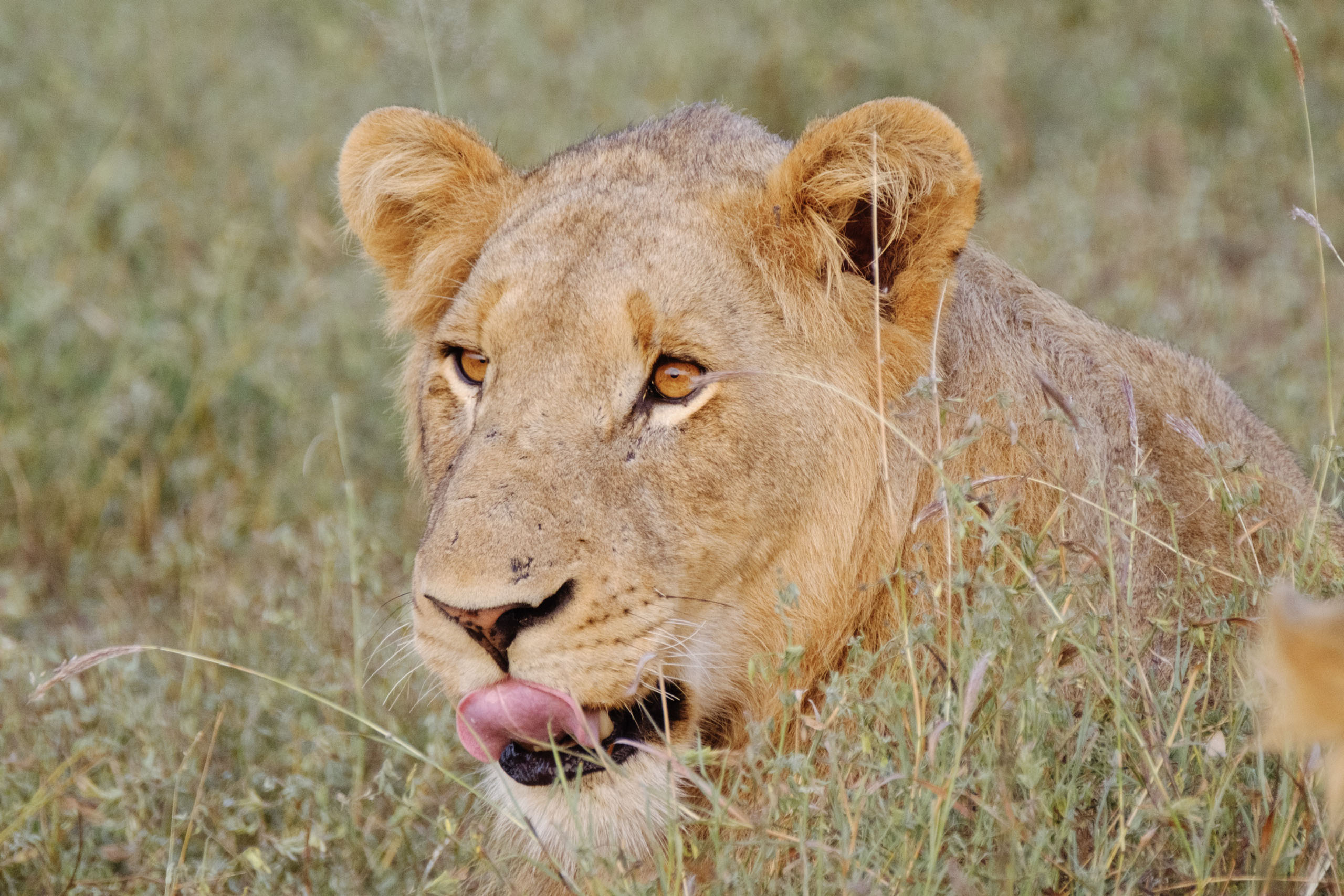
Even lions drool for the XF100-400mm
The [Fujinon XF100-400mm](http://amzn.to/2kkzwrd?ref=nandakusumadi.com) is the most expensive piece of glass you can buy for the X system. *Ironically*, this was also the lens that made me switch to the Fujifilm X system.
## Equipment in this post:
1. Fujinon XF 100-400mm XF100-400mm F4.5-5.6 R LM OIS WR Lens \[[Amazon US](http://amzn.to/2kkzwrd?ref=nandakusumadi.com), [Amazon UK](http://amzn.to/2l83EtU?ref=nandakusumadi.com), [Adorama](//adorama.evyy.net/c/418798/51926/1036?u=https%3A%2F%2Fwww.adorama.com%2Fifj100400xf.html)\]
2. Fujifilm X-T2 Body \[[Amazon US](http://amzn.to/2kgJejk?ref=nandakusumadi.com), [Amazon UK](http://amzn.to/2lDgXPW?ref=nandakusumadi.com), [Adorama](//adorama.evyy.net/c/418798/51926/1036?u=https%3A%2F%2Fwww.adorama.com%2Fifjxt2.html)\]
3. VPB-XT2 Vertical Power Booster Grip \[[Amazon US](http://amzn.to/2vb6Dr8?ref=nandakusumadi.com), [Amazon UK](http://amzn.to/2kgLOFT?ref=nandakusumadi.com), [Adorama](//adorama.evyy.net/c/418798/51926/1036?u=https%3A%2F%2Fwww.adorama.com%2Fifjvpbxt2.html%3FRRref%3DproductPage)\]
4. XF1.4X TC WR Teleconverter \[[Amazon US](http://amzn.to/2kWG01z?ref=nandakusumadi.com), [Amazon UK](http://amzn.to/2l83oLz?ref=nandakusumadi.com), [Adorama](//adorama.evyy.net/c/418798/51926/1036?u=https%3A%2F%2Fwww.adorama.com%2Fifj14x.html)\]
1. Bundled with XF 50-140mm \[[Amazon US](http://amzn.to/2kWCzHU?ref=nandakusumadi.com), [Amazon UK](http://amzn.to/2kgObsc?ref=nandakusumadi.com), [Adorama](//adorama.evyy.net/c/418798/51926/1036?u=https%3A%2F%2Fwww.adorama.com%2Fifj50140xfl2.html)\]
2. Bundled with XF 100-400mm \[[Amazon US](http://amzn.to/2kgMN8T?ref=nandakusumadi.com), [Amazon UK](http://amzn.to/2kgBT33?ref=nandakusumadi.com), [Adorama](//adorama.evyy.net/c/418798/51926/1036?u=https%3A%2F%2Fwww.adorama.com%2Fifj100400xl1.html)\]
5. Olympus Dot Sight EE-1 \[[Amazon US](http://amzn.to/2gQdTCB?ref=nandakusumadi.com), [Amazon UK](http://amzn.to/2vIkGAH?ref=nandakusumadi.com), [Adorama](//adorama.evyy.net/c/418798/51926/1036?u=https%3A%2F%2Fwww.adorama.com%2Fiomee1.html%3Fsearchinfo%3Dee-1%2Bdot%2Bsight%26searchredirect%3Dtrue)\]
It’s late 2016, I was bitten by the *Safari bug* when I was living in South Africa and was about to head to Hokkaido to photograph some cranes and eagles. What I had at the time was the excellent [Sony A7R II](http://amzn.to/2fhHX9N?ref=nandakusumadi.com) and the diminutive [Olympus OM-D E-M5 ii](http://amzn.to/2hy20S2?ref=nandakusumadi.com). The Sony had no 400mm lens at the time and had a slow frame rate of 5fps, and I’ve always felt that the smaller sensor size of M43 was limiting for wildlife photography when it comes to ISO performance and cropping potential. The choices were to either:
- Get a *safe option for the present*; a Canon 7D II with the EF 100-400mm II
- Or invest in a *system for the future*.; a [Fujifilm X-T2](http://amzn.to/2kgJejk?ref=nandakusumadi.com) with the XF100-400mm
Being *ever* the early adopter, I naturally chose the latter.
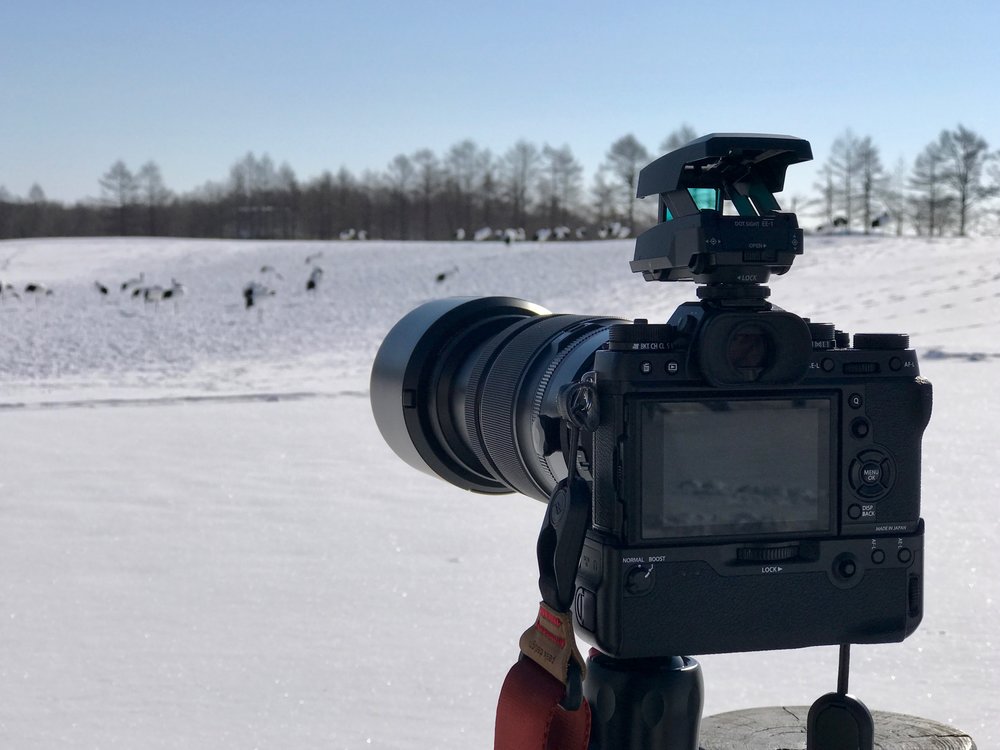
With the Olympus Dot Sight EE-1, it almost looks like a futuristic sniper camera
In my opinion, this was the first serious wildlife lens you could find a for a mirrorless system. I appreciate that Panasonic has their Leica branded 100-400mm and Olympus has their excellent (and expensive) 300mm F4, but the APS-C sized sensor have always fekt like the best compromise between sensor (and lens) size and image quality to me.
I also had recently bought Fujifilm’s X-T10 as a spare camera and was impressed by its colour reproduction. Fujinon glass for the X-series have always had a warranted reputation for their *stellar quality to price ratio*, and the promise of having that quality in a 100-400mm was just too enticing.
Two wildlife trips later, I can say that this lens exceeded my expectations. Anyone going into the X-T2 system for [wildlife](http://www.nandakusumadi.com/blog/2017/6/27/safari-photography-with-the-fujifilm-x-t2-part-2?ref=nandakusumadi.com) or [bird](http://www.nandakusumadi.com/blog/2017/2/12/bird-photography-with-the-fujifilm-x-t2-part-1?ref=nandakusumadi.com) photography should buy this lens without hesitation.
# Build Quality
Coming in at 1365g without its caps and hoods, this lens doesn’t seem to offer much weight savings over the full frame alternative offered by Canon. It is *only* 200g lighter. I suspect this is mostly due to the **insane OIS system** they’ve implemented in the lens (more on that later), which I’d gladly tae any day over a slight weight saving.
My copy of this lens has very *minimal rotational play* around the mount. Some readers have told me that their copies have a slight bit of play, just like my XF 50-140mm, but that should be of no concern as it does not affect image quality. I promise once you get this out in the field, the adrenaline that comes with wildlife photography will make you forget about the rotational play.
The lens hood snaps securely in place and has an opening for easy access to a C-PL filter, *if* you use any for wildlife photography to begin with.
# Handling
## Physical controls
For its price, this lens feels as well-engineered as it should be. The zoom rings feel precise and smooth. The lens element extends forward as you increase the focal length, but it never feels like a struggle to operate. There is a lock switch that locks the focal length at 100mm, which I use often when I have this slung around my back. Lens creep is minimal.
The focus controls are by wire, which would take some getting used to if you’re coming form a DSLR. But I generally found it more accurate when fine tuning focus with MF magnification once you get used to it, remember that there is no magnification on a DSLR when using the viewfinder.
The aperture control ring has no markers, but still makes it more *intuitive* to change apertures compared to a rear command dial in my opinion.
Other switches include an OIS on/off switch (no different modes like on a Canon EF 100-400mm but I haven’t found that to be an issue), a focus range limiter switch, and the standard aperture control switch found on Fujinon lenses.
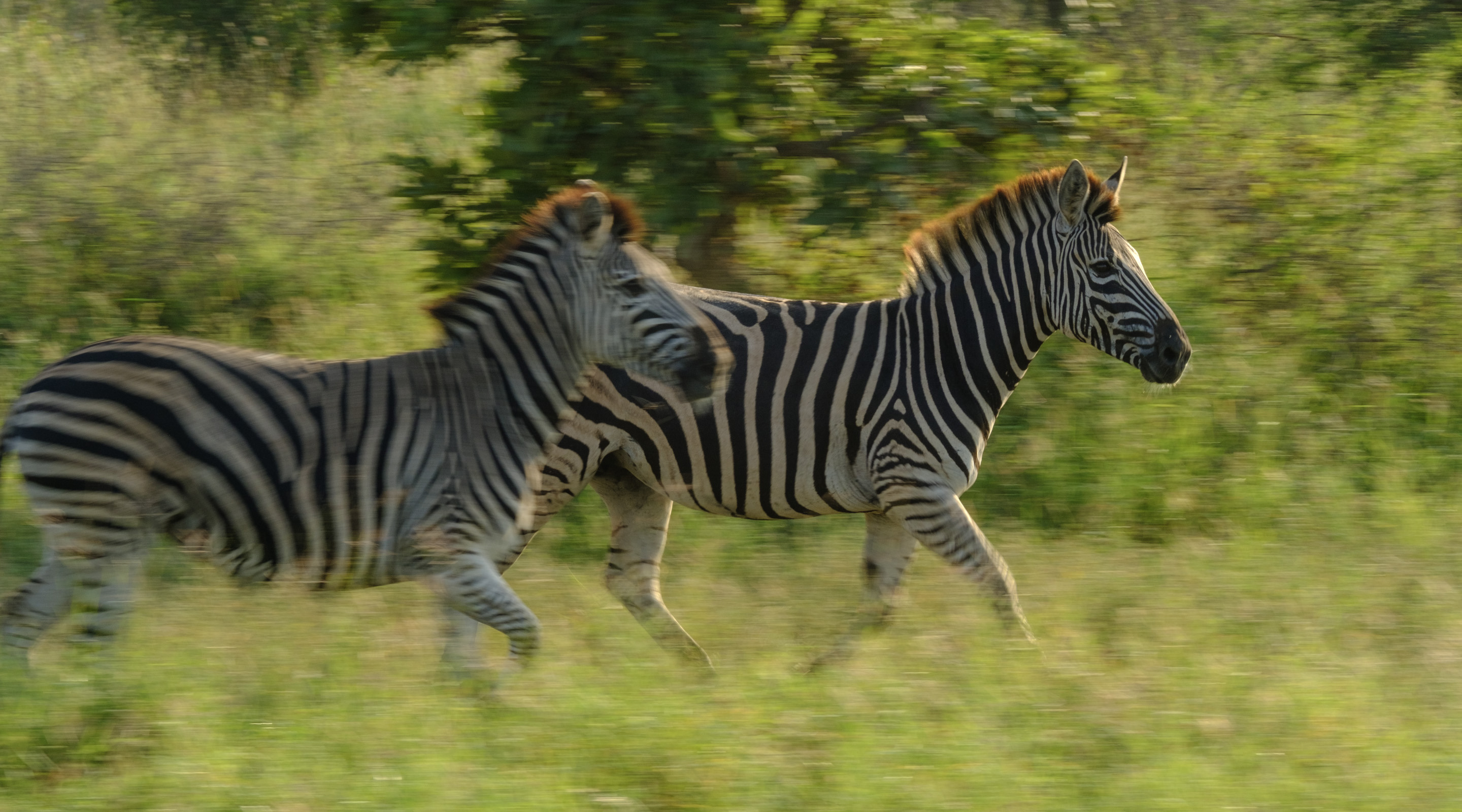
Some other lenses have various IS modes for panning, the XF100-400mm does not have one, but I never found an issue with panning shots such as these
## With the Fujifilm X-T2 and VPB-XT2
Handling this lens with the X-T2 body alone feels very front heavy and makes it difficult to respond to focal length changes, I wouldn’t recommend it.
I use this lens on my X-T2 with the [VPB-XT2](http://amzn.to/2vb6Dr8?ref=nandakusumadi.com) attached almost exclusively. The VPB-XT2 gives you a larger surface area to grip the body which in my opinion, eliminates the front heavy issues. Shooting in portrait orientations is also a lot easier with it on. It also adds two extra batteries and an added 11fps boost mode that any wildlife photography would appreciate.
## Tripod mount
The tripod mount attaches onto the barrel of the lens with two screws that can be easily removed with your thumb. Unlike Canon lenses, the ring around the barrel cannot be removed, which I think is a better design as it reduces the footprint of the tripod mount when detached. The foot of tripod mount is quite small compared to the XF 50-140mm’s or other lenses, so I almost always keep it on and rotate it upwards when handholding.
# Image Quality
Image quality is excellent, it definitely lives up to the Fujifilm standards. Bokeh looks creamy, colours and contrast are fantastic, sharpness is excellent. I’ll let the photos do the talking but before that, just be aware that if you’re new to this sort of focal length ranges, you have to take your focusing seriously.
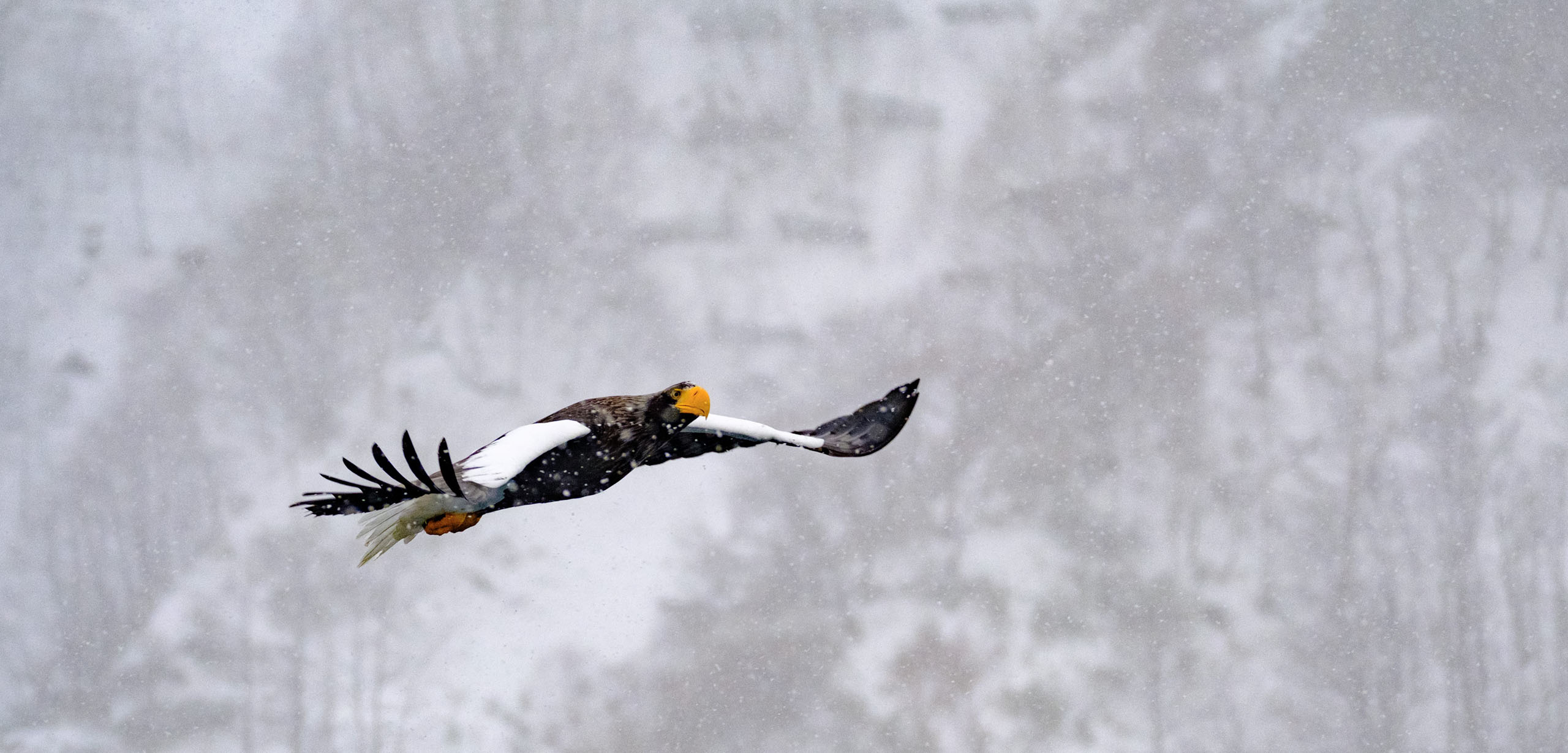
Steller's Sea Eagle - 135mm, F4.7
When I started using the 100-400mm I was wondering why half my shots were not tack sharp, turns out the depth of fields are a lot shallower than what I was used to, even at F5.6\. A general tip would be to **stop down to F8 or even F11** when your subject’s plane of focus shifts rapidly, and to use Manual Focus and MF assist to **fine tune** your focus when your and your subject are stationary. You must also be aware of heat haze during the daytime in summer, no amount of sharpness is going to rescue you from the diffraction that it causes.
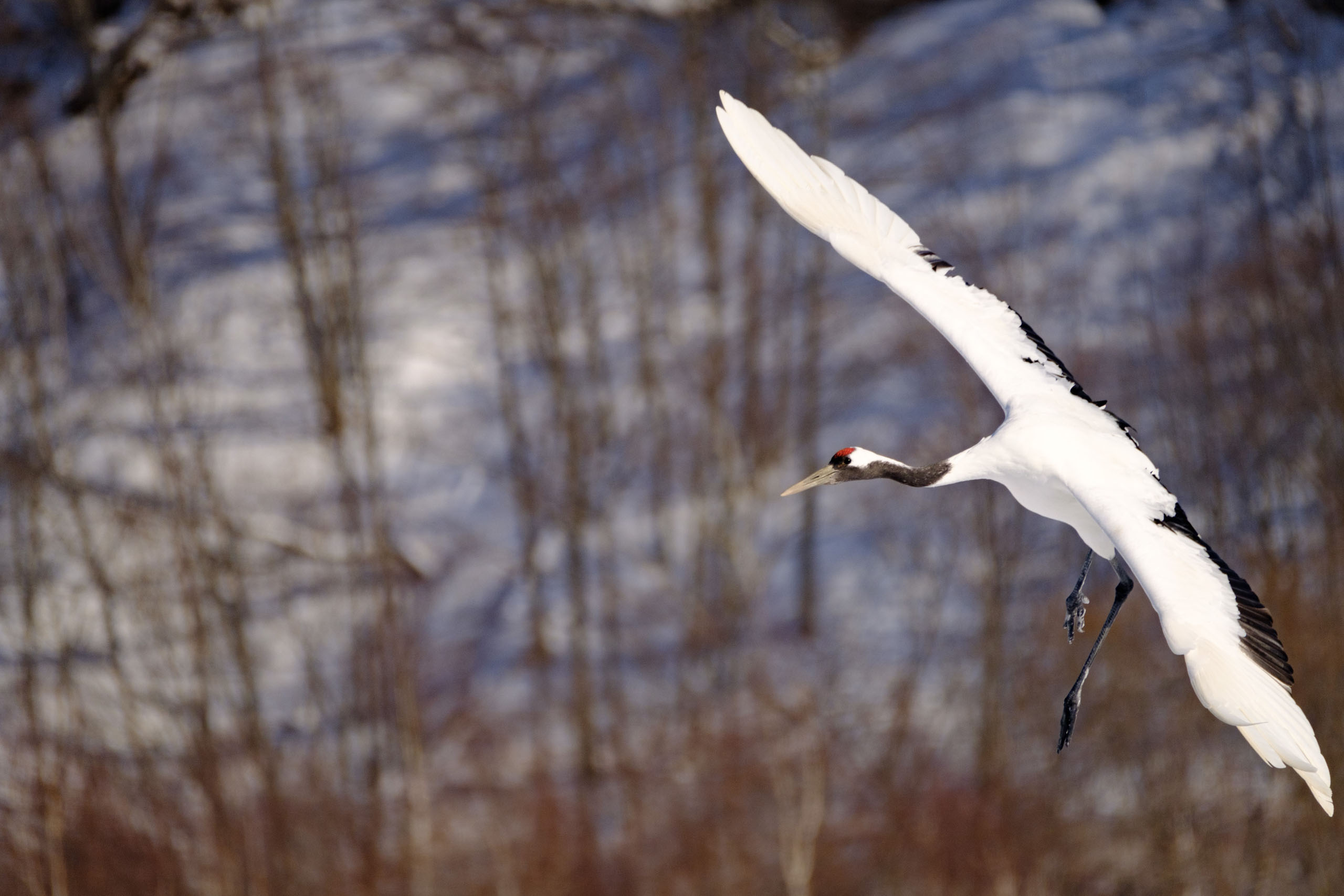
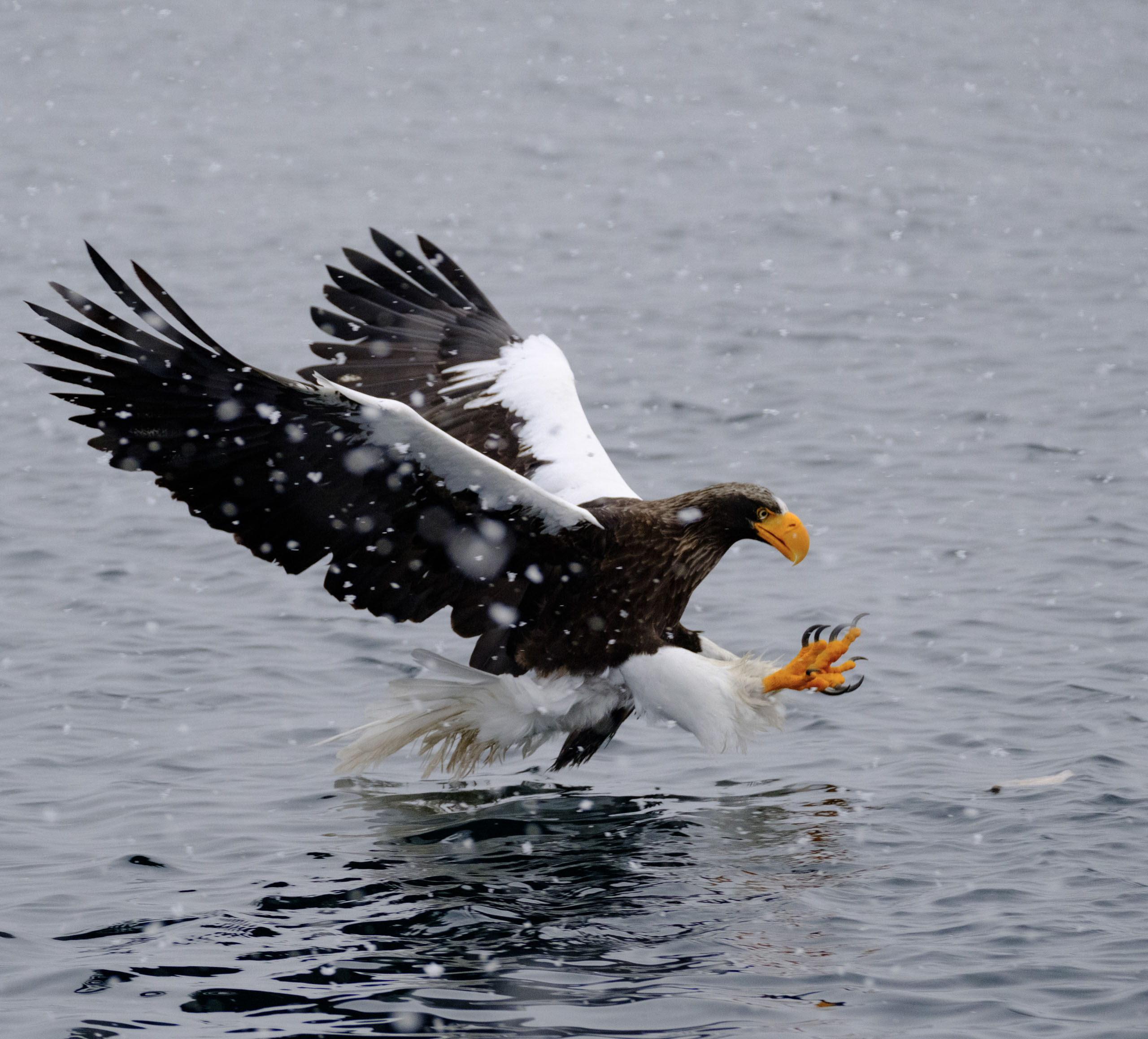


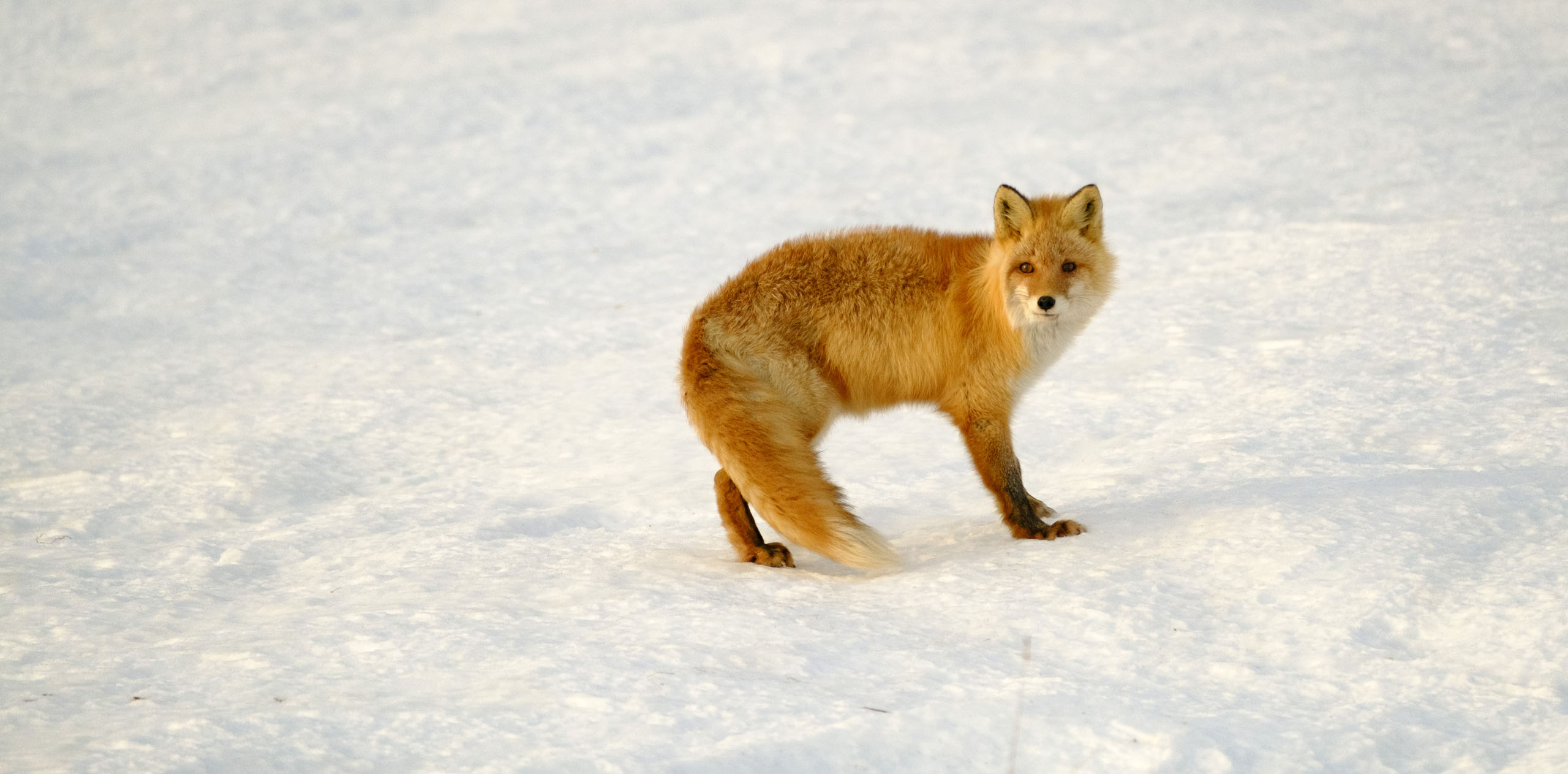
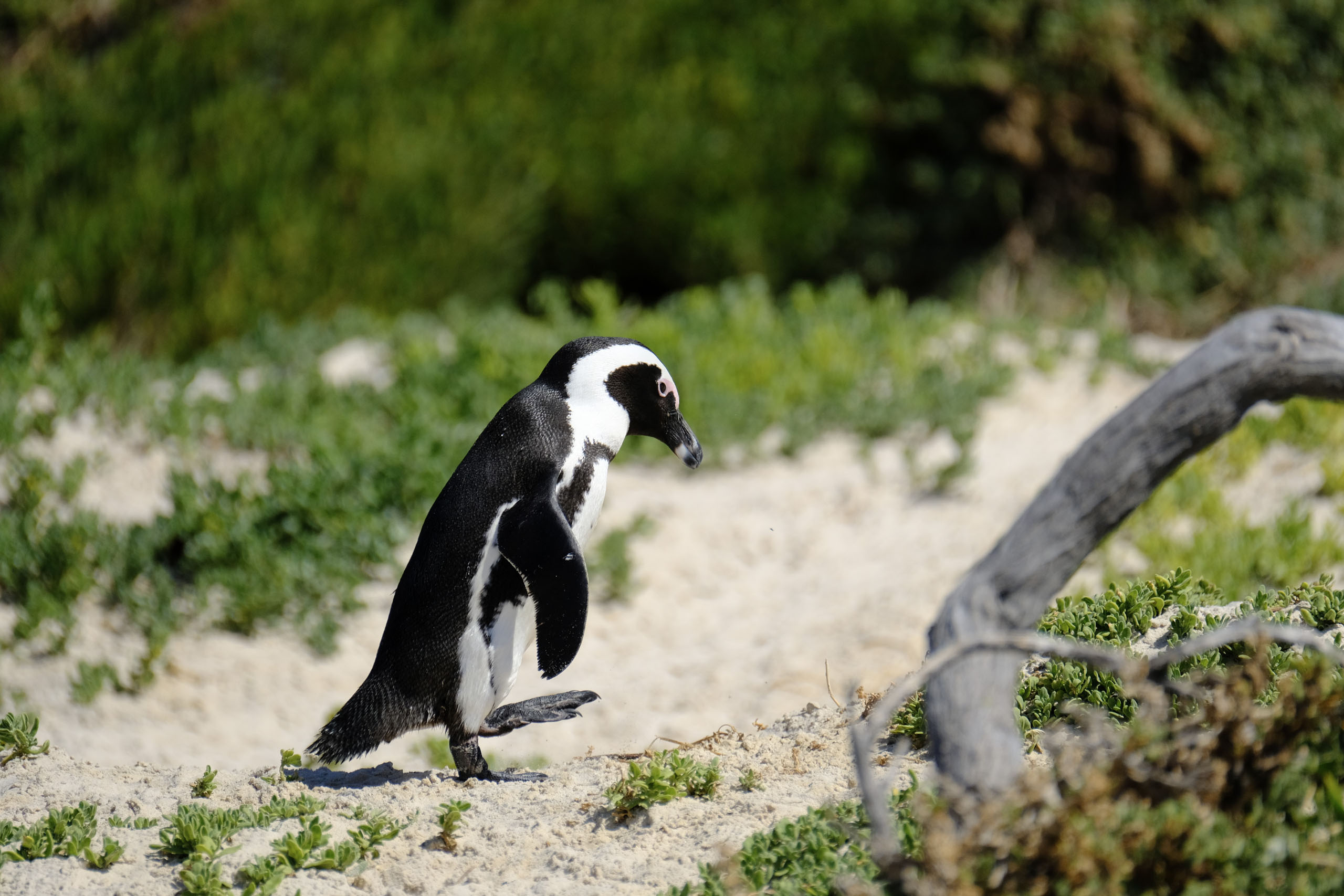
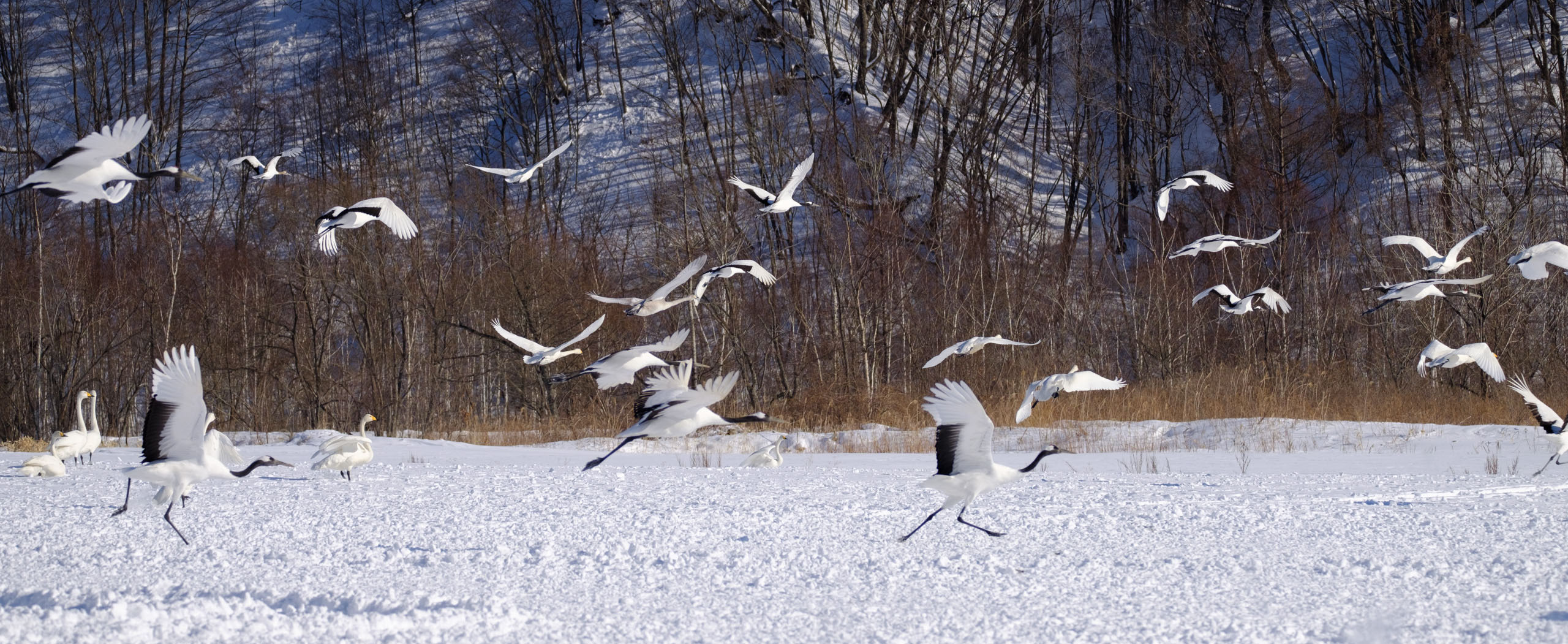
## With the XF 1.4X Teleconverter
Like the modern glass from Canon and Nikon, there is no noticeable loss in quality when attaching the [Fujinon XF1.4XTC](http://amzn.to/2kWG01z?ref=nandakusumadi.com) in my experience. Autofocus is also still speedy enough to keep up, and the focus points you can use isn’t reduced even though the lens effectively becomes an F6.3 - F8\. I highly recommend getting the XF1.4XTC as this gives you complete coverage from 50mm all the way to 560mm when you pair this lens with the XF50-140mm. I used this lens *exclusively* with the XF1.4XTC for my Safari in the Kruger.
Handsome Juvenile Lion - 560mm
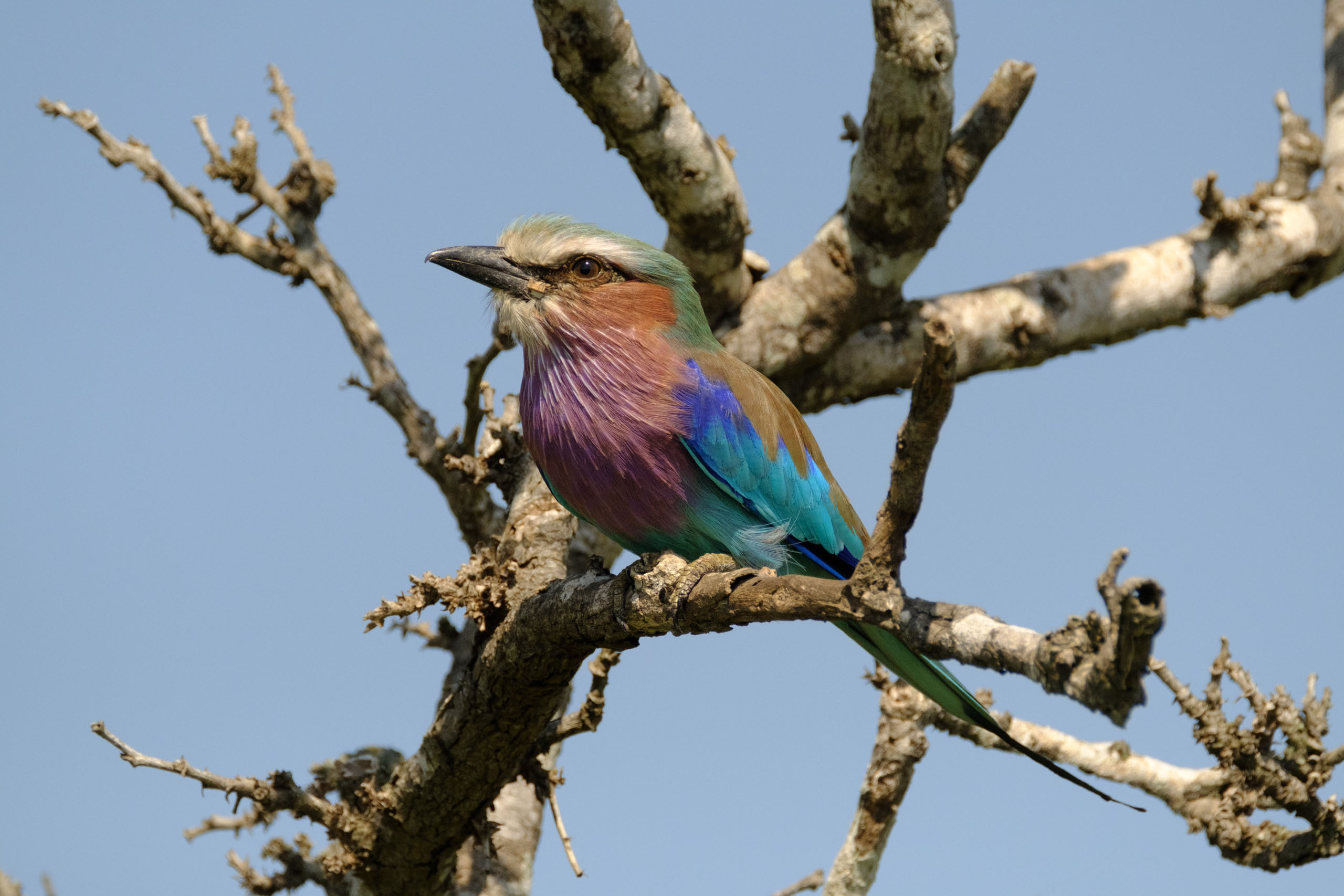
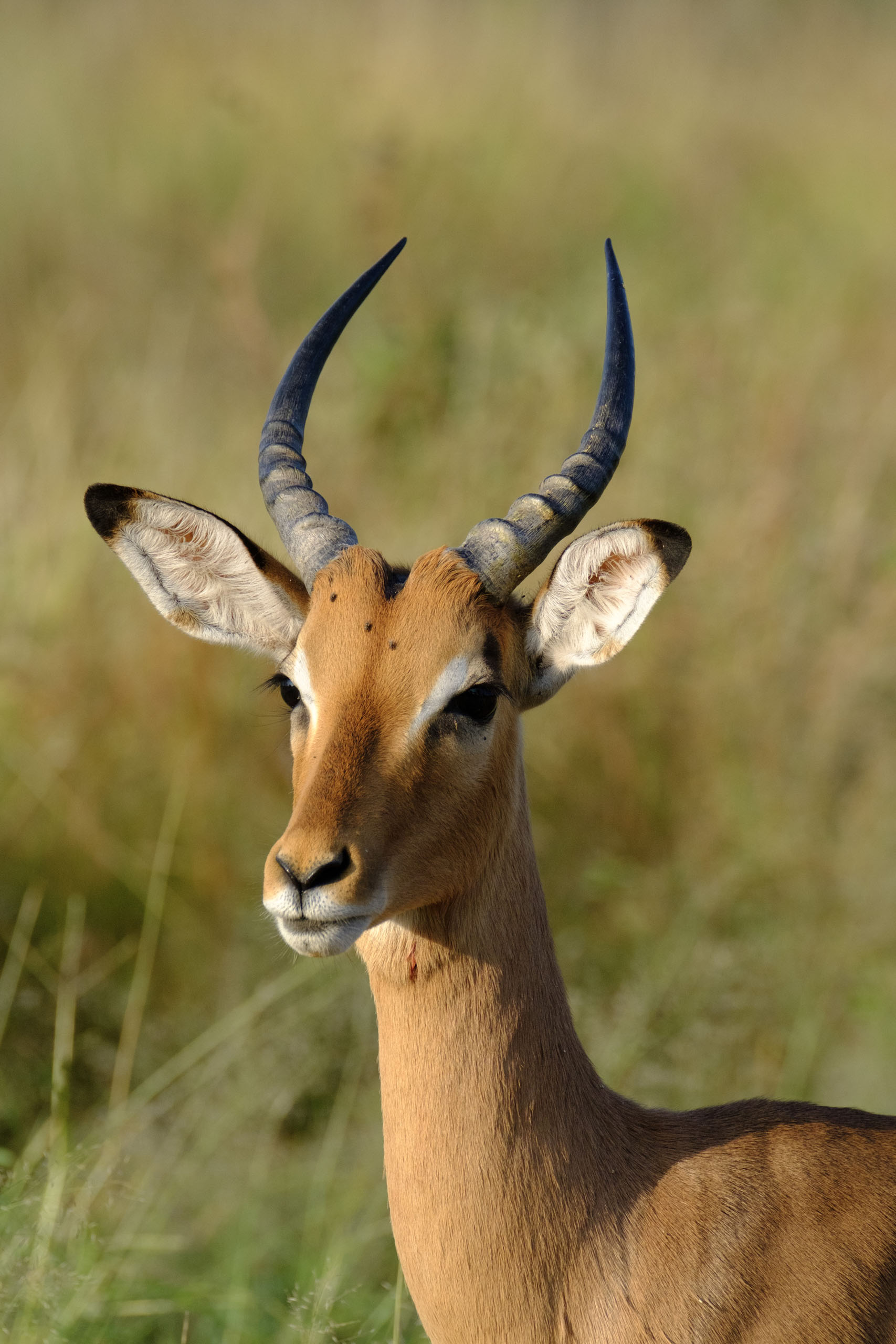
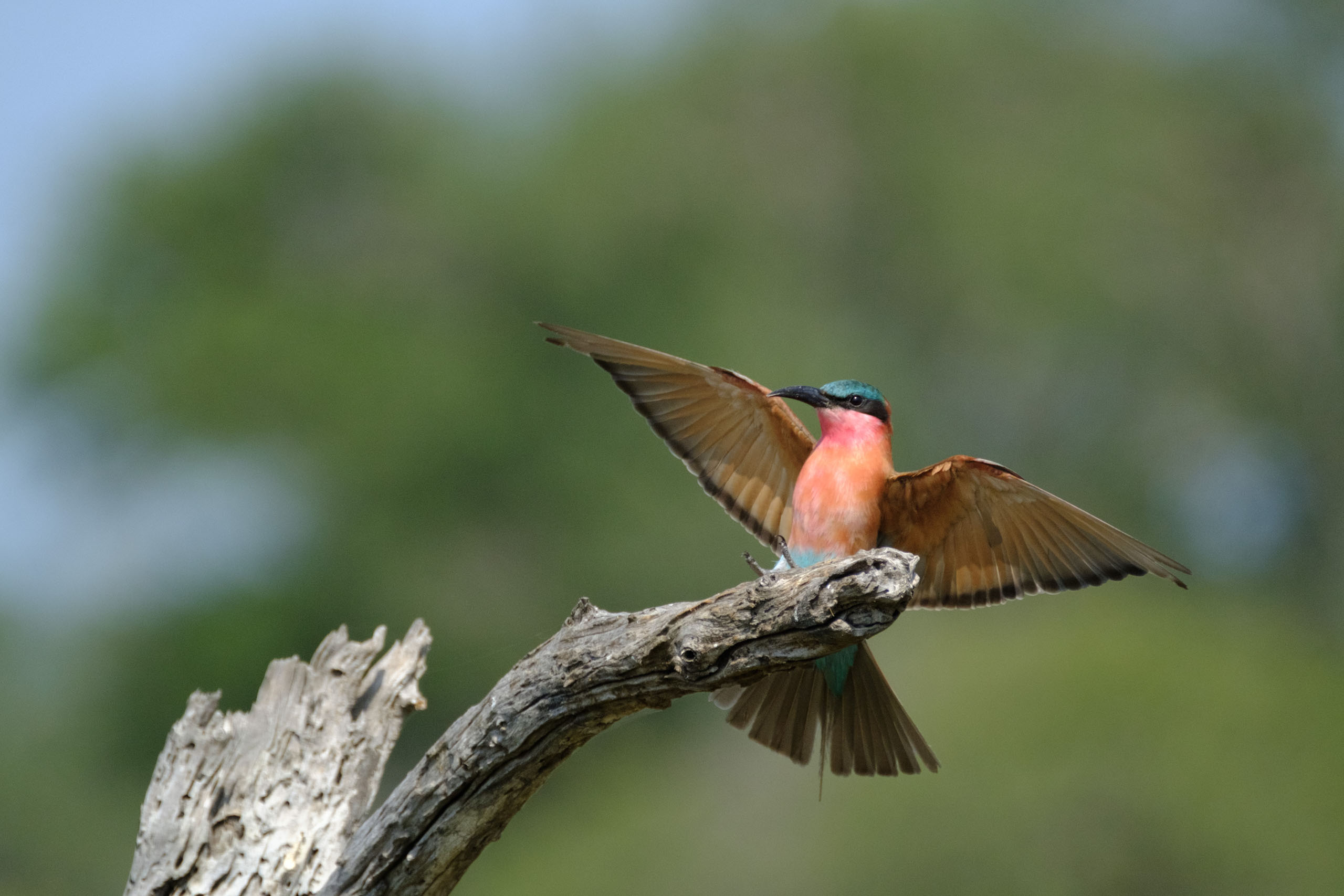
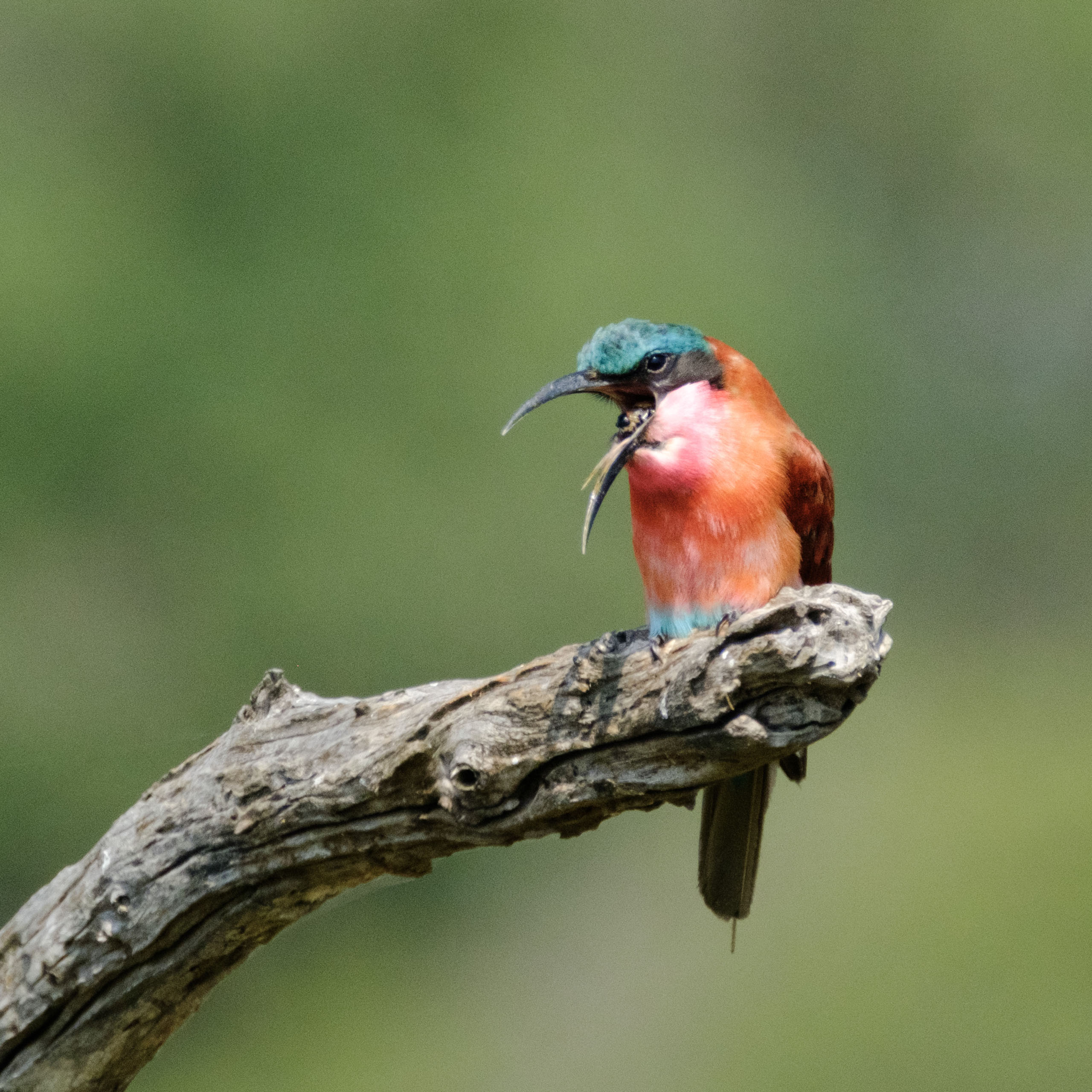
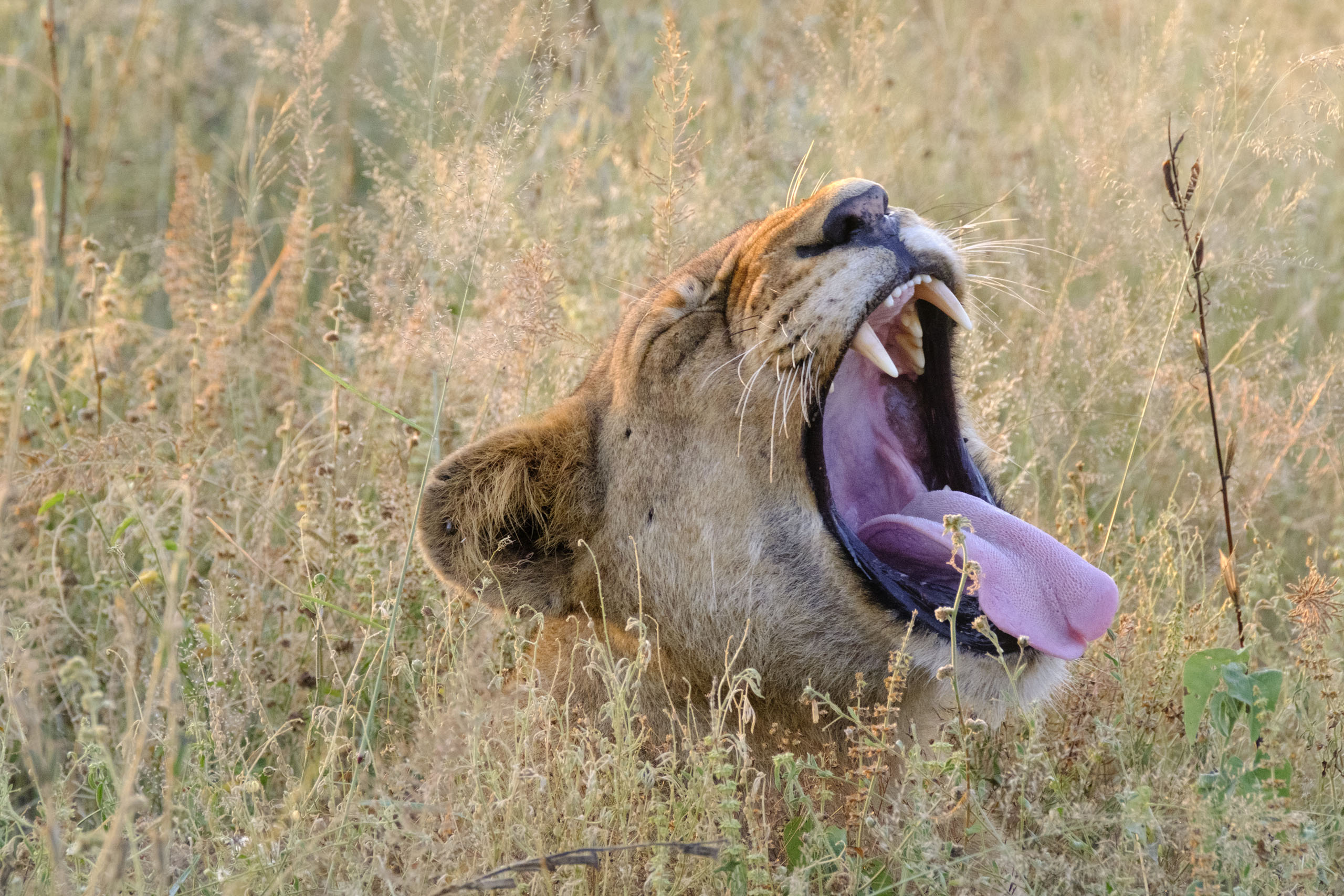
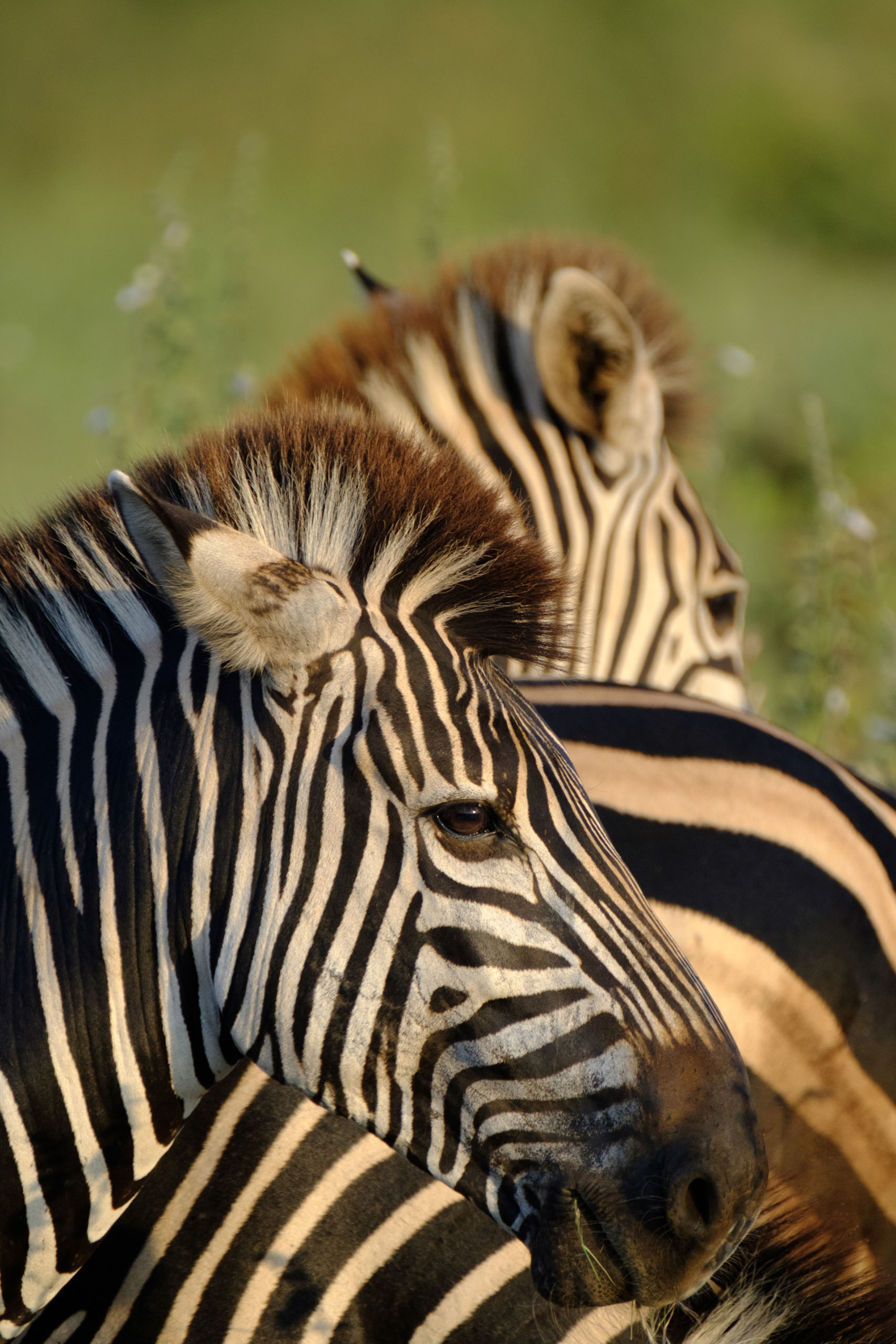
# Focusing
As mentioned in my X-T2 birding review and my X-T2 safari review, I’ve found that this lens has no issues keeping up with *tracking* a subject once it has been *acquired*. I feel that acquisition speed could be slightly better, but I suspect that that is a limitation of the algorithms within the X-T2 rather than the motor driving the lens’ auto focus system. Being able to focus manually through the viewfinder is one of the **strengths** of a mirrorless system that I have learned to embrace, when the subject is still. Heat haze often throws a camera’s AF system out the window, so this is where the experience gets a lot better than a DSLR system. Using manual focus through the viewfinder with 10x magnification and rotating a smooth focus-by-wire ring allows you to focus on precision. Contrast this with having to deal with LCD hoods and worrying about exerting just enough strength to nudge a physical focus ring.
# Insane Optical Image Stabilisation
As mentioned earlier, the XF 100-400mm gives just a mere 200g weight savings from a Full-Frame Canon equivalent. I suspect that the weight savings are not greater because of the OIS system they’ve built in, and I think Fujifilm has made an excellent choice. The Blakiston’s Fish Owl is the largest owl species in the world, and obviously enough - nocturnal. I had plenty of fun taking photographs of this beautiful bird handheld in *very little light*. I was getting usable exposures handheld at shutter speeds of down to 1/8s at 400mm, *consistently at 1/15s*! Couple this with the really good high ISO performance of the X-T2 and you get a package that can shoot owls in very little light, something the Canon 7D II and the EF 100-400mm II my dad was using struggled heavily with.
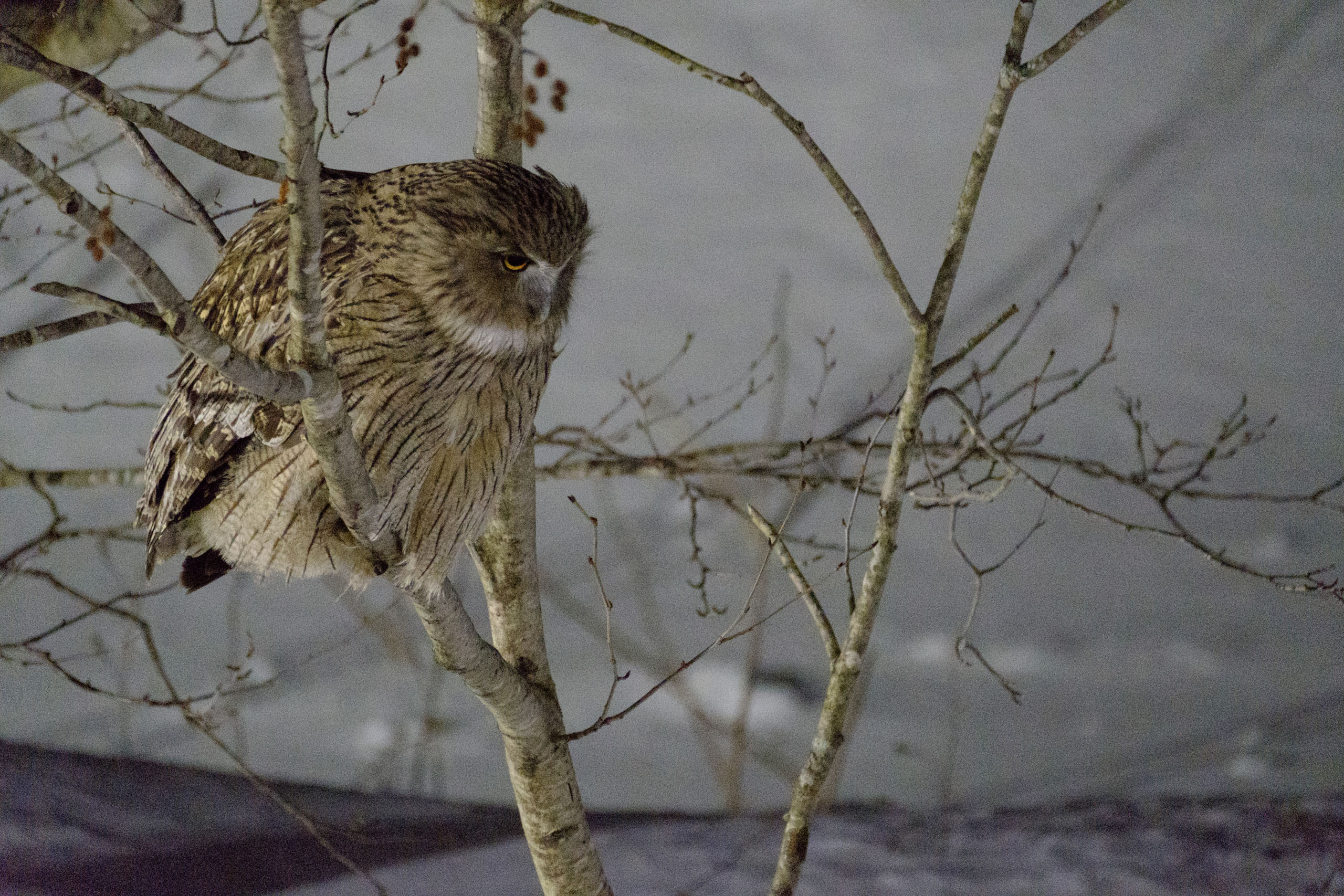
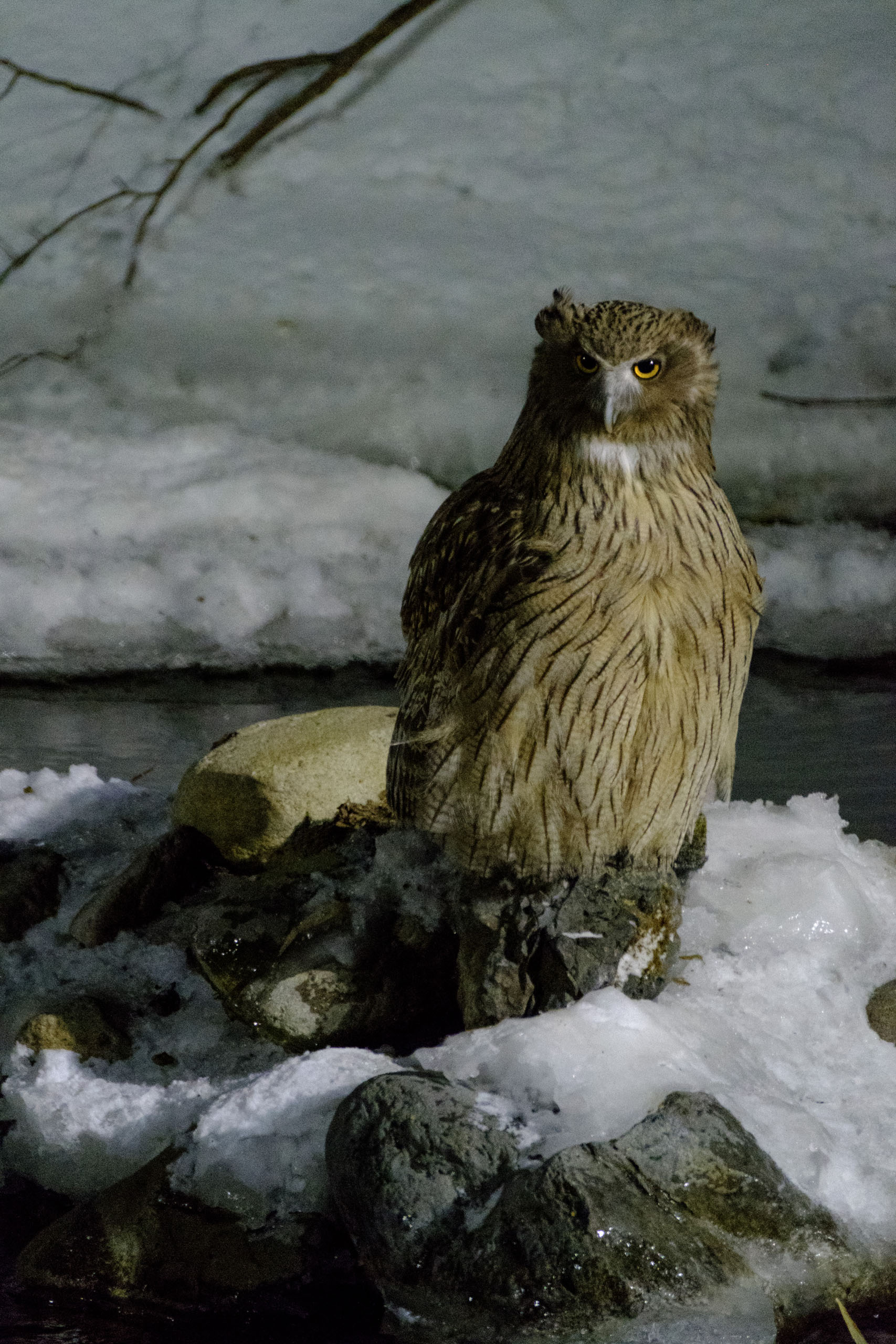
# Weather Resistance
I’ve used this lens both in heavy snowfall with temperatures down to -22C and in heavy dust with temperatures well above 30C. Neither of those situations have posed any hazards to my X-T2 or the lenses. You can shoot in less than ideal environments with a peace of mind.
The fine dust of the Kruger was never an issue
# Conclusion
The [XF100-400m{"type":"block","srcClientIds":\["6f0f1720-d1eb-4d58-b67e-76f1b4c5d0f8"\],"srcRootClientId":""}m](http://amzn.to/2kkzwrd?ref=nandakusumadi.com) brings Fujifilm’s X system onto the table as a **serious contender** for wildlife photography. A 100-400mm lens has always been a **reliable, versatile staple** in *any* [wildlife photographer’s kit](http://www.nandakusumadi.com/whats-in-my-bag/?ref=nandakusumadi.com). The X[\-T2 can already get a lot of potential out of this lens](http://www.nandakusumadi.com/blog/2017/2/12/bird-photography-with-the-fujifilm-x-t2-part-1?ref=nandakusumadi.com), but it will get even better as Fujifilm inevitably improves their bodies and firmware in the years to come. If you are looking for a wildlife lens for a camera system that takes you into the future, look no further, you *will* enjoy this.
If you enjoyed this post or found it useful, please consider supporting this blog by using one of the links below to get your lenses from Amazon. Let me know if you have any thoughts in the comment section below.
## Equipment in this post:
1. Fujinon XF 100-400mm XF100-400mm F4.5-5.6 R LM OIS WR Lens \[[Amazon US](http://amzn.to/2kkzwrd?ref=nandakusumadi.com), [Amazon UK](http://amzn.to/2l83EtU?ref=nandakusumadi.com), [Adorama](//adorama.evyy.net/c/418798/51926/1036?u=https%3A%2F%2Fwww.adorama.com%2Fifj100400xf.html)\]
2. Fujifilm X-T2 Body \[[Amazon US](http://amzn.to/2kgJejk?ref=nandakusumadi.com), [Amazon UK](http://amzn.to/2lDgXPW?ref=nandakusumadi.com), [Adorama](//adorama.evyy.net/c/418798/51926/1036?u=https%3A%2F%2Fwww.adorama.com%2Fifjxt2.html)\]
3. VPB-XT2 Vertical Power Booster Grip \[[Amazon US](http://amzn.to/2vb6Dr8?ref=nandakusumadi.com), [Amazon UK](http://amzn.to/2kgLOFT?ref=nandakusumadi.com), [Adorama](//adorama.evyy.net/c/418798/51926/1036?u=https%3A%2F%2Fwww.adorama.com%2Fifjvpbxt2.html%3FRRref%3DproductPage)\]
4. XF1.4X TC WR Teleconverter \[[Amazon US](http://amzn.to/2kWG01z?ref=nandakusumadi.com), [Amazon UK](http://amzn.to/2l83oLz?ref=nandakusumadi.com), [Adorama](//adorama.evyy.net/c/418798/51926/1036?u=https%3A%2F%2Fwww.adorama.com%2Fifj14x.html)\]
1. Bundled with XF 50-140mm \[[Amazon US](http://amzn.to/2kWCzHU?ref=nandakusumadi.com), [Amazon UK](http://amzn.to/2kgObsc?ref=nandakusumadi.com), [Adorama](//adorama.evyy.net/c/418798/51926/1036?u=https%3A%2F%2Fwww.adorama.com%2Fifj50140xfl2.html)\]
2. Bundled with XF 100-400mm \[[Amazon US](http://amzn.to/2kgMN8T?ref=nandakusumadi.com), [Amazon UK](http://amzn.to/2kgBT33?ref=nandakusumadi.com), [Adorama](//adorama.evyy.net/c/418798/51926/1036?u=https%3A%2F%2Fwww.adorama.com%2Fifj100400xl1.html)\]
5. Olympus Dot Sight EE-1 \[[Amazon US](http://amzn.to/2gQdTCB?ref=nandakusumadi.com), [Amazon UK](http://amzn.to/2vIkGAH?ref=nandakusumadi.com), [Adorama](//adorama.evyy.net/c/418798/51926/1036?u=https%3A%2F%2Fwww.adorama.com%2Fiomee1.html%3Fsearchinfo%3Dee-1%2Bdot%2Bsight%26searchredirect%3Dtrue)\]
---
## Comments from the WordPress archive
*These comments were originally published on the previous WordPress version of this site. They are preserved here as a read-only archive.*
**87S** 14 February 2018
> Hello Nanda, Your blog is fantastic! May I ask you for some advice? I’m currently using an A6000 with 55-210 ‘kit’ zoom but would like to upgrade to a better system for birding without going all in on a full frame camera and lens. Have you used the XT20? How would the XF100-400mm lens be on it?
**Nanda Kusumadi** 16 February 2018
> Hello, thanks for your kind comments! I've only used the X-T20 briefly in the stores. I think it's a fantastic camera for landscapes and street photography (I do have an X-T10 that's noticeably lighter than the X-T2). However, I would strongly suggest you get an X-T2 for birding instead. The UHS-II card slot and high performance modes with the VPB-XT2 are going to make a huge noticeable difference. The XF 100-400mm would balance a lot better on it too, allowing you to shoot comfortably for longer durations.
**Saranathan Asuri** 16 November 2018
> I have been using 100-400 mm lens for sometime with XT-3 and i notice a slight barrel distortion at around 400 mm ...Nothing to complain as this can easily be removed in post processing
**Shane Dias** 11 January 2019
> Good practical review. The comment on using exclusively with the X1.4TC. Are you referring to the 100-400mm or the 50-140mm?Looking at my shots from a reserve near Kruger last September, the evening game drive shots were mostly close range ie 50\~200mm or so. Still trying to figure out which lens I should take with X-T3 as I only carry cabin luggage and not keen to carry two heavy lenses. Inside Kruger park itself the 100-400mm is needed. An option I was considering was to take the X-T3/501-140/X1.4TC and a Sony RX10 lV to minimise weight. Have you any experience in a similar situation? Thanks Shane
### Fujifilm Fujinon XF 10-24mm F4 R OIS Review - Solid Landscapes
URL: https://nandakusumadi.com/fujinon-xf-10-24mm-f4-r-ois-review/
Last updated: 2017-07-30T03:16:46.000Z
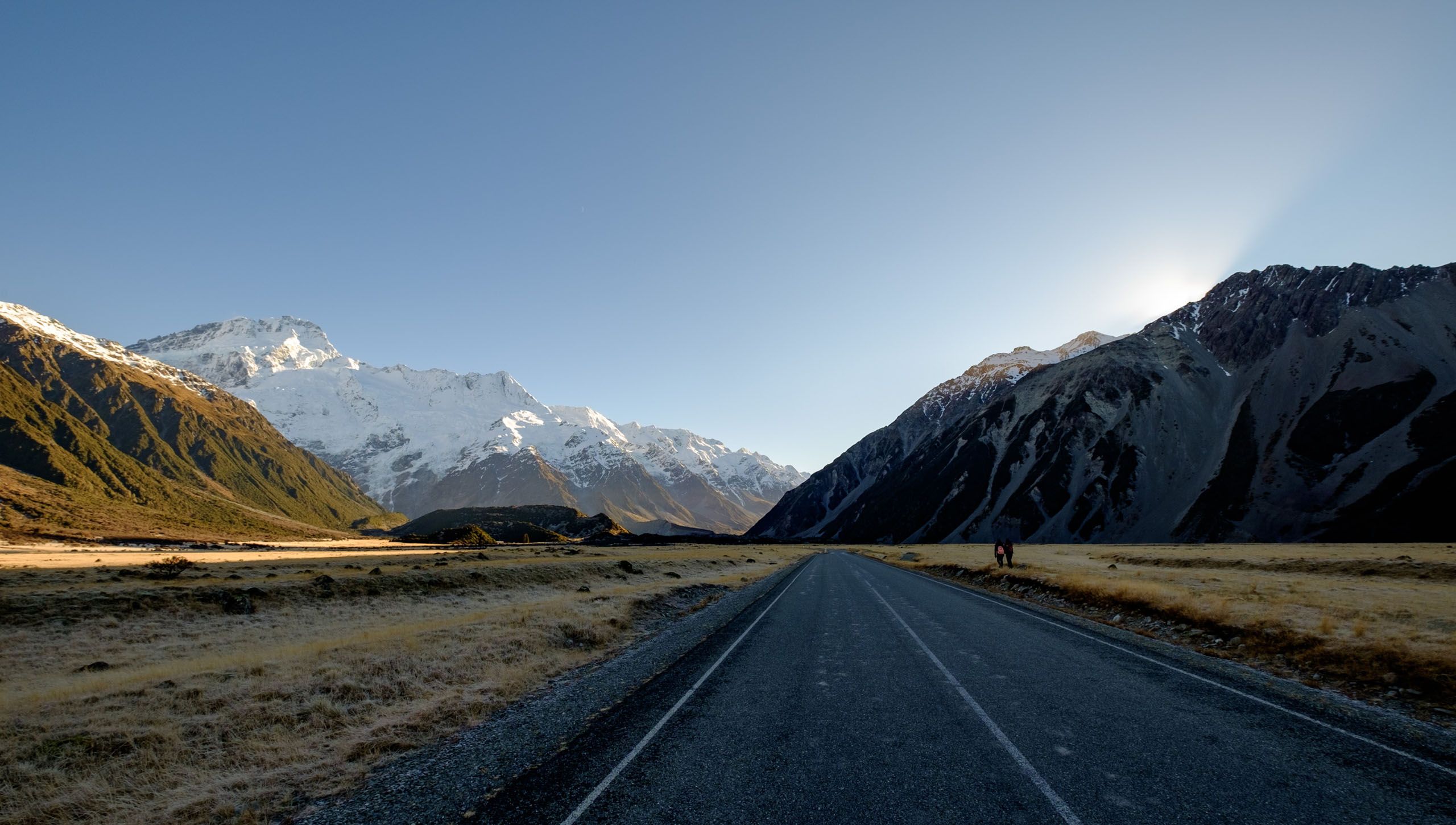
Just another walk to another glacier
The Fujinon XF 10-24mm F4 was the first lens I bought for the X system back when I got the X-T10 as a second camera to my then Sony A7R II. This lens provides a solid wide angle option for the system in a package that does not weigh down the bag.
This review will **not** focus on charts in a lab or specs, there are dozens of sites providing that already. I will instead focus on my *experiences of creating images* with this lens, and *where it sits* in my current stable of Fujinon lenses.
# Build Quality and Handling
The build quality of this lens feels superb in the hand. There is *very little to no play* when attached to either my X-T10 or X-T2 and the zoom ring feels very firmly attached. The lens hood still snaps into place even after more than a year of use.
In terms of handling, I feel that the zoom ring is a bit stiff, but still manageable. You’ll get used to it, but the first time you try to turn it, you might be surprised by how stiff it is. The front element moves within the barrel of the lens when zooming, so you don’t have to worry about graduated ND filters turning out of place when adjusting focal lengths.
The lack of Weather Resistance is the *only* letdown in this lens, as there is no rubber gasket around the lens mount. You might want to invest in a rain cover **if** you shoot close to waterfalls or in heavy snowfall frequently. Otherwise just relax and enjoy the images it produces. I’ve used this lens in temperatures below -20C (in dry weather) and have had no problems.
# Landscape Image Quality
Like most Fujinon XF lenses, the sharpness and contrast produced by this lens is excellent. I generally shoot at F8 for maximum sharpness.

Glaciers on Lake Matheson - 24mm, F8, 1/70s
The colours produced play well with the film simulation profiles on the X cameras during magic hour, especially with Velvia.
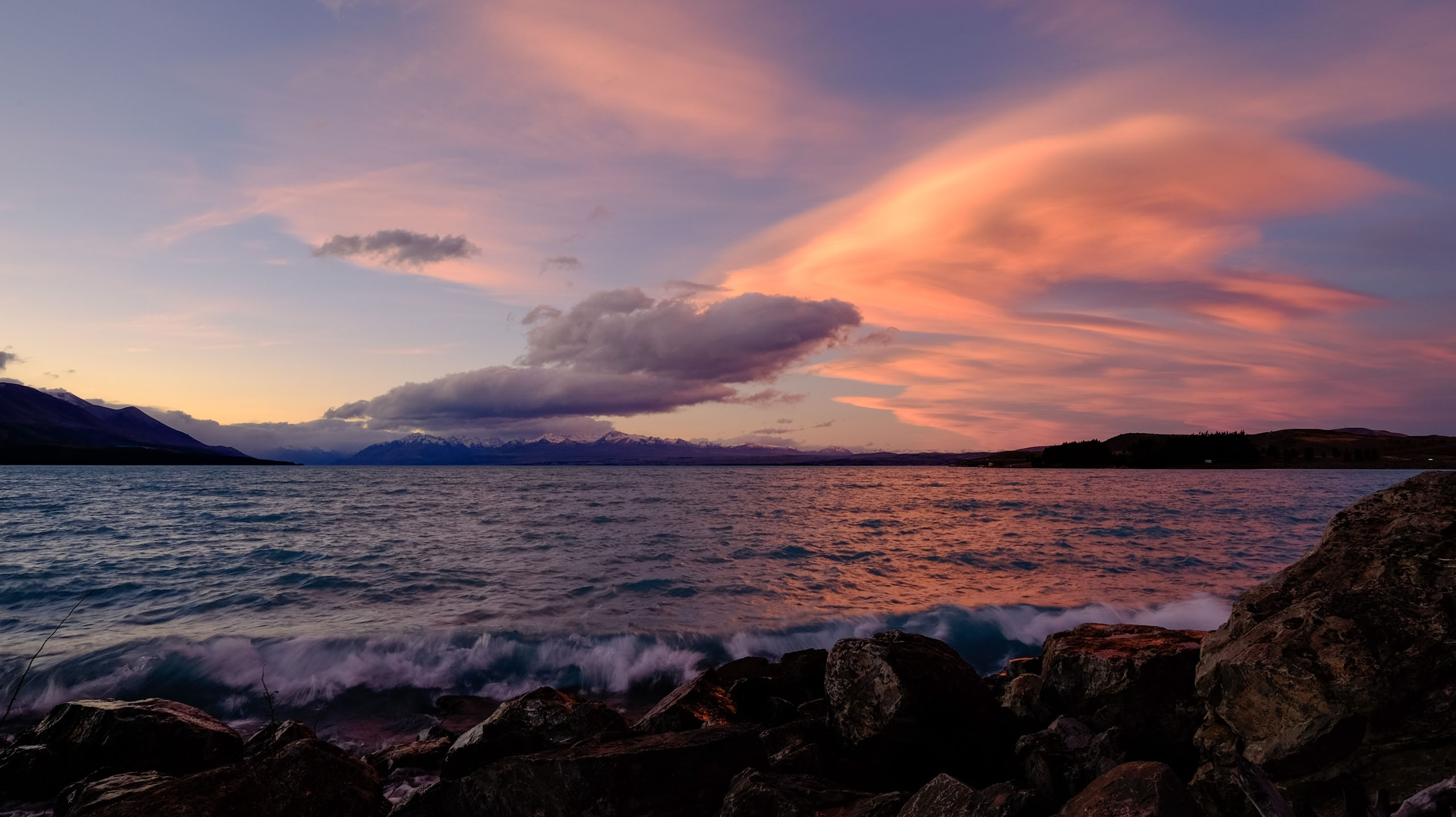
Out of camera colours on Velvia

The sun rises over Bihiro pass - 10mm, F9, 1/55s at ISO200
You can get decent sun stars at F22, but they produce some internal flaring and refraction at some angles, so be careful.
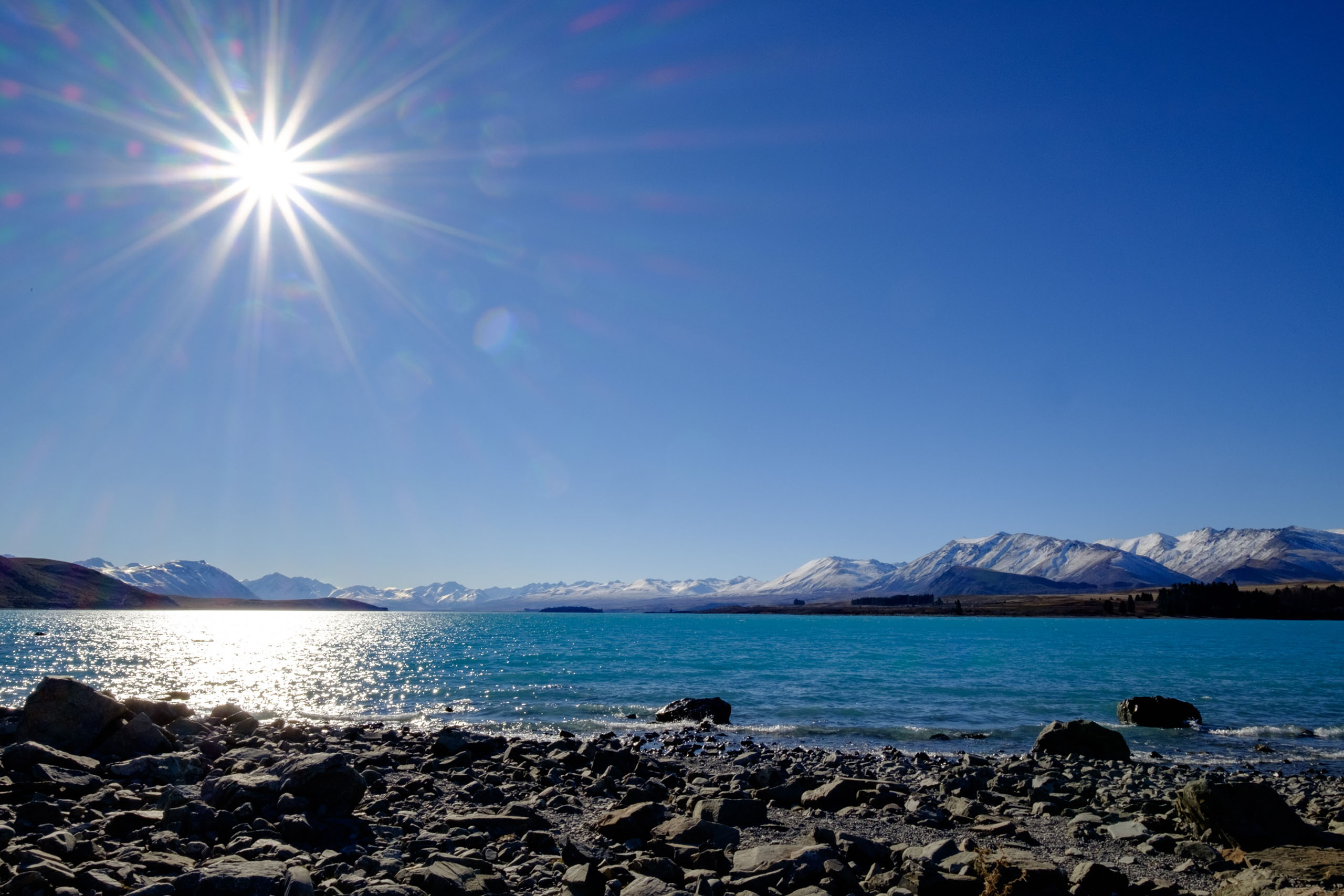
Some funny flares going on here.
# Environmental Portraiture
My next favourite use of this lens is environmental portraits. I travel a lot with my fiancée and it’s difficult to get good shots for both of us, so what I often do is place the X-T2 on a tripod and *use the built in intervalometer* to take a picture every second. That way you get photos that are more casual and not forcefully posed.
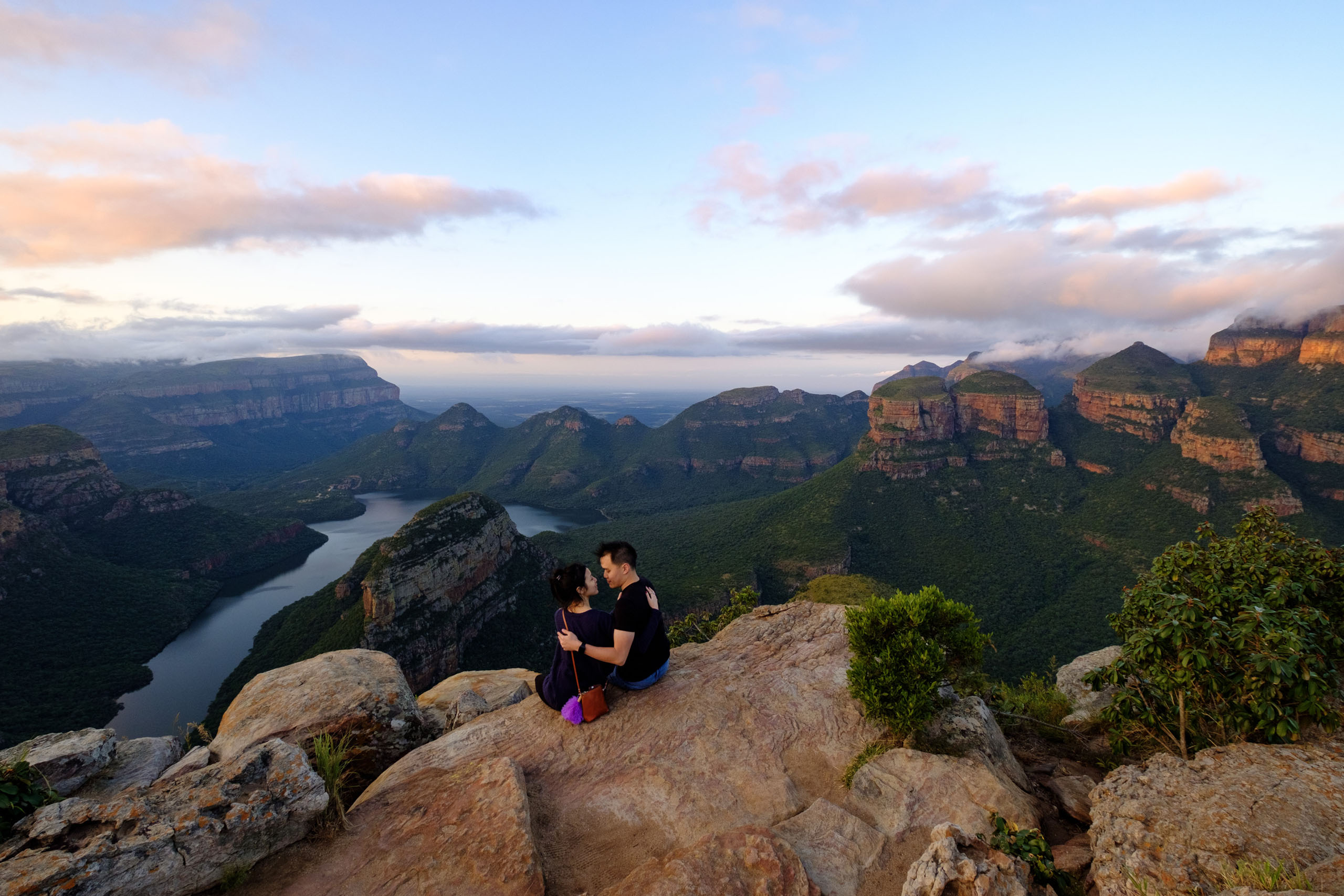
No need to rely on strangers for environmental shots!
Oh, and this lens also reliably shot my proposal, which you can see in my Blyde River Canyon gallery.
# Panoramas
Another use I have for this lens is for shooting panoramas. I often have it on a secondary body to use for shooting portrait images at 24mm that will be stitched into a panorama. I have a feeling that this is what I will mainly use it for when the rumoured 8-16mm F2.8 is released.
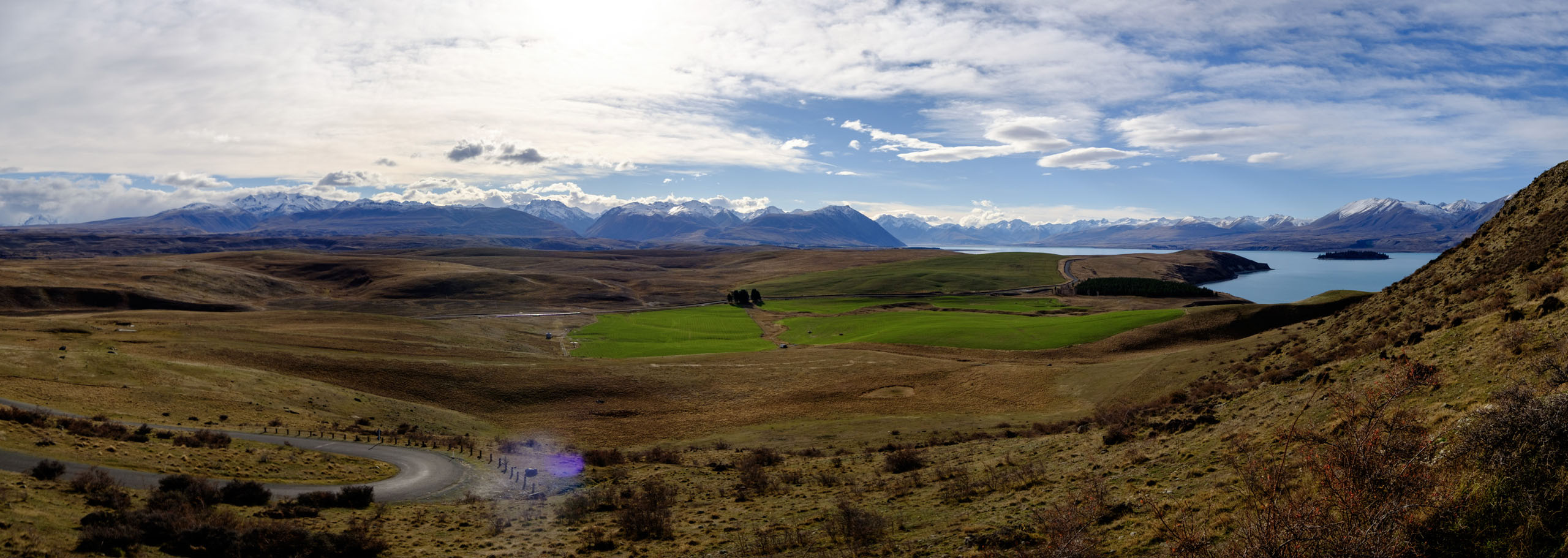
Endless mountain ranges with panoramic images like these
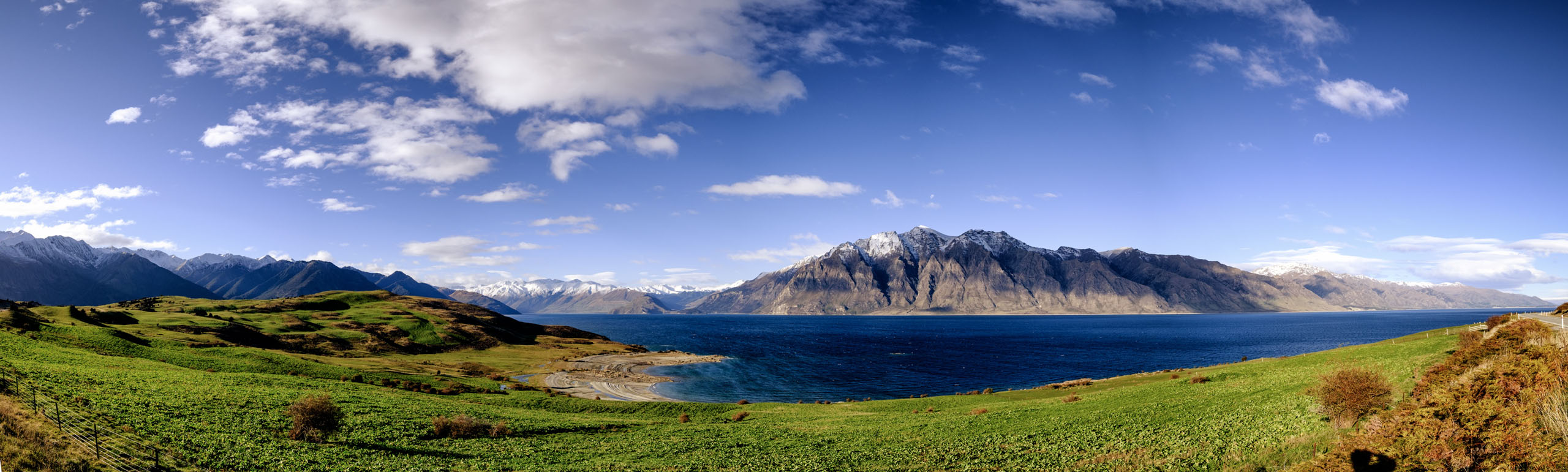
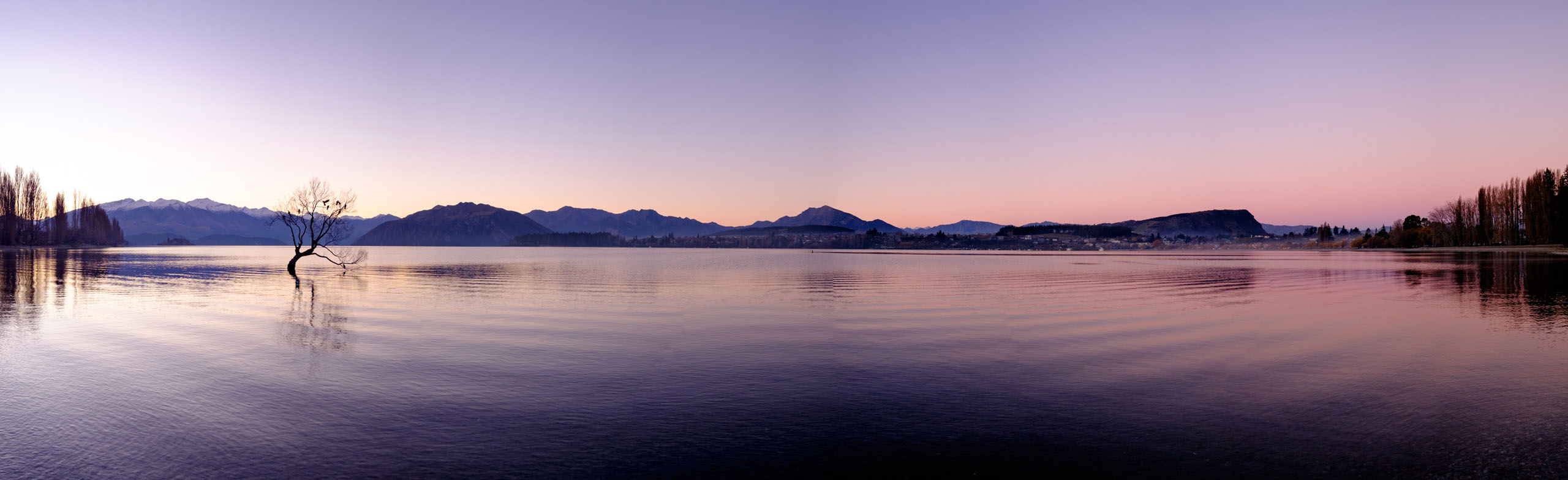
One of the most photographed trees in New Zealand
# In Low Light
The OIS on this lens *could be better*. I did not find it to be reliable. At the widest end of 10mm, I only got an average of 1 out of 4 images sharp enough at 1/6s from a squatting position. This is not much of an issue for me as the camera goes on the tripod most of the time when this lens is attached, but Fujifilm could clearly have done better here.
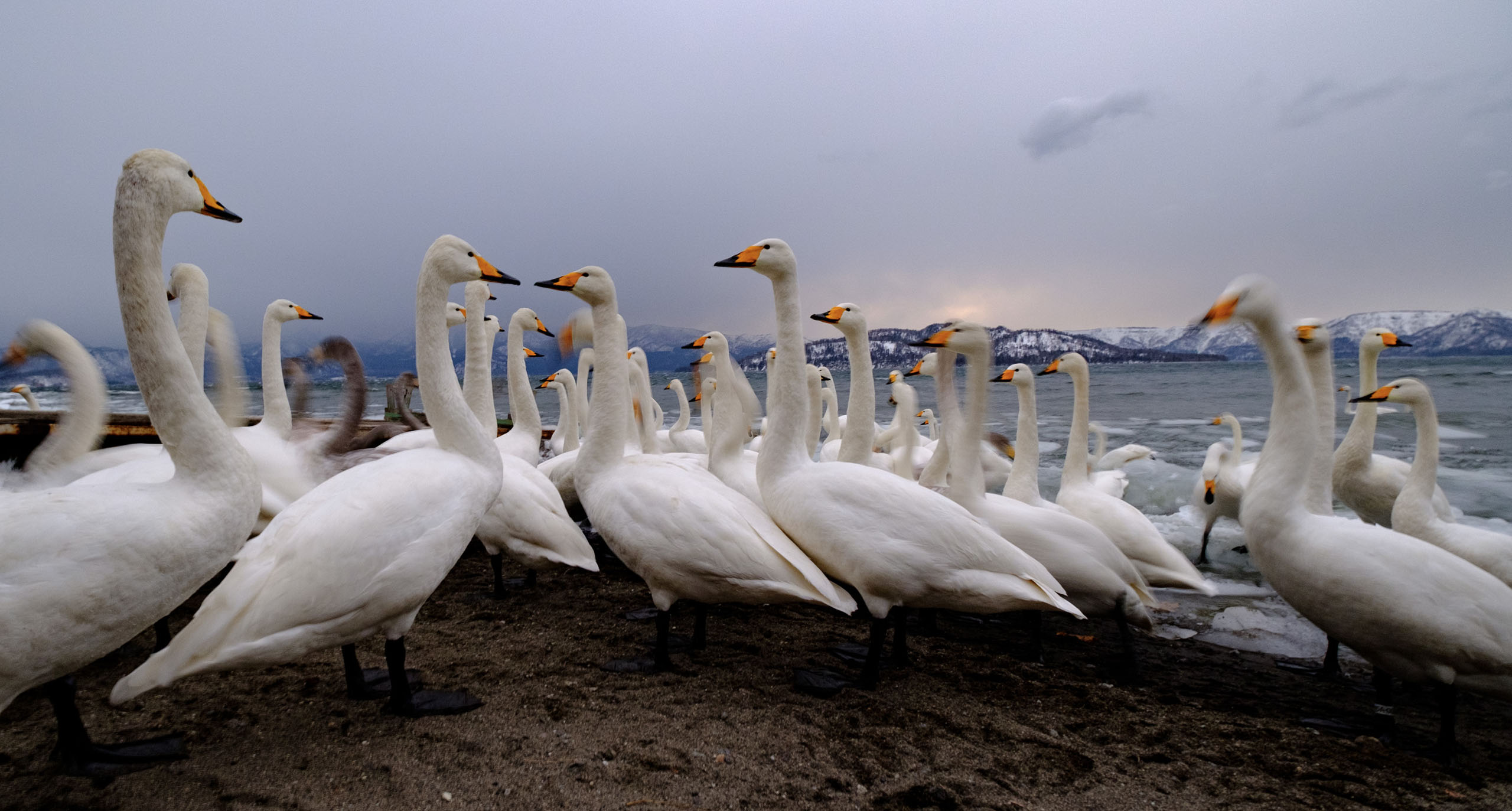
Whooper Swans - 10mm, F4, 1/6s at ISO 640
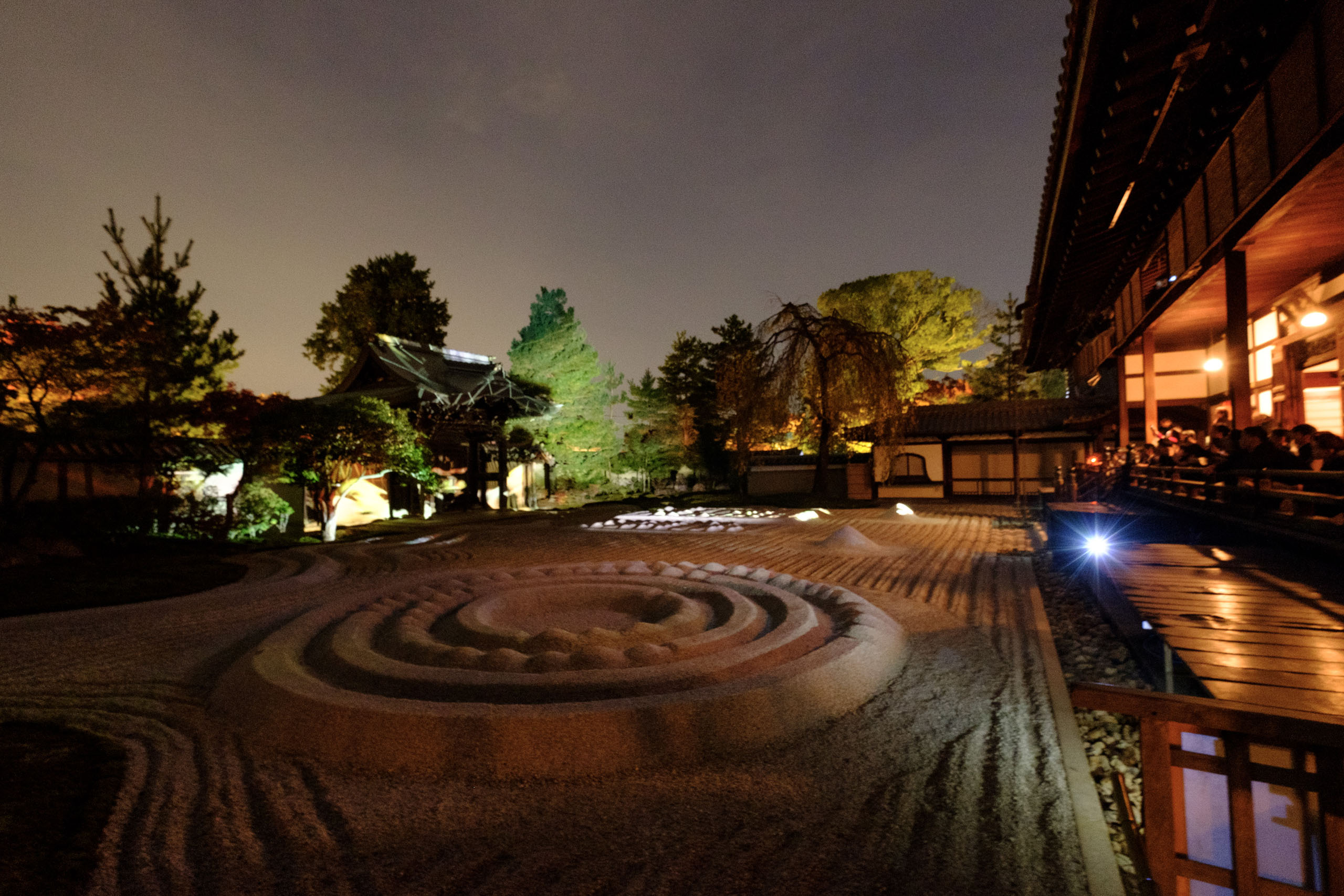
Light show at a Zen Garden - 0.5s exposure, could be a lot better stabilised.
# Astrophotography
At F4, this lens is *slightly past the limits of what is acceptable* for noise free astrophotography. Following the 500 rule ([see my post on How to Shoot Stars](http://www.nandakusumadi.com/blog/2017/2/14/getting-started-with-astrophotography?ref=nandakusumadi.com)), I could still get shots of the Milky Way with the X-T10 at 30s and ISO 3200\. The level of noise makes it acceptable for web sharing, but not so much for printing. I’m personally eagerly waiting for the rumoured 8-16mm F2.8 zoom lens for wide-angle astrophotography on the X-T2.
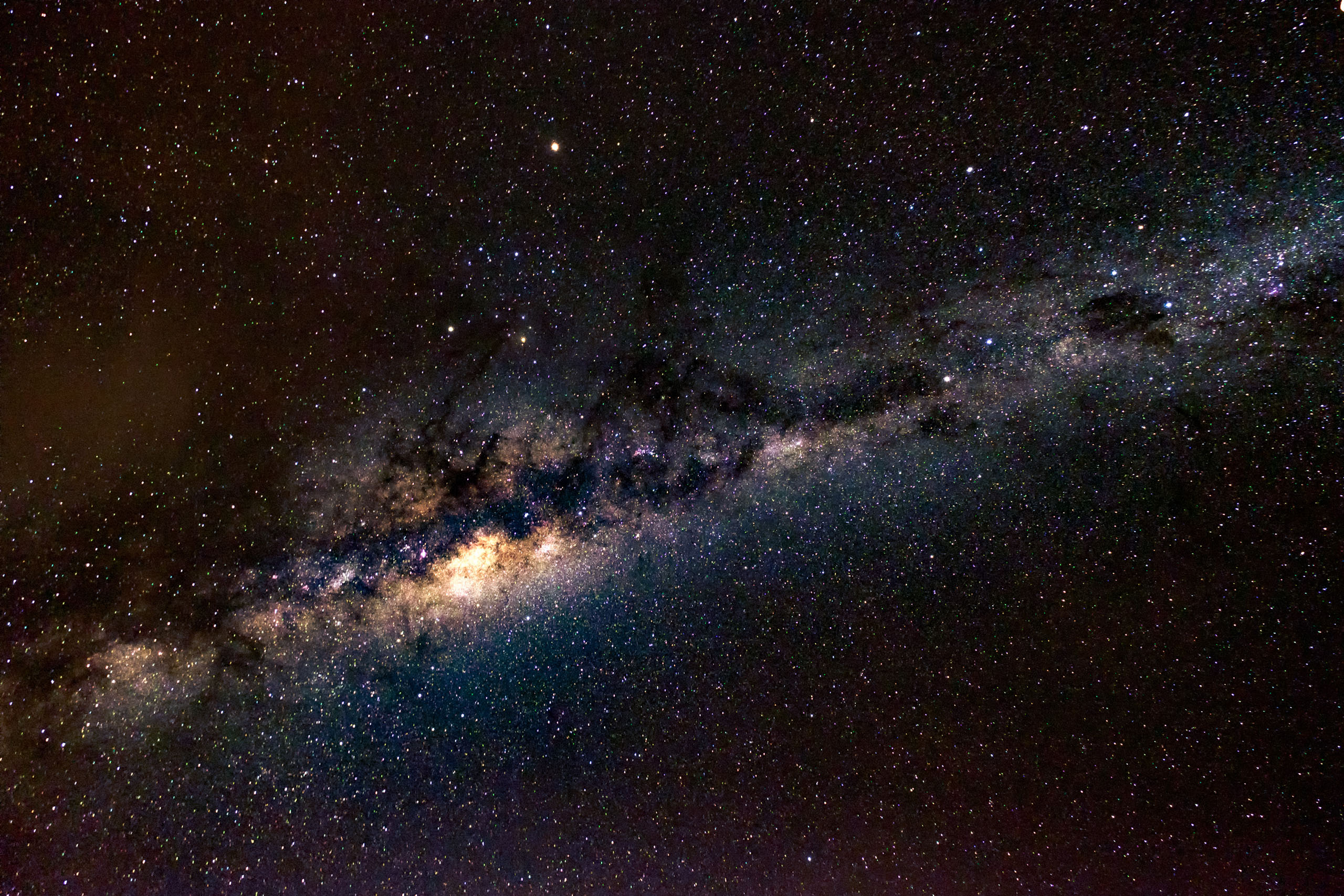
Level of noise is fine for this size, not so much for big prints.
# Conclusion
To be honest, this lens feels very *utilitarian* and does not evoke as much emotion as the XF primes like the XF 16mm F1.4 or the XF 23mm F1.4\. This is *not* necessarily a bad thing, I still carry it whenever I travel as it’s reliable in good weather and produces excellent images.

Tokyo Skyline - 24mm, F6.4, 3.5s at ISO200
If you’re into landscapes and just bought a Fujifilm X system, then this lens is pretty much a no brainer for now despite its downsides. You’ll be able to produce **excellent** images, especially if you keep to a tripod.
Even *when* the rumoured 8-16mm F2.8 comes out, it will still be solid on a secondary body for environmental portraits or panoramic stills.
Pros:
- Sharp images
- Excellent colour and contrast
- Lightweight
Cons:
- Not weather sealed
- OIS could be better
If you enjoyed the review, please consider supporting me by using one of my links below.
1. Fujinon XF10-24mmF4 R OIS \[[Amazon US](http://amzn.to/2eQnmcH?ref=nandakusumadi.com), [Amazon UK](http://amzn.to/2tN6dqZ?ref=nandakusumadi.com)\]
2. Fujifilm X-T2 Body \[[Amazon US](http://amzn.to/2kgJejk?ref=nandakusumadi.com), [Amazon UK](http://amzn.to/2lDgXPW?ref=nandakusumadi.com)\]
3. VPB-XT2 Vertical Power Booster Grip \[[Amazon US](http://amzn.to/2vb6Dr8?ref=nandakusumadi.com), [Amazon UK](http://amzn.to/2kgLOFT?ref=nandakusumadi.com)\]
### Review: Safari Wildlife Photography with the Fujifilm X-T2 (Part 2) - Good enough for enthusiasts?
URL: https://nandakusumadi.com/safari-photography-with-the-fujifilm-x-t2-part-2/
Last updated: 2017-06-27T07:45:12.000Z
This post is part of an ongoing review of the Fujifilm X-T2 and its accompanying ecosystem. They are meant to be read in order. Contents will be updated as I think of new experiences to share.
1. [Bird Photography](http://www.nandakusumadi.com/blog/2017/2/12/bird-photography-with-the-fujifilm-x-t2-part-1?ref=nandakusumadi.com)
2. Safari Wildlife Photography (this post)
3. Travel Photography (coming soon)
4. Portrait Photography (coming soon)
5. Tips and Tricks (coming soon)
6. [Fujinon XF100-400mm Review](http://www.nandakusumadi.com/blog/2017/8/5/fujifilm-fujinon-xf100-400mmf45-56-r-lm-ois-wr-review-a-telephoto-youll-love?ref=nandakusumadi.com)
```
Lions in between mating sessions - XF 100-400mm with 1.4x TC, F5.4, ISO 3200
Elephants when they're not threatening to charge - XF 50-140mm, F2.8
```
I wasn’t always interested in Wildlife Photography. Taking photos of animals trapped in cages or enclosures in a zoo - not my thing. Things changed when I was living in Johannesburg for work in back in 2015.
There is no substitute for the thrill of searching for a pride of mating lions before sunrise, randomly encountering a cheetah mom teaching her cub how to hunt downwind, and then having an African Elephant threaten to charge the *already* huge 4x4 you’re in - **all while trying to capture them in good light.**
Back to the trip, I brought my fiancée, [Adrianna](https://www.bunnydecoco.com/?ref=nandakusumadi.com) to South Africa to surprise her with a proposal, which was followed by a 5 day photo safari in the Kruger National Park.
If you haven’t read [Part 1 of the review](http://www.nandakusumadi.com/blog/2017/2/12/bird-photography-with-the-fujifilm-x-t2-part-1?ref=nandakusumadi.com), please take some time to as this will mainly be a continuation.
# The Equipment
I brought the same two [X-T2s](http://amzn.to/2kgJejk?ref=nandakusumadi.com) that I used in Japan to the Kruger, one had the [XF 100-400mm](http://amzn.to/2kkzwrd?ref=nandakusumadi.com) with the [XF 1.4x TC](http://amzn.to/2kWG01z?ref=nandakusumadi.com) **permanently** attached to it and the other had the [XF 50-140mm](http://amzn.to/2kgJFds?ref=nandakusumadi.com) **permanently** attached to it. This gave me not only a solid 35mm equivalent coverage from *75mm to 840mm*, but also a *fast F2.8* for close encounters in low light.
```
Up close and personal with the XF 100-400mm and 1.4x TC - 560mm, F8, 1/25s
```
The important benefits of having more than one body go *beyond* preventing a missed shot. You’re often driving into **fine dust** when driving on dirt roads, so you *do not* want to be changing lenses in this environment. The X-T10 that Adrianna used with a XF 16-55mm now makes a scraping sound whenever the shutter is released, presumably due to dust getting trapped in the focal plane mechanism.
I also brought a an [Olympus Dot Sight EE-1](http://amzn.to/2gQdTCB?ref=nandakusumadi.com) for tracking wildlife in motion and birds in flight *without* using the viewfinder. This was extremely helpful during my last trip, when I had to deal with the **atrocious** blackout times in the Olympus E-M5 II. To my surprise, I ended up not using it at all this time, which just goes to show how impressively low the blackout times are on the X-T2 for a mirrorless camera.
# Autofocus
It’s important to note that I spent 3 of the 5 days with firmware 1.10, and did a field upgrade to version 2.00 on the 4th day.
## Acquisition Frustrates At Times, but Still Pretty Accurate
I had my camera set to *Focus Priority* instead of the default *Release Priority*. This means that the camera will not release if it *thinks* it hasn’t locked on focus. With firmware 1.10, I’ve encountered several situations tracking leopards where the camera outright refused to snap because it *thought* it had not attained focus. Even though this was a tricky frame which had the leopard moving in and out of very thick bushes, I was pretty sure that the camera *had* attained focus through the viewfinder, but simply refused to take the shot. I ended up having to mash the AF-On button until the focus boxes lit up green. By this point, my companions must have already fired off about 30 - 40 frames.
```
Leopard through the bushes - XF 100-400mm with 1.4x TC at 560mm, F8
```
I think the issue is that the Focus Priority algorithm is too aggressive in confirming that focus has been attained. Anecdotally, I felt this was somewhat alleviated with version 2.00 but had no empirical way to test it. I hope Fujifilm adds a third *“balanced”* option between Release Priority and Focus Priority sometime in a future firmware release.
In terms of tracking accuracy though, the camera is still as sharp as ever and very dependable. If the X-T2 indicates that it’s in focus, then it’s *almost definitely* in focus.
## Tracking Still Largely Excellent, with Some Caveats
As mentioned in part 1 of the review, tracking is still *excellently reliable* once the camera has acquired the subject, especially since the subjects tend to be on the larger side. With AF-C set to *Mode 2*, tracking Leopards that moved in and out of bushes was never a problem once they **have been** acquired. One limiting factor I found was *the restriction of phase detect focus points to the centre when shooting at 11fps*. This made it challenging to track subjects that frequently got out of the centre zone of the frame, like the charging Wildebeest below. What it means is that you have to be proactive with *releasing AF-on and trying to reacquire focus* whenever your subject escapes the centre zone. My guide, who was using a D500 had an easier time as that camera has focus points that extend horizontally across the frame.
```
This charging Wildebeest was difficult to track with the centre AF points as it kept moving towards the left edge of the frame.
```
I guess we’ll have to wait for the “Ultimate X-camera” that’s supposed to launch with the prime telephoto for expanded AF coverage.
# Firmware 1.10 vs Firmware 2.00
I was pretty excited when Firmware 2.00 was announced and while I didn’t get to shoot with it from Day 1 of the safari. On Day 4, I managed to get enough of a 3G signal to tether my MacBook Pro and download the 50MB file onto an SD card during a toilet break(fn) at Paul Kruger Gate.
Firmware 2.00 brings many [benefits](http://www.fujifilm.com/support/digital%5Fcameras/software/firmware/x/xt2/history.html?ref=nandakusumadi.com), but here are the ones that did the most for me in the context of wildlife photography:
```
The smaller single AF point helped me ensure that the camera focused on the eye and not the bush.
```
1. *Independent retention of AF points in Portrait and Landscape orientation* \- Convenient when capturing still wildlife in AF-S mode with Single Point Autofocus.
2. *Smaller single AF points* \- I still think the AF points in the X-T2 need to be slightly smaller, but it’s a welcome change when shooting wildlife through the bush.
3. *Copyright Information in EXIF data* \- Seriously, it took Fujifilm this long to implement this?
4. *Eye Sensor + LCD Image Display view mode* \- This mode allows you to compose using the EVF and have the camera display the last taken image when you take it of your eyes, it beats having to use your left hand to hit the playback button on the left side of the camera.
# Dust gets in your eyes
```
This dust is very fine
```
As mentioned earlier, even when seated in a comfortable open-top 4x4, one element you cannot protect enough against is dust. Even as I type this, almost 4 months after I’ve left South Africa, there is still a brown layer of *fine* dust trapped in the crevices of my X-T2\. I emphasise the word **fine** as I suspect it may be the cause of my non-weather sealed X-T10 now emitting a grinding noise whenever the shutter is depressed. I completely appreciate the weather sealing that the XF 100-400mm, XF 1.4x TC and the XF 50-140mm, even though we never got wet.
# Morning or Night Safari - See in Darkness (Sort Of)
One thing I’ve always found fascinating about the Fujifilm X-T2 is its ability to focus and take some web-usable pictures in extremely low light. My first experience with this was photographing the Blakiston’s Fish Own in Hokkaido, and its low-light reputation was cemented for me on this trip.
```
Night game drive, this was taken with a spotlight on the truck - XF 50-140mm, 1/20s, F2.8, ISO 12800
```
I paired one of the X-T2s I had with the XF 50-140mm, this gave me a *relatively* fast lens camera that I could use to capture animals seen in first light or well into the night with spotlights. There were multiple occasions where I managed to take photos of randomly spotted Hyenas or Lions where my guide using a D500 couldn’t. This can be explained due to this workflow:
1. Spot random animal
2. Put down the camera with the 100-400mm and pick up the other camera (1s)
3. Switch ISO to 12800 using the dedicated ISO dial (0.5s)
4. Bring camera to eye and use feeling to make sure it’s at F2.8 (1s)
5. Fire away
Contrast this to a typical DSLR, where you’ll have to do the following
```
Hyena cub at first light, around 0543hrs - XF 50-140mm, 1/18s, F2.8, ISO 12800
```
1. Spot random animal
2. Change cameras (1s)
3. Switch ISO to 12800 using a shortcut button and a command dial (1.5s)
4. Use command dial to make sure aperture is set to F2.8 (1s)
5. Bring camera to eye (1s)
6. Fire away
Even after being very generous with the timings for the DSLR, the dedicated controls on the X-T2 and the tactile aperture ring on the 50-140mm lets it come out on top in almost *half the time*(2.5 seconds vs. 4.5 seconds). In the context of wildlife photography that matters, a lot.
# Reviewing Images - Big Advantage and Huge Annoyance
I found the EVF to be a **huge advantage** when reviewing images when there’s bright sunlight. No more squinting at an LCD or trying to cover it with your palm in an awkward position.
*Magnifying* images on the X-T2 however, is downright **annoying**. When reviewing RAW files, the camera is unable to magnify up to 100% as it relies on displaying the smaller JPEG preview embedded in the file. I mainly shoot RAW + JPEG, with RAW saved onto Slot 1 and JPEG saved onto Slot 2.
Getting tack sharp focus on the eyes is often crucial for wildlife photography, especially during bright sunlight where heat haze is largely prevalent. On the X-T2, the playback mode defaults to Slot 1\. *Every. Single. Time.*
What this often resulted for me were two annoyances:
1. I would forget to switch to Slot 2, which involves two button presses, go about pressing < on the camera until I see an image I want to magnify, worrying that the eyes are not tack sharp, and then realising I’m still in Slot 1\. Switching to Slot 2 takes you back to the last photo taken, meaning you’ll have to scroll all over again (see point 2).
2. Switching to Slot 2 upfront, and then having to wait in between loads of full JPEGs before pressing the < button to go back to the previous photo. The loading time when previewing images in Slot 2 is a lot slower. This can be fixed in firmware. Fujifilm should load the smaller JPEG preview for scrolling through images, and then render a full sized preview when a user magnifies.
# Are the XF 100-400mm and the XF 50-140mm Sufficient?
```
Smaller wildlife is where a lens longer than the XF 100-400mm will come in useful, but sometimes you get close up opportunities like this.
```
To wrap up, I would like to address the issue of lenses. As I mentioned in part 1, Fujifilm needs to come up with a fast telephoto, **fast**. My preference would be a 300mm F2.8 that can be easily paired with the XF 2x TC to form a respectable 600mm F5.6 lens. Designing a long fast lens for an APS-C sized sensor could provide a substantial weight advantage when compared to the current Canons and Nikons that have been designed for full frame sensors. The Olympus 300mm F/4 is a great example of this.
```
Good luck capturing this cheetah - 5m away with a 500mm lens!
```
As for the current cream of the crop, i would say that yes, they are more than sufficient *for the enthusiast or the casual safari photographer*. For the typical photo safari where one just simply sits in an open top 4x4, you can never anticipate the focal length you’ll need. A versatile set of zoom lenses is advantageous in this case. I’ve seen enough of photographers who have had a 500mm prime attached to their cameras and then missing out on shots of cheetahs spotted 5 metres away.
Another overlooked issue when it comes to focal length is **heat-haze**. The ground heats up about an hour or two after sunrise and generates mirages that interfere with image quality. The further your subject, the higher the volume of mirage light has to get through before it hits your sensor. I was already facing diminishing returns at 560mm in daylight, a longer lens would serve no advantage here.
```
Heat haze creeping in - XF 100-400mm with 1.4x TC, 560mm
```
*For the professional* who sets up his shots deliberately and waits for sunset while being half soaked in mud however, a long lens at F8 (after adding in the 1.4x TC) simply will not make the cut in low light. Fujifilm really needs to ramp up on the long telephotos to address this.
# Conclusion
Despite some teething issues here and there, I found the X-T2, along with the XF 50-140mm, 100-400mm and XF 1.4x TC to be extremely competent performers for a Safari photographer. It will not replace the DSLRs paired with fast long lenses yet, but at the moment, casual enthusiasts like me can jump into the system and still produce great results while saving lots of luggage space.
I've actually tried using a mirrorless camera - the Olympus OM-D E-M5 II for a safari before. That camera produced a few keepers, but missed a lot more opportunities thanks to its slow AF acquisition and tracking, extremely small RAW buffer, poor high ISO performance and long blackout times. The X-T2 has none of those flaws. It simply means your chances of getting a keeper shot are **higher**.
```
Back to mating... - XF 50-140mm, F2.8. ISO1600
```
It can only get better from here. The lenses will keep coming and it helps that Fujifilm releases firmware updates based on feedback regularly. I don't remember Canon or Nikon enhancing their cameras two years after release, like what Fujifilm did with the X-T1.
For me, it's good enough as it is. I won't look back to DSLRs anymore.
If you're looking to buy any of the items in the review, please support me by using my affiliate links below.
1. Fujifilm X-T2 Body \[[Amazon US](http://amzn.to/2kgJejk?ref=nandakusumadi.com), [Amazon UK](http://amzn.to/2lDgXPW?ref=nandakusumadi.com)\]
2. VPB-XT2 Vertical Power Booster Grip \[[Amazon US](http://amzn.to/2vb6Dr8?ref=nandakusumadi.com), [Amazon UK](http://amzn.to/2kgLOFT?ref=nandakusumadi.com)\]
3. XF 50-140mm F2.8 R LM OIS WR Lens \[[Amazon US](http://amzn.to/2kgJFds?ref=nandakusumadi.com), [Amazon UK](http://amzn.to/2kgFQ88?ref=nandakusumadi.com)\]
4. XF 100-400mm XF100-400mm F4.5-5.6 R LM OIS WR Lens \[[Amazon US](http://amzn.to/2kkzwrd?ref=nandakusumadi.com), [Amazon UK](http://amzn.to/2l83EtU?ref=nandakusumadi.com)\]
5. XF1.4X TC WR Teleconverter \[[Amazon US](http://amzn.to/2kWG01z?ref=nandakusumadi.com), [Amazon UK](http://amzn.to/2l83oLz?ref=nandakusumadi.com)\]
1. Bundled with XF 50-140mm \[[Amazon US](http://amzn.to/2kWCzHU?ref=nandakusumadi.com), [Amazon UK](http://amzn.to/2kgObsc?ref=nandakusumadi.com)\]
2. Bundled with XF 100-400mm \[[Amazon US](http://amzn.to/2kgMN8T?ref=nandakusumadi.com), [Amazon UK](http://amzn.to/2kgBT33?ref=nandakusumadi.com)\]
6. Olympus Dot Sight EE-1 \[[Amazon US](http://amzn.to/2gQdTCB?ref=nandakusumadi.com), [Amazon UK](http://amzn.to/2vIkGAH?ref=nandakusumadi.com)\]
This post is part of an ongoing review of the Fujifilm X-T2 and its accompanying ecosystem. They are meant to be read in order. Contents will be updated as I think of new experiences to share.
1. [Bird Photography](http://www.nandakusumadi.com/blog/2017/2/12/bird-photography-with-the-fujifilm-x-t2-part-1?ref=nandakusumadi.com)
2. Safari Wildlife Photography (this post)
3. Travel Photography (coming soon)
4. Portrait Photography (coming soon)
5. Tips and Tricks (coming soon)
6. [Fujinon XF100-400mm Review](http://www.nandakusumadi.com/blog/2017/8/5/fujifilm-fujinon-xf100-400mmf45-56-r-lm-ois-wr-review-a-telephoto-youll-love?ref=nandakusumadi.com)
## Subscribe for updates!
This is an ongoing review of the Fujifilm X-T2, I'll be writing about it as a travel and casual portrait camera in the next post.
```
I respect your privacy and sanity, your e-mail will not be spammed.
Thank you! You need to confirm your subscription so please check your e-mail spam folder if you haven't received it!
Coming in at 85mm full frame equivalence, the Fujinon XF56MM F1.2R is a prime (poor pun intended) example of Fujifilm’s focus on APS-C done right. At time of writing, no other manufacturer has a fast prime that provides this classic portrait focal length for APS-C bodies.
The XF56MM was one of the first few lenses that I bought when I switched to the Fujifilm X system, it still amazes me even after two years.
One of the pleasures of shooting with a Sony Full Frame E-mount camera is access to Zeiss’ excellent line of Batis lenses.
Known for the signature Zeiss “Pop”, the Batis lenses take traditional Zeiss into the 21st century by adding an OLED display, ridiculously light weight and weather sealing.
I purchased the Batis 25mm back in 2016 and have captured many wonderful memories with this lens.
The XF50-140mm is a must-have for any serious Wildlife, Portrait or Landscape photographer out there. It’s fast, sharp, has excellent Optical Image Stabilisation (OIS) and is weather resistant.
Its unique focal range and aperture is a testament to Fujifilm’s focus on the APS-C sensor, solely aimed at emulating the classic 70-200mm full-frame equivalent at F2.8. You don’t get a lens like this with other manufacturers’ mirrorless systems.
I’ve been using Version 1 of the Peak Design Everyday Messenger (EDM) bag for over two years now. It’s always been one of my heavily used bags. Not just as a camera bag, but as an everyday work bag too.
Needless to say, I rushed to order one when I heard that they were releasing a Version 2 of the product.
It’s no secret that I came away extremely impressed with the camera on the iPhone X. The set of dual stabilised lenses and Apple’s willingness to partially post process images in-situ made it close the gap even further on point and shoot cameras.
With interchangeable lenses, the iPhone X has even replaced my mirrorless cameras in “broad daylight” or “bad lighting” conditions 90% of the time.
I was lucky enough to be able to get my iPhone X before my vacation in Italy last November and was very excited to take it with me given what I’ve heard about the newer camera modules in the iPhone 8 Plus. Could this be the best pocket camera ever?
The Fujinon XF100-400mm is the most expensive piece of glass you can buy for the X system. Ironically, this was also the lens that made me switch to the Fujifilm X system.
The Fujinon XF 10-24mm F4 was the first lens I bought for the X system back when I got the X-T10 as a second camera to my then Sony A7R II. This lens provides a solid wide angle option for the system in a package that does not weigh down the bag.
This review will not focus on charts in a lab or specs, there are dozens of sites providing that already. I will instead focus on my experiences of creating images with this lens, and where it sits in my current stable of Fujinon lenses
Part two of the Fujifilm X-T2 review involves a 5 day Safari in the Kruger National Park, South Africa with two bodies, the XF 50-140mm, XF 100-400mm and the XF 1.4x TC!
```
---
## Comments from the WordPress archive
*These comments were originally published on the previous WordPress version of this site. They are preserved here as a read-only archive.*
**Robert** 23 July 2017
> Wonderful article and photos. You've discribed my thoughts exactly. I would love a brighter telelens zoom or prime, but this combo does the job well. I guess I would love a 300f2.8 or 200-400f4 or something in that range.One thing though. There seems a lot of radial play when the 100-400 is mounted to my xt2 ie the lens feels a bit loose. How's your experience?
**Nanda Kusumadi** 23 July 2017
> Thanks for the kind comments Robert! My 100-400mm is tight with minimal play, but the 50-140 I have has quite a bit of play. Guess it varies from copy to copy.
**Robert** 27 July 2017
> I have bit of play on the 100-400, but couple that with the minimal play with the TC1.4 it all seems a bit wobbly and cheapish. It doesn't affect image quality, but could be tighter fit I guess.
**Andrew** 23 July 2017
> Fantastic photos!How often did you find you used the 16-55 on the XT10? Would you consider taking the 100-400 and 16-55 out for the day and leaving the 50-140 at home?
**Nanda Kusumadi** 23 July 2017
> Hey Andrew, I didn’t use the 16-55mm that much for the 5 days I was in the Kruger actually. It was more for shots of my fiancée and group shots. For a photo safari where you can haul lots of gear in the car, I wouldn’t leave any lenses at home. You can never be prepared enough! For travel photography however, I’m still struggling to find a place for the 16-55\. Not because it’s not a great lens, but because the images that come out of the 16 F1.4, 23 F1.4 and 56 F1.2 are stellar! More on this soon...
**Mark** 24 July 2017
> I have a Panasonic GH4 and the 100-300mm some. While it is ok in sunlight and provided some nice sharp shots of lion in Ngorongoro , focus perfornace is often poor or simply refuses to focus on birds in flight. In my spare time I travel a lot on SE Asia have been thinking of upgrading. But a move to the Panasonic 100-400 + a G80 or GH5 doesn't look like solving the continuous fast focus, focusing in low light or limited high ISO performance limitations of MTF. I found your very good review an eye opener as I had not considered Fuji. Perhaps Fuji is the way to go for a lightweight quality travel kit.
**Nanda Kusumadi** 24 July 2017
> Thanks for the kind comment Mark. I haven't tried a Panasonic system myself, but the laws of physics do limit the high ISO perfomance of MFT systems. I didn't consider Fujifilm back in 2015 as the X-T1 wasn't capable enough, but things have changed with the X-T2 and the VPB-XT2! Also an added advantage that the 24MP sensor provides is the larger leeway when cropping.
**Tom Turbo** 20 July 2018
> First of all thanks a lot for your great review. I learnt quite a lot reading it! As I am preparing for a short safari trip to South Africa myself I am wondering whether I should bring a tripod, buy a monopod or if I should be fine without it.In addition I would be grateful, if you could tell me whether you use the zone or the wide/tracking mode.
**Nanda Kusumadi** 21 July 2018
> Hi Tom, You don't really need a tripod for a safari per se. However if this is a rare trip to South Africa, I would suggest you bring a light tripod that can be converted into a monopod, something like the Sirui N-2204X. There are some very stunning landscapes, particularly if you're heading to the Kruger National Park. The tripod might come in useful then. The monopod could be useful for keeping your telephoto lens and camera body on standby in a vehicle. Most photography focused Safari tours do provide sandbags and even gimbals, so do check with them to see if you really need one. I mostly use the wide/tracking mode for AF, but do switch to zone or single point when there are a lot of distractions in the foreground/background. Make sure you set some function keys and get familiar with switching between modes.
**Tom Turbo** 21 July 2018
> Thank you so much for your fast and helpful reply, Nanda! I'll have a closer look at light and convertible tripods.
### How to Photograph Stars - Getting Started Tutorial Part 1
URL: https://nandakusumadi.com/getting-started-with-astrophotography/
Last updated: 2017-02-13T19:48:27.000Z
```
Sony A7RII, Zeiss Batis 25mm F2.0, 13 second exposure at ISO 1600
```
I can't think of another genre of photography that drops jaws as quickly as astrophotography, and there's no better subject than the Galactic Centre (Heck, even the name sounds awesome) of our Milky Way. Here's a quick guide on how to get started with photographing the Milky Way, let me know in the comments if there's a specific section you'd like me to expand on!
# 1\. When and where to find the Milky Way
The Galactic Centre of the Milky Way is best visible during **winter from the Southern Hemisphere and spring to summer from the northern hemisphere**. You'll also want to pick a night with **no moonlight**, that is, sometime during a New Moon.
Once you've picked a date, you want to get to a place where there is as little light pollution as possible. You're not going to get photos of the Milky Way from the middle of Singapore or NYC! Use [Dark Site Finder](http://darksitefinder.com/map/?ref=nandakusumadi.com)'s Map to look for the nearest **dark site**.
Visit the site when there is light so you know how to navigate it in the dark. While there, I also use an app called [Sky Guide](https://itunes.apple.com/jp/app/sky-guide-view-stars-night-or-day/id576588894?l=en&mt=8&ref=nandakusumadi.com) on an iPhone or iPad to **determine exactly the time and direction** from where it will rise.
Before you set off, **check the weather** to make sure that you get a clear sky, you don't want clouds or raindrops interfering!
# 2\. Your equipment does matter...
The old adage "It's the photographer that matters, not the camera." does not apply that much here. Unlike other genres of photography, **the type of equipment you use does affect the quality** of image you get.
When it comes to camera bodies, you'd want to be using a **Full Frame or at least an APS-C** sized sensor. This ensures that every single photon has as large a surface area as possible to be captured. You can see the Milky Way from a pocket sized camera, but it's not going to look that good once you print it or throw it on a computer.
For your lens, you'd want the fastest one you have. Most photographers wouldn't recommend **nothing slower than a F2.8 lens**, though I've found that these days the quality of sensors are so good that you can get away with an F4.0 lens. Generally speaking, you'd also want a wide angle lens as this affects how slow your shutter speed can be (more on the 500 rule in the exposure section below).
```
Using a 35mm F1.4 lens helped minimise noise as I could use a lower ISO. You can also see Venus and Jupiter in this shot.
```
Last but not least, you want your camera to be as stable as possible when taking the shot. This means **a stable tripod and a cable release**. For tripods, **the thicker the feet and the lesser the number of sections, the more stable it will be**. Cable releases don't vary between much, though you'd be at an advantage if you have one with a built in **intervalometer**.
When people see my photos of the Milky Way, the first question they'd usually ask is "What camera did you use?". Choosing equipment for astrophotography can be quite daunting, so I've included a section at the bottom on what I would recommend.
# 3\. Taking the exposure
You've done your research, tuned your equipment and waited patiently for a clear night's sky. Time to make sure that every shot counts. I've posted this section in a bulleted format so you can take it as a checklist.
> “Shutter speed = (500 / full frame focal length equivalent)”
1. Set your camera to capture RAW, this will give you more freedom in post processing.
2. Dial in the widest aperture setting you have.
3. Set your camera to Manual Focus, and set it to focus to infinity. This is the trickiest part in the field. I often manual focus on a light source (lamp post, car headlight) at least 20 metres away.
4. Use the 500 rule to determine the slowest shutter speed you can get away with. This ensures that your stars do not form any trails. Simply put, using a 35mm lens means that you can get away with a 14.28 second shutter speed or faster.
5. Frame and take the shot on your tripod, with a cable release.
6. Check the focus on your images from time to time using the LCD at maximum zoom.
7. If you have an intervalometer, set it to capture at regular intervals and relax.
# Recommended Equipment
```
Who says you can't get great photos with an F4 lens?
```
What I used for the photos in this entry:
- Sony A7R II ([Amazon US](http://amzn.to/2lvhFlC?ref=nandakusumadi.com), [Amazon UK](http://amzn.to/2kAAoNw?ref=nandakusumadi.com))
- Sony FE 16-35mm F4.0 ([Amazon US](http://amzn.to/2kLmEL5?ref=nandakusumadi.com), [Amazon UK](http://amzn.to/2lWyiri?ref=nandakusumadi.com))
- Sony FE 35mm F1.4 ([Amazon US](http://amzn.to/2matpHn?ref=nandakusumadi.com), [Amazon UK](http://amzn.to/2lZsXfV?ref=nandakusumadi.com))
- Zeiss Batis 25mm F2.0 ([Amazon US](http://amzn.to/2kLaWzZ?ref=nandakusumadi.com), [Amazon UK](http://amzn.to/2kV4dV3?ref=nandakusumadi.com))
What I recommend for beginners:
- Versatile Camera: Fujifilm X-T20 ([Amazon US](http://amzn.to/2liLsMg?ref=nandakusumadi.com), [Amazon UK](http://amzn.to/2kAt0Sg?ref=nandakusumadi.com)) with XF16mm F1.4 ([Amazon US](https://www.amazon.com/Fujifilm-XF-16mm-F1-4-WR/dp/B00W6VZLFA/ref=sr%5F1%5F2?s=photo&ie=UTF8&qid=1487475033&sr=1-2&keywords=fuji+16mm&ref=nandakusumadi.com), [Amazon UK](http://amzn.to/2lZphuo?ref=nandakusumadi.com))
- Cheap Full Frame (Canon): Canon EOS 6D ([Amazon US](http://amzn.to/2lv3uwK?ref=nandakusumadi.com), [Amazon UK](http://amzn.to/2kAze4s?ref=nandakusumadi.com)) with Rokinon/Samyang 14mm F2.8 ([Amazon US](http://amzn.to/2lvijj2?ref=nandakusumadi.com), [Amazon UK](http://amzn.to/2kUUBJJ?ref=nandakusumadi.com))
- Cheap Full Frame (Nikon): Nikon D610 ([Amazon US](http://amzn.to/2kXTOI7?ref=nandakusumadi.com), [Amazon UK](http://amzn.to/2kCB3Ob?ref=nandakusumadi.com)) with Rokinon/Samyang 14mm F2.8 ([Amazon US](http://amzn.to/2lYVhlB?ref=nandakusumadi.com), [Amazon UK](http://amzn.to/2lkIoiQ?ref=nandakusumadi.com))
- Light Gathering Monster: Sony A7S ([Amazon US](http://amzn.to/2kLiCSN?ref=nandakusumadi.com), [Amazon UK](http://amzn.to/2kAwLap?ref=nandakusumadi.com)) with FE 16-35mm F4.0 ([Amazon US](http://amzn.to/2kLmEL5?ref=nandakusumadi.com), [Amazon UK](http://amzn.to/2lWyiri?ref=nandakusumadi.com))
# Next Up: Post Processing
Getting the photos on your camera is only half the battle, post processing skill is what will get your photos ahead of the pack. I'm splitting the post processing section to part 2 as it is as complex, if not more complex than taking the photo itself. Please subscribe to stay tuned!
## Subscribe to be informed when Part 2 lands!
Blogging isn't my full time job, sign up with your email address to be notified when new tutorials like these land!
```
I respect your privacy.
Thank you!
```
### Review: Bird Photography with the Fujifilm X-T2 (Part 1) - Finally a Mirrorless Fit for Wildlife?
URL: https://nandakusumadi.com/bird-photography-with-the-fujifilm-x-t2-part-1/
Last updated: 2017-02-12T06:00:00.000Z
This post is part of an ongoing review of the Fujifilm X-T2 and its accompanying ecosystem. They are meant to be read in order. Contents will be updated as I think of new experiences to share.
1. Bird Photography (this post)
2. [Safari Wildlife Photography](http://www.nandakusumadi.com/blog/2017/6/27/safari-photography-with-the-fujifilm-x-t2-part-2?ref=nandakusumadi.com)
3. Travel Photography (coming soon)
4. Portrait Photography (coming soon)
5. Tips and Tricks (coming soon)
6. [Fujinon XF100-400mm Review](http://www.nandakusumadi.com/blog/2017/8/5/fujifilm-fujinon-xf100-400mmf45-56-r-lm-ois-wr-review-a-telephoto-youll-love?ref=nandakusumadi.com)
```
Red Crowned Cranes Coming in Hot - XF 100-400mm
```
Could the Fujifilm X-T2 finally be the mirrorless camera that can replace a Canon or Nikon for bird photography in a more handhold-able package? To find out, I took the X-T2 to Hokkaido, Japan to shoot Red Crowned Cranes, Whooper Swans, and Eagles.
This post will go through the fundamentals of a camera system that's important for bird and wildlife photography and outline my experiences with the X-T2 through the lenses of those fundamentals. I will deep dive into camera settings and techniques in future posts, so please let me know if there are specific areas you would like me to cover.
In summary, there are many great things about the X-T2 that make it a viable or even better alternative to a Canon or Nikon DSLR for bird photography. The areas that need development can be addressed by Fujifilm in future bodies and lenses, or even firmware. Read on to find out...
# Core Equipment
Let's start with the equipment that I used for this trip. I'm posting some referral links along with them, if you find the content on this site useful, please support me by using them.
1. Fujifilm X-T2 Body (x2) \[[Amazon US](http://amzn.to/2kgJejk?ref=nandakusumadi.com), [Amazon UK](http://amzn.to/2lDgXPW?ref=nandakusumadi.com), [Adorama](http://adorama.evyy.net/c/418798/51926/1036?u=https%3A%2F%2Fwww.adorama.com%2Fifjxt2.html&ref=nandakusumadi.com)\]
2. VPB-XT2 Vertical Power Booster Grip (x2) \[[Amazon US](http://amzn.to/2kkywTS?ref=nandakusumadi.com), [Amazon UK](http://amzn.to/2kgLOFT?ref=nandakusumadi.com), [Adorama](http://adorama.evyy.net/c/418798/51926/1036?u=https%3A%2F%2Fwww.adorama.com%2Fifjvpbxt2.html%3FRRref%3DproductPage&ref=nandakusumadi.com)\]
3. XF 50-140mm F2.8 R LM OIS WR Lens \[[Amazon US](http://amzn.to/2kgJFds?ref=nandakusumadi.com), [Amazon UK](http://amzn.to/2kgFQ88?ref=nandakusumadi.com), [Adorama](//adorama.evyy.net/c/418798/51926/1036?u=https%3A%2F%2Fwww.adorama.com%2Fifj50140xf.html)\]
4. XF 100-400mm XF100-400mm F4.5-5.6 R LM OIS WR Lens \[[Amazon US](http://amzn.to/2kkzwrd?ref=nandakusumadi.com), [Amazon UK](http://amzn.to/2l83EtU?ref=nandakusumadi.com), [Adorama](http://adorama.evyy.net/c/418798/51926/1036?u=https%3A%2F%2Fwww.adorama.com%2Fifj100400xf.html&ref=nandakusumadi.com)\]
5. XF1.4X TC WR Teleconverter \[[Amazon US](http://amzn.to/2kWG01z?ref=nandakusumadi.com), [Amazon UK](http://amzn.to/2l83oLz?ref=nandakusumadi.com), [Adorama](http://adorama.evyy.net/c/418798/51926/1036?u=https%3A%2F%2Fwww.adorama.com%2Fifj14x.html&ref=nandakusumadi.com)\]
1. Bundled with XF 50-140mm \[[Amazon US](http://amzn.to/2kWCzHU?ref=nandakusumadi.com), [Amazon UK](http://amzn.to/2kgObsc?ref=nandakusumadi.com), [Adorama](http://adorama.evyy.net/c/418798/51926/1036?u=https%3A%2F%2Fwww.adorama.com%2Fifj50140xfl2.html&ref=nandakusumadi.com)\]
2. Bundled with XF 100-400mm \[[Amazon US](http://amzn.to/2kgMN8T?ref=nandakusumadi.com), [Amazon UK](http://amzn.to/2kgBT33?ref=nandakusumadi.com), [Adorama](http://adorama.evyy.net/c/418798/51926/1036?u=https%3A%2F%2Fwww.adorama.com%2Fifj100400xl1.html&ref=nandakusumadi.com)\]
6. XF 10-24mm F4 R OIS \[[Amazon US](http://amzn.to/2eQnmcH?ref=nandakusumadi.com), [Amazon UK](http://amzn.to/2tN6dqZ?ref=nandakusumadi.com), [Adorama](//adorama.evyy.net/c/418798/51926/1036?u=https%3A%2F%2Fwww.adorama.com%2Fifj1024xfb.html)\] \[[My Review](http://www.nandakusumadi.com/blog/2017/7/30/fujinon-xf-10-24mm-f4-r-ois-review?ref=nandakusumadi.com)\]
7. Olympus Dot Sight EE-1 \[[Amazon US](http://amzn.to/2gQdTCB?ref=nandakusumadi.com), [Amazon UK](http://amzn.to/2vIkGAH?ref=nandakusumadi.com), [Adorama](http://adorama.evyy.net/c/418798/51926/1036?u=https%3A%2F%2Fwww.adorama.com%2Fiomee1.html%3Fsearchinfo%3Dee-1%2Bdot%2Bsight%26searchredirect%3Dtrue&ref=nandakusumadi.com)\]
# Autofocus
I used continuous autofocus with tracking most of the time. The burst speed was set to CH (11fps) with Boost Mode on the VPB-XT2 enabled. This limited the tracking zone to a square section in the middle of the frame. I also used back-button focus with the AF-L button and have disabled AF with the shutter half-press.
## Acquisition Speed
Rating acquisition speed is a subjective issue, so I will explain my experiences in the context of several scenarios. Overall I **never** felt *frustrated* with the X-T2's acquisition speed, though one could always do better with a faster speed.
```
Relatively still birds like these were barely a problem - XF 100-400mm
```
With static birds on the ground or perched on a branch, the AF acquisition was almost instant. No *frustration* at all here.
With birds in flight against a simple background like the sky, the AF acquisition was also almost instant 90% of the time. No *frustration* here either.
With birds in flight against a complex background like trees or other birds, the AF acquisition was instant approximately 70% of the time. The remaining 30% of the time resulted in hunting and the camera not acquiring focus for the entire burst. Take note that this varies greatly on the position of the subject relative to the initial tracking point, the contrast between the subject and the background and many other factors. At this point it became more about technique (which I will explain in a later post), so there was very little *frustration* for me here too.
Comparing lenses, the XF 50-140mm acquires focus slightly faster than the XF 100-400mm, but both still perform very well. Adding a the XF 1.4x TC slowed acquisition in both lenses down slightly, but nothing leading to *frustration*.
## Tracking Accuracy
When the X-T2 locks properly on a subject, it stays on it. The trick is getting it to lock on the right subject. This is where the customisable Tracking settings come in. Due to the number of trees, birds and snow that tends to appear in between my subject and the camera, I shot mostly with Set 2: Ignore Obstacles & Continue to Track Subject.
```
The AF system locked onto this young crane in flight even as it flew past an obstacle - XF 100-400mm
```
I shoot in bursts of 2 - 3 seconds and noticed that whenever the first shot is locked onto the appropriate subject, the entire burst is accurately tracked 95% of the time when not flying through obstacles.
When the subject flies through larger obstacles such as birds or trees, it dropped to 80%. In the extremely challenging situation of shooting White Tailed and Steller's Sea Eagles in heavy snowfall (flakes of about 2 - 3 cm), the tracking accuracy dropped to about 50%. This was challenging even with DSLRs like the 5D IV or the 7D II.
```
White Tailed Eagle coming in for a catch in heavy snowfall - XF 50-140mm
```
I did not notice a correlation between tracking accuracy and the lens used. Both performed very well on the X-T2 in my opinion. Similarly, adding the XF 1.4x TC did not seem to affect tracking accuracy even though it slowed acquisition down.
## Small Apertures
One of the annoyances of using DSLRs like the 7D II is the limited selection of AF points you can use when using lenses with apertures smaller than F5.6\. My dad's 7D II had his AF points restricted to 5 in the centre when he used the EF 100-400mm IS II with a 1.4x TC.
```
Tracking a Steller's Sea Eagle at F8? Not a problem - XF 100-400mm + XF 1.4TC
```
The Fujifilm system does not limit you to any of that, all of its phase detect AF tracking points even when using the XF 1.4x TC on the XF 100-400mm. Acquiring focus does take a slight hit, but at least you still have the focus points.
# Ergonomics
## Electronic Viewfinder
Shooting birds often means pointing your camera at the sky, and then at the ground a few seconds later. This can be extremely tricky for a camera's automatic exposure system, it's no surprise that many professionals recommend shooting in full Manual mode. Many pros also recommend exposing to the right, i.e. pushing your histogram to the right until blinks disappear from your subject.
Looking through the EVF gives you the image with a preview of exposure. It's also big and bright enough to determine if your AF acquired on the right subject. These are two huge advantages because it means you do not have to take your eyes off it and review images on the LCD as often as you would on a DSLR.
One of the reputed downsides of an EVF is the blackout period between captures. Basically a blackout period will make it much harder for you to pan and track a subject to keep it in the frame. Fujifilm claims to have reduced this greatly with Boost Mode. From my experience, blackout periods were not an issue unlike other mirrorless cameras. In fact, I didn't notice them at all.
```
Blackout periods were so short that I could track this Steller's Sea Eagle with minimal difficulty - XF 50-140mm + XF1.4x TC
```
My only complaint with the EVF, was the review system. You could only see blinkies in the detailed view mode, which had the image shrunk to about 1/4 of the screen size. Fujifilm, please implement blinkies in other view modes as well.
## Dedicated Physical Controls
It's awesome to have direct access to ISO, Shutter speed and Aperture in the form of dials. I control exposure primarily by ISO, followed by shutter speed, so it's nice to have independent dials to turn for instantaneous changes without having to fumble with Fn buttons.
You can also switch between single, continuous low and high burst rates with a flick of a switch. Genius.
## Handheld Experience
One of the pros of using the Fujifilm system is the reduced weight that comes with the bodies and lenses. Their Image Stabilisation systems also yielded about 5 stops effective IS for me on both lenses. Take a look at the Blakiston's Fish Owl image further below, taken in almost complete darkness.
Pairing the XF 50-140mm with the X-T2 and VPB-XT2 grip results in a well balanced package that you can handhold with minimal effort. The same minimal effort applies when you add the XF 1.4x TC. It's almost unbelievable that such a small package can yield performance similar to a much bigger DSLR.
```
Constantly having the XF 50-140mm slung prepared me for unexpected flybys like these
```
Pairing the XF 100-400mm with the X-T2 and VPB-XT2 also results in in a well balanced package that you can handhold easily for 5 - 10 minutes at a go. It becomes a bit front-heavy with the XF 1.4x TC, but still very manageable.
That said, I would still recommend placing the XF 100-400mm on a tripod and slinging a secondary body with the XF 50-140mm if you are going to be at the same location for hours.
## Handling with Gloves
This is often overlooked in most reviews, yet extremely crucial to get shots when you have to respond to changing conditions. I used a two layer system of gloves, a pair of [Outdoor Research Pl 100](http://amzn.to/2kkf1ux?ref=nandakusumadi.com) gloves and a thicker pair of Mittens I bought from Japan. My hands fit size L gloves.
I'm pleased to report that with the inner pair of gloves, I was able to easily trigger the shutter, AF-L, change shutter speeds, ISO settings etc. very easily. Towards the end of the trip, I was even able to trigger the shutter and AF-L with the mittens. Fujifilm's excellent ergonomics live up to their reputation, even when wearing gloves.
One suggestion for improvement would be to raise the AF-L button to give it more tactile feedback and move it away from the edge. This will make it less tiring as you would no longer have to "mash" the button due to a lack of feedback.
# Image Performance
```
Crop from White-Tailed Eagle image above @ ISO 1600
```
## Sharpness
Fujifilm's lenses are known for their sharpness, so no surprises here. Just make sure you lock onto the subject accurately.
Take a look at the crop from the eagle image above, it's pretty impressive at ISO1600.
## Colour and Dynamic Range
I recommend setting your X-T2 on the Velvia film simulation for birds to bring out their colour. Fujifilm have a colour rendition pedigree from the film era, and most people would consider their colour rendition well desired.
```
Colours and Dynamic Range are pretty well rendered in this out of camera JPEG
```
Dynamic range is very good coming from the X-Trans sensor, definitely on par or better with Sony's other sensors.
Take note that Lightroom will revert DR400 or DR200 to DR100 on RAF files. This does not cause any loss in image quality, just some annoyance when you see your RAF files seemingly underexposed when compared the JPEGs before you perform any push/pulls.
## High ISO Performance
We came across this Blakiston's Fish Owl in almost total darkness, our eyes could only make out its outline. I was blown away by the High ISO performance in low light. The below shot was taken at ISO 25,600 and straight out of camera.
```
Blakiston's Fish Owl - XF 100-400mm @ 400mm F5.6, ISO 25,600, 1/15s handheld
```
# Lenses
The current lineup is adequate for a handheld package. The advantage that Fujifilm has over Canon and Nikon is that it can design its lenses exclusively for the APS-C format. The XF 50-140mm F2.8 is a great example of taking a 70-200mm F2.8 equivalent and shrinking it down to a much portable package. Of course, you don't get the same shallow Depth of Field on a Full Frame camera, but when comparing APS-C to APS-C, it's a pretty good advantage portability wise.
The XF 100-400mm on the other hand is strange because it's almost as heavy as the Canon EF 100-400mm F4.5-5.6L IS II (1436g on the Fuji vs. 1570g on the Canon). Maybe the IS performs better on the Fuji? Whatever it is, you don't get any weight savings here.
I hope Fujifilm starts developing large aperture telephotos for the APS-C format, a high quality 300mm F2.8 or a 500mm F4 designed for the APS-C format is a big unaddressed gap in the current market. Canon and Nikon's telephotos are designed for the Full Frame systems, which means that it's over-engineered and overweight when used on an APS-C body.
# Burst Performance
Continuous high rates can be set to 11 or 8 fps and continuous low rates can be set to 5 or 3 fps. I had mine set to 11 and 5 respectively. The dedicated switch for burst modes allow you to switch between modes instantaneously, thereby allowing you to save memory when shooting more static subjects.
I shoot in bursts of 2 - 4 seconds and feel the buffer filling up starting at about 3 seconds, this is with RAW saved in slot 1 and JPEG saved in slot 2\. The buffer clears very quickly when used with UHS-II cards, something that Canon has not supported even on its 5D IV.
```
The large buffer allowed me to track eagles from diving all the way to catching. - XF 100-400mm
```
# Battery Life
An X-T2 with a VPB-XT2 allows you to use 3 batteries simultaneously. In boost mode, they lasted easily throughout 4000 shots (8000 if you count the JPEGs saved into slot 2) when I was photographing the Eagles in -10C weather.
I suspect the system uses the left battery in the grip as a primary and the battery in the camera as a secondary during boost mode. The primary battery switches to the right battery once the left one runs out. This makes it simple to track which ones need charging.
The NP-W126S batteries are poorly insulated when compared to Canon, Nikon or even Sony batteries, I found that my batteries got frozen a lot quicker than fellow Canon shooters when left idle. This was a minor annoyance, so just keep the batteries in your pockets while waiting for that sunrise.
Charging the batteries through the VPB-XT2 was extremely fast, it takes less than two hours to charge two batteries from zero percent.
# Conclusion
To summarise, I found the X-T2 system more than adequate for amateur bird photography. The downsides traditionally associated with a mirrorless camera like EVF blackouts have been eliminated, and AF tracking is on par with the latest DSLRs. I would even go so far as to say that the EVF is now an advantage over a traditional EVF. I will not be switching to a DSLR like a D500 or 7D II anytime soon, possibly ever for wildlife photography.
Fujifilm needs to develop more fast wide-aperture telephoto lenses to secure this market, I also happen to think that fast telephotos for APS-C are a huge gap in the market at the moment. So Fujifilm, please give us a 300mm F2.8 or a 500mm F4 in the near future 😁.
Pros:
1. Boost mode virtually eliminates all shortcomings associated with mirrorless cameras for high speed shooting.
2. Customisable AF Tracking system on par with modern DSLRs.
3. AF Tracking points not as limited as modern DSLRs for apertures smaller than F5.6.
4. Lenses like the XF 50-140mm prove that there is a portability advantage in focusing on lenses for APS-C.
5. Velvia film simulation yields desirable colours for wildlife.
6. Stellar high ISO performance.
7. VPB-XT2 doubles as a **fast** dual battery charger.
8. XF 1.4x TC slows down AF very minimally.
9. UHS-II SD Card support for very quick emptying of buffer.
10. Large buffer depth, adequate for continuous sets of bursts.
Cons:
1. Lack of fast telephoto lenses (as of now).
2. Batteries are not well insulated.
3. Ergonomics for AF-L button could be improved.
4. Lightroom doesn't process DR400 RAF files with its default dynamic range.
I hope you found the initial analysis useful, please let me know in the comments below if there's a particular topic you'd like me to deep dive on.
If you're looking to buy any of the items in the review, please support me by using my affiliate links below.
1. Fujifilm X-T2 Body (x2) \[[Amazon US](http://amzn.to/2kgJejk?ref=nandakusumadi.com), [Amazon UK](http://amzn.to/2lDgXPW?ref=nandakusumadi.com), [Adorama](http://adorama.evyy.net/c/418798/51926/1036?u=https%3A%2F%2Fwww.adorama.com%2Fifjxt2.html&ref=nandakusumadi.com)\]
2. VPB-XT2 Vertical Power Booster Grip (x2) \[[Amazon US](http://amzn.to/2kkywTS?ref=nandakusumadi.com), [Amazon UK](http://amzn.to/2kgLOFT?ref=nandakusumadi.com), [Adorama](http://adorama.evyy.net/c/418798/51926/1036?u=https%3A%2F%2Fwww.adorama.com%2Fifjvpbxt2.html%3FRRref%3DproductPage&ref=nandakusumadi.com)\]
3. XF 50-140mm F2.8 R LM OIS WR Lens \[[Amazon US](http://amzn.to/2kgJFds?ref=nandakusumadi.com), [Amazon UK](http://amzn.to/2kgFQ88?ref=nandakusumadi.com), [Adorama](//adorama.evyy.net/c/418798/51926/1036?u=https%3A%2F%2Fwww.adorama.com%2Fifj50140xf.html)\]
4. XF 100-400mm XF100-400mm F4.5-5.6 R LM OIS WR Lens \[[Amazon US](http://amzn.to/2kkzwrd?ref=nandakusumadi.com), [Amazon UK](http://amzn.to/2l83EtU?ref=nandakusumadi.com), [Adorama](http://adorama.evyy.net/c/418798/51926/1036?u=https%3A%2F%2Fwww.adorama.com%2Fifj100400xf.html&ref=nandakusumadi.com)\]
5. XF1.4X TC WR Teleconverter \[[Amazon US](http://amzn.to/2kWG01z?ref=nandakusumadi.com), [Amazon UK](http://amzn.to/2l83oLz?ref=nandakusumadi.com), [Adorama](http://adorama.evyy.net/c/418798/51926/1036?u=https%3A%2F%2Fwww.adorama.com%2Fifj14x.html&ref=nandakusumadi.com)\]
1. Bundled with XF 50-140mm \[[Amazon US](http://amzn.to/2kWCzHU?ref=nandakusumadi.com), [Amazon UK](http://amzn.to/2kgObsc?ref=nandakusumadi.com), [Adorama](http://adorama.evyy.net/c/418798/51926/1036?u=https%3A%2F%2Fwww.adorama.com%2Fifj50140xfl2.html&ref=nandakusumadi.com)\]
2. Bundled with XF 100-400mm \[[Amazon US](http://amzn.to/2kgMN8T?ref=nandakusumadi.com), [Amazon UK](http://amzn.to/2kgBT33?ref=nandakusumadi.com), [Adorama](http://adorama.evyy.net/c/418798/51926/1036?u=https%3A%2F%2Fwww.adorama.com%2Fifj100400xl1.html&ref=nandakusumadi.com)\]
6. XF 10-24mm F4 R OIS \[[Amazon US](http://amzn.to/2eQnmcH?ref=nandakusumadi.com), [Amazon UK](http://amzn.to/2tN6dqZ?ref=nandakusumadi.com), [Adorama](//adorama.evyy.net/c/418798/51926/1036?u=https%3A%2F%2Fwww.adorama.com%2Fifj1024xfb.html)\] \[[My Review](http://www.nandakusumadi.com/blog/2017/7/30/fujinon-xf-10-24mm-f4-r-ois-review?ref=nandakusumadi.com)\]
7. Olympus Dot Sight EE-1 \[[Amazon US](http://amzn.to/2gQdTCB?ref=nandakusumadi.com), [Amazon UK](http://amzn.to/2vIkGAH?ref=nandakusumadi.com), [Adorama](http://adorama.evyy.net/c/418798/51926/1036?u=https%3A%2F%2Fwww.adorama.com%2Fiomee1.html%3Fsearchinfo%3Dee-1%2Bdot%2Bsight%26searchredirect%3Dtrue&ref=nandakusumadi.com)\]
This post is part of an ongoing review of the Fujifilm X-T2 and its accompanying ecosystem. They are meant to be read in order. Contents will be updated as I think of new experiences to share.
1. Bird Photography (this post)
2. [Safari Wildlife Photography](http://www.nandakusumadi.com/blog/2017/6/27/safari-photography-with-the-fujifilm-x-t2-part-2?ref=nandakusumadi.com)
3. Travel Photography (coming soon)
4. Portrait Photography (coming soon)
5. Tips and Tricks (coming soon)
6. [Fujinon XF100-400mm Review](http://www.nandakusumadi.com/blog/2017/8/5/fujifilm-fujinon-xf100-400mmf45-56-r-lm-ois-wr-review-a-telephoto-youll-love?ref=nandakusumadi.com)
## Subscribe for updates!
I've just started this blog and plan to post more reviews and tutorials in the future. Writing is not my full time job, so if you would like to be notified when I post, simply subscribe!
```
I respect your privacy and sanity, your e-mail will not be spammed.
Thank you! You need to confirm your subscription so please check your e-mail spam folder if you haven't received it!
Coming in at 85mm full frame equivalence, the Fujinon XF56MM F1.2R is a prime (poor pun intended) example of Fujifilm’s focus on APS-C done right. At time of writing, no other manufacturer has a fast prime that provides this classic portrait focal length for APS-C bodies.
The XF56MM was one of the first few lenses that I bought when I switched to the Fujifilm X system, it still amazes me even after two years.
One of the pleasures of shooting with a Sony Full Frame E-mount camera is access to Zeiss’ excellent line of Batis lenses.
Known for the signature Zeiss “Pop”, the Batis lenses take traditional Zeiss into the 21st century by adding an OLED display, ridiculously light weight and weather sealing.
I purchased the Batis 25mm back in 2016 and have captured many wonderful memories with this lens.
The XF50-140mm is a must-have for any serious Wildlife, Portrait or Landscape photographer out there. It’s fast, sharp, has excellent Optical Image Stabilisation (OIS) and is weather resistant.
Its unique focal range and aperture is a testament to Fujifilm’s focus on the APS-C sensor, solely aimed at emulating the classic 70-200mm full-frame equivalent at F2.8. You don’t get a lens like this with other manufacturers’ mirrorless systems.
I’ve been using Version 1 of the Peak Design Everyday Messenger (EDM) bag for over two years now. It’s always been one of my heavily used bags. Not just as a camera bag, but as an everyday work bag too.
Needless to say, I rushed to order one when I heard that they were releasing a Version 2 of the product.
It’s no secret that I came away extremely impressed with the camera on the iPhone X. The set of dual stabilised lenses and Apple’s willingness to partially post process images in-situ made it close the gap even further on point and shoot cameras.
With interchangeable lenses, the iPhone X has even replaced my mirrorless cameras in “broad daylight” or “bad lighting” conditions 90% of the time.
I was lucky enough to be able to get my iPhone X before my vacation in Italy last November and was very excited to take it with me given what I’ve heard about the newer camera modules in the iPhone 8 Plus. Could this be the best pocket camera ever?
The Fujinon XF100-400mm is the most expensive piece of glass you can buy for the X system. Ironically, this was also the lens that made me switch to the Fujifilm X system.
The Fujinon XF 10-24mm F4 was the first lens I bought for the X system back when I got the X-T10 as a second camera to my then Sony A7R II. This lens provides a solid wide angle option for the system in a package that does not weigh down the bag.
This review will not focus on charts in a lab or specs, there are dozens of sites providing that already. I will instead focus on my experiences of creating images with this lens, and where it sits in my current stable of Fujinon lenses
Part two of the Fujifilm X-T2 review involves a 5 day Safari in the Kruger National Park, South Africa with two bodies, the XF 50-140mm, XF 100-400mm and the XF 1.4x TC!
```
---
## Comments from the WordPress archive
*These comments were originally published on the previous WordPress version of this site. They are preserved here as a read-only archive.*
**Mark Williams** 14 July 2017
> Thank you. Great info. I am moving from a Fujifilm HS50 (which is an amazing camera for what it does) to the DLSR or Mirrorless world. I am a nature photographer and my style is to go light and get into nature without lugging a lot of "stuff" with me. The smaller mirrorless cameras appealed. Your article here answered the questions i have been asking myself. Thanks again.
**Nanda Kusumadi** 15 July 2017
> Thanks for the kind comments Mark, I hope you enjoy the new purchase. I took the cameras to the Kruger a few months after and have some more experiences to share in a future post, it's not perfect, but given the weight savings it's well worth the switch!
**Alexandra** 24 July 2017
> I have been shooting with DSLRs for years and am now considering going mirrorless. Great to see that the X-T2 performs well in photographing birds. Thanks!
**Mark Little** 28 January 2018
> Mark Thanks for your blog. I'm thinking of changing from Canon to Fuji and found it really helpful.You say 'Lightroom does not process DR400RAF files within its dynamic range' Please could you explain this in layman's terms . Is it a big deal? How do you get round it? Thanks
**Nanda Kusumadi** 28 January 2018
> Hi Mark, In simple terms, the image that you see on Lightroom will most likely not be the same as what you see on the camera. You can get around it by recovering the highlights manually, but it still may not result in what you see on the camera. Here's an excerpt from Rico Pfistinger's book to explain further:"Lightroom and Adobe Camera Raw are also smart enough to recognize RAWs with extended DR settings, and they automatically push the RAWs up 1 or 2 EVs when the images are opened with the software. However, recovering the highlights isn’t an automated process; it’s the user’s job. Sadly, this can become pretty tedious because Lightroom’s exposure-related sliders work in a different way than Fuji’s tone-mapping. Even worse, DR200% isn’t recognized if the shot was taken in DR-Auto mode. This means that the image will look underexposed by 1 EV after importing it. To see the image with its correct brightness, you have to move the exposure slider one stop to the right. Hopefully this bug—which equally affects the X-Pro2—will have been fixed by the time you read this"
**Mark Little** 29 January 2018
> Thanks for swift and helpful reply Nanda
### 8 Tips for Winter Photography - Getting Started Tutorial
URL: https://nandakusumadi.com/10-tips-for-winter-photography/
Last updated: 2017-02-12T04:13:16.000Z
I spent 8 days in Northeast Hokkaido in January to photograph birds and wildlife in winter. If you hail from Canada, you're probably familiar with all of the tips below already and then some. But if you're like me and come from a country that's mostly free of snow, the tips below should hopefully help get the logistics out of the way so you can focus on the important stuff - taking great photos.
# 1\. Keep yourself warm
Shooting outdoors in winter often means having to hike to a spot, waiting for a sunrise/sunset to happen and staying at the same spot for hours. Your body will not generate as much as heat as if you were sightseeing or skiing, so be sure to pack on the layers. There's no such thing as dressing too warm when you're not active. For reference, my layers usually consist of (from inner to outer layers):
> “There’s no such thing as dressing too warm.”
1. The warmest base layer I can find
2. A merino wool sweater
3. The thickest down jacket I can find
4. A merino wool buff - I use this instead of a scarf as it can cover your face as well
5. A windproof and waterproof shell jacket with hood
Your hands and feet will be the first to get cold, so be sure to invest in some hand warmers to slot into your gloves, as well as foot warmers that you can stick on your socks.
# 2\. Take care of your batteries
Lithium Ion batteries lose their ability to hold a desired voltage with lower temperatures. Don't be surprised to see a low battery warning first thing in the morning if you've left your camera on the tripod. Here are some tips for taking care of your batteries:
- Remove your batteries from your camera and place them in your pocket if you are waiting for an event
- Place spare batteries in your pockets instead of your bag so they don't get frozen
- If you get a low battery warning, replace the batteries and place them in your pocket. You'll likely be able to use it again when it warms up.
- Stick a heat pack **outside** the pocket, this will create some warmth for the batteries. Be sure to **not stick them inside your pocket** as the heat can cause the batteries to explode!
```
Conditions for a hoar frost often mean temperatures of -22C (-7F). Your breath gets frozen, and so do your batteries.
```
# 3\. Be careful of condensation
Moving from a cold outdoor environment to a warm indoor environment can cause condensation on or in your camera. Some people advise placing your camera gear inside a Ziplock bag before bringing it indoors, I found this too troublesome.
What I usually do is bring it indoors in my backpack and leave it in there for an hour or so. This way it cools down gradually and there is less likely to be condensation.
Another way to get around this is to just leave your camera in the car and take only the batteries and SD cards indoors, beware of security though.
# 4\. Check your exposure regularly
Snow reflects light and can be tricky for your camera's metering system. Be sure to check your exposure regularly to make sure that your subject is properly exposed. If you're doing wildlife photography, I strongly recommend using Manual mode and adjusting your exposure as the lighting conditions change.
# 5\. Get a rain cover for your camera if it isn't weather sealed
Snow on your camera can melt when conditions change, this can cause water damage for your camera. Be sure to invest in a rain cover that's appropriate for your camera and lens combination if it is not weather sealed.
If you're using a weather sealed body, make sure that you have the accessories needed to complete the sealing, this is often a hot shoe cover for the flash, or a filter for your lens. I shot with Fujifilm's X-T2 and two WR (weather resistant) lenses, which gave me a moderately weather sealed package without the need for a rain cover even in heavy snowfall, though I had to make sure the hot shoe cover was present.
# 6\. Watch the wind (chill)
If you don't come from a cold country, you'd likely obsess about how cold the temperature is, overlooking the wind. Wind chill can bring down the effective temperature greatly, so pay attention to it if you are going on a long hike, especially up a hill or mountain.
Wind can also pose threats to your gear, be sure to stabilise your tripod with a bag.
```
Take care of wind chill. I even had to stabilise my tripod with my backpack as the winds were above 50kph here.
```
People often underestimate how cold their face can get in wind chill, so invest in a good buff that can keep your face warm in strong winds. You may also consider a balaclava.
# 7\. Your gear is colder than you think
In the extreme cold, even plastic and carbon fibre can freeze your hands. Take care when touching your gear, especially when it's been left in the open for a while.
Make sure your tripod has foam on its legs for you to handle, and be sure to not grab metallic objects like your tripod head for extended periods of time.
# 8\. Use a two-glove system
As mentioned before, getting great photographs often mean having to wait in a particular location for hours for conditions to be favourable, your hands and feet will be the first to get cold. Handling your gear in the cold can also cause your hands to hurt due to the heat being conducted away from your fingertips.
Invest in a good two-glove system so you can switch between dexterity and warmth. I use a thin pair of gloves as my inner layer, and a thick pair of mittens as my outer layer. Keep the mittens on when waiting for conditions to be favourable, they will allow you to shoot longer with the inner layer when the time comes.
## Want more tips or tutorials?
Blogging isn't my full time job, sign up to be notified when there are new tips or tutorials posted!
```
I respect your privacy, your e-mail address will not be used for anything else.
 ```


There's an option to apply some styles (something like filters) to the output. I'm not a big fan on how it works here though, largely they take at least 15 seconds to process. Filters should afford for quick previewing so you can pick the right one for the right image.
Automatic face enhancement works pretty well, getting rid of unflattering noise and blemishes, as well as smoothening skin.
```
```


There's an option to apply some styles (something like filters) to the output. I'm not a big fan on how it works here though, largely they take at least 15 seconds to process. Filters should afford for quick previewing so you can pick the right one for the right image.
Automatic face enhancement works pretty well, getting rid of unflattering noise and blemishes, as well as smoothening skin.
```
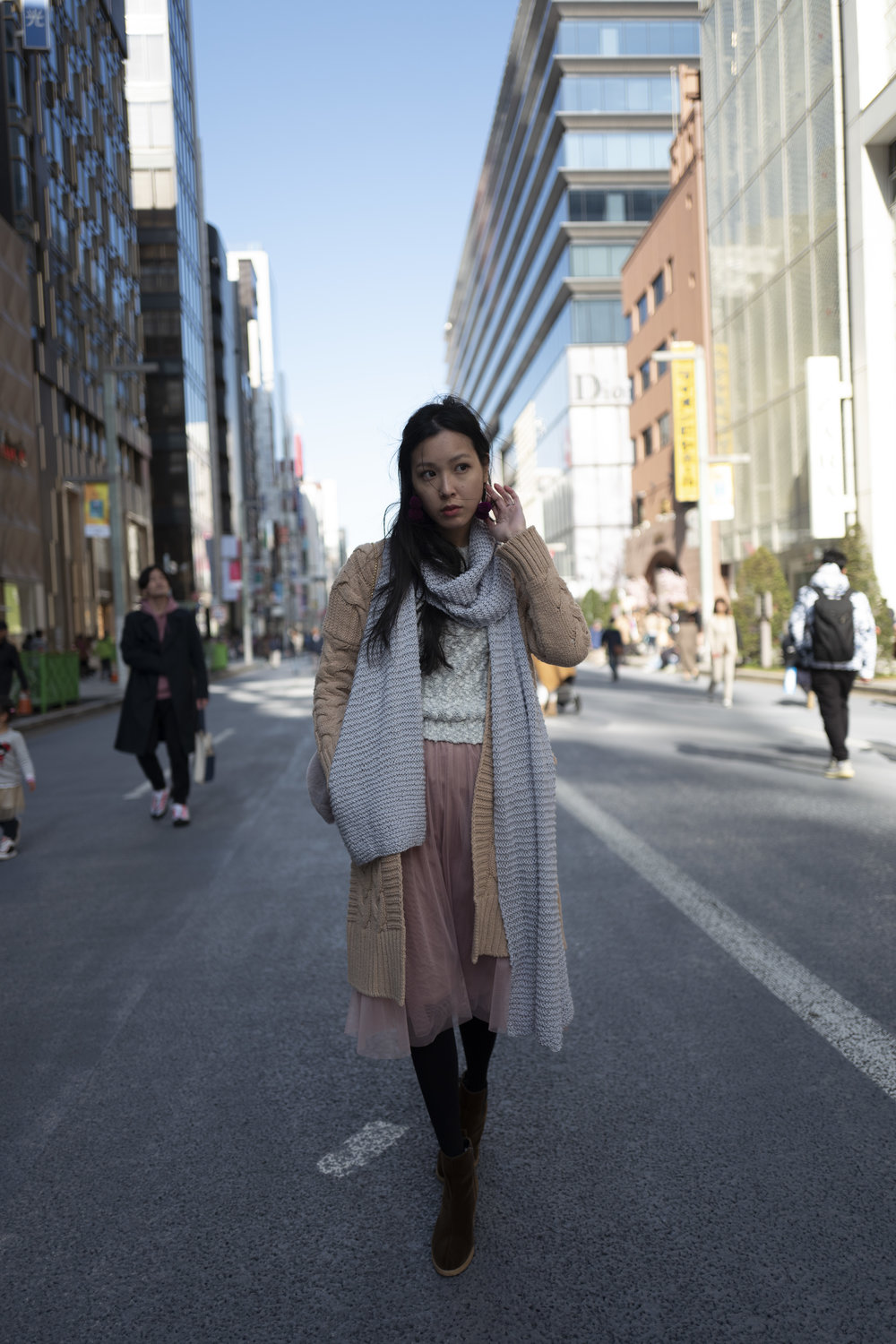 ```










## Performance and UX
There's a handy batch processing tool, so you can literally just dump a set of images in and have it run overnight. Some thought has also been put into how the images can be named when exported, very nice.

You can import multiple images and export them all at once.

Options when exporting, useful for bulk operations
Like many Machine Learning (ML) apps, performance is largely GPU dependant, I noticed that my GPU was maxed out whenever it was exporting images. Applying enhancements to a photo took around:
- 15 seconds on my 2017 27" iMac with a Radeon Pro 580
- 20 - 25 seconds on my 2018 13" MacBook Pro with a quad-core i7 processor
- 1 - 2 minutes to process on the 13" MacBook Pro driving an LG 5K display
## Conclusion
Would this replace my editing workflow for Portfolio images? Not at the moment. There's still a lot of creative control and finessing that is needed to achieve results fit for a portfolio.
However, I see tremendous value in using this for those vacation photos that you would want to hand over to friends or family, but don't have the time to edit individually. I'll certainly be using Photolemur for *that* workflow and the small investment is worth that time saved (be it editing images or fending off your friends and family).
There's no subscription fees whatsoever unlike other photo editing apps. Feel free to use my link below along with the coupon code “NANDA” to get 30% off if you found this post useful, it helps me keep the site going.
[Purchase Photolemur 3.0](https://photolemur.sjv.io/c/1269961/499428/8584?ref=nandakusumadi.com)
### Book Review: The Life-Changing Magic of Tidying Up - Marie Kondo
URL: https://nandakusumadi.com/book-review-the-life-changing-magic-of-tidying-up-marie-kondo/
Last updated: 2018-07-27T16:18:46.000Z
```
```










## Performance and UX
There's a handy batch processing tool, so you can literally just dump a set of images in and have it run overnight. Some thought has also been put into how the images can be named when exported, very nice.

You can import multiple images and export them all at once.

Options when exporting, useful for bulk operations
Like many Machine Learning (ML) apps, performance is largely GPU dependant, I noticed that my GPU was maxed out whenever it was exporting images. Applying enhancements to a photo took around:
- 15 seconds on my 2017 27" iMac with a Radeon Pro 580
- 20 - 25 seconds on my 2018 13" MacBook Pro with a quad-core i7 processor
- 1 - 2 minutes to process on the 13" MacBook Pro driving an LG 5K display
## Conclusion
Would this replace my editing workflow for Portfolio images? Not at the moment. There's still a lot of creative control and finessing that is needed to achieve results fit for a portfolio.
However, I see tremendous value in using this for those vacation photos that you would want to hand over to friends or family, but don't have the time to edit individually. I'll certainly be using Photolemur for *that* workflow and the small investment is worth that time saved (be it editing images or fending off your friends and family).
There's no subscription fees whatsoever unlike other photo editing apps. Feel free to use my link below along with the coupon code “NANDA” to get 30% off if you found this post useful, it helps me keep the site going.
[Purchase Photolemur 3.0](https://photolemur.sjv.io/c/1269961/499428/8584?ref=nandakusumadi.com)
### Book Review: The Life-Changing Magic of Tidying Up - Marie Kondo
URL: https://nandakusumadi.com/book-review-the-life-changing-magic-of-tidying-up-marie-kondo/
Last updated: 2018-07-27T16:18:46.000Z
```
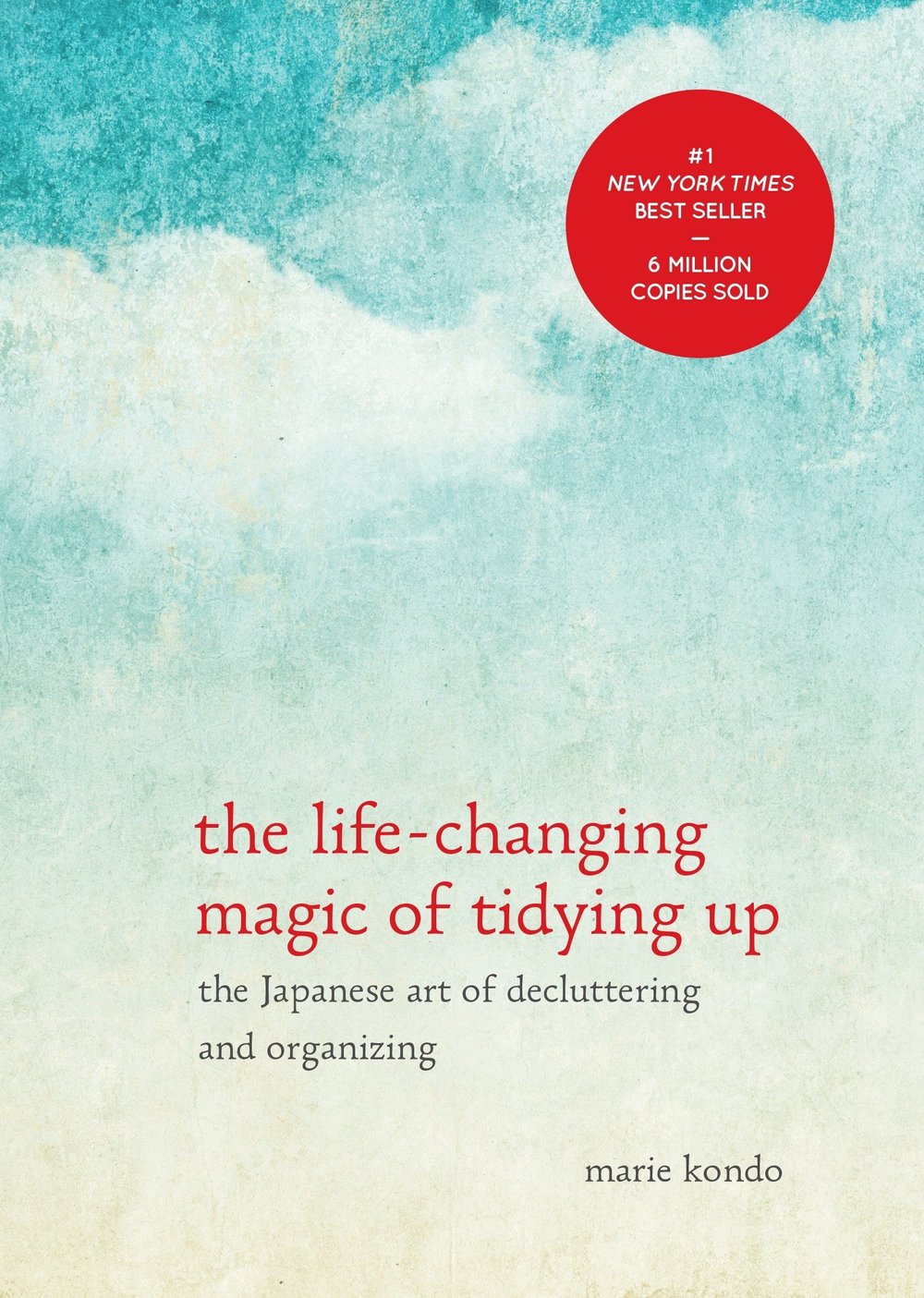
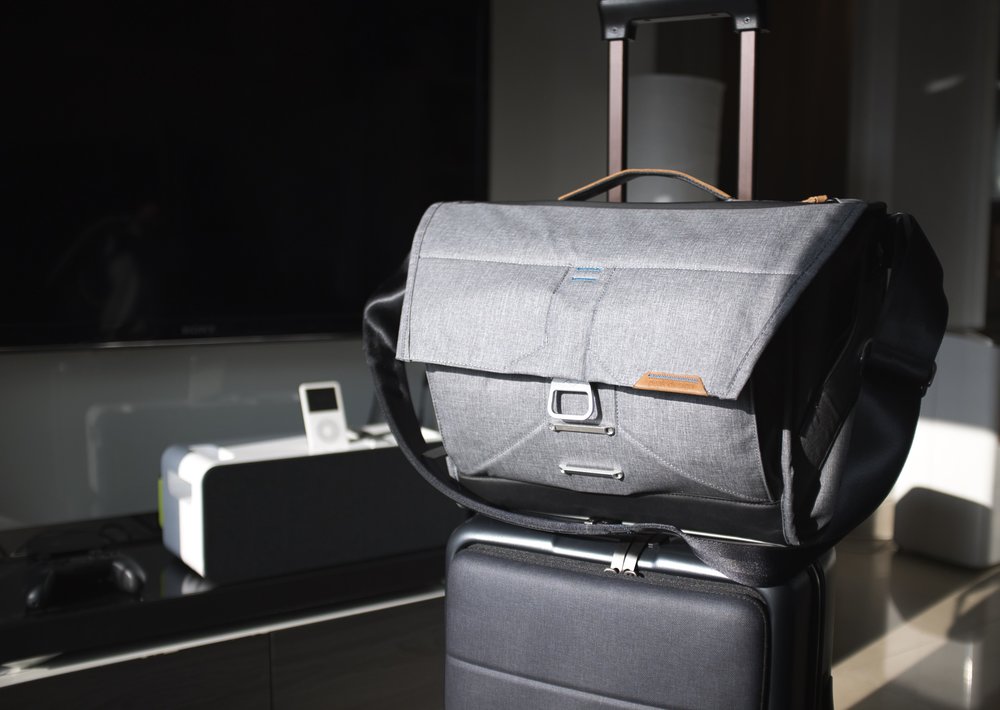
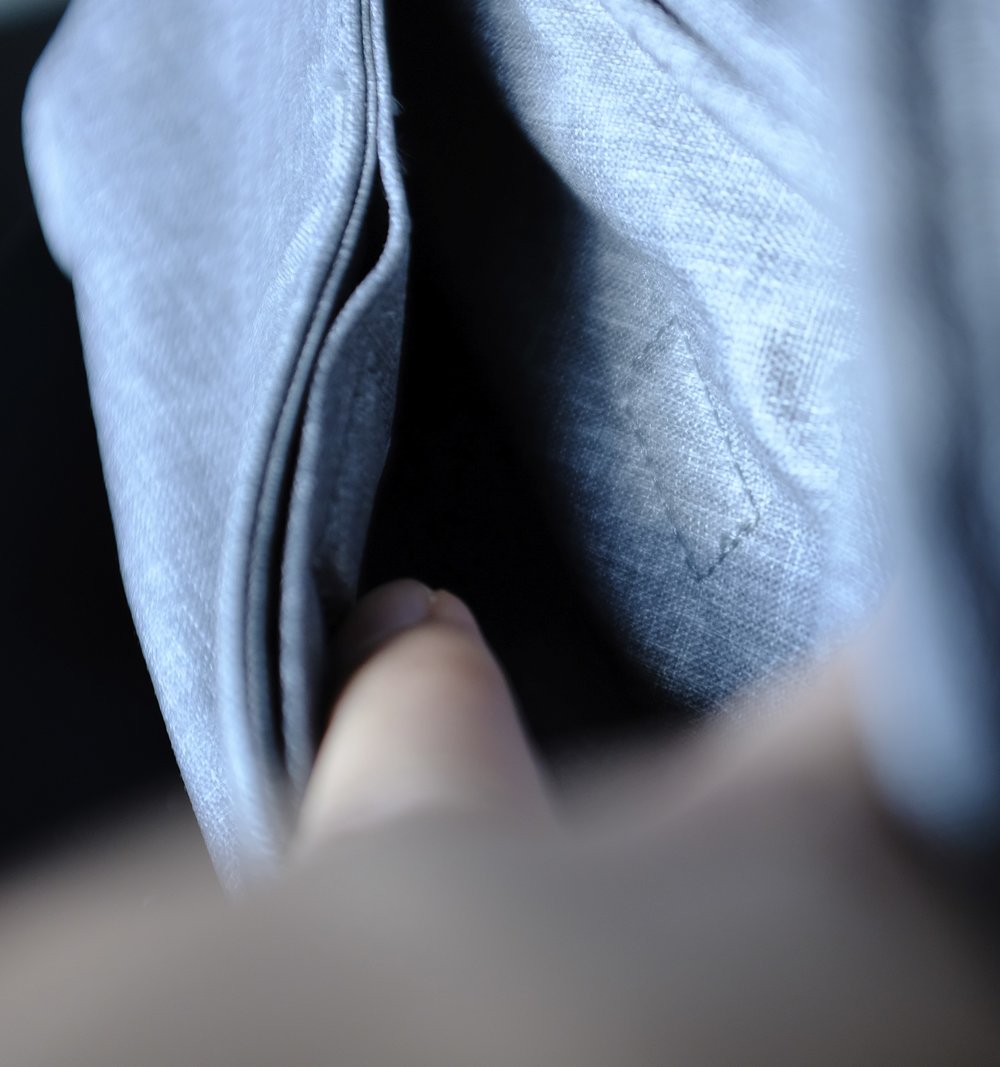
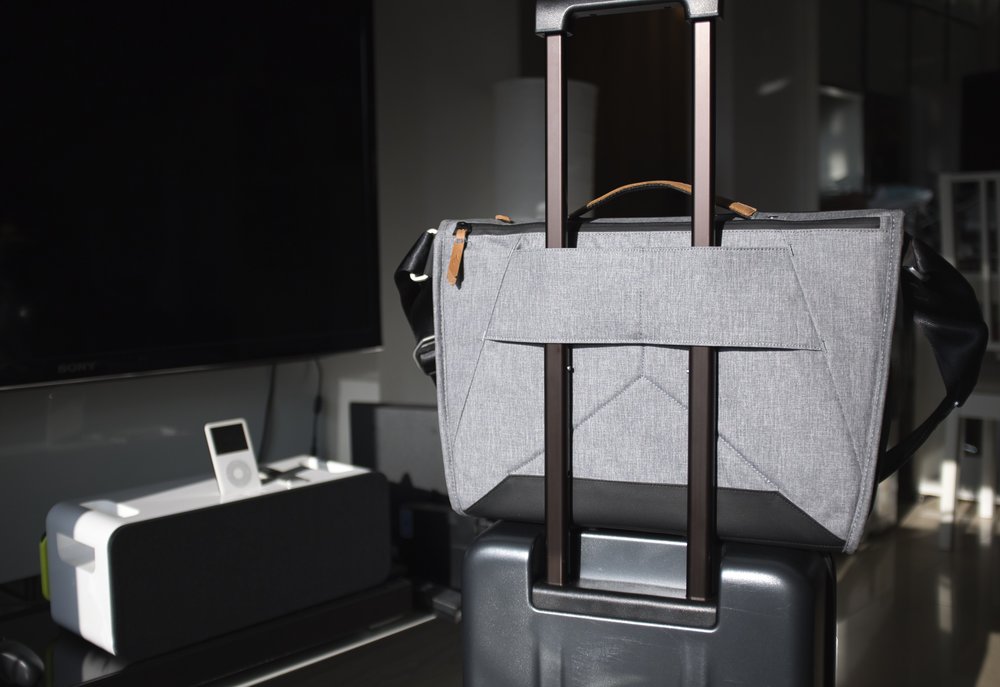
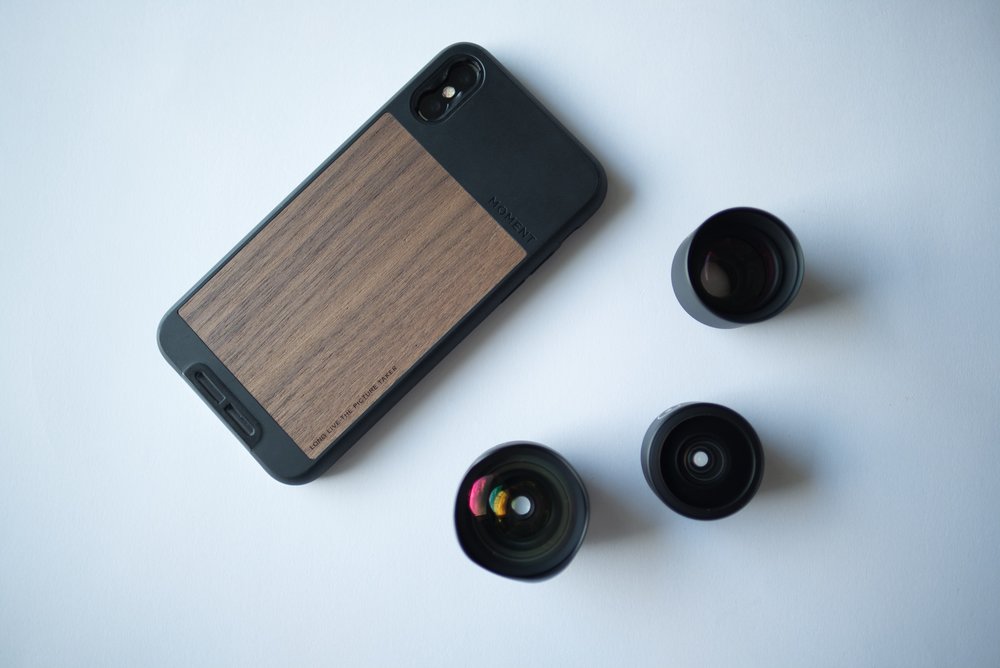
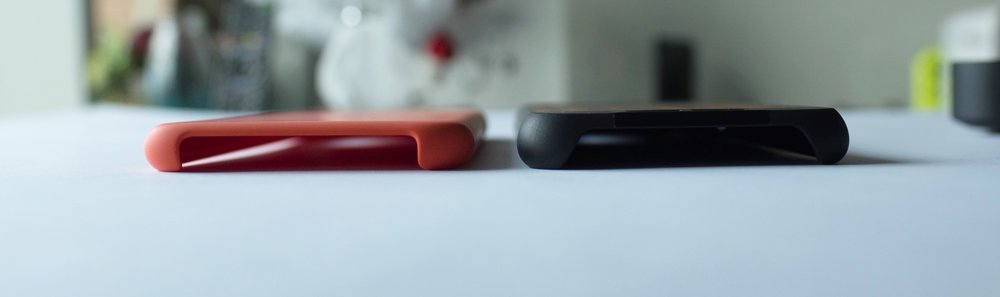
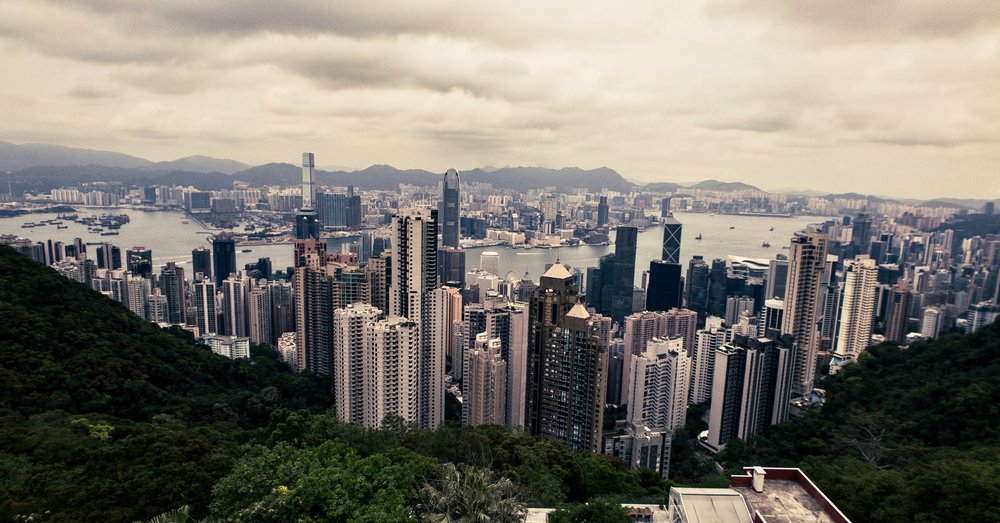
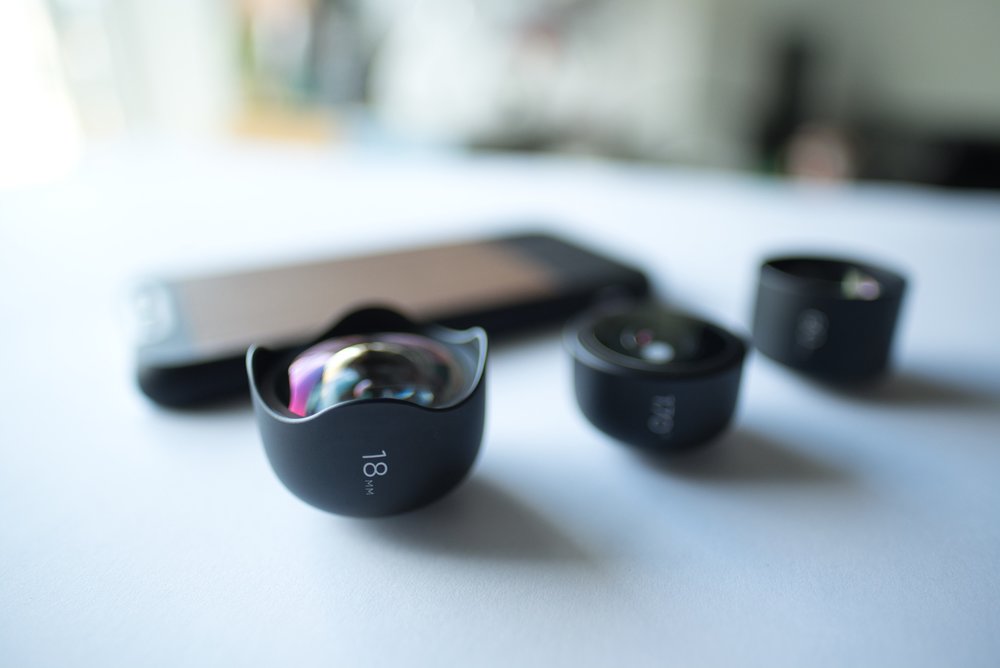
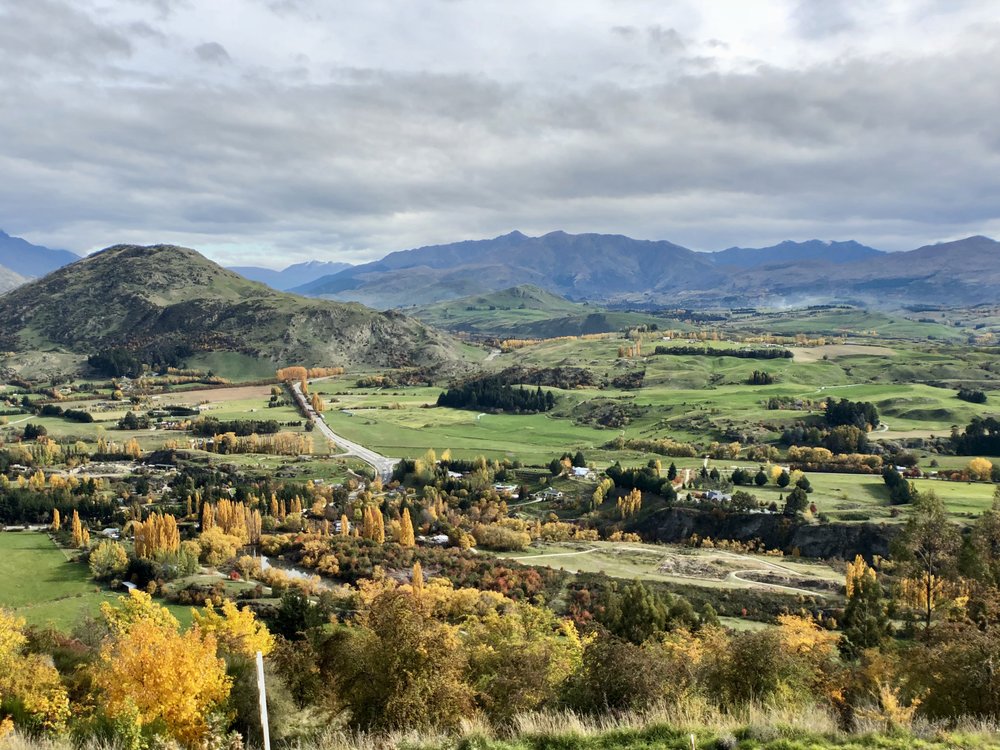
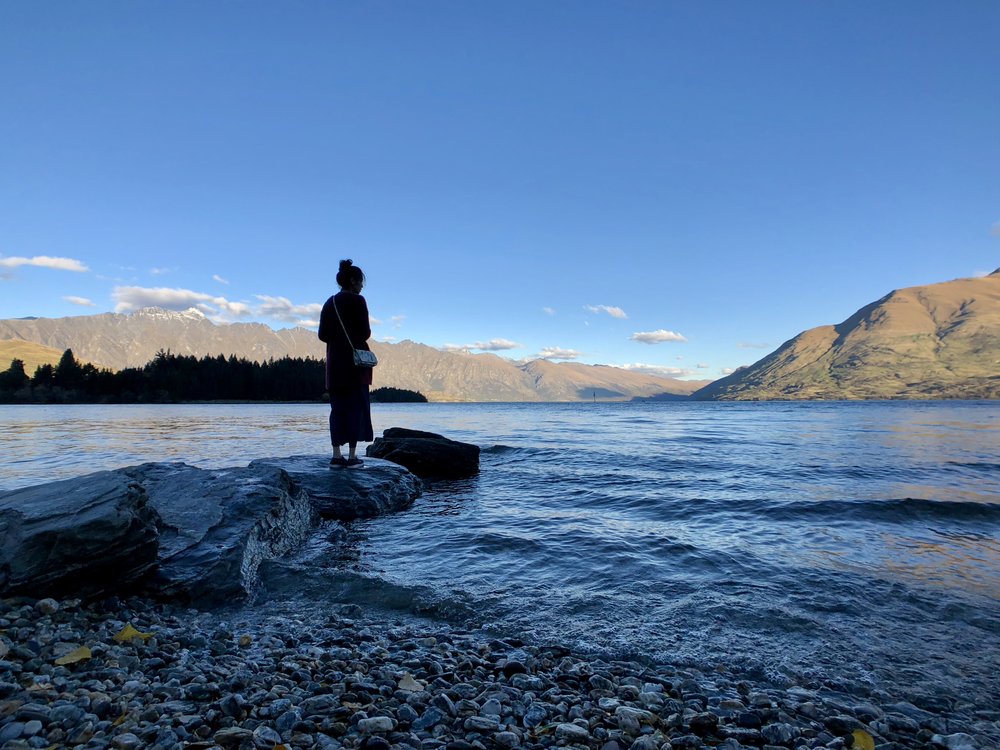
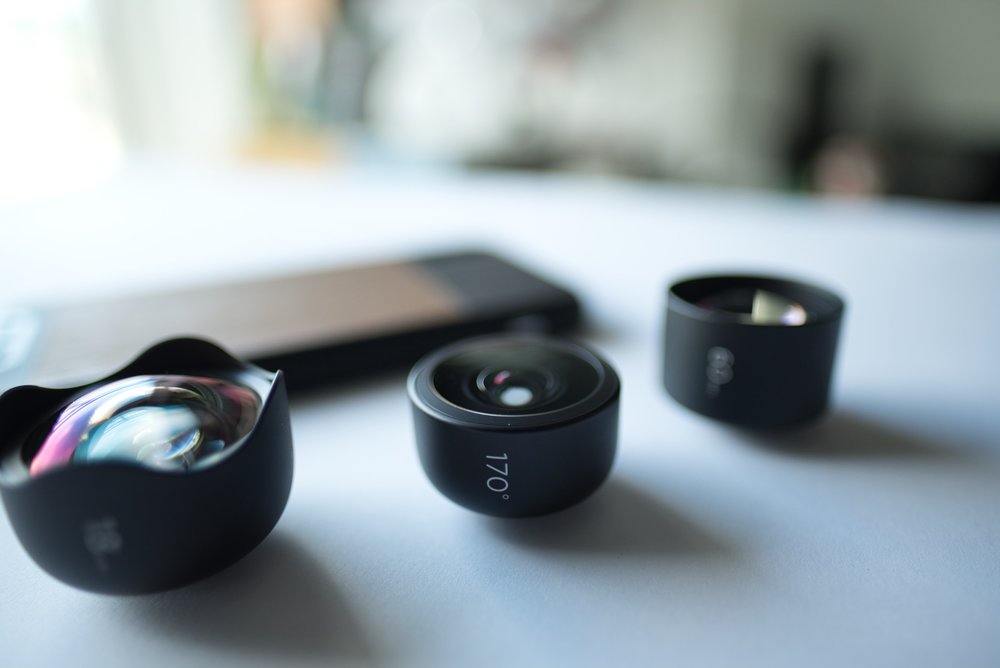
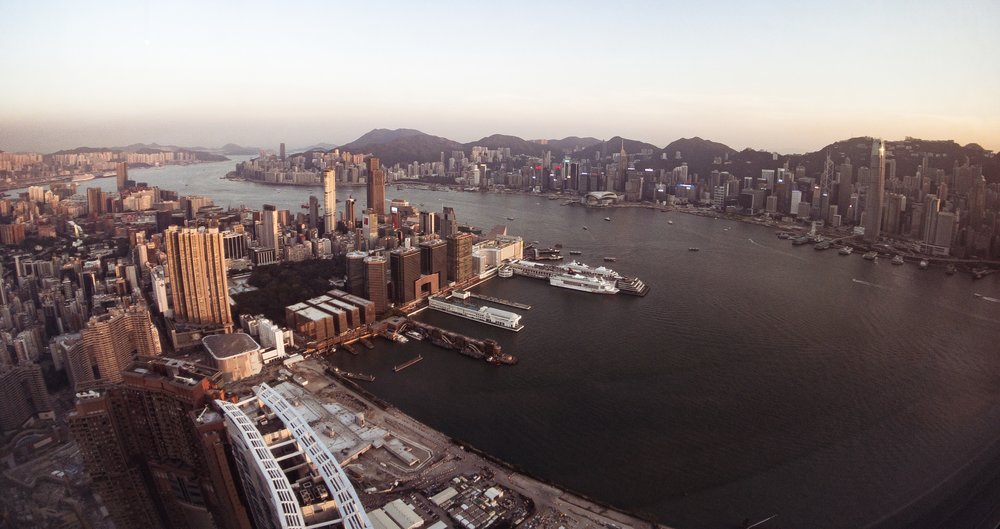
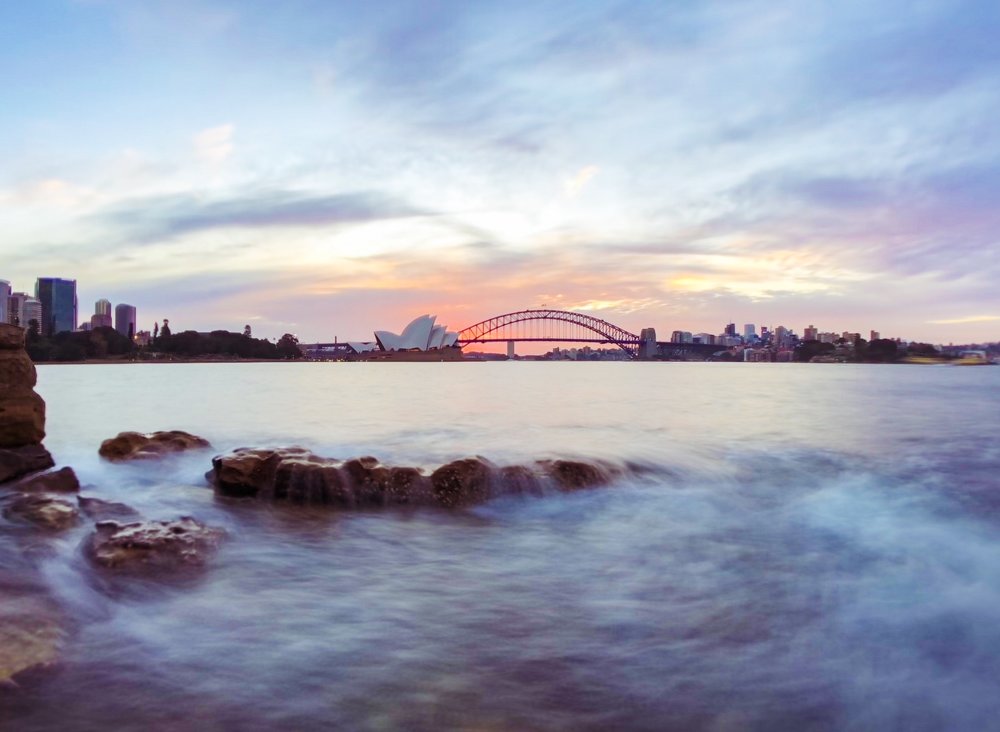
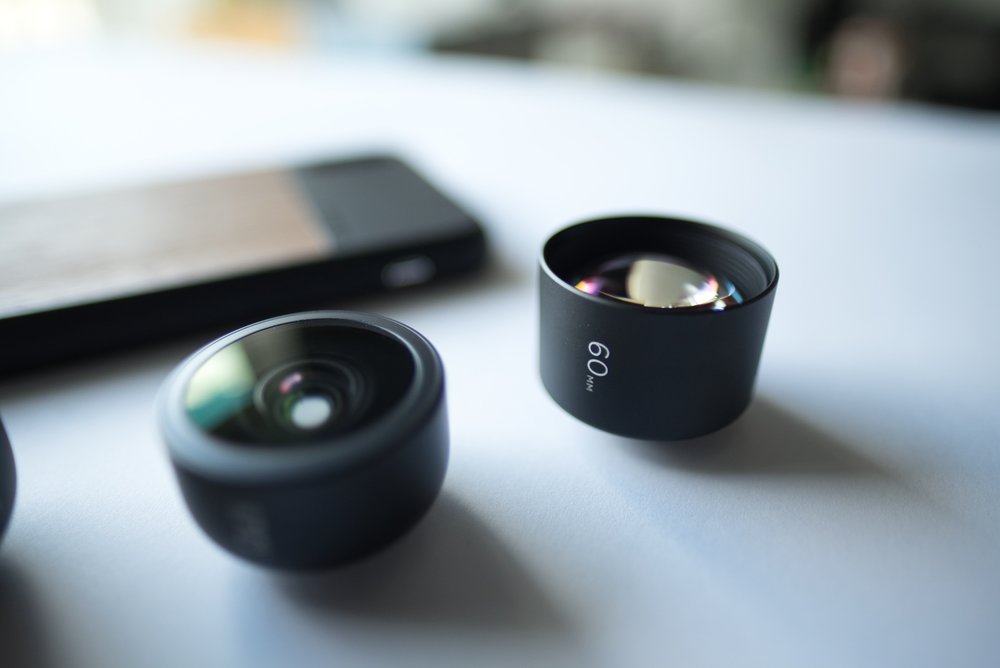
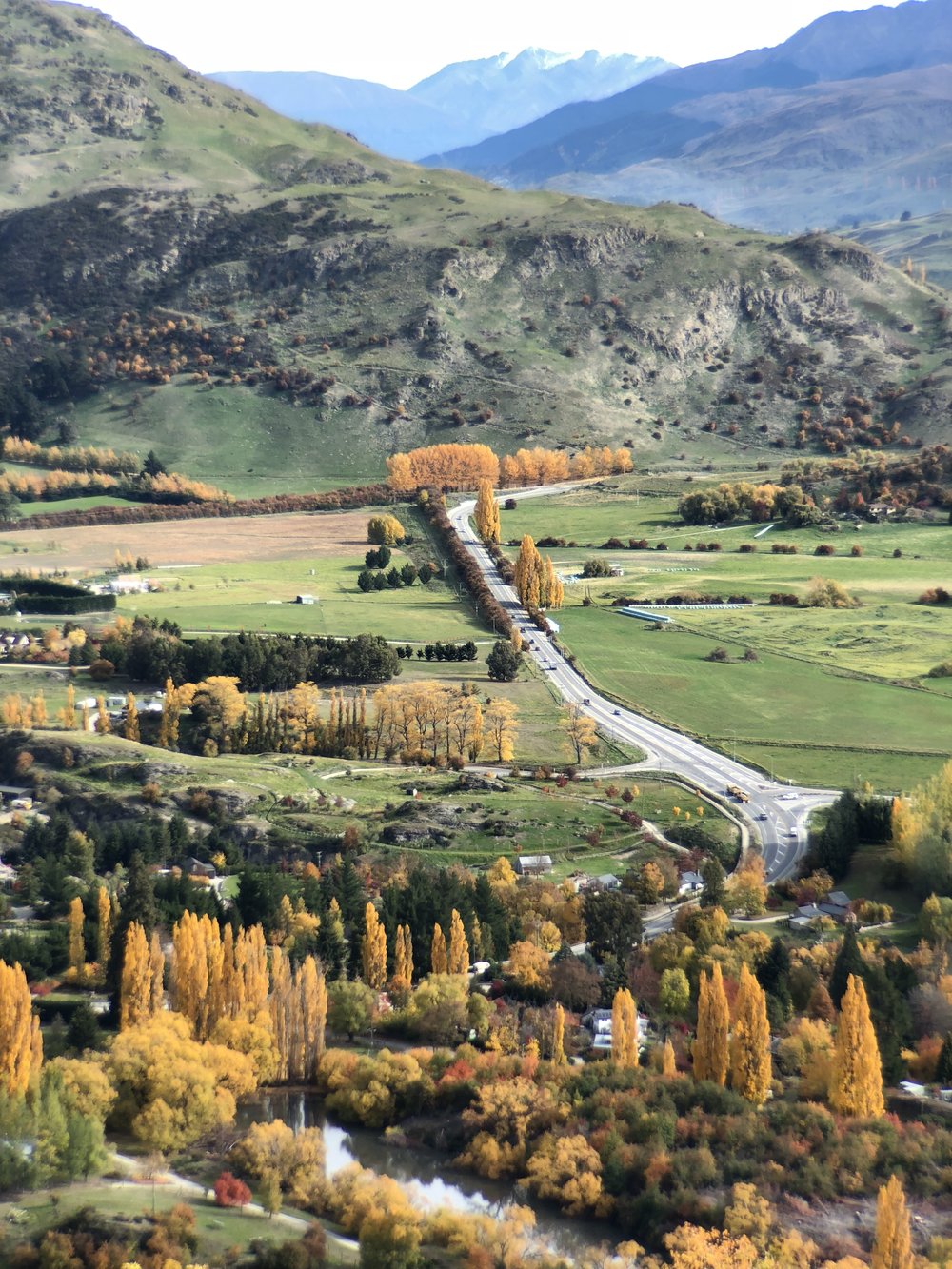
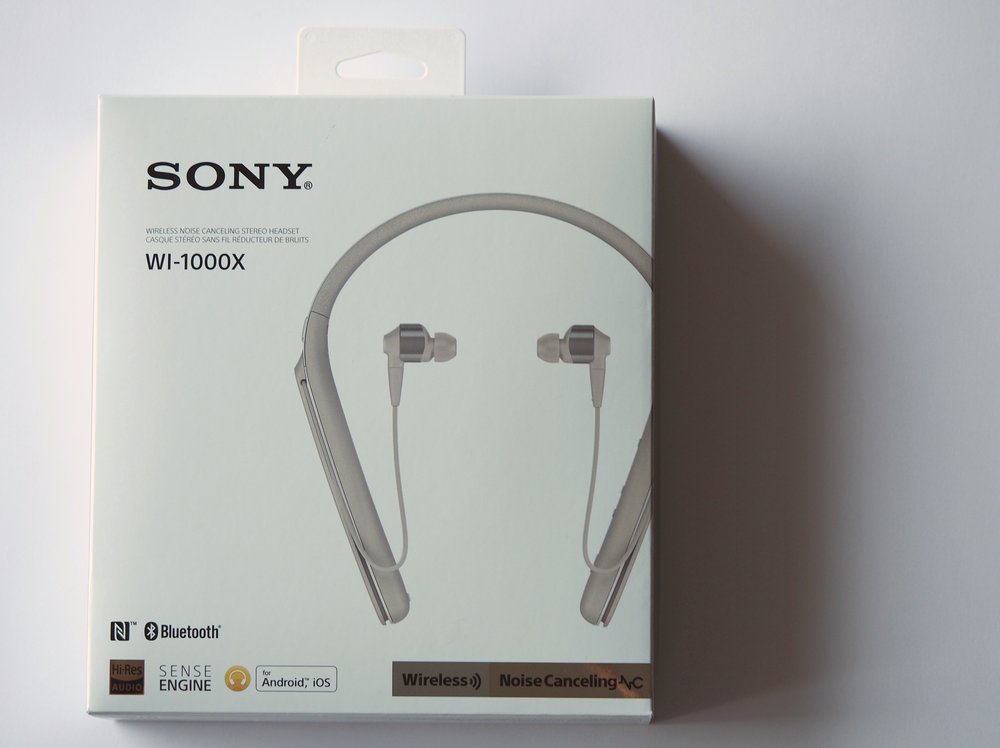
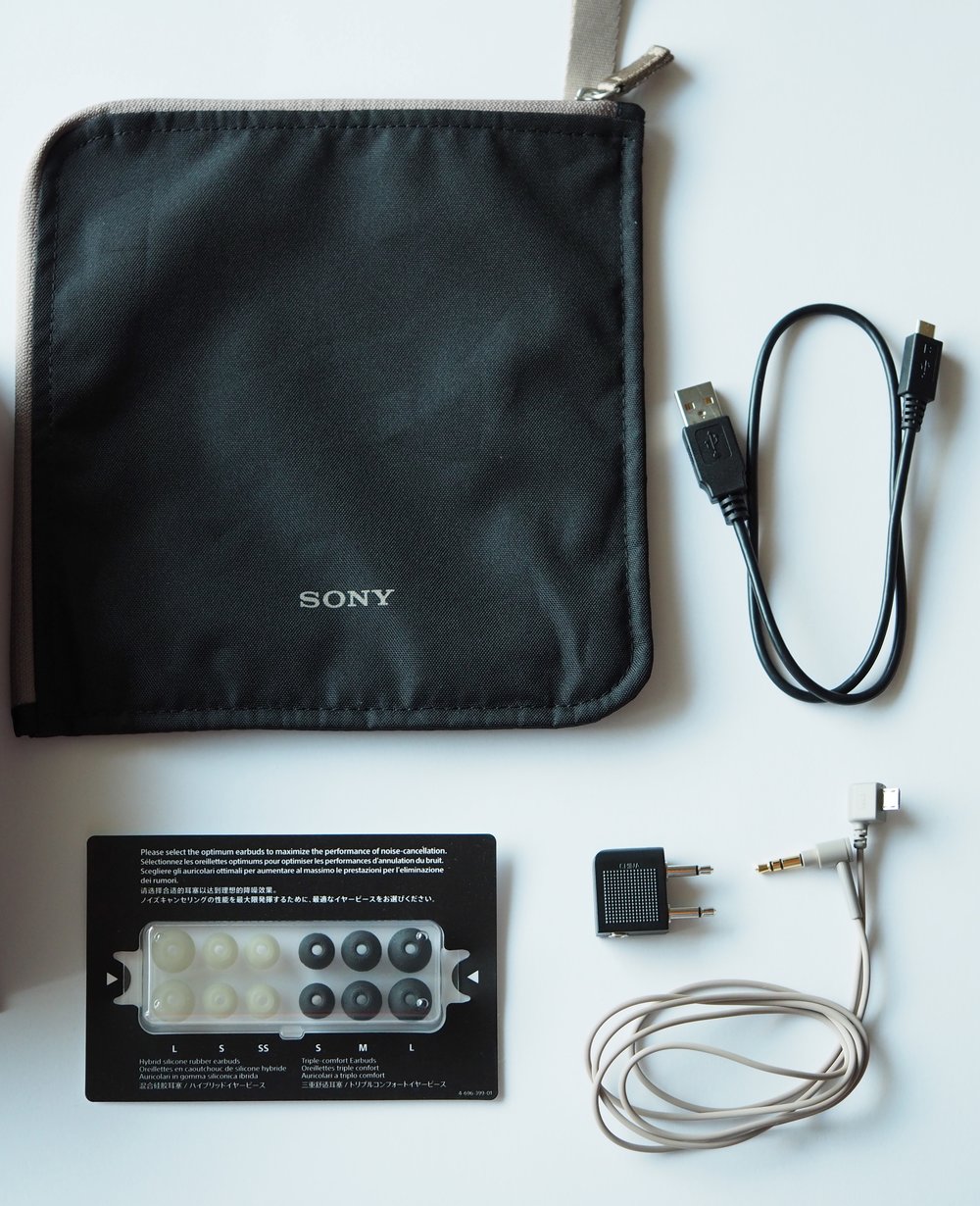
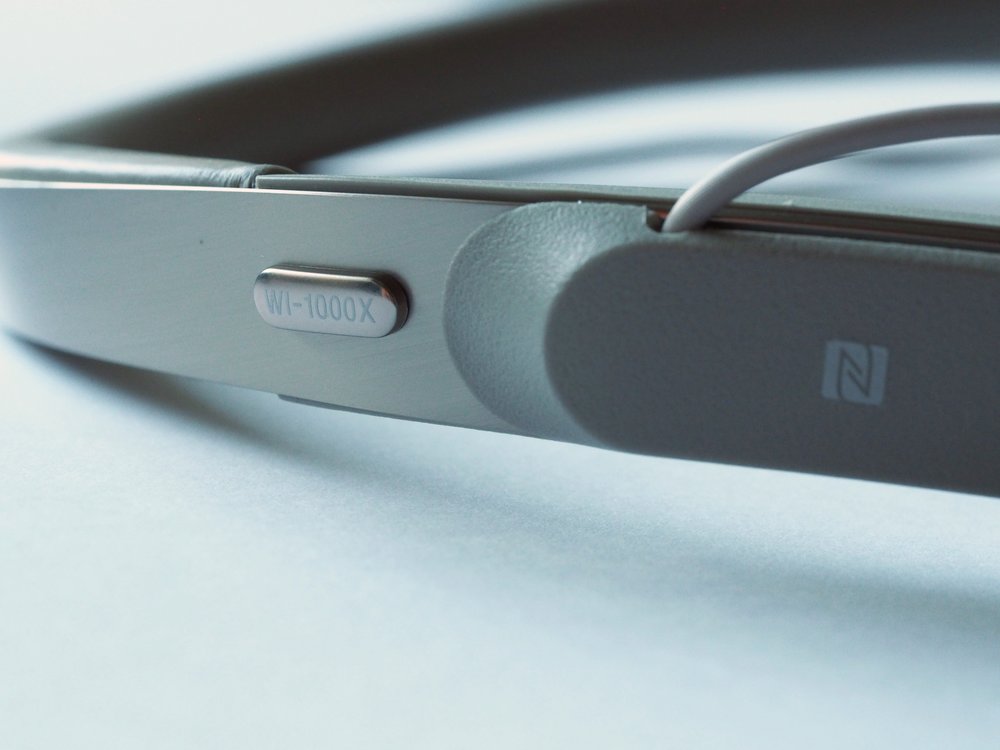
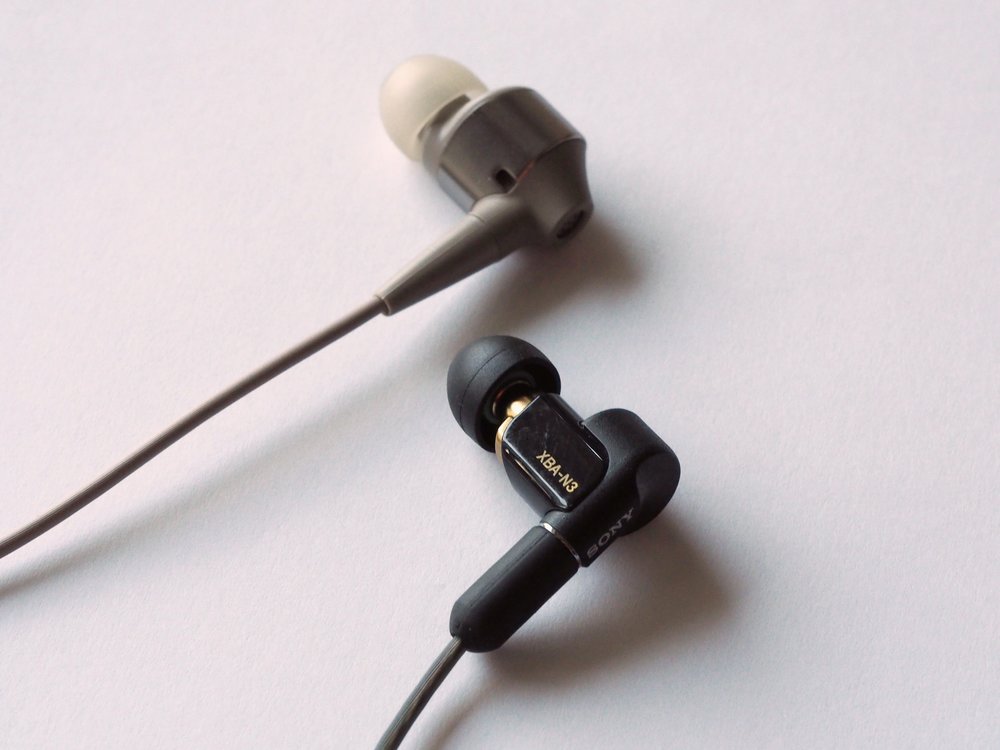
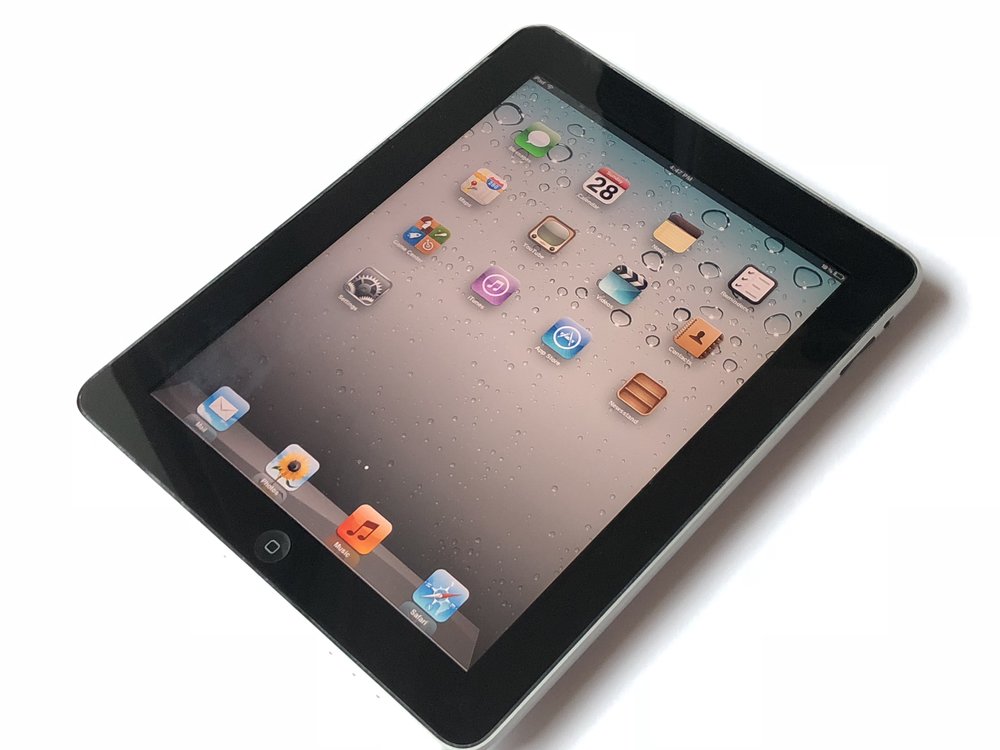
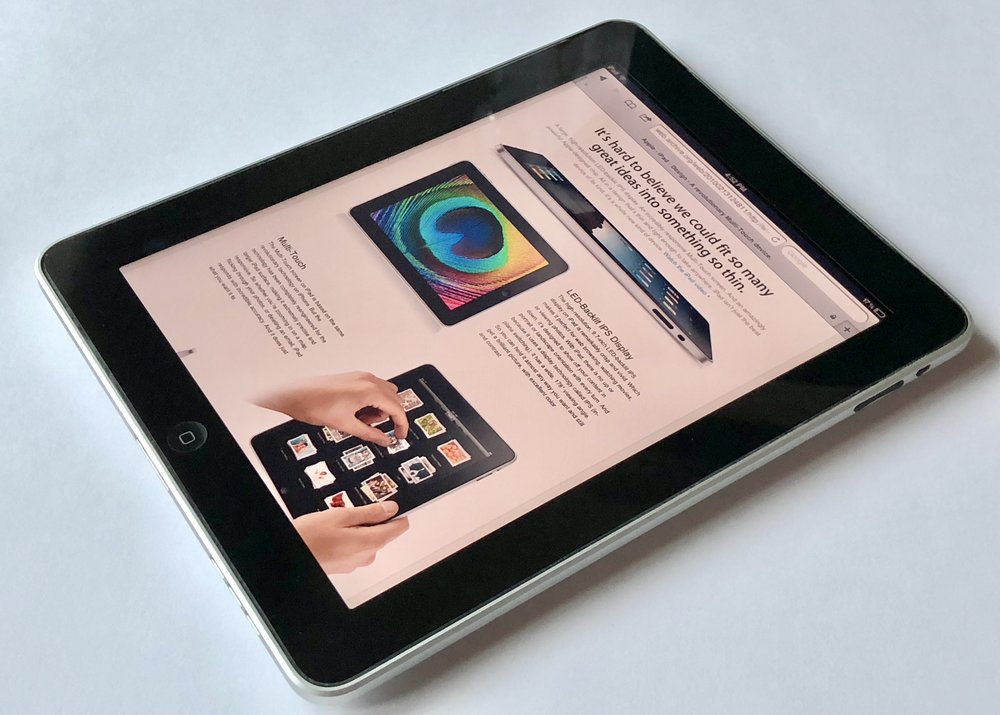

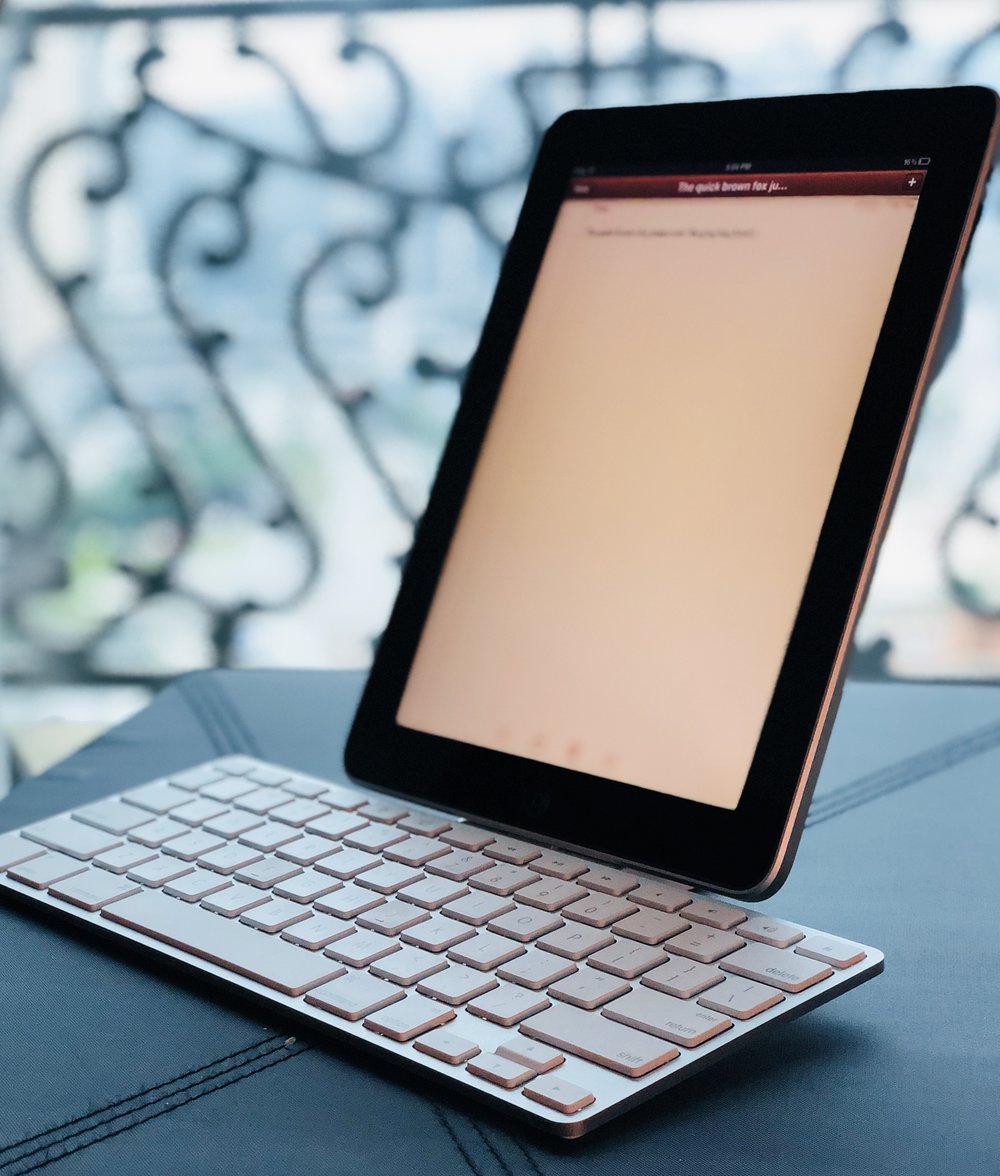
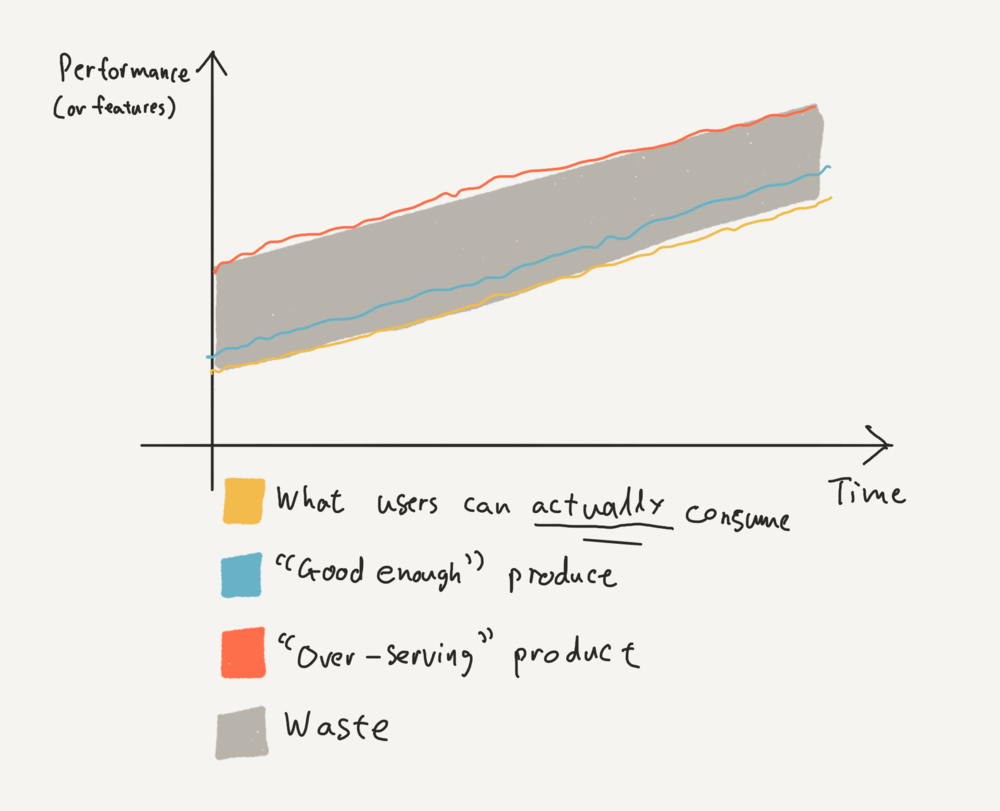


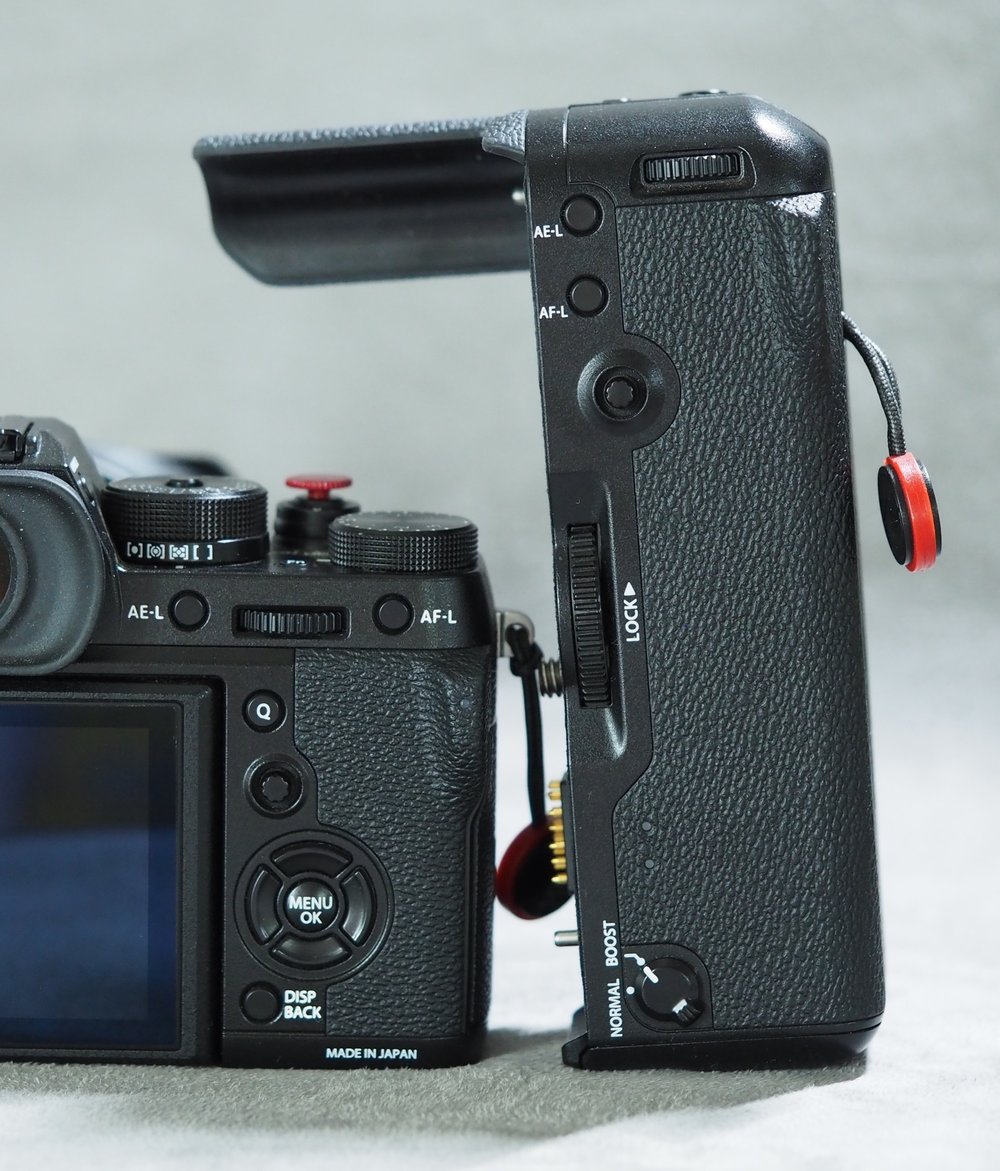
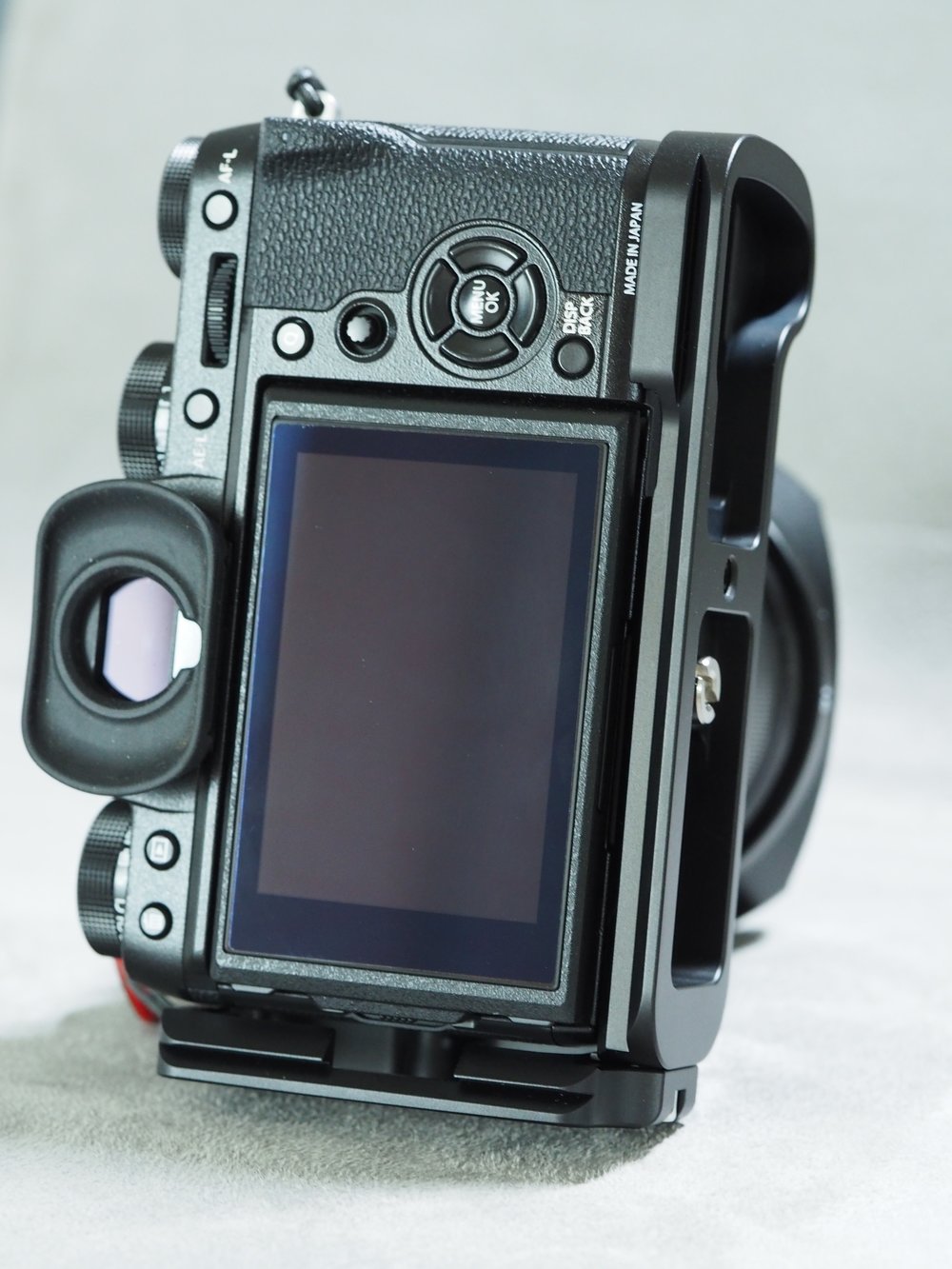
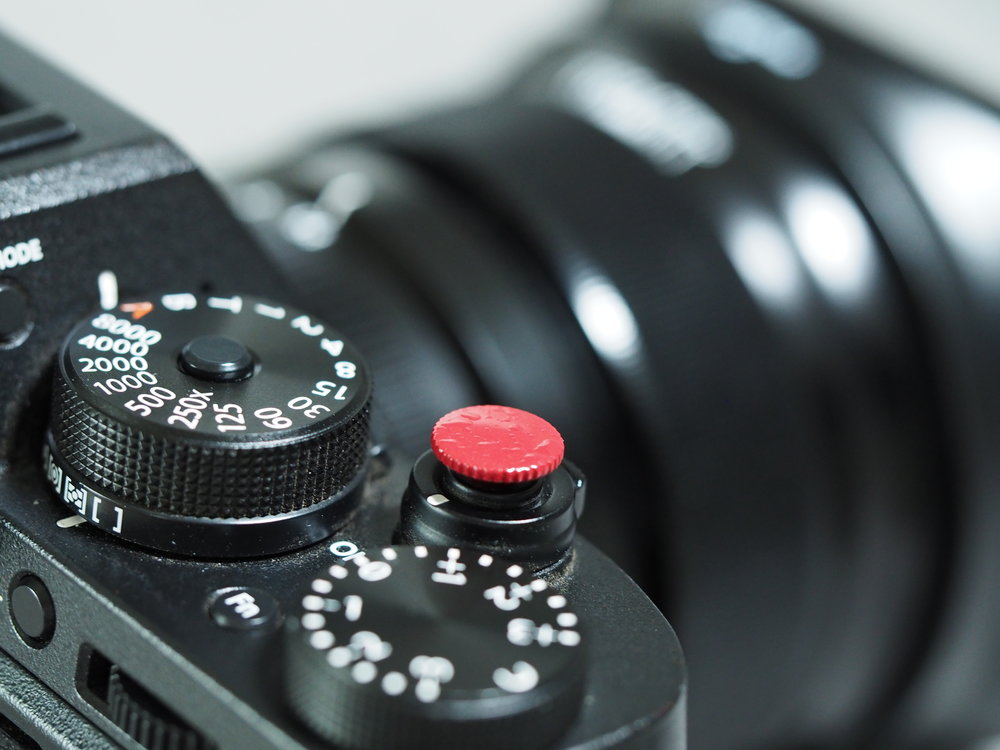
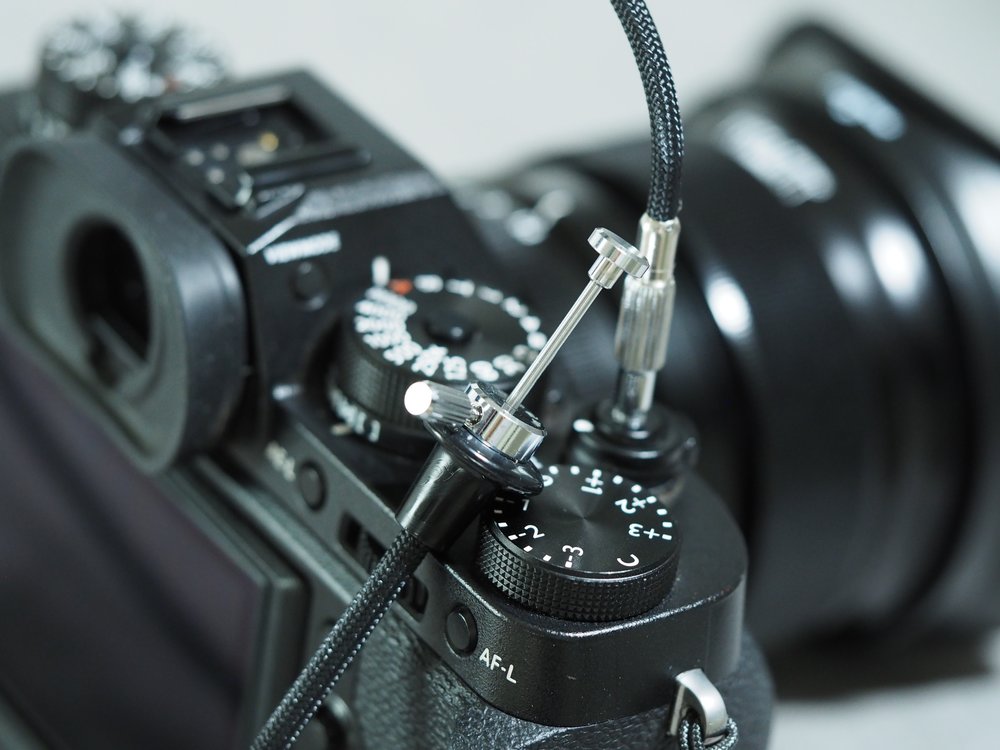
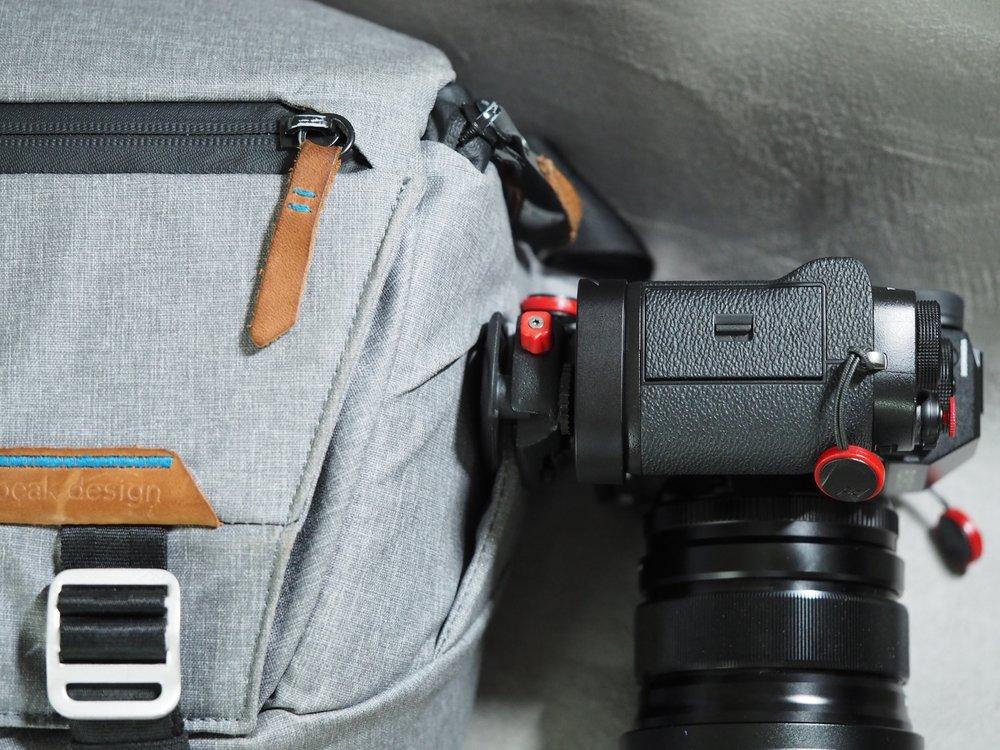
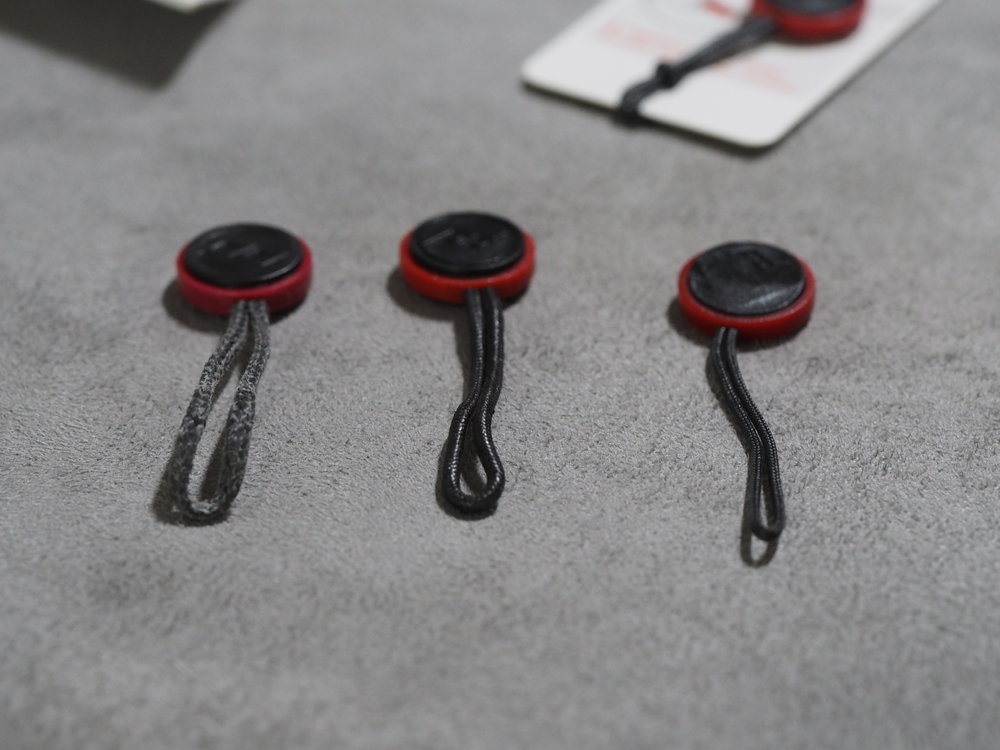
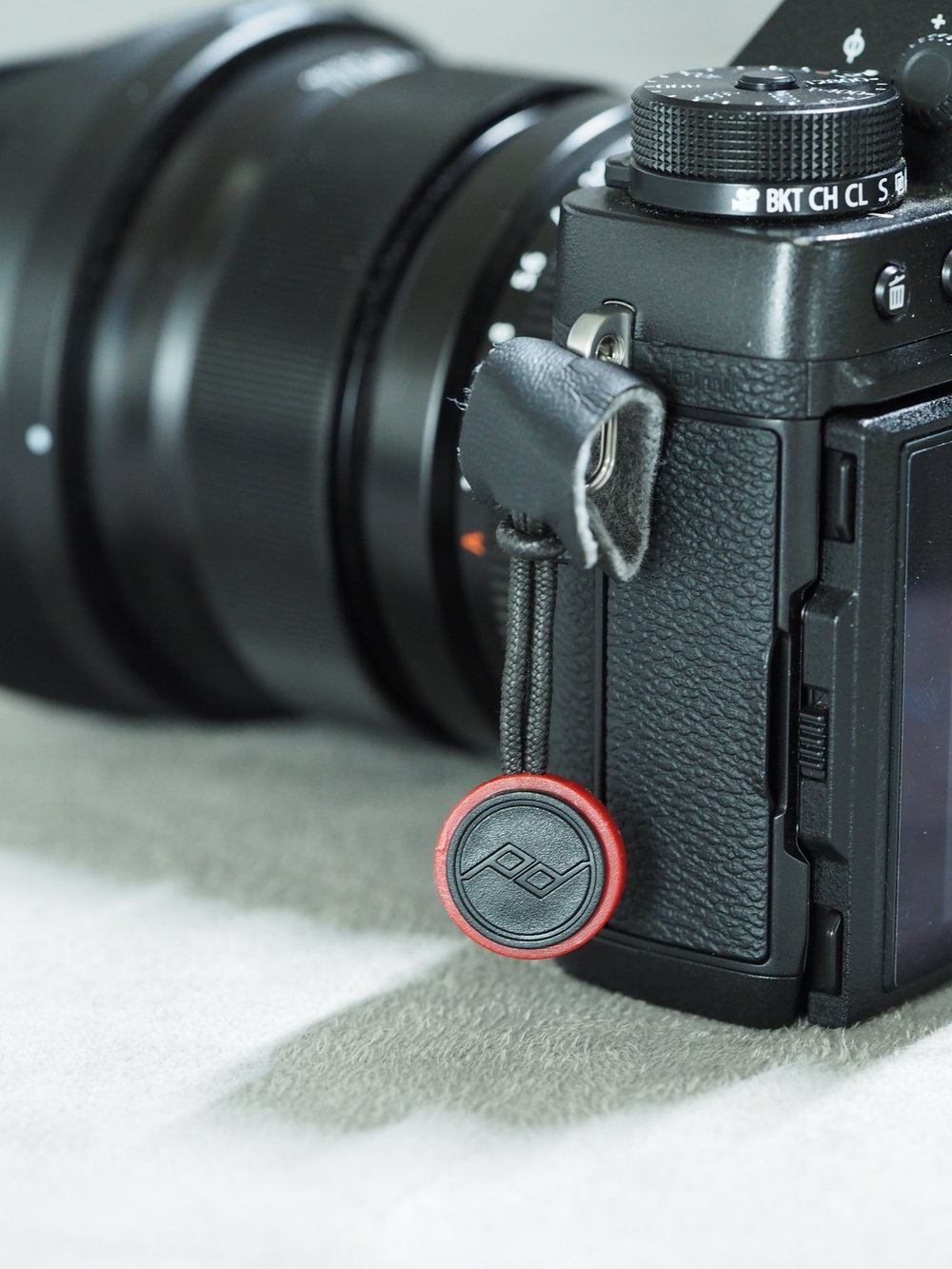
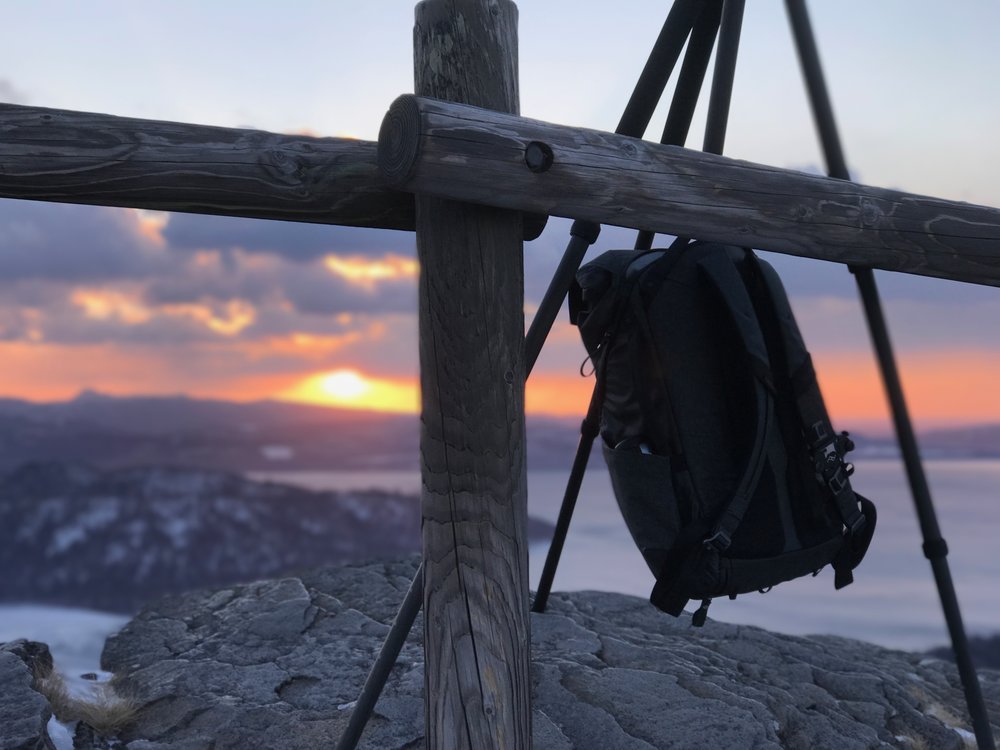
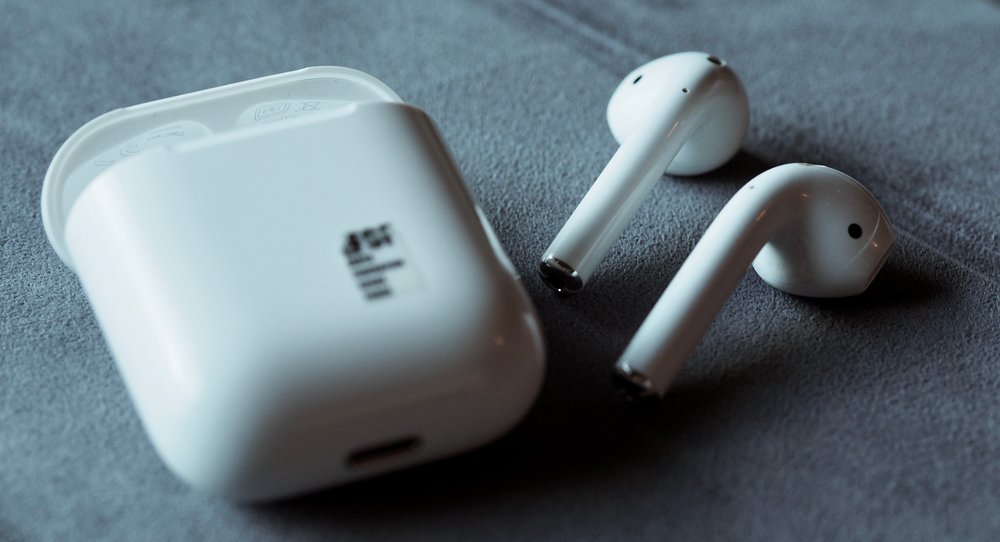
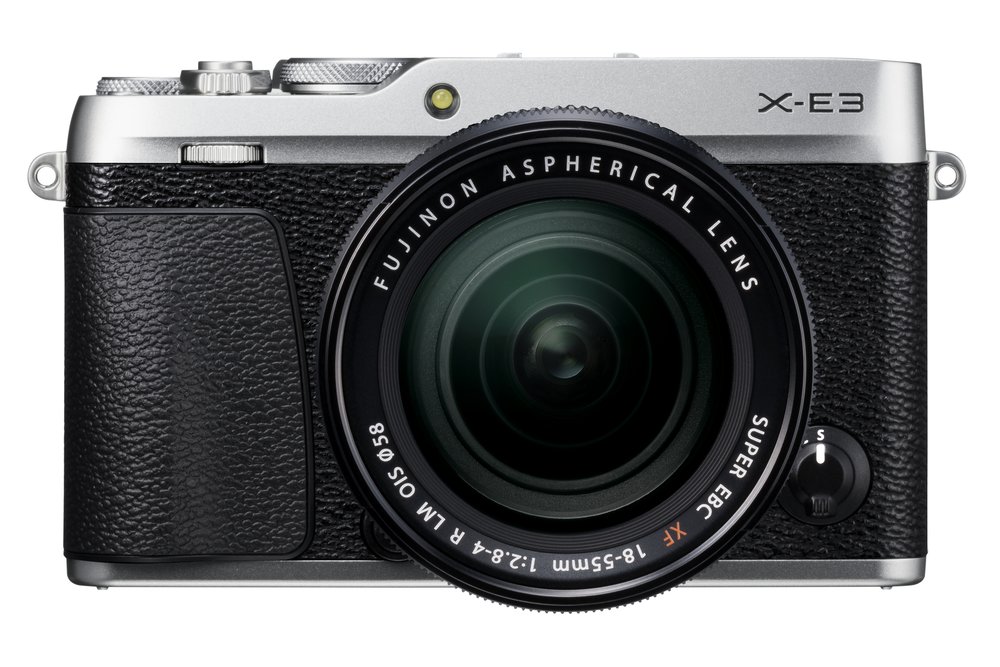
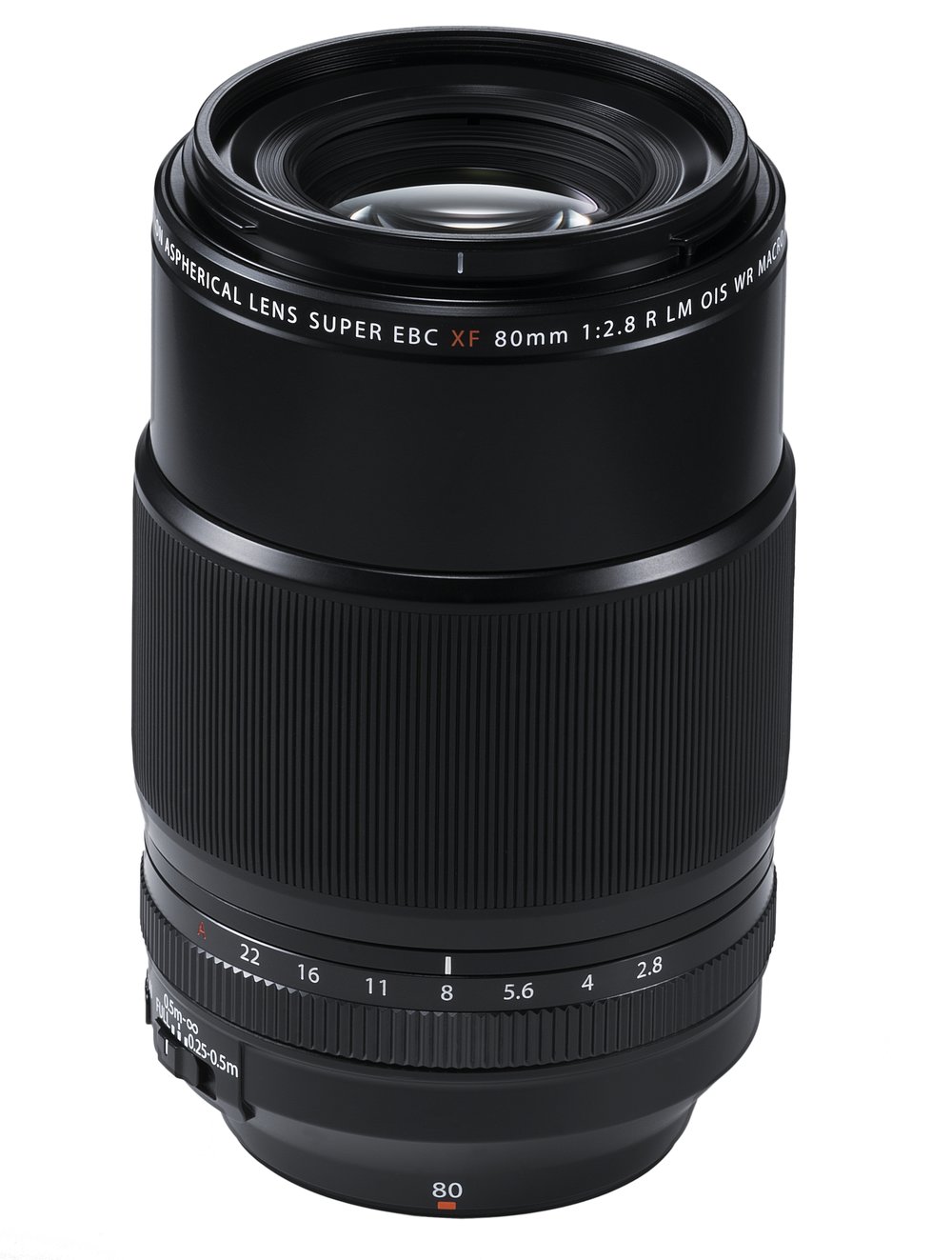
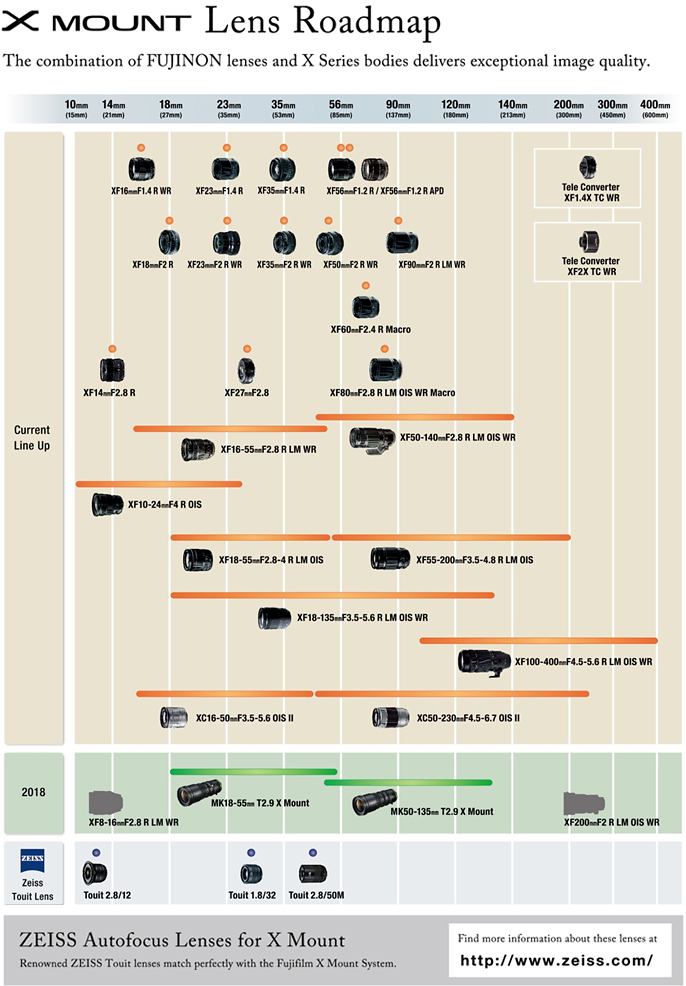
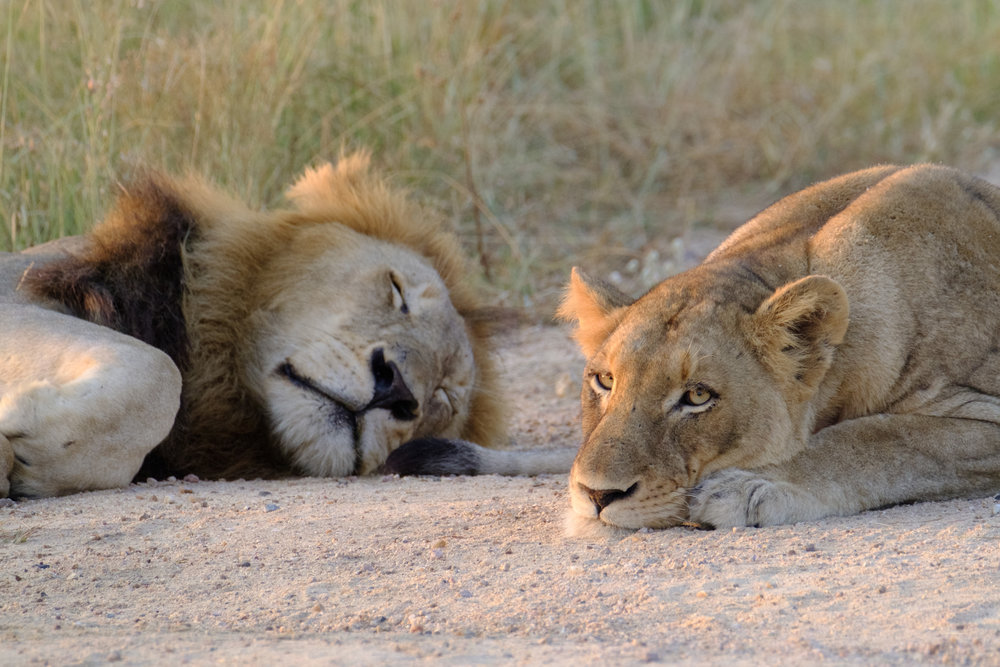

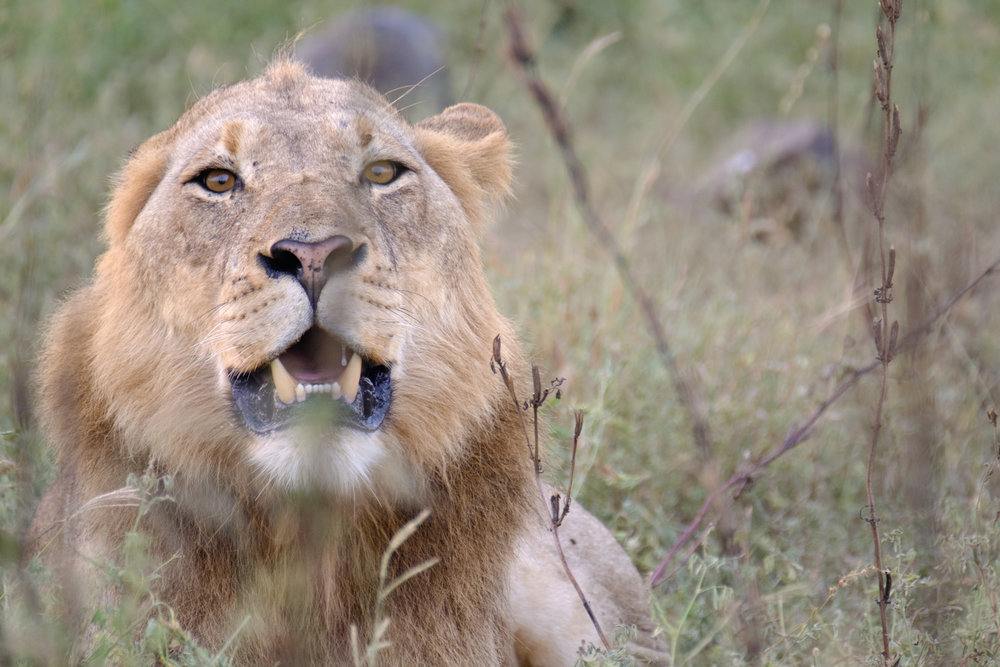
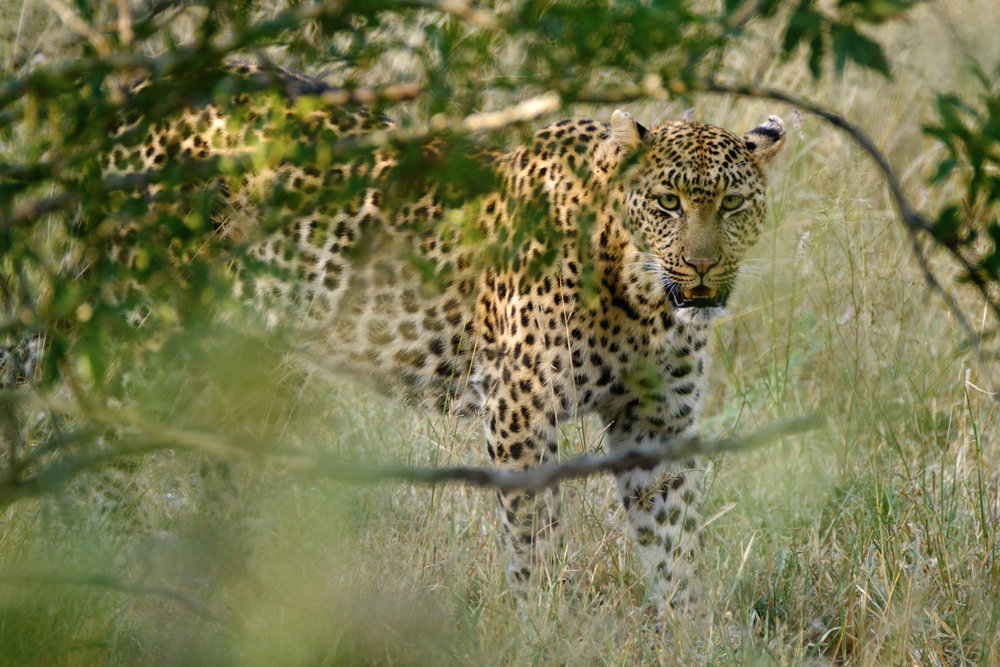
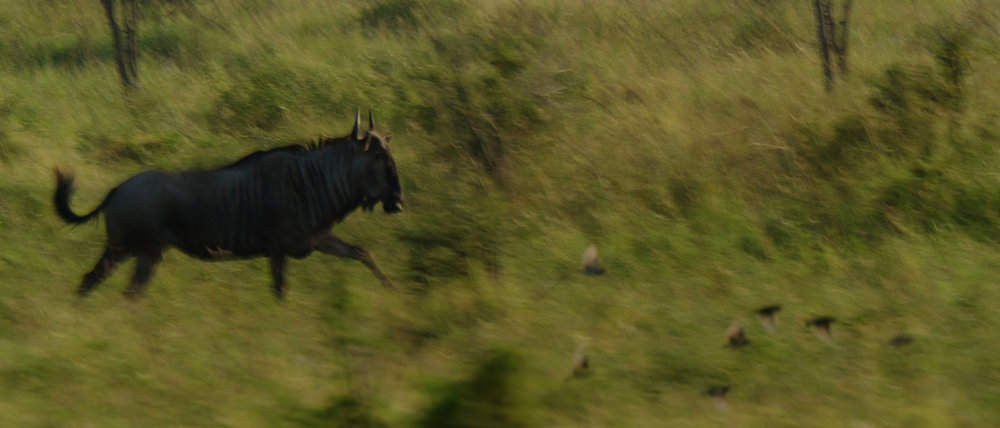

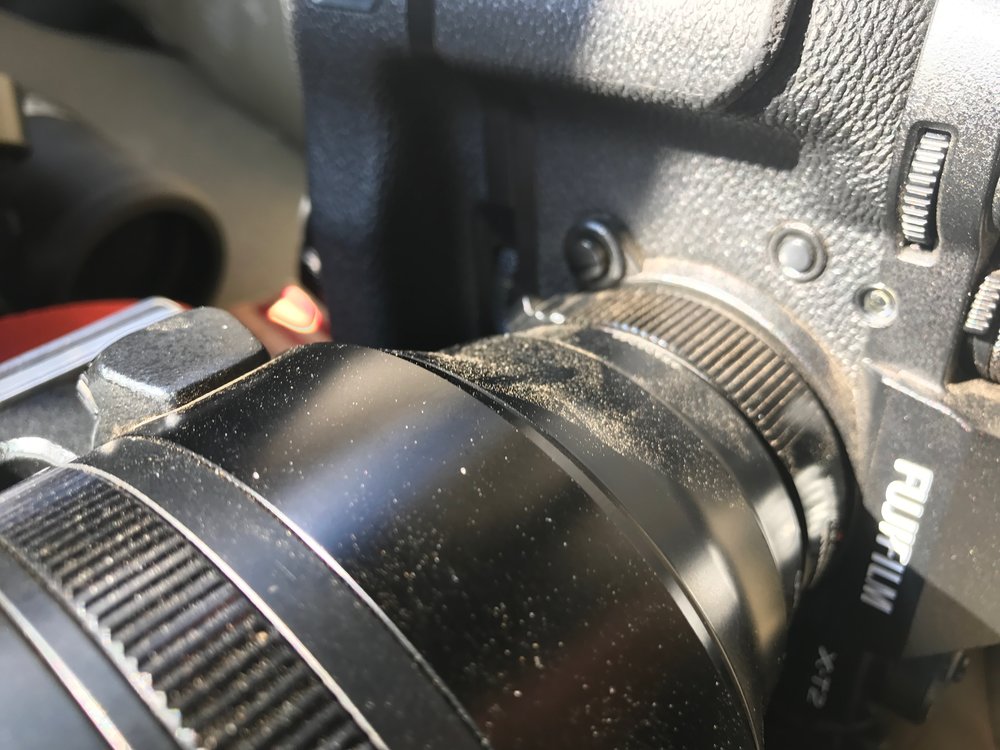
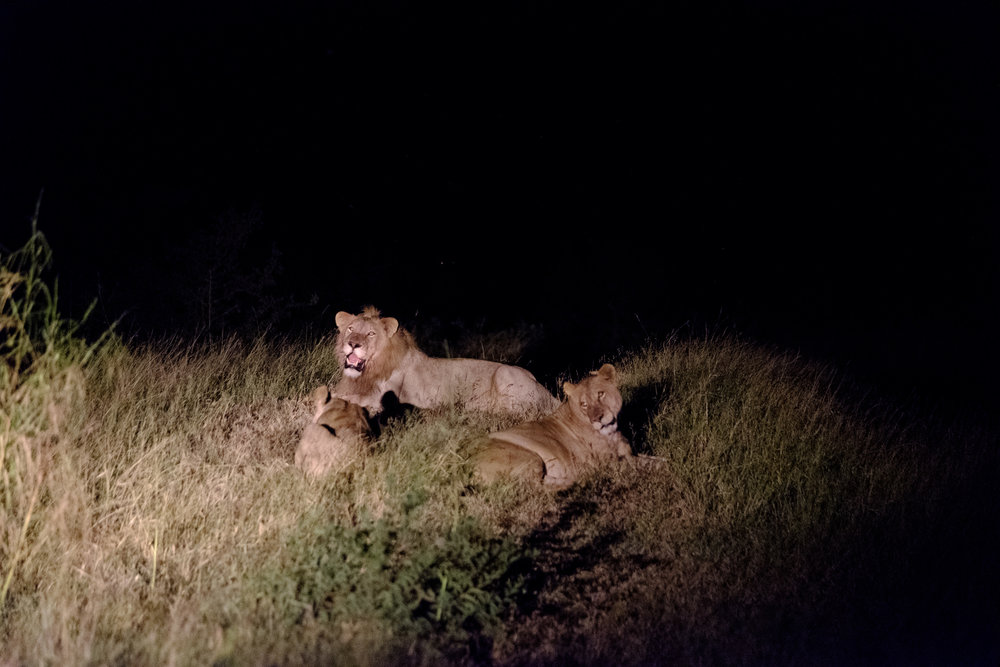

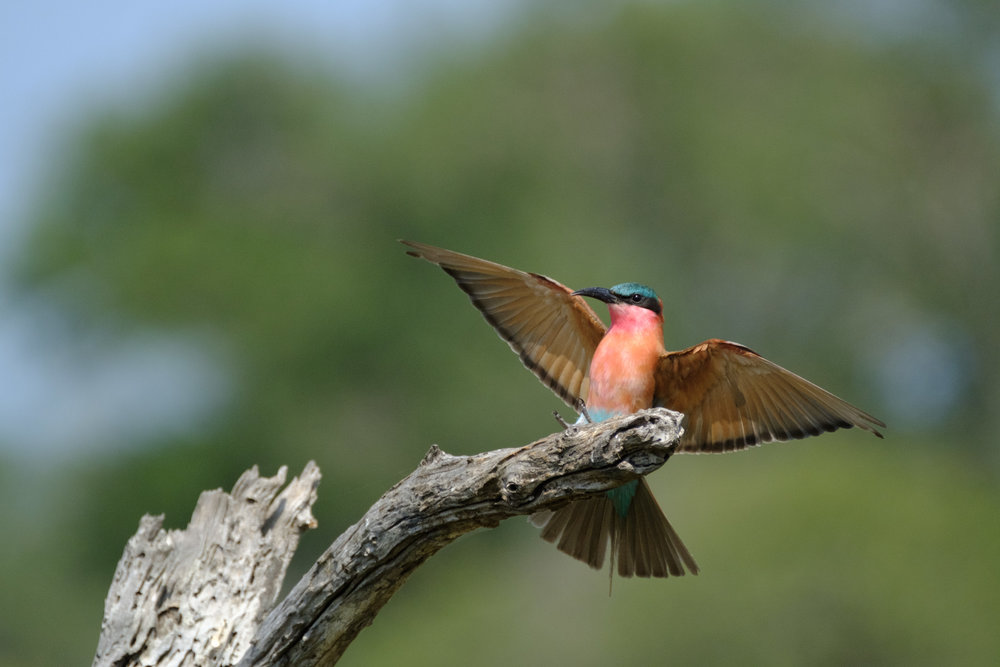
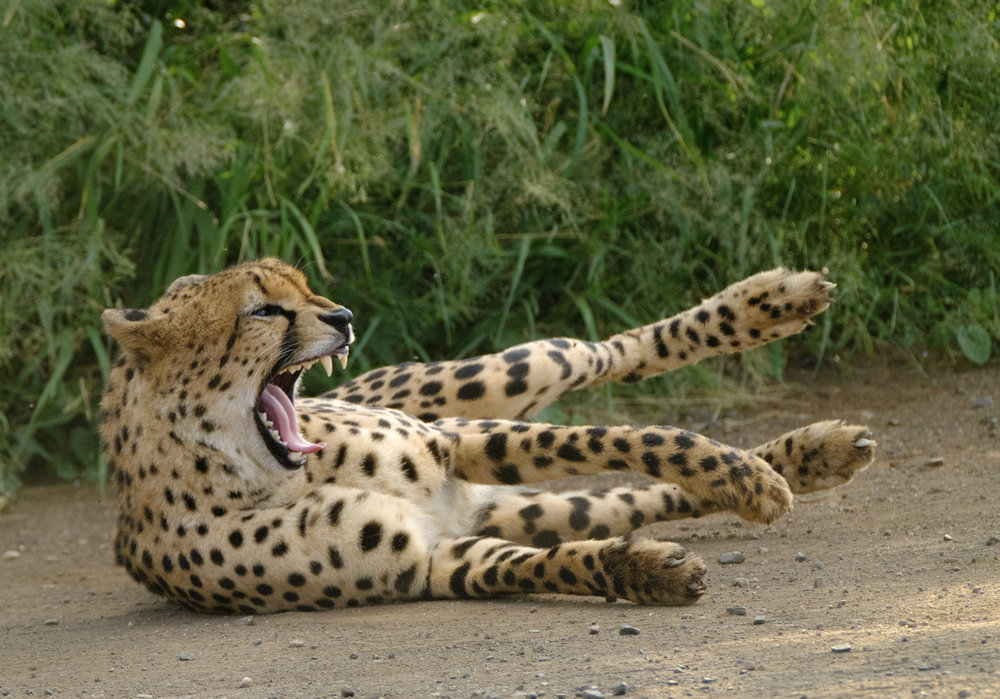
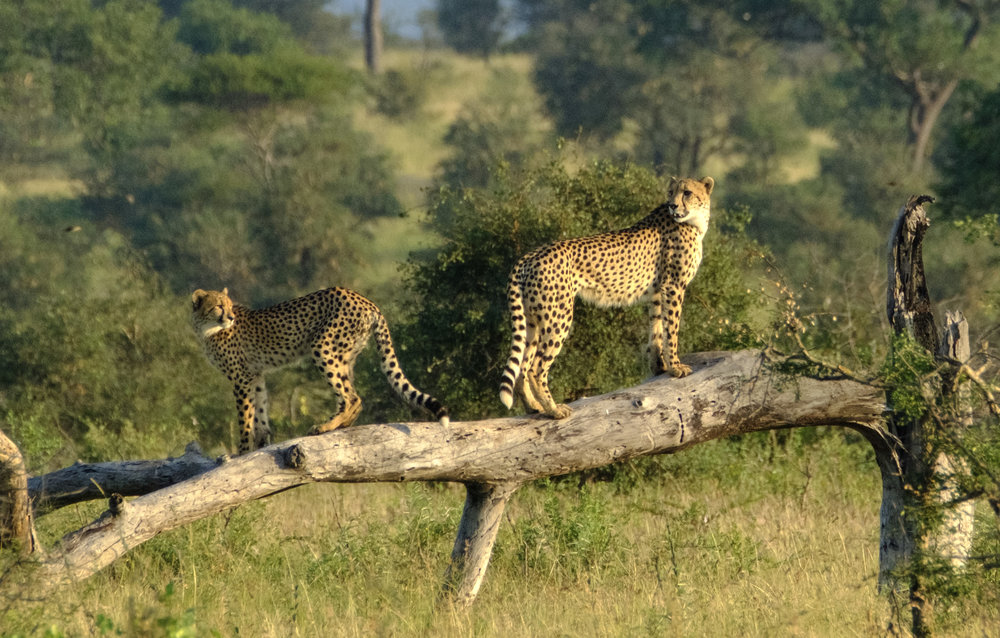

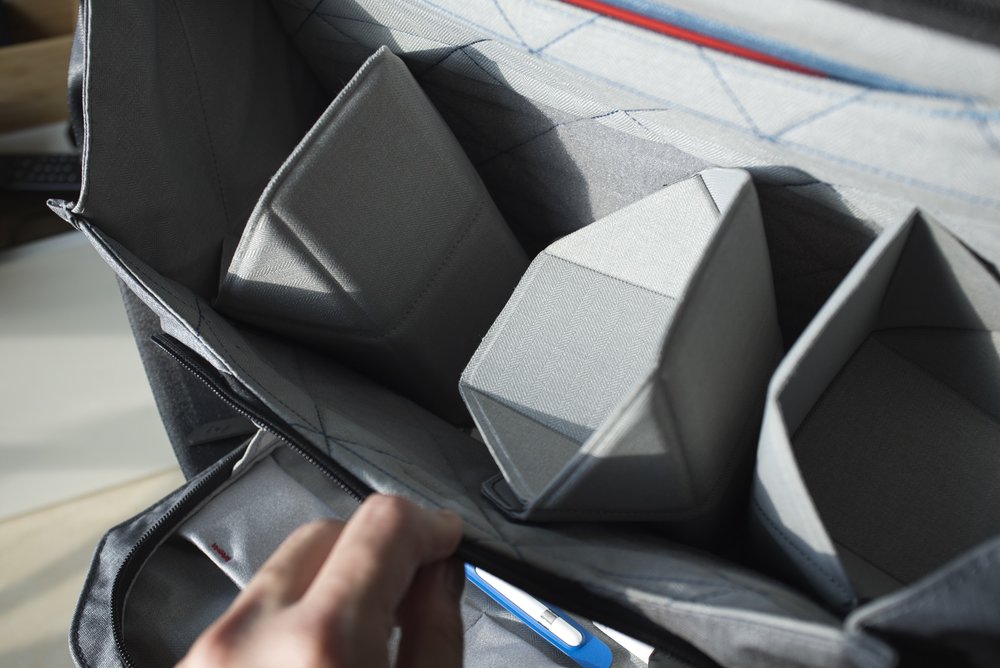
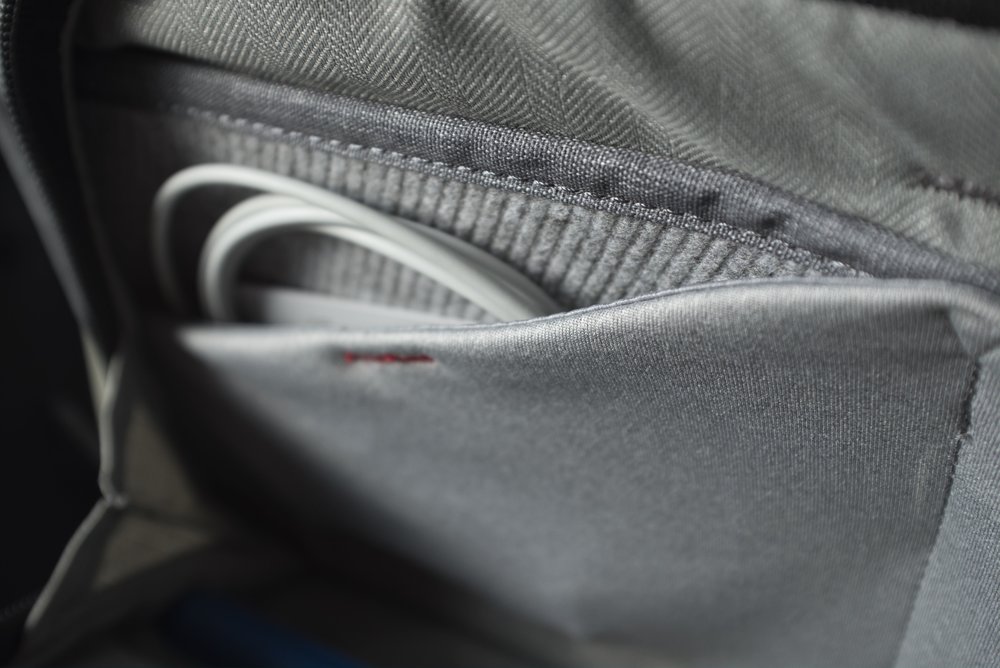
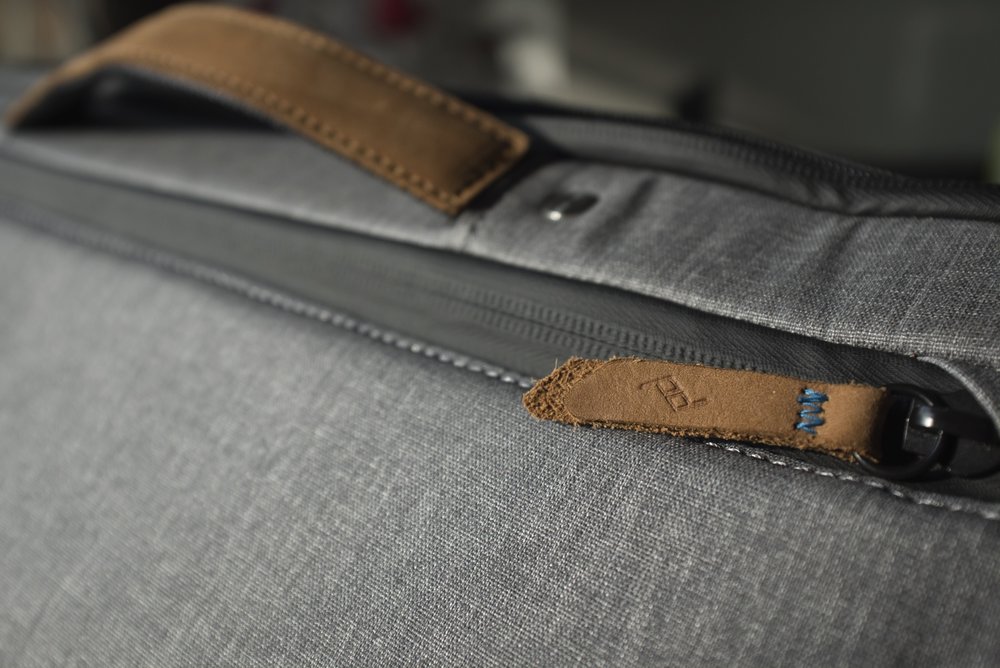
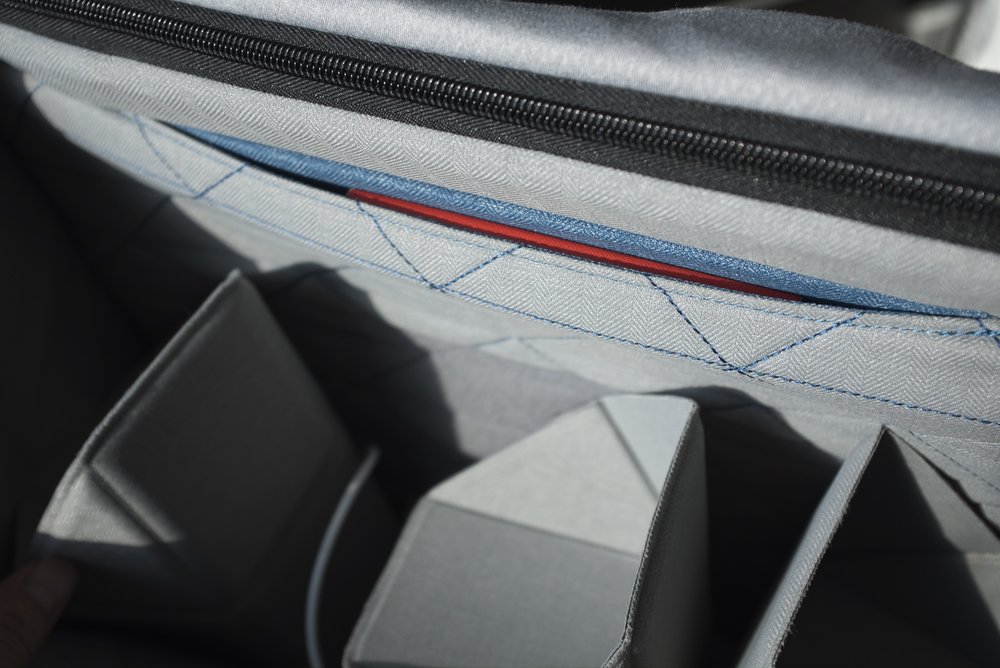
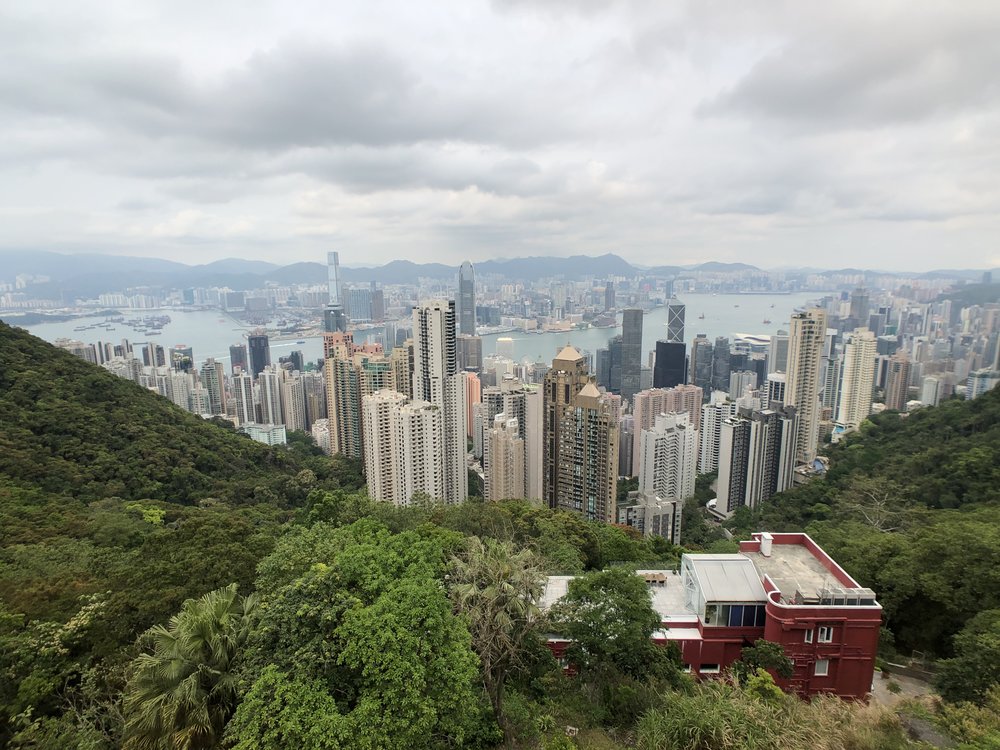

The funny thing about the internet is how very few people realise that never before in human history has it been easier for someone to:
Learn some new skills
Design and build a product using the skills you’ve learned
Distribute the product to a worldwide market
Get feedback from users of the product and improve it iteratively
All for minimal cost. All independently.
Coming in at 85mm full frame equivalence, the Fujinon XF56MM F1.2R is a prime (poor pun intended) example of Fujifilm’s focus on APS-C done right. At time of writing, no other manufacturer has a fast prime that provides this classic portrait focal length for APS-C bodies.
The XF56MM was one of the first few lenses that I bought when I switched to the Fujifilm X system, it still amazes me even after two years.
One of the pleasures of shooting with a Sony Full Frame E-mount camera is access to Zeiss’ excellent line of Batis lenses.
Known for the signature Zeiss “Pop”, the Batis lenses take traditional Zeiss into the 21st century by adding an OLED display, ridiculously light weight and weather sealing.
I purchased the Batis 25mm back in 2016 and have captured many wonderful memories with this lens.
The XF50-140mm is a must-have for any serious Wildlife, Portrait or Landscape photographer out there. It’s fast, sharp, has excellent Optical Image Stabilisation (OIS) and is weather resistant.
Its unique focal range and aperture is a testament to Fujifilm’s focus on the APS-C sensor, solely aimed at emulating the classic 70-200mm full-frame equivalent at F2.8. You don’t get a lens like this with other manufacturers’ mirrorless systems.
I’ve been using Version 1 of the Peak Design Everyday Messenger (EDM) bag for over two years now. It’s always been one of my heavily used bags. Not just as a camera bag, but as an everyday work bag too.
Needless to say, I rushed to order one when I heard that they were releasing a Version 2 of the product.
It’s no secret that I came away extremely impressed with the camera on the iPhone X. The set of dual stabilised lenses and Apple’s willingness to partially post process images in-situ made it close the gap even further on point and shoot cameras.
With interchangeable lenses, the iPhone X has even replaced my mirrorless cameras in “broad daylight” or “bad lighting” conditions 90% of the time.
I was lucky enough to be able to get my iPhone X before my vacation in Italy last November and was very excited to take it with me given what I’ve heard about the newer camera modules in the iPhone 8 Plus. Could this be the best pocket camera ever?
The Fujinon XF100-400mm is the most expensive piece of glass you can buy for the X system. Ironically, this was also the lens that made me switch to the Fujifilm X system.
The Fujinon XF 10-24mm F4 was the first lens I bought for the X system back when I got the X-T10 as a second camera to my then Sony A7R II. This lens provides a solid wide angle option for the system in a package that does not weigh down the bag.
This review will not focus on charts in a lab or specs, there are dozens of sites providing that already. I will instead focus on my experiences of creating images with this lens, and where it sits in my current stable of Fujinon lenses
Part two of the Fujifilm X-T2 review involves a 5 day Safari in the Kruger National Park, South Africa with two bodies, the XF 50-140mm, XF 100-400mm and the XF 1.4x TC!
Sony A7RII, Zeiss Batis 25mm F2.0, 13 second exposure at ISO 1600
Using a 35mm F1.4 lens helped minimise noise as I could use a lower ISO. You can also see Venus and Jupiter in this shot.
Who says you can't get great photos with an F4 lens?
I respect your privacy.
Red Crowned Cranes Coming in Hot - XF 100-400mm
Relatively still birds like these were barely a problem - XF 100-400mm
The AF system locked onto this young crane in flight even as it flew past an obstacle - XF 100-400mm
White Tailed Eagle coming in for a catch in heavy snowfall - XF 50-140mm
Tracking a Steller's Sea Eagle at F8? Not a problem - XF 100-400mm + XF 1.4TC
Blackout periods were so short that I could track this Steller's Sea Eagle with minimal difficulty - XF 50-140mm + XF1.4x TC
Constantly having the XF 50-140mm slung prepared me for unexpected flybys like these
Crop from White-Tailed Eagle image above @ ISO 1600
Colours and Dynamic Range are pretty well rendered in this out of camera JPEG
Blakiston's Fish Owl - XF 100-400mm @ 400mm F5.6, ISO 25,600, 1/15s handheld
The large buffer allowed me to track eagles from diving all the way to catching. - XF 100-400mm
I respect your privacy and sanity, your e-mail will not be spammed.
Thank you! You need to confirm your subscription so please check your e-mail spam folder if you haven't received it!
The funny thing about the internet is how very few people realise that never before in human history has it been easier for someone to:
Learn some new skills
Design and build a product using the skills you’ve learned
Distribute the product to a worldwide market
Get feedback from users of the product and improve it iteratively
All for minimal cost. All independently.
Coming in at 85mm full frame equivalence, the Fujinon XF56MM F1.2R is a prime (poor pun intended) example of Fujifilm’s focus on APS-C done right. At time of writing, no other manufacturer has a fast prime that provides this classic portrait focal length for APS-C bodies.
The XF56MM was one of the first few lenses that I bought when I switched to the Fujifilm X system, it still amazes me even after two years.
One of the pleasures of shooting with a Sony Full Frame E-mount camera is access to Zeiss’ excellent line of Batis lenses.
Known for the signature Zeiss “Pop”, the Batis lenses take traditional Zeiss into the 21st century by adding an OLED display, ridiculously light weight and weather sealing.
I purchased the Batis 25mm back in 2016 and have captured many wonderful memories with this lens.
The XF50-140mm is a must-have for any serious Wildlife, Portrait or Landscape photographer out there. It’s fast, sharp, has excellent Optical Image Stabilisation (OIS) and is weather resistant.
Its unique focal range and aperture is a testament to Fujifilm’s focus on the APS-C sensor, solely aimed at emulating the classic 70-200mm full-frame equivalent at F2.8. You don’t get a lens like this with other manufacturers’ mirrorless systems.
I’ve been using Version 1 of the Peak Design Everyday Messenger (EDM) bag for over two years now. It’s always been one of my heavily used bags. Not just as a camera bag, but as an everyday work bag too.
Needless to say, I rushed to order one when I heard that they were releasing a Version 2 of the product.
It’s no secret that I came away extremely impressed with the camera on the iPhone X. The set of dual stabilised lenses and Apple’s willingness to partially post process images in-situ made it close the gap even further on point and shoot cameras.
With interchangeable lenses, the iPhone X has even replaced my mirrorless cameras in “broad daylight” or “bad lighting” conditions 90% of the time.
I was lucky enough to be able to get my iPhone X before my vacation in Italy last November and was very excited to take it with me given what I’ve heard about the newer camera modules in the iPhone 8 Plus. Could this be the best pocket camera ever?
The Fujinon XF100-400mm is the most expensive piece of glass you can buy for the X system. Ironically, this was also the lens that made me switch to the Fujifilm X system.
The Fujinon XF 10-24mm F4 was the first lens I bought for the X system back when I got the X-T10 as a second camera to my then Sony A7R II. This lens provides a solid wide angle option for the system in a package that does not weigh down the bag.
This review will not focus on charts in a lab or specs, there are dozens of sites providing that already. I will instead focus on my experiences of creating images with this lens, and where it sits in my current stable of Fujinon lenses
Part two of the Fujifilm X-T2 review involves a 5 day Safari in the Kruger National Park, South Africa with two bodies, the XF 50-140mm, XF 100-400mm and the XF 1.4x TC!
Conditions for a hoar frost often mean temperatures of -22C (-7F). Your breath gets frozen, and so do your batteries.
Take care of wind chill. I even had to stabilise my tripod with my backpack as the winds were above 50kph here.
I respect your privacy, your e-mail address will not be used for anything else.