Portico
Your Mac. Close at hand.
Use your Mac from your iPad or iPhone. Connect to the Screen Sharing service already built into macOS, with no companion Mac app and no Portico account.
Version 1.0 · Coming to the App Store
iPhone and iPad · iOS 26 and iPadOS 26 or later
App Store release coming soon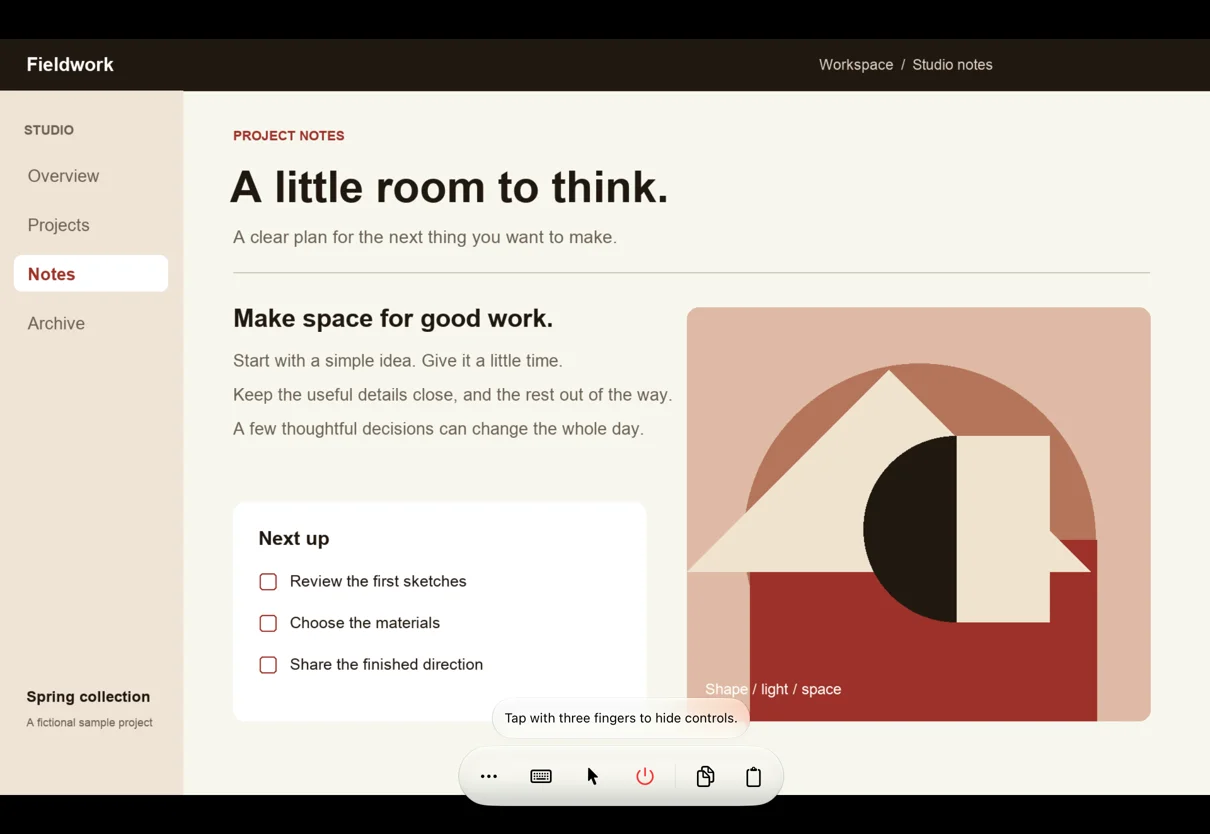
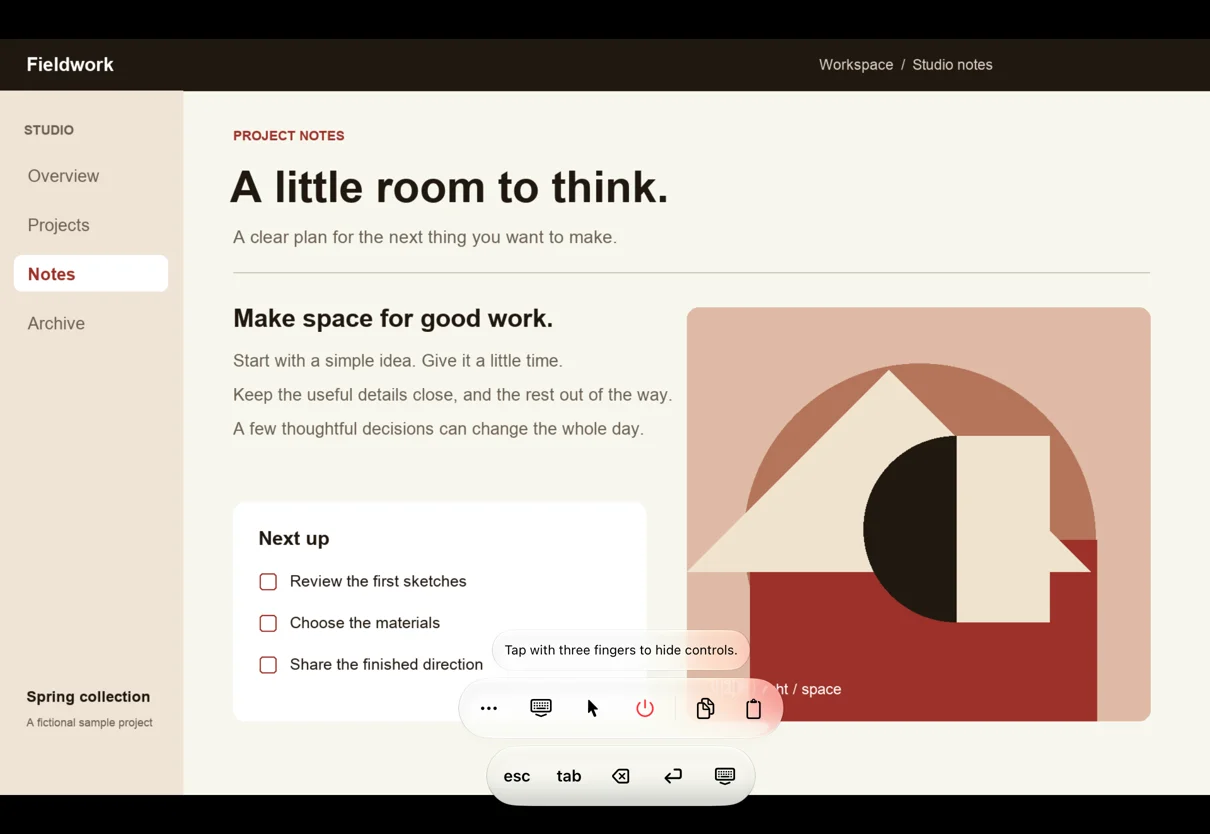
Use the controls you know.
Move the pointer with trackpad-style touch controls, or choose direct touch. Pinch to zoom and pan around the display. Use a hardware keyboard, mouse or trackpad, or point and drag with Apple Pencil on iPad.
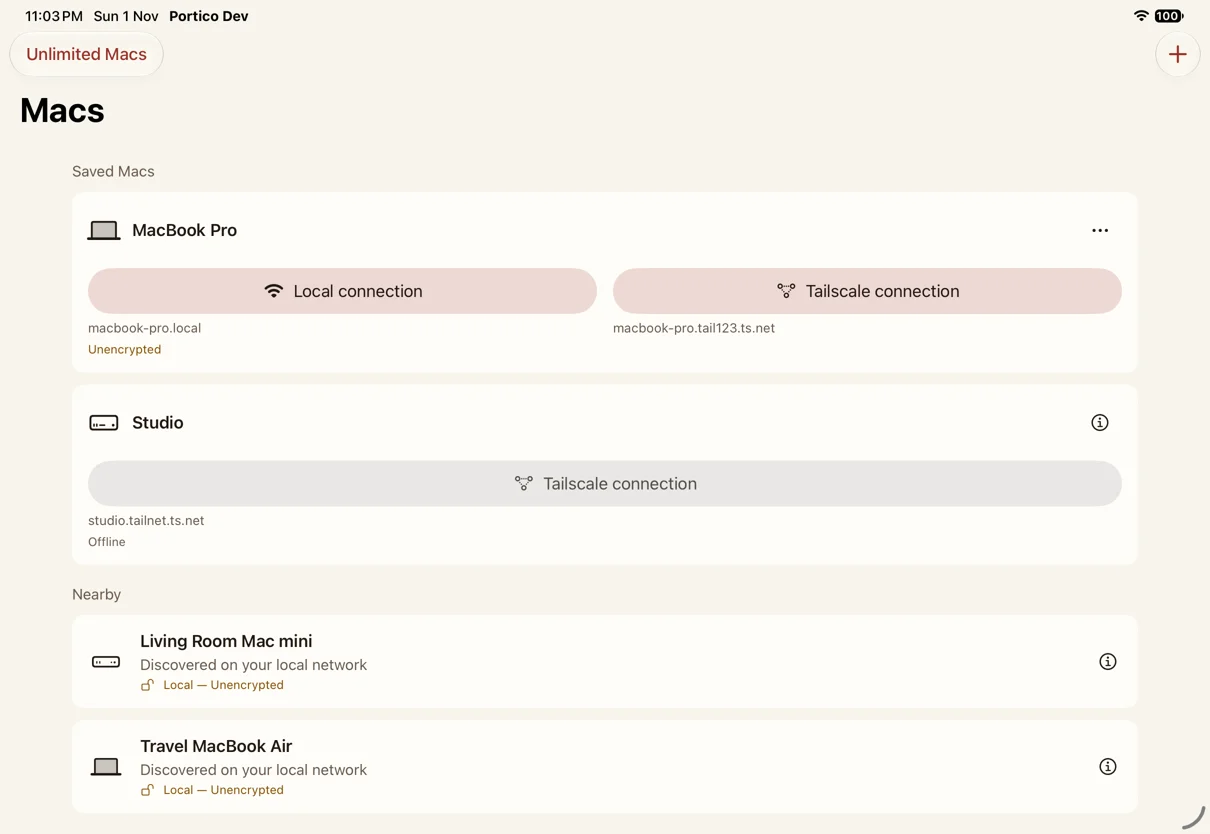
One Mac. Both connections.
Find a Mac on your local network or enter its address. Keep local and Tailscale routes together. For remote access, install and configure Tailscale separately on your Mac and iPad or iPhone.
Start with one Mac, free.
Save and connect to one Mac with no time limit. Local and Tailscale routes grouped under that Mac share the free allowance. Save more Macs with the one-time Unlimited Macs purchase. No subscription.
No ads. No analytics.
No Portico account or developer-operated relay. Saved Mac details can sync through your iCloud account. Passwords stay in each device’s Keychain by default; password sync through iCloud Keychain is a separate choice for each connection.
From Nanda Kusumadi