01
A place for every cue
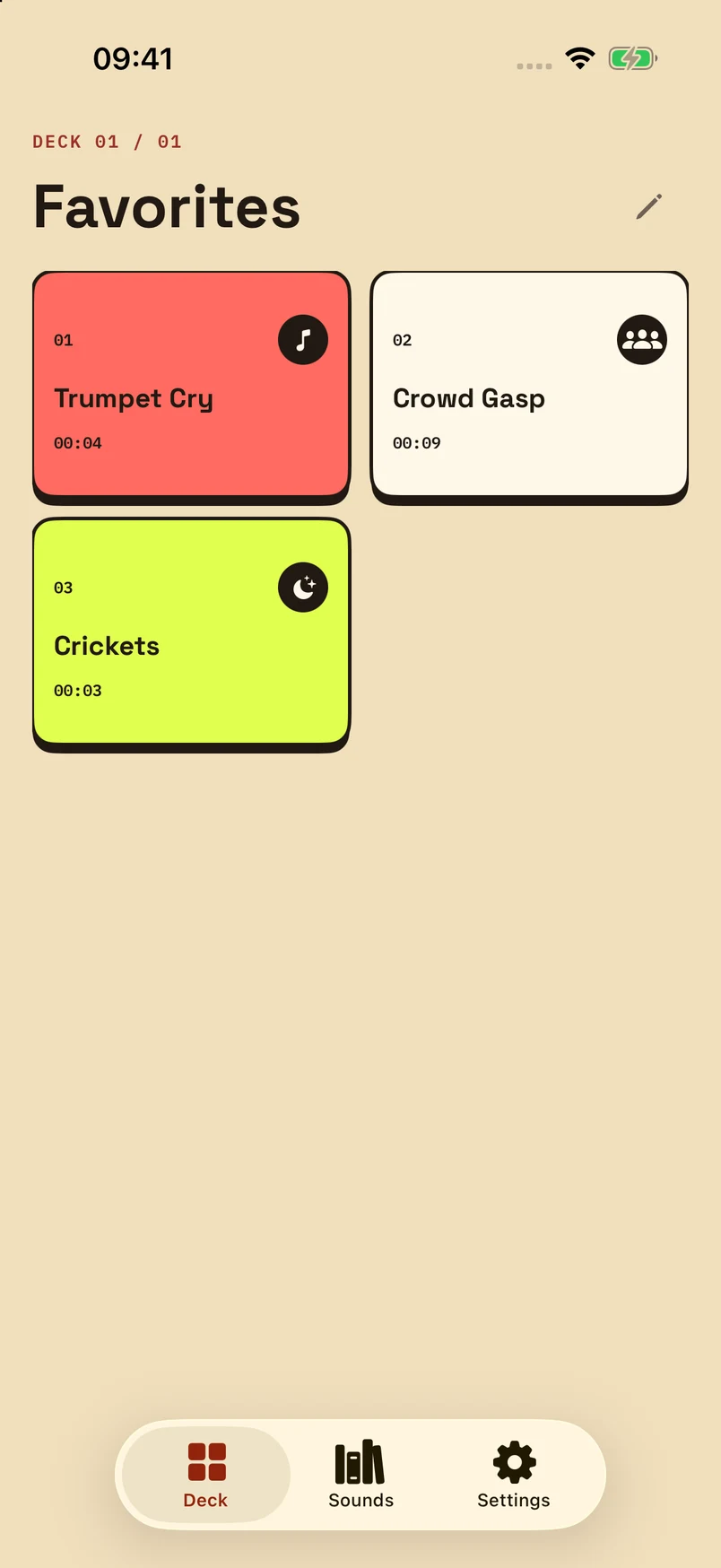
Make separate decks for different moments. Name your sounds, choose their colours and icons, and arrange up to 12 keys in each deck.
NOISE DECK / CASSETTE LAB
Keep your favourite reactions within reach. Noise Deck turns your sounds into a tactile soundboard, ready to play in the app or from your Home Screen.
Version 1.0 · Made for iPhone
iPhone · iOS 17 or later
Meet your deck
MAKE IT YOURS
Make separate decks for different moments. Name your sounds, choose their colours and icons, and arrange up to 12 keys in each deck.
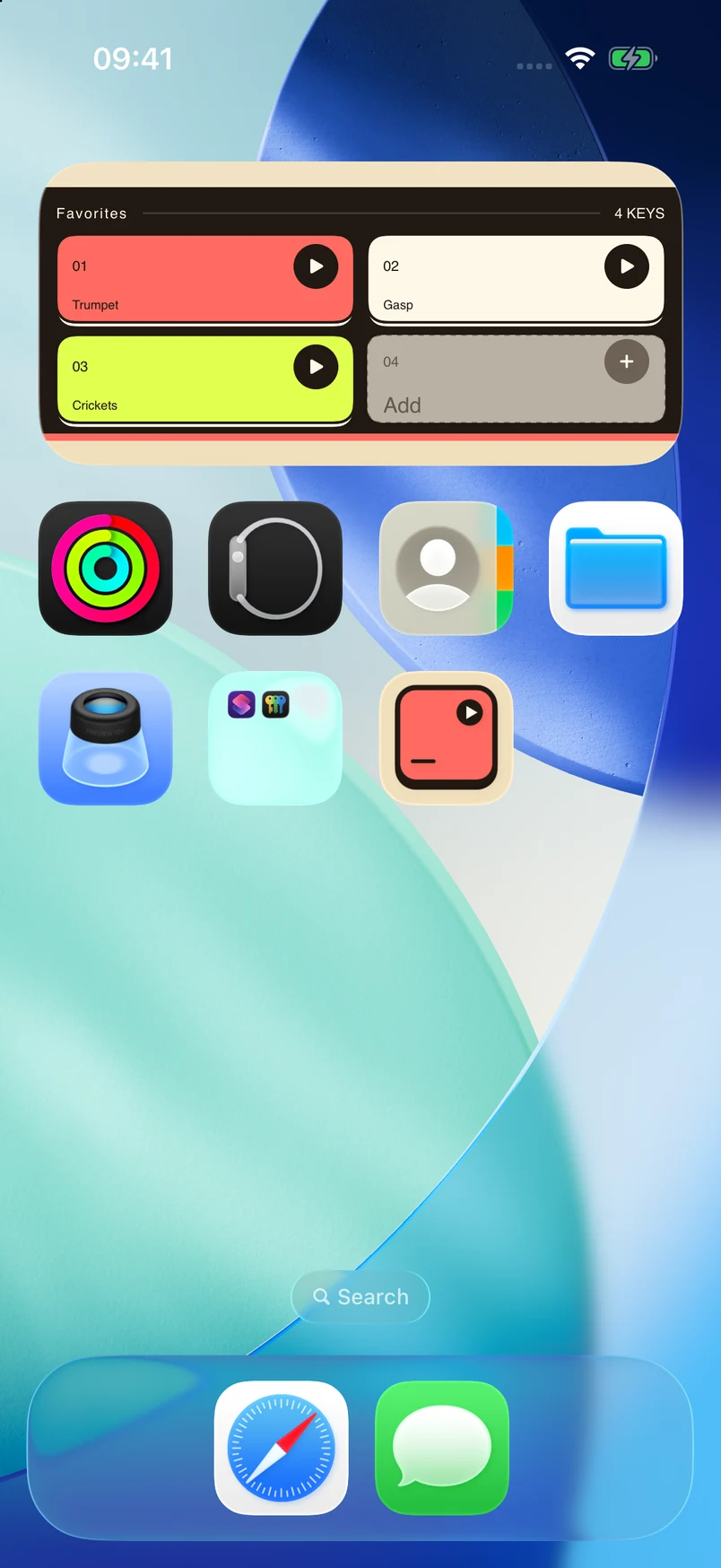
Choose small, medium or large widgets, with layouts from 1 to 12 keys. Each widget can use its own deck.
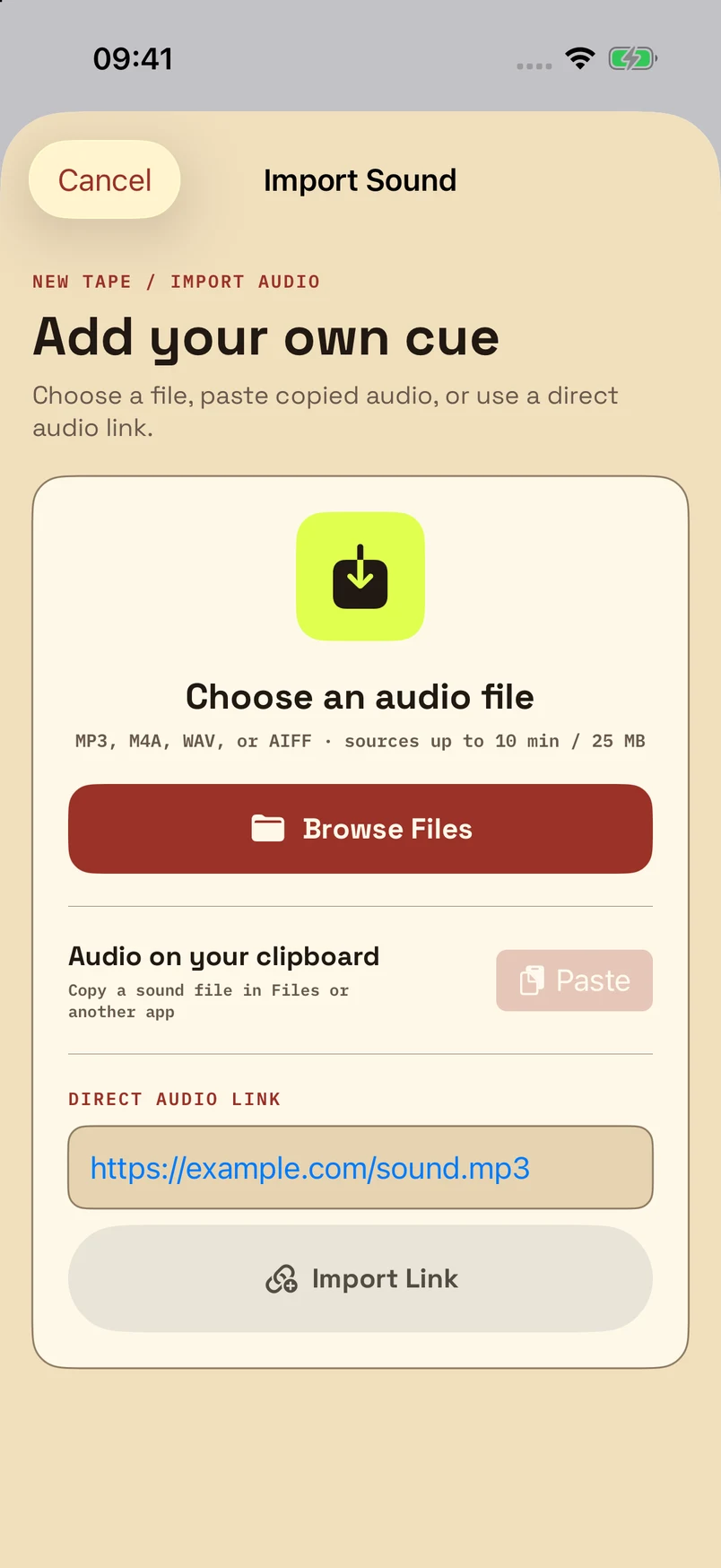
Import from Files, another app, or a direct HTTPS audio link. Trim a clip to 30 seconds, preview it, and give it a key. Supports MP3, M4A, WAV and AIFF files up to 25 MB.
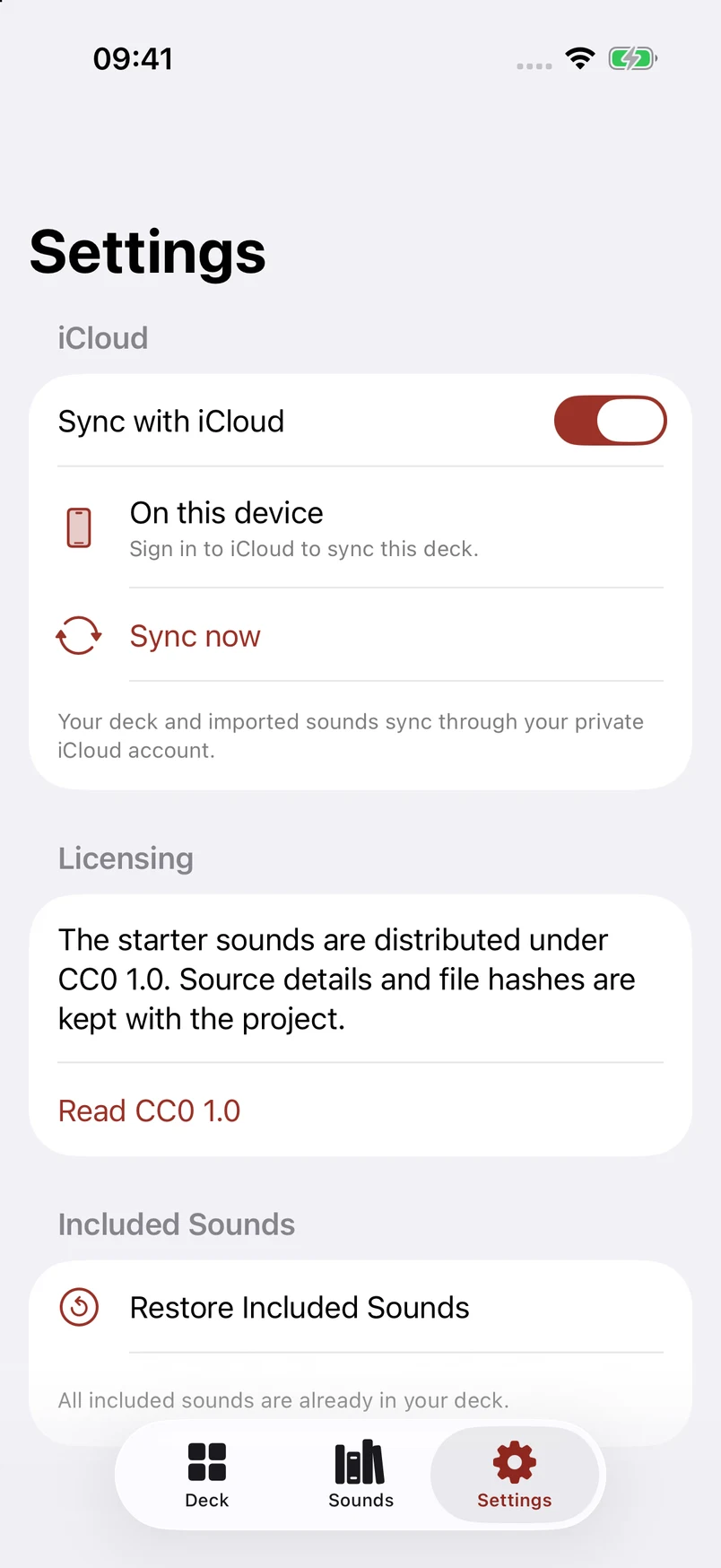
Sync decks and imported audio through your private iCloud database, or keep them local. Share a complete deck as a file when you want someone else to have it.
Trumpet Cry, Crowd Gasp and Crickets are included. Add your own cues to make the deck yours.
TRUMPET CRY / CROWD GASP / CRICKETS
From Nanda Kusumadi